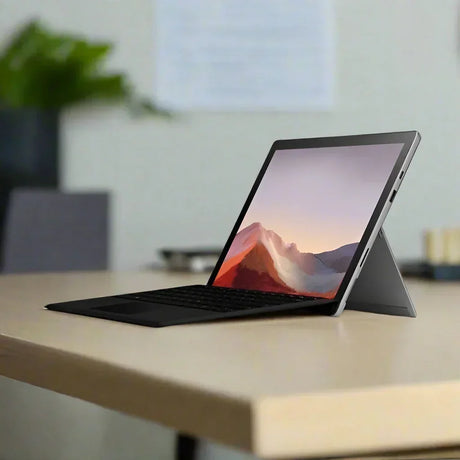
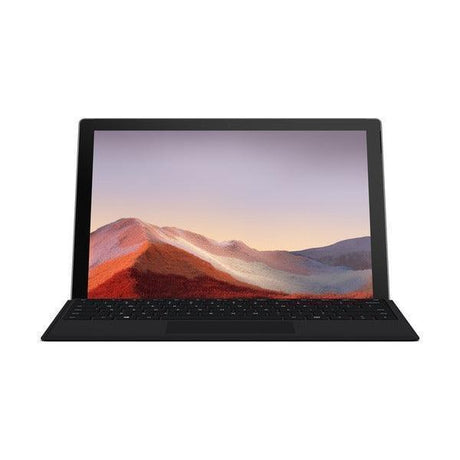
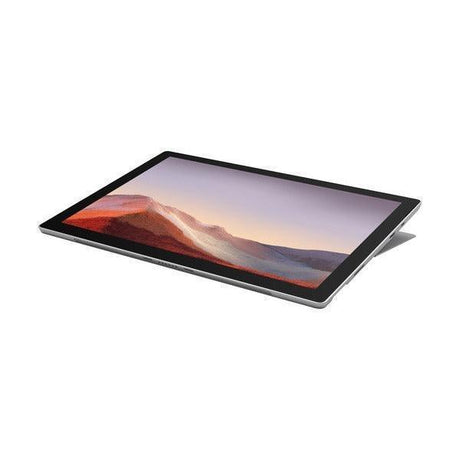
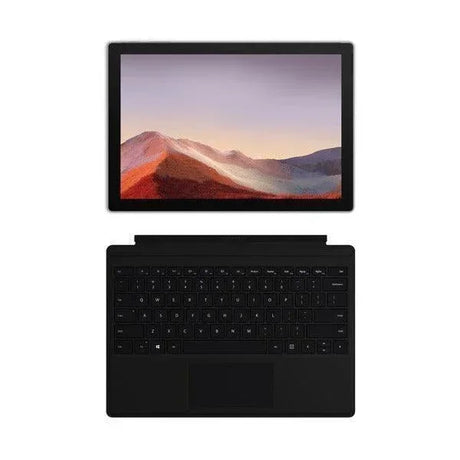
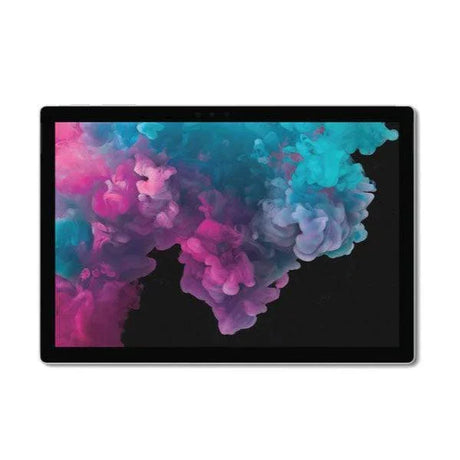
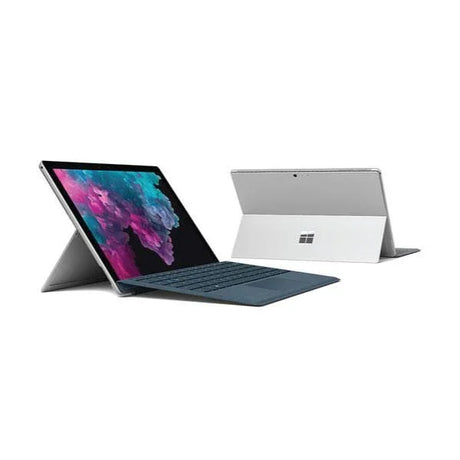
Microsoft Surface Go 3 — 10.5" Windows Tablet
A certified refurbished Microsoft Surface Go 3 with an Intel Core i3-10100Y processor, 4GB of memory and 64GB of eMMC storage, on a 10.5" PixelSense touchscreen running Windows 11. Weighs 544 grams. Backed by a 12-month Reboot IT warranty.
Key Benefits
-
Full Windows, not a mobile operating system. This runs the same desktop applications as any Windows PC — Office, Chrome, your line-of-business software, the printer drivers that only exist for Windows. That is the whole reason to choose a Surface Go over an iPad or an Android tablet.
-
544 grams. It is genuinely light enough to hold in one hand for a whole meeting, and small enough to disappear into a bag you would not otherwise call a laptop bag.
-
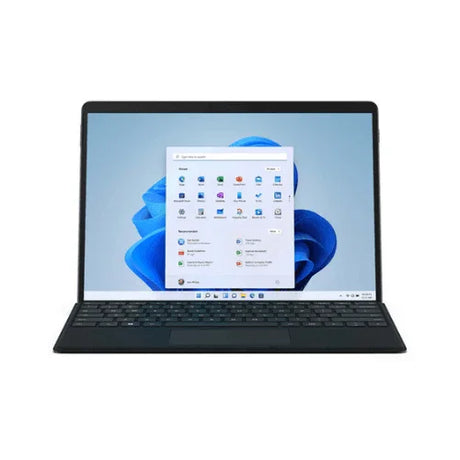
A properly sharp screen. The 10.5" PixelSense display runs 1920 × 1280 at 220 pixels per inch, in a 3:2 shape that suits documents and web pages far better than a widescreen panel.
-
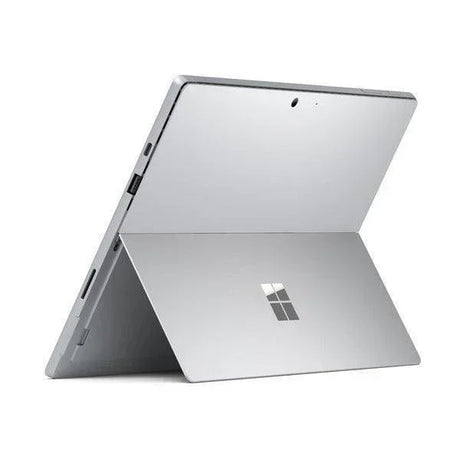
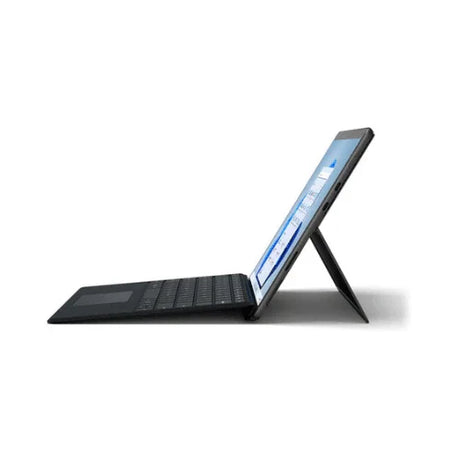
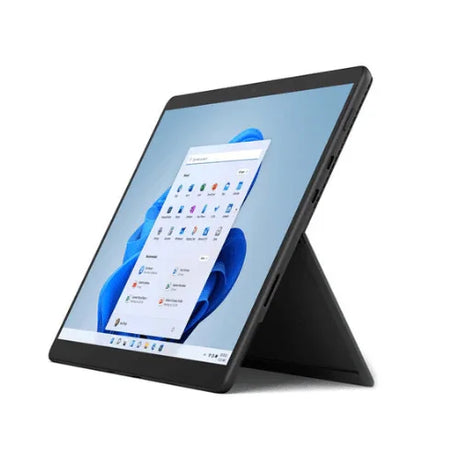
Built-in kickstand. The full-friction hinge props it at any angle on a desk, tray table or bench without an accessory.
-
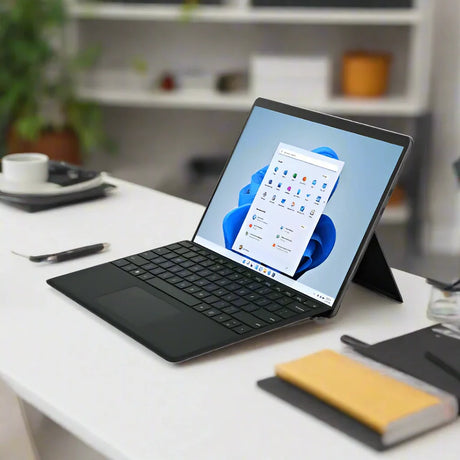
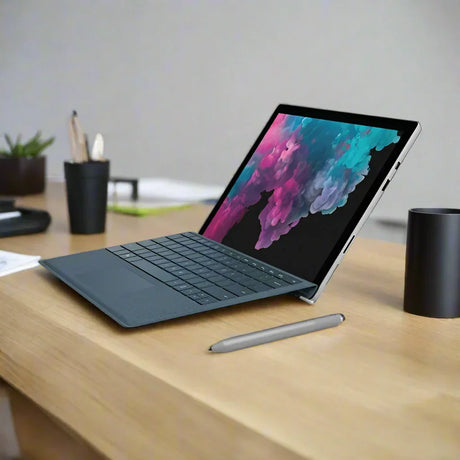
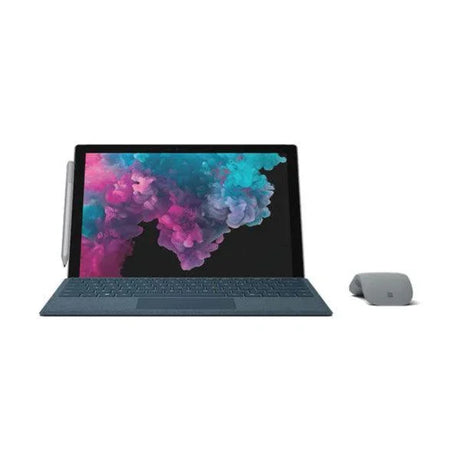
Becomes a laptop. Add a Type Cover and you have a keyboard and trackpad; it also supports the Surface Pen for handwriting and mark-up.
-
All-day battery. Microsoft rates the Go 3 at up to 11 hours of typical use, and it charges over Surface Connect or USB-C.
Performance In Use — And Being Straight About It
This is the entry configuration of the Surface Go 3: 4GB of memory and 64GB of eMMC storage. It is worth being clear about what that means, because it decides whether this is the right machine for you or the wrong one.
Where it works well: note-taking, email, Office documents, web research, video calls, streaming, reading, filling in forms, running a point-of-sale or kiosk application, and as a light second device alongside a main computer. For a student carrying it between classes, a nurse or tradesperson filling in records, or anyone who needs Windows in a bag that also holds a lunchbox, it does the job and does it quietly.
Where it will frustrate you: 4GB of memory is the real ceiling here, and it is soldered, so it cannot be upgraded later. Twenty browser tabs alongside Office will make it swap. The 64GB eMMC drive is slower than the SSD in higher configurations, and after Windows and updates you have roughly 30–40GB free — enough for documents, not for a large photo or video library. A microSD card handles that cheaply. If your day involves heavy multitasking, large spreadsheets, photo editing or virtual machines, buy something bigger; that is not a criticism of this tablet, it is simply not what this configuration is for.
Technical Specifications
| Brand |
Microsoft |
| Model |
Surface Go 3 |
| Processor |
Intel Core i3-10100Y (10th Gen, 2 cores / 4 threads) |
| Processor Speed |
1.3GHz base, up to 3.9GHz turbo |
| Cache |
4MB |
| Graphics |
Intel UHD Graphics 615 (integrated) |
| Memory |
4GB LPDDR3 (soldered — not upgradeable) |
| Storage |
64GB eMMC (expandable via microSDXC) |
| Display |
10.5" PixelSense, 1920 x 1280, 3:2, 220 PPI, 10-point touch |
| Cameras |
5MP front (1080p) with Windows Hello, 8MP rear autofocus |
| Wireless |
Wi-Fi 6 + Bluetooth 5.0 |
| Ports |
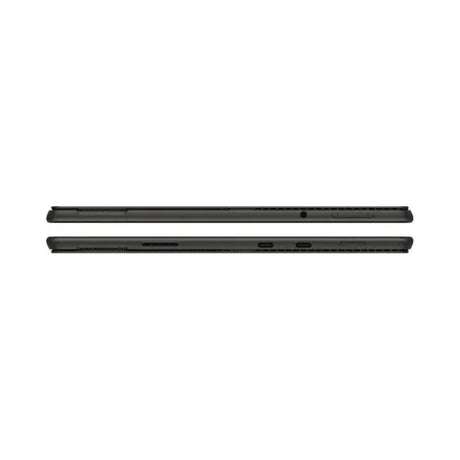
USB-C, Surface Connect, microSDXC reader, 3.5mm headphone jack |
| Audio |
Stereo speakers with Dolby Audio, dual far-field microphones |
| Battery |
Up to 11 hours typical use |
| Security |
Windows Hello face sign-in, TPM 2.0 |
| Dimensions / Weight |
245 x 175 x 8.3mm, 544g |
| Operating System |
Windows 11 Home 64-bit |
| Warranty |
12 months, supplied by Reboot IT |
Is It Right For You?
| Best For ✓ |
Not For ✗ |
| Students carrying one device between classes all day |
Heavy multitasking — 4GB is soldered and cannot be increased later |
| Note-taking, email, Office and web work in a genuinely portable size |
Large local libraries — after Windows, roughly 30–40GB of the 64GB remains free |
| Field work, clipboards, forms, point-of-sale and kiosk use |
Photo or video editing, or anything needing sustained processing |
| Anyone who needs Windows software but wants a tablet |
Gaming beyond simple and browser-based titles |
| A light second device alongside a main desktop or laptop |
Anyone wanting a primary machine to replace a full laptop |
Condition Grades
| Grade |
What To Expect |
| A — Excellent |
Minimal signs of previous use. May carry very light surface marks not obvious in normal use. Battery health 70% or better. |
| B — Good |
Light cosmetic wear consistent with normal use — minor scratches or scuffs on the casing or kickstand. Battery health 50–70%. No impact on performance. |
Cosmetic grading describes the casing only. Every unit is fully tested and the touchscreen checked across its full area. Batteries are consumable items and carry a 30-day warranty.
Frequently Asked Questions
Is 4GB of memory enough?
For its intended use — Office, email, web, video, note-taking, forms — yes. For heavy multitasking, no. The memory is soldered to the board and cannot be upgraded, so treat 4GB as a fixed limit when deciding. If you routinely keep many tabs and applications open at once, choose an 8GB machine instead.
How much of the 64GB can I actually use?
Roughly 30–40GB once Windows and its update reserve are accounted for. That is fine for documents and applications. For photos, music or video, add a microSD card — the slot takes microSDXC and cards are inexpensive.
What is eMMC, and how does it differ from an SSD?
eMMC is flash storage soldered to the board. It is slower than the SSD used in higher Surface Go configurations, so large file copies and application installs take longer. For everyday use — booting, opening Office, browsing — the difference is noticeable but not obstructive.
Does it come with a keyboard or pen?
No. The Type Cover keyboard and Surface Pen are sold separately. The tablet supports both, and either can be added at any time.
Is this the LTE version?
No. This is the Wi-Fi model. It connects over Wi-Fi 6 or by tethering to a phone.
Can it run full desktop programs?
Yes. It runs Windows 11, so desktop applications install and run as they would on any Windows PC — within the limits of 4GB of memory.
What is included, and how is it shipped?
The tablet, its power adapter and cable, and a tax invoice. This unit qualifies for free standard AU shipping, dispatched from our Melbourne warehouse.
Warranty & Why Reboot IT
This tablet is covered by a 12-month warranty (return-to-base) supplied directly by Reboot IT. If something fails within that period we repair or replace it. You deal with us in Melbourne, not an overseas call centre.
Reboot IT has specialised in refurbished business technology since 2001. Every device is functionally tested, securely data-wiped, cleaned and graded by a technician against a consistent standard — which is why the grade on this listing means the same thing as the grade on every other listing we publish.
A small Windows tablet is exactly the kind of device that gets replaced long before it stops being useful. Buying this one refurbished keeps a perfectly capable machine in service, and puts genuine Windows in your bag for a fraction of what a new one costs.