AustraIia’s trusted refurbished computers since 2001 – Extra 10% off Red Tag deals

Affordable Tech! Laptops under $200

Refurbished Wireless Access Points

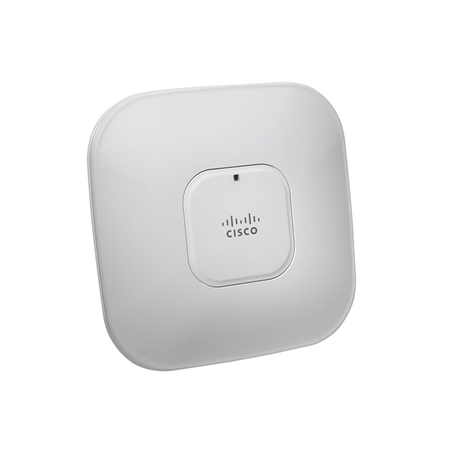
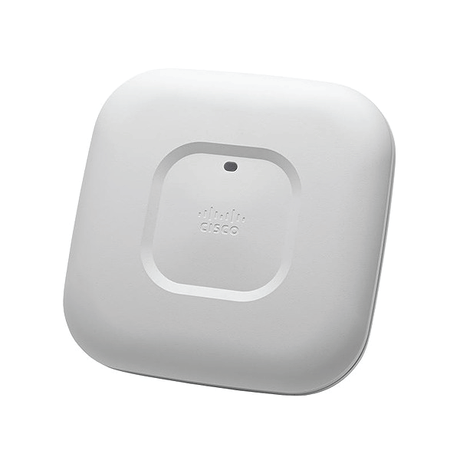
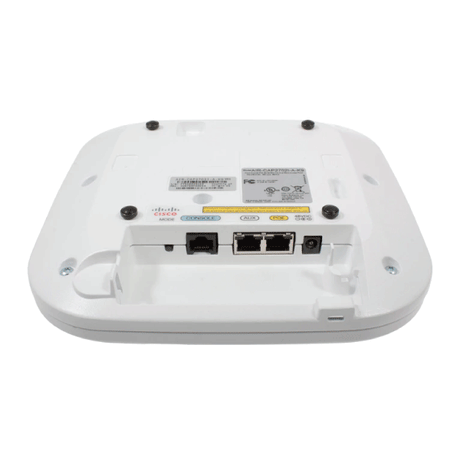
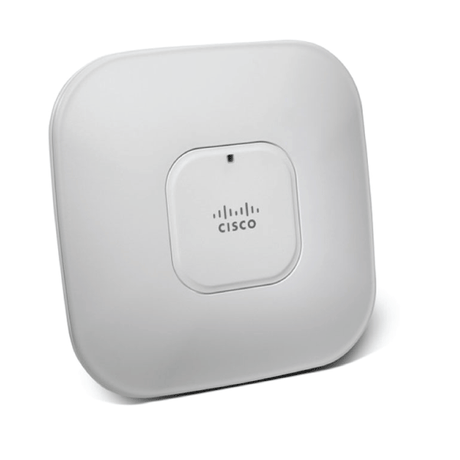
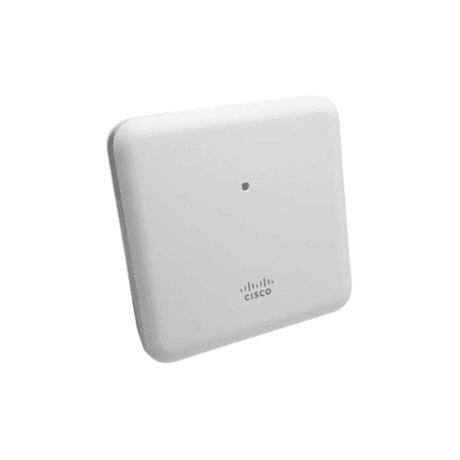
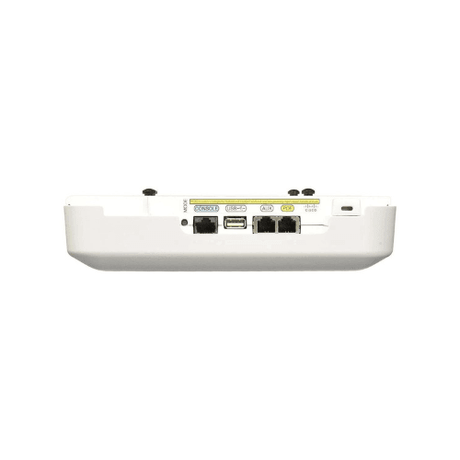
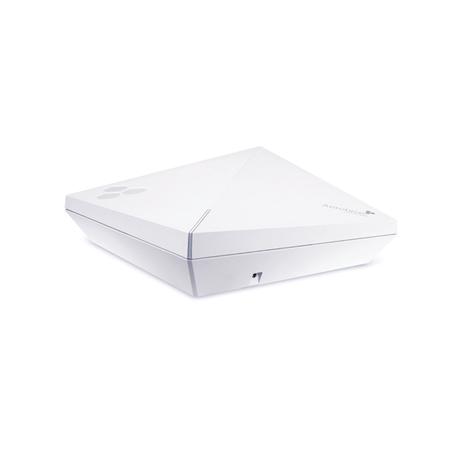
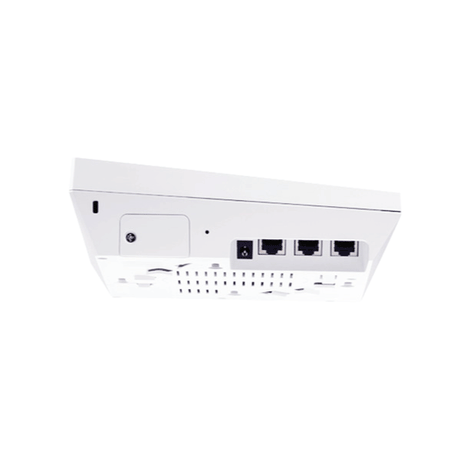
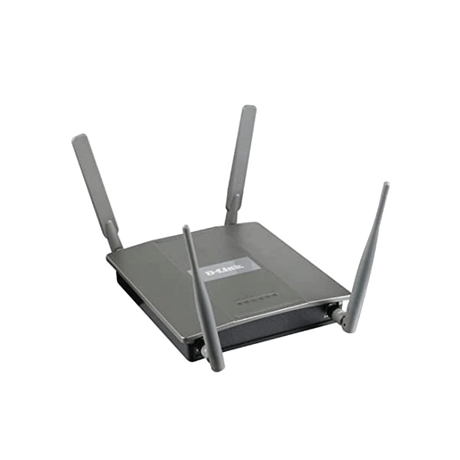
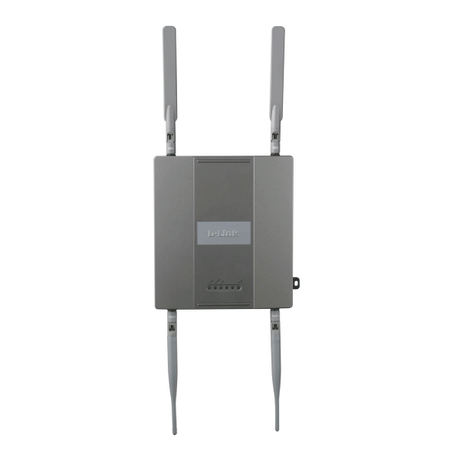
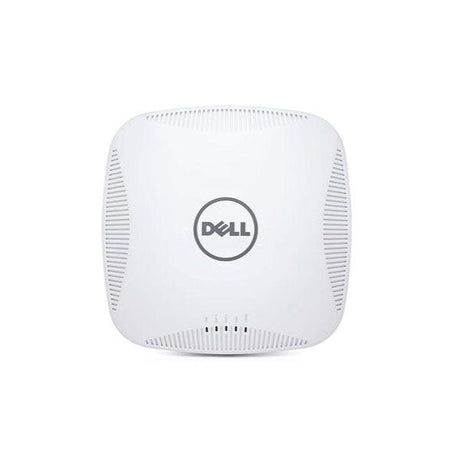
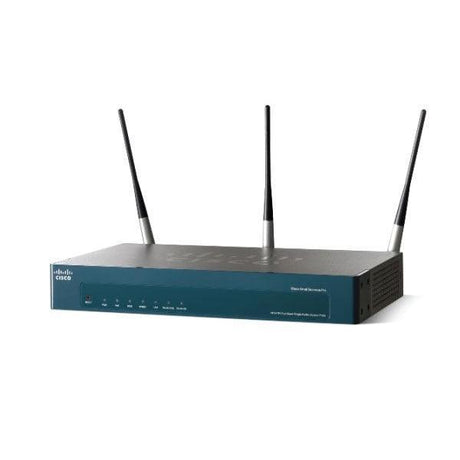
Refurbished wireless access points from $15 — Cisco Aironet, Aruba, HP and Meraki. 802.11n to WiFi 6, PoE-powered, tested with 12-month warranty.

View as

Buying Guide

Wireless Access Point
Buying Guide

How to choose a refurbished wireless access point — coverage, PoE, WiFi standards and whether you need a controller, explained without the jargon.

01

What an access point actually does

A wireless access point (WAP or AP) plugs into your wired network and broadcasts WiFi from that point. It is not a router — it does not handle your internet connection or hand out IP addresses — and it is not a range extender, which rebroadcasts an existing signal and halves throughput. An AP delivers full-speed WiFi from a fresh wired connection, which is why business sites use several rather than one big router. From $15, all covered by a 12-month Reboot IT warranty.

02

How many do you need, and where

Plan on roughly one AP per 80–120m² in a typical office, or one per 25–30 concurrent users where density matters more than distance. Walls, plasterboard and steel shelving all cut range, so two mid-range APs almost always beat one expensive unit. Mount them centrally and high — ceiling or high wall — rather than in a comms cupboard, and overlap coverage slightly so devices roam cleanly between them.

03

PoE — one cable, no power point

Almost every enterprise AP is powered by Power over Ethernet, so a single network cable carries both data and power and the unit can sit on a ceiling with no socket nearby. Most 802.11n and 802.11ac models run on standard PoE (15.4W); higher-spec 802.11ac Wave 2 and WiFi 6 units usually want PoE+ (30W). You will need a PoE switch or an injector — check our refurbished network switches for PoE models.

04

WiFi standards and controllers

802.11n suits basic coverage and light use; 802.11ac (and Wave 2) is the value sweet spot for most offices; WiFi 6 / 802.11ax handles high device density best. Separately, check whether a model runs standalone or needs a controller — many Cisco Aironet and Aruba units can run either way depending on firmware. If you are buying one or two APs, choose a standalone-capable model; controllers only pay off across a larger fleet.

Refurbished Wireless Access Point FAQs

What is a wireless access point?

A wireless access point (also called a WAP or AP) is a device that connects to your wired network and provides WiFi coverage from that location. Devices connect to it wirelessly, and it passes their traffic onto the wired network. Businesses use access points rather than consumer routers because you can deploy several across a site, each giving full-speed WiFi from its own wired connection.

What is the difference between an access point and a router?

A router connects your network to the internet, assigns IP addresses and handles firewalling. An access point only provides the WiFi radio — it has no internet connection of its own and plugs into an existing wired network. Home all-in-one units combine both, but in a business setup the router or firewall does the routing while access points spread the WiFi coverage across the building.

Is an access point better than a WiFi extender?

Yes, in almost every case. A WiFi extender rebroadcasts an existing wireless signal, which typically halves the usable throughput and adds latency. An access point takes a fresh wired connection and broadcasts at full speed. If you can run a network cable to the location, an access point will always outperform an extender — and refurbished enterprise units often cost less than a new consumer extender.

Do wireless access points need PoE?

Most enterprise access points are designed to run on Power over Ethernet, so one network cable carries both data and power. That is what allows them to be ceiling-mounted with no power point nearby. Standard PoE supplies 15.4W, which covers most 802.11n and 802.11ac models; higher-spec Wave 2 and WiFi 6 units generally need PoE+ at 30W. You will need a PoE switch or a PoE injector to power them.

How many access points do I need?

As a rough guide, plan one access point per 80–120 square metres in a typical office, or one per 25–30 concurrent users if device density is the constraint rather than distance. Construction matters: plasterboard, brick, glass and steel shelving all reduce range. Two mid-range access points positioned well will usually outperform a single high-end unit trying to cover the whole floor.

Where should I mount an access point?

Mount access points centrally and high — ceiling or high on a wall — with the antennas unobstructed. Avoid comms cupboards, metal cabinets and locations behind large appliances or steel shelving. If you are deploying several, overlap their coverage slightly so devices roam between them without dropping the connection. Most units include a ceiling or wall mounting bracket.

What is the difference between 802.11n, 802.11ac and WiFi 6?

802.11n is the older standard, fine for basic coverage and light use. 802.11ac (and the later Wave 2 revision) is significantly faster and is the value sweet spot for most business deployments. WiFi 6 (802.11ax) is the current standard and handles high device density best — useful where many devices connect at once. All three appear in our range, with 802.11ac offering the strongest performance per dollar refurbished.

Do I need a wireless controller?

Not usually for small deployments. Many Cisco Aironet and Aruba access points can run standalone or controller-based depending on the firmware loaded, and a standalone unit is simpler if you are installing one or two. Controllers become worthwhile across larger fleets, where you want centralised configuration, seamless roaming and monitoring from one place. If you are unsure which mode a model supports, ask our team before ordering.

Which Cisco Aironet access points do you stock?

Our Cisco access points range is the deepest part of our stock, with Aironet models typically including 1140, 1600, 2600, 2700, 2800, 3500, 3600, 3700 and 1850 series units across 802.11n, 802.11ac and Wave 2. Stock levels on popular models like the AIR-CAP3702I run into the hundreds, so bulk quantities for multi-AP rollouts are usually available. If you are matching an existing Cisco fleet, contact us with the part number.

Do you stock Aruba access points?

Yes — our Aruba access points typically include the AP-115, AP-135, AP-205, AP-215, AP-365 and AP-375 outdoor units, plus WiFi 6 models such as the AP-505 and the rugged outdoor AP-565. Aruba Instant firmware lets many of these run controller-free, which makes them a strong choice for small and mid-sized sites that want enterprise hardware without a controller.

Which other brands do you carry?

Alongside Cisco Aironet and Aruba, our range regularly includes HP and HPE MSM series, Extreme Networks and Enterasys, Aerohive, Cisco Meraki, Juniper Mist, Fortinet FortiAP, Sophos, D-Link, Huawei and Ubiquiti UniFi. Stock rotates constantly as ex-corporate hardware arrives, so the access points listed on this page are what we currently hold.

Do you sell outdoor access points?

Yes. Outdoor and rugged models are weather-rated — usually IP66 or IP67 — with sealed housings and hardened connectors so they can be mounted on external walls, in warehouses or under eaves. Our range includes outdoor units such as the Aruba AP-365, AP-375 and the WiFi 6 AP-565, plus Cisco Meraki outdoor models. Indoor units should never be mounted outside, even under cover.

Are refurbished access points reliable?

Yes. Enterprise access points are built for continuous operation and have no moving parts, so they age far better than consumer WiFi hardware. Every unit we sell is professionally tested, cleaned and graded before sale, and is covered by a 12-month Reboot IT warranty. A refurbished enterprise access point is typically more capable and more durable than a new consumer unit at the same price.

Do refurbished access points come with a warranty?

Yes — every refurbished wireless access point comes with a 12-month Reboot IT warranty. Each unit is tested before dispatch and our support team can help with configuration questions after purchase. Reboot IT has been refurbishing and supplying business IT equipment across Australia since 2001, so you are buying from a specialist rather than a general reseller.

Are access points wiped of the previous owner’s configuration?

Yes. Every access point is reset to factory defaults as part of our refurbishment process, so no SSIDs, passwords, controller associations or certificates remain from the previous owner. You receive the unit in a clean state ready to configure. If a model needs specific firmware to suit your environment, contact us before ordering and we will confirm what is installed.

Do they come with mounting brackets and power supplies?

Most access points ship with their ceiling or wall mounting bracket. Because these units are normally PoE-powered, a separate power adapter is usually not included — you power them from a PoE switch or injector. Some listings note "NO ADAPTER" where a non-PoE model would need one. Each product page lists exactly what is supplied, so check before ordering if you need a specific accessory.

Can I use an enterprise access point at home?

Yes, and it is often far better value than consumer WiFi gear — enterprise access points handle more simultaneous devices and hold their throughput better under load. Two things to check first: most need PoE, so you will want a small PoE switch or an injector, and some models require initial configuration via a web interface or controller rather than a phone app. If you are comfortable with that, a refurbished business access point will usually outperform a new consumer unit costing more.

How do I connect an access point to my existing network?

Run a network cable from your router or switch to the access point. If the switch supplies PoE, that single cable powers the unit as well; otherwise add a PoE injector in line. The access point then picks up an IP address from your router, and you configure the SSID and password through its web interface or controller. It broadcasts WiFi onto the same network, so devices connecting wirelessly sit alongside your wired devices.

Are cheap access points any good?

Cheap does not have to mean poor quality. The cheap access points on this page are ex-corporate enterprise units — hardware that cost hundreds of dollars new — priced from $15 because businesses refresh their fleets in bulk. Every unit is tested, graded and covered by a 12-month warranty, which is a very different proposition from a cheap consumer unit. All access points for sale here are in stock in Australia and ship fast.

Compare /4

Loading...