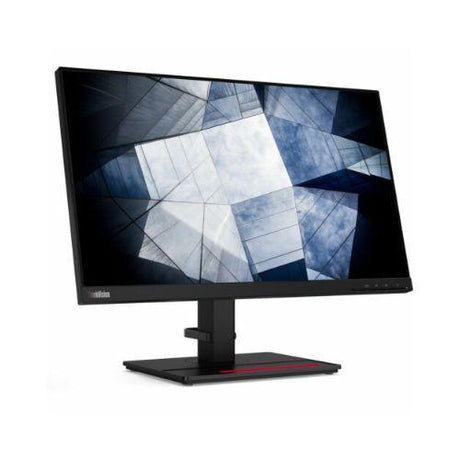
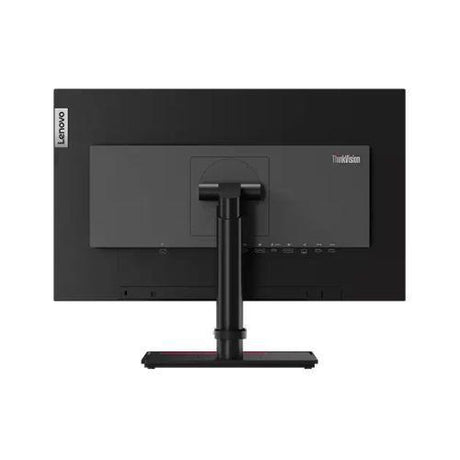
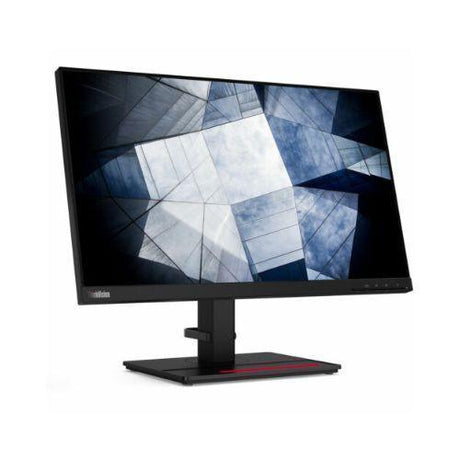


Refurbished Graphic design monitors
- No standUp to 34% offSold out$109Was
$165Condition gradesExcellent — virtually like new. Minimal signs of use.
Good — fully functional, with light signs of use such as minor marks on the casing.
Every monitor is fully tested before dispatch — the grade describes appearance only.
Full grading guide →- 24" · QHD 1440p
- IPS screen · vivid colour
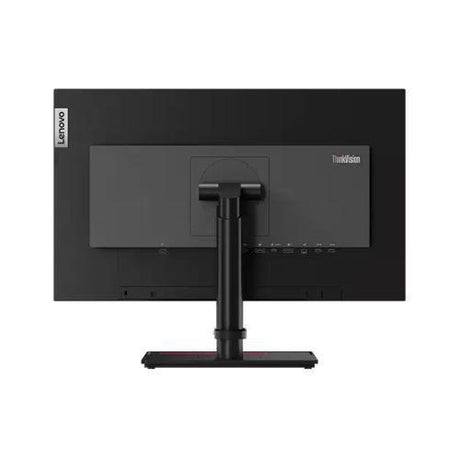
- Ports: USB-C · HDMI · DP
- No stand – mount only
Monitor terms explained- Full HD / QHD
- How sharp the picture is. Full HD (1920×1080) is the everyday standard; QHD (2560×1440) is noticeably sharper.
- IPS, VA or TN screen
- IPS: best colour and viewing angles. VA: deep blacks and strong contrast. TN: a basic screen that is perfectly fine for office work.
- Ports — which cable?
- Match one to your computer. HDMI: most laptops, PCs and TVs. DP (DisplayPort): desktops and business laptops. USB-C: newer laptops — one cable for picture and power. DVI / VGA: older PCs. Adapters are available if your computer is different.
- Wall/arm mount (VESA)
- Standard screw holes on the back that fit a wall bracket or monitor arm. Monitors sold with "No stand" need one of these, or a separate stand.
Very low stock (1 unit) -
- No standUp to 38% off$119$99Was
$159Condition gradesExcellent — virtually like new. Minimal signs of use.
Good — fully functional, with light signs of use such as minor marks on the casing.
Every monitor is fully tested before dispatch — the grade describes appearance only.
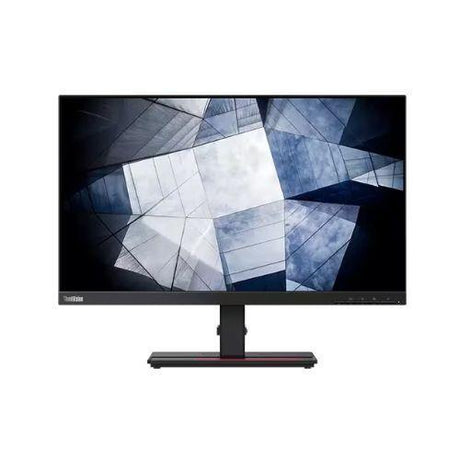
Full grading guide →- 24" · QHD 1440p
- IPS screen · vivid colour
- Ports: USB-C · HDMI · DP
- No stand – mount only
Monitor terms explained- Full HD / QHD
- How sharp the picture is. Full HD (1920×1080) is the everyday standard; QHD (2560×1440) is noticeably sharper.
- IPS, VA or TN screen
- IPS: best colour and viewing angles. VA: deep blacks and strong contrast. TN: a basic screen that is perfectly fine for office work.
- Ports — which cable?
- Match one to your computer. HDMI: most laptops, PCs and TVs. DP (DisplayPort): desktops and business laptops. USB-C: newer laptops — one cable for picture and power. DVI / VGA: older PCs. Adapters are available if your computer is different.
- Wall/arm mount (VESA)
- Standard screw holes on the back that fit a wall bracket or monitor arm. Monitors sold with "No stand" need one of these, or a separate stand.
In stock (189 units) -
- Up to 32% off$139$125Was
$185Condition gradesExcellent — virtually like new. Minimal signs of use.
Good — fully functional, with light signs of use such as minor marks on the casing.
Every monitor is fully tested before dispatch — the grade describes appearance only.
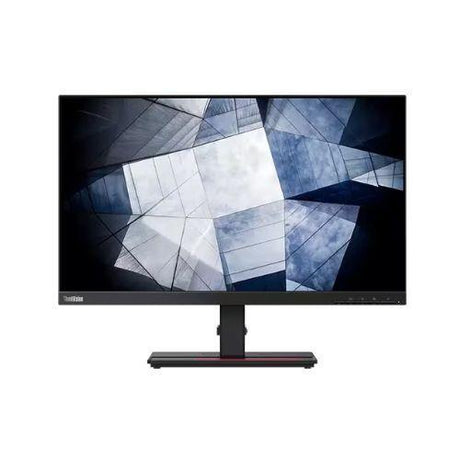
Full grading guide →- 24" · QHD 1440p
- IPS screen · vivid colour
- Ports: USB-C · HDMI · DP
- Height-adjust stand
Monitor terms explained- Full HD / QHD
- How sharp the picture is. Full HD (1920×1080) is the everyday standard; QHD (2560×1440) is noticeably sharper.
- IPS, VA or TN screen
- IPS: best colour and viewing angles. VA: deep blacks and strong contrast. TN: a basic screen that is perfectly fine for office work.
- Ports — which cable?
- Match one to your computer. HDMI: most laptops, PCs and TVs. DP (DisplayPort): desktops and business laptops. USB-C: newer laptops — one cable for picture and power. DVI / VGA: older PCs. Adapters are available if your computer is different.
- Wall/arm mount (VESA)
- Standard screw holes on the back that fit a wall bracket or monitor arm. Monitors sold with "No stand" need one of these, or a separate stand.
In stock (98 units) -
Top picks for you
View all-
18% offNew arrival
HP
HP ZBook Firefly 14 G8 i7-1165G7 16GB 256GB SSD 14" FHD Touch 4G LTE Win 11 Pro
Sale price $495.00 Regular price $605.00Unit price /UnavailableVery low stock (1 unit) -
-
18% offNew arrival
HP
HP ZBook Firefly 14 G7 i7-10510U 16GB 256GB SSD 14" FHD Touch Win 11 Pro | Wty
Sale price $429.00 Regular price $525.00Unit price /UnavailableLow stock (8 units) -
-
New arrival
Dell
Dell OptiPlex 9020 AIO 23" FHD i7-4770S 8GB 500GB HDD DVD WiFi No OS | Wty
Regular price $159.00Unit price /UnavailableVery low stock (1 unit) -
-
 New arrival
Intel
Intel Quad Core i5 3330 3.0GHz 6MB LGA 1155 CPU Processor | 12mth Wty
Regular price $9.00Unit price /UnavailableVery low stock (1 unit) -
21% offNew arrival
Intel
Intel Xeon E5-1620 v4 3.5GHz 4-Core 10MB 140W CPU Processor | 12mth Wty
Sale price $15.00 Regular price $19.00Unit price /UnavailableVery low stock (1 unit) -
-
24% offNew arrival
NVIDIA
NVIDIA Quadro P2200 5GB GDDR5X 4x DisplayPort Graphics Card | 12mth Wty
Sale price $129.00 Regular price $169.00Unit price /UnavailableVery low stock (1 unit) -
-
22% offNew arrival
Dell
Dell Ultra-Speed Drive Quad PCIe x16 NVMe M.2 SSD Adapter Card | 12mth Wty
Sale price $209.00 Regular price $269.00Unit price /UnavailableVery low stock (1 unit) -
-
 27% offNew arrival
Dell
Dell Ultra-Speed Drive Duo PCIe x8 NVMe M.2 SSD Adapter Card | 12mth Wty
Sale price $69.00 Regular price $95.00Unit price /UnavailableVery low stock (1 unit)
-

Visit our support center
Expert help & advice
-

Check your order status
Updates and tracking
-

Returns & exchanges
All you need to know
-

Price match guarantee
Our promise to you