

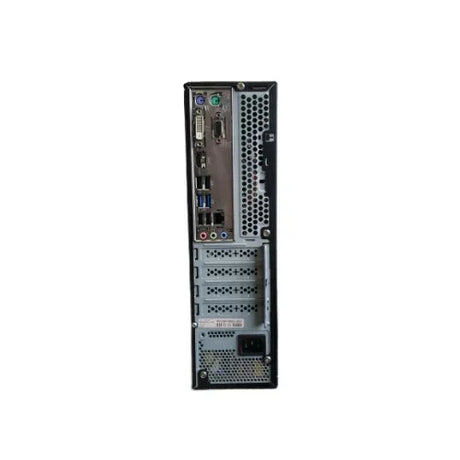
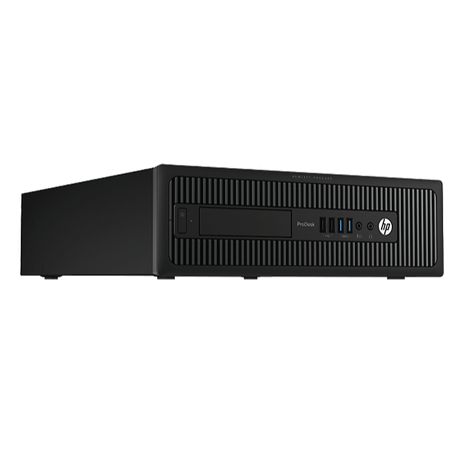
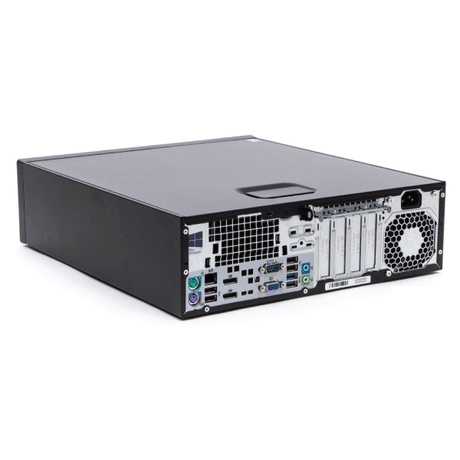
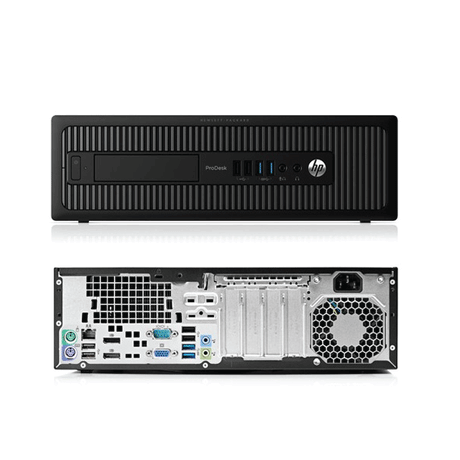





Refurbished Mini & Small Form Factor PCs
- Extra 10% off20% off
HP
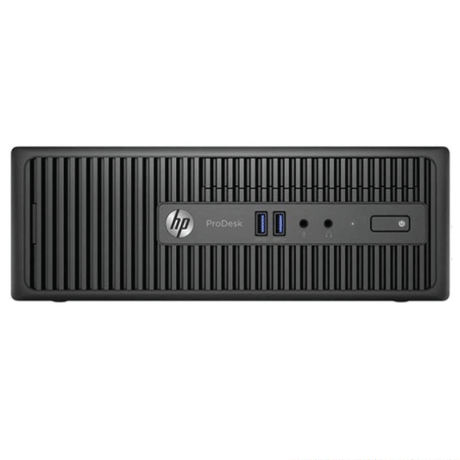
HP ProDesk 400 G3 SFF i3 6320 3.9GHz 8GB 500GB NO OS Computer | 1yr Wty
Sale price $159.00 Regular price $199.00Unit price /UnavailableIn stock (93 units) -
- 14% off
Dell
New Dell OptiPlex 7010 Plus SFF Desktop PC i7-13700 32GB 1TB SSD WiFi Win 11 Pro
Sale price $1,299.00 Regular price $1,509.00Unit price /UnavailableLow stock (16 units) -
- 25% off
Dell
Dell OptiPlex 7040 SFF Business PC i5-6500 8GB 128GB SSD DVD-RW Win 10 Pro | Wty
Sale price $169.00 Regular price $225.00Unit price /UnavailableVery low stock (2 units) -
- 24% off
HP
HP EliteDesk 800 G3 SFF i5 6500 3.2GHz 8GB 128GB SSD W10P Computer | 3mth Wty
Sale price $159.00 Regular price $209.00Unit price /UnavailableVery low stock (2 units) -
- Up to 35% off
HP
HP Compaq Elite 8300 Desktop PC i5-3470 2GB DVDRW No HDD No OS Barebones | Wty
Sale price From $45.00 Regular price $69.00Unit price /UnavailableLow stock (20 units) -
- 24% off
Dell
Dell OptiPlex 7040 SFF Business PC i5-6500 vPro 4GB 128GB SSD Win 10 Pro | Wty
Sale price $129.00 Regular price $169.00Unit price /UnavailableVery low stock (1 unit) -
- Up to 34% off
Gigabyte
Gigabyte H110M-S2H SFF PC i5-7400 8GB 240GB SSD Win 10 Pro Computer | Wty
Sale price From $149.00 Regular price $225.00Unit price /UnavailableVery low stock (1 unit) -
- 29% off
HP
HP EliteDesk 800 G1 Desktop PC i5-4670 8GB DVDRW No HDD No OS Barebones | Wty
Sale price $89.00 Regular price $125.00Unit price /UnavailableLow stock (20 units) -
- Up to 39% off
Gigabyte
Gigabyte B85M-HD3 SFF i5 4570 3.2GHz 4GB 128GB SSD DW NO OS | 3mth Wty
Sale price From $85.00 Regular price $139.00Unit price /UnavailableVery low stock (2 units) -
- 29% off
HP
HP EliteDesk 800 G1 Desktop PC i5-4590 8GB DVDRW No HDD No OS Barebones | Wty
Sale price $89.00 Regular price $125.00Unit price /UnavailableLow stock (8 units) -
- 27% off
HP
HP Compaq 8200 Elite SFF PC i5-2400S 4GB 250GB HDD DVD No OS Computer | Wty
Sale price $69.00 Regular price $95.00Unit price /UnavailableVery low stock (1 unit) -
- 28% off
HP
HP Compaq Pro 6300 SFF PC i5-3470 4GB 250GB HDD No OS Installed Computer | Wty
Sale price $79.00 Regular price $109.00Unit price /UnavailableVery low stock (1 unit) -
- 29% off
HP
HP Compaq 8100 Elite SFF PC Core i5-650 1GB 160GB HDD No OS Computer | Wty
Sale price $39.00 Regular price $55.00Unit price /UnavailableVery low stock (1 unit) -
- 25% off
HP
HP EliteDesk 800 G1 SFF PC i7-4770 12GB 256GB SSD No OS Installed Computer | Wty
Sale price $199.00 Regular price $265.00Unit price /UnavailableVery low stock (1 unit) -
- 28% off
HP
HP Compaq 8200 Elite SFF PC i5-2400 8GB 500GB HDD No OS Installed Computer | Wty
Sale price $79.00 Regular price $109.00Unit price /UnavailableVery low stock (1 unit) -
- 29% off
HP
HP EliteDesk 800 G1 SFF PC i5-4570 4GB 500GB HDD No OS Installed Computer | Wty
Sale price $89.00 Regular price $125.00Unit price /UnavailableVery low stock (1 unit) -
- 25% off
Gigabyte
Gigabyte H110M-S2H SFF Desktop PC i7-6700K 4GB 250GB SSD Win 10 Computer | Wty
Sale price $149.00 Regular price $199.00Unit price /UnavailableVery low stock (1 unit) -
- 29% off
Gigabyte
Gigabyte H110M-S2H SFF Desktop PC i5-7400 4GB 240GB SSD Win 10 Computer | Wty
Sale price $99.00 Regular price $139.00Unit price /UnavailableVery low stock (1 unit) -
- Up to 39% off
Gigabyte
Gigabyte H110M-S2PV SFF i3-6100 3.7GHz 8GB 120GB SSD DW Win 10 | Wty
Sale price From $95.00 Regular price $155.00Unit price /UnavailableVery low stock (1 unit) -
- Up to 36% off
HP
HP Compaq Elite 8300 SFF Business Desktop i5-3470 4GB 256GB SSD DVD-RW No OS Wty
Sale price From $89.00 Regular price $139.00Unit price /UnavailableVery low stock (1 unit) -
- 29% off
HP
HP EliteDesk 800 G1 Desktop PC i5-4670 4GB DVDRW No HDD No OS Barebones | Wty
Sale price $89.00 Regular price $125.00Unit price /UnavailableVery low stock (4 units) -
- 29% off
HP
HP EliteDesk 800 G1 Desktop PC i5-4590 4GB DVDRW No HDD No OS Barebones | Wty
Sale price $89.00 Regular price $125.00Unit price /UnavailableVery low stock (3 units) -
Buying Guide
Mini & SFF Desktop
Buying Guide
Everything you need to know before you buy a refurbished mini PC or small form factor desktop — compact, quiet ex-business machines that handle everyday computing for a fraction of the new price.
Top picks for you
View all-
25% offNew arrival
Dell
Dell OptiPlex 9010 AIO 23" PC i5-3470S 4GB 500GB HDD vPro No OS Installed | Wty
Sale price $119.00 Regular price $159.00Unit price /UnavailableVery low stock (1 unit) -
-
22% offNew arrival
Microsoft
Microsoft 1TB NVMe SSD Model 1913 M1174937-001 for Surface Laptop 4 | 3mth Wty
Sale price $295.00 Regular price $379.00Unit price /UnavailableVery low stock (1 unit) -
-
22% offNew arrival
HP
HP ProBook 630 G8 Laptop 13.3" i5-1135G7 16GB 256GB SSD FHD Backlit Win 11 | Wty
Sale price $359.00 Regular price $459.00Unit price /UnavailableVery low stock (1 unit) -
-
18% offNew arrival
HP
HP EliteBook X360 1030 G8 Laptop 13.3" i7-1185G7 16GB 256GB SSD Touch FHD Win 11
Sale price $559.00 Regular price $679.00Unit price /UnavailableVery low stock (1 unit) -
-
16% offNew arrival
Dell
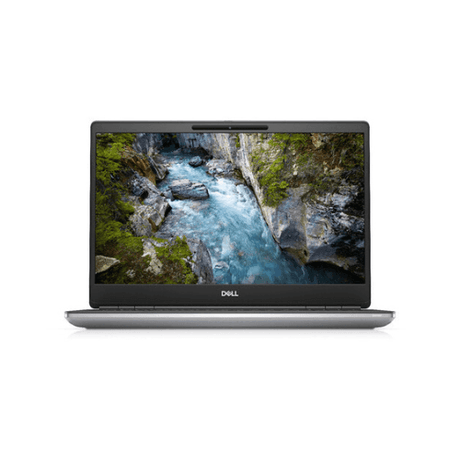
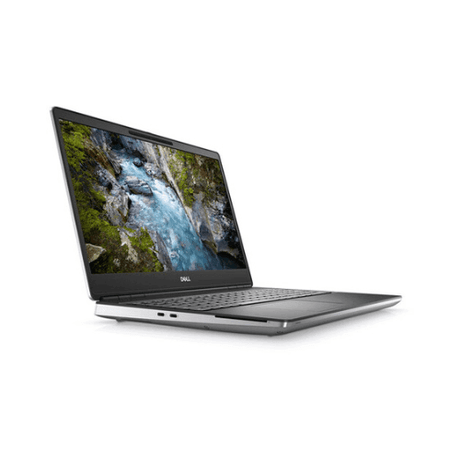
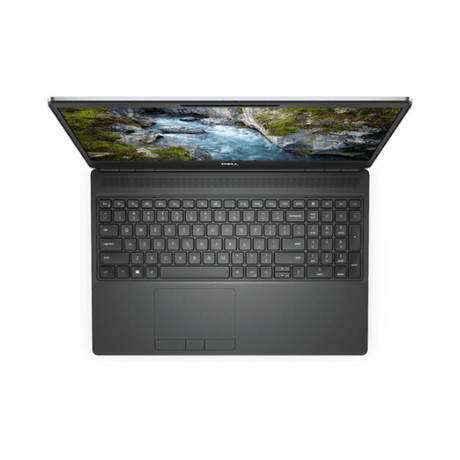
Dell Precision 7560 15.6" Xeon W-11955M 64GB 512GB SSD RTX A2000 Win 11 Pro
Sale price $1,049.00 Regular price $1,249.00Unit price /UnavailableVery low stock (1 unit) -
-
16% offNew arrival
Dell
Dell Precision 5560 Laptop 15.6" i9-11950H 64GB 512GB SSD RTX A2000 Win 11 Pro
Sale price $1,049.00 Regular price $1,249.00Unit price /UnavailableVery low stock (1 unit) -
-
16% offNew arrival
Lenovo
Lenovo ThinkPad T14s Gen 3 Laptop 14" i7-1270P 16GB 512GB SSD Backlit Win 11 Pro
Sale price $769.00 Regular price $915.00Unit price /UnavailableVery low stock (1 unit) -
-
16% offNew arrival
Dell
Dell Precision 7560 Laptop 15.6" i7-11850H 32GB 512GB SSD T1200 Win 11 Pro | Wty
Sale price $919.00 Regular price $1,095.00Unit price /UnavailableVery low stock (1 unit) -
-

Visit our support center
Expert help & advice
-

Check your order status
Updates and tracking
-

Returns & exchanges
All you need to know
-

Price match guarantee
Our promise to you
Frequently Asked Questions
General Information
Are desktop computers still a thing in today's tech world?
Are desktop computers still a thing in today's tech world?
Absolutely! Desktop computers continue to play a vital role in our tech landscape. They offer robust performance, customization options, and are often more cost-effective than laptops for many users. Whether for gaming, work, or general use, desktop PCs remain a popular choice among consumers. Check out desktops on sale to snag a bargain!
What specs should I really pay attention to when buying a desktop PC?
What specs should I really pay attention to when buying a desktop PC?
When choosing a desktop computer, focus on key specifications such as the CPU (central processing unit), RAM (random access memory), storage type (SSD vs. HDD), and GPU (graphics processing unit). These components significantly impact the performance of your desktop computer, whether you're gaming, working, or browsing. Need more help, read our desktop buying guide.
What accessories do I need to make my desktop computer experience even better?
What accessories do I need to make my desktop computer experience even better?
To enhance your desktop computer experience, consider investing in a quality monitor, ergonomic keyboard, and mouse. Additional accessories like a good set of speakers or headphones, a webcam for video calls, and a surge protector can also improve functionality and comfort.
What are the best desktop computers for gaming, work, or just browsing?
What are the best desktop computers for gaming, work, or just browsing?
The best desktop computers vary based on your needs. For gaming, look for a high-performance PC desktop with a strong GPU. For work, opt for a reliable desktop computer with ample RAM and storage. If you’re primarily browsing, even a basic desktop PC can perform well without breaking the bank.
How do desktop computers stack up against laptops when it comes to performance and value?
How do desktop computers stack up against laptops when it comes to performance and value?
In general, desktop computers often provide better performance and value compared to laptops. They typically have more powerful CPUs and GPUs, larger storage options, and better cooling systems. This makes desktops an excellent choice for users who need high performance for tasks like gaming or intensive work.
How long can I expect my desktop computer to last, and when should I start thinking about a replacement?
How long can I expect my desktop computer to last, and when should I start thinking about a replacement?
A well-maintained desktop computer can last anywhere from 5 to 10 years, depending on usage and upgrades. If you notice significant slowdowns, compatibility issues with new software, or if your needs have changed, it might be time to consider a replacement or an upgrade.
What is the return policy on desktop PCs?
What is the return policy on desktop PCs?
At Reboot IT, we strive to ensure our customers are completely satisfied with their purchase of refurbished desktop PCs. Our return policy is designed to provide you with peace of mind when shopping with us. Here are the key points of our return policy:
- Return Period: You have 30 days from the date of receipt to return your desktop computer if you are not satisfied.
- Condition: The returned item must be in its original condition and packaging, with all accessories included.
- Refund Process: Once we receive your return, we will process your refund within 5-7 business days. The refund will be issued to the original payment method.
- Exclusions: Please note that custom-built or specially modified desktops may have different return terms, so be sure to check the specifics before purchasing.
We understand that sometimes a desktop PC may not meet your expectations, and we want to make the return process as smooth as possible. If you encounter any issues or have questions regarding your return, our customer service team is here to help. We are committed to providing you with excellent support and ensuring your experience with Reboot IT is a positive one. Your satisfaction is our top priority!
What’s the warranty like on desktop computers from Reboot IT?
What’s the warranty like on desktop computers from Reboot IT?
At Reboot IT, we believe in the quality and reliability of our refurbished desktop computers, which is why we offer a comprehensive warranty to our customers. Here are the key details of our warranty policy:
- Warranty Duration: All refurbished desktop PCs come with a standard warranty of 12 months from the date of purchase (older models have a 3 month warranty)
- Coverage: This warranty covers any hardware defects or failures that are not caused by misuse or accidental damage.
- Service Options: If you encounter an issue, you can easily reach out to our customer service team for support. We offer repair services or replacement options, depending on the situation.
- Extended Warranty: For added peace of mind, you can opt for an extended warranty at the time of purchase, which can provide additional coverage beyond the standard period.
We want you to feel confident in your purchase, knowing that we stand behind our products. Our warranty is designed to protect your investment and ensure that you have a smooth experience with your desktop computer. If you have any questions about the warranty or need assistance, our friendly customer service team is always ready to help. Your satisfaction and support are our top priorities at Reboot IT!
Are cheap mini PCs worth buying?
Are cheap mini PCs worth buying?
Yes — when they are ex-business machines. The mini PCs we stock are corporate fleet units from HP and Lenovo, built for years of continuous office use and running the same Intel Core processors as full-size desktops. Every one is professionally tested and wiped before sale, and covered by a 12-month warranty. A refurbished mini PC costs a fraction of an equivalent new machine, which is why they are the best value in the range for browsing, email, Office work and everyday computing.
What does USDT mean on a desktop PC?
What does USDT mean on a desktop PC?
USDT stands for Ultra Slim Desktop — HP’s name for its most compact desktop chassis. A USDT machine is roughly the size of a hardback book and sits neatly on or under a desk. It is the same class of computer as an HP Mini, a Lenovo ThinkCentre Tiny or a Dell OptiPlex Micro; each manufacturer simply uses its own name for the format.
Mini PC vs SFF — which should I buy?
Mini PC vs SFF — which should I buy?
Choose a mini PC if desk space, tidiness and quiet running matter most — it can even mount out of sight behind your monitor. Choose a small form factor (SFF) desktop if you want room to grow: SFF cases have space for extra drives, a DVD drive and a low-profile graphics card, while still being far smaller than a traditional tower. Both use the same business-grade processors, so day-to-day speed is comparable.
Are second-hand mini PCs reliable?
Are second-hand mini PCs reliable?
Ex-corporate mini PCs are among the most reliable second-hand computers you can buy. They were specified for fleet deployment, run continuously in office environments, and have no moving parts beyond a single cooling fan. Every unit we sell is tested, cleaned and data-wiped, then backed by a 12-month Reboot IT warranty and 30-day returns.
Can a mini PC run two monitors?
Can a mini PC run two monitors?
Yes. The HP EliteDesk and ProDesk mini and USDT models we stock include multiple DisplayPort outputs as standard, so a dual-monitor setup works straight out of the box. Many also have HDMI or VGA, and adapters are available if your screens use a different connector. Browse our refurbished monitors to complete the setup.
What is a 1L (one-litre) PC?
What is a 1L (one-litre) PC?
A one-litre PC is the industry shorthand for the smallest desktop category — a chassis with roughly one litre of internal volume, about the size of a paperback. Mini, Tiny, Micro and USDT machines all fall into this class. Despite the size they use full desktop processors rather than cut-down tablet chips, which is why they feel considerably faster than their footprint suggests.
Can I mount a mini PC behind a monitor?
Can I mount a mini PC behind a monitor?
Yes. Most mini and USDT desktops support VESA mounting, which fixes the computer to the back of a monitor or to a wall bracket using the same 75mm or 100mm holes your screen already has. The machine disappears completely from the desk — ideal for reception counters, kiosks, classrooms and tidy home offices. VESA brackets are inexpensive and model-specific, so check the mounting kit matches your chassis.
Can I add a graphics card to a small form factor PC?
Can I add a graphics card to a small form factor PC?
An SFF desktop will usually accept a low-profile graphics card — a half-height card such as a GT 1030 or Quadro P400 — which is enough for light gaming, video playback or driving additional monitors. Full-height gaming cards will not fit; those need a full tower. Mini and USDT machines have no expansion slot at all and rely on integrated graphics, which handle everyday use and dual displays comfortably.