AustraIia’s trusted refurbished computers since 2001 – Extra 10% off Red Tag deals

Affordable Tech! Laptops under $200

Refurbished Laptop Docking Stations

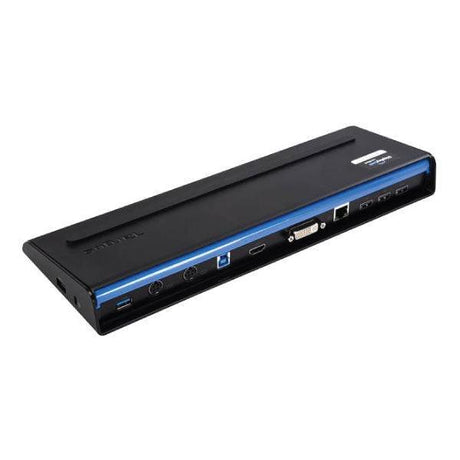
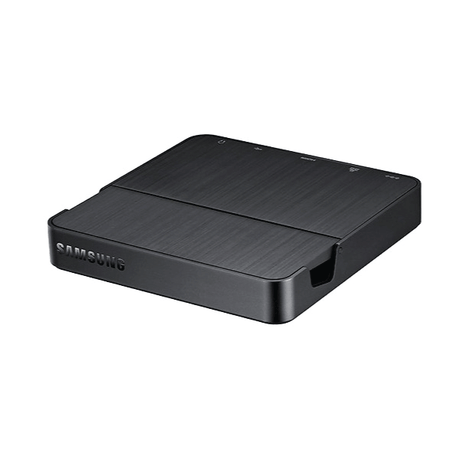
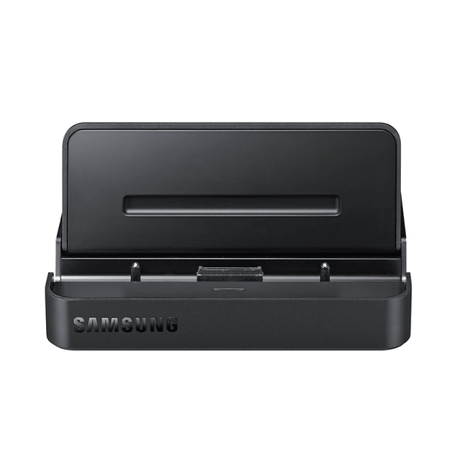
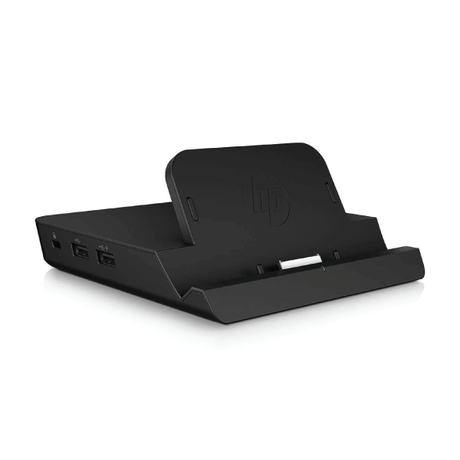
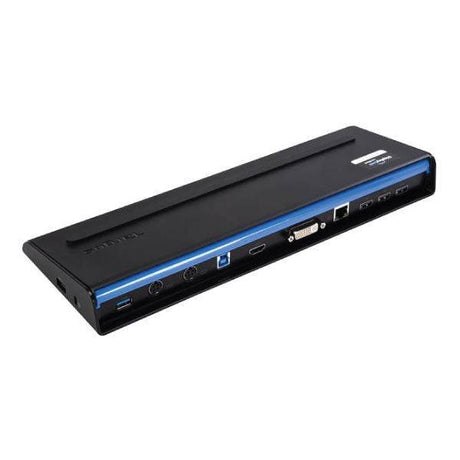
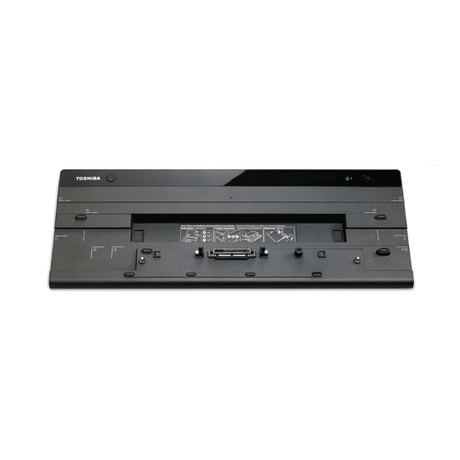
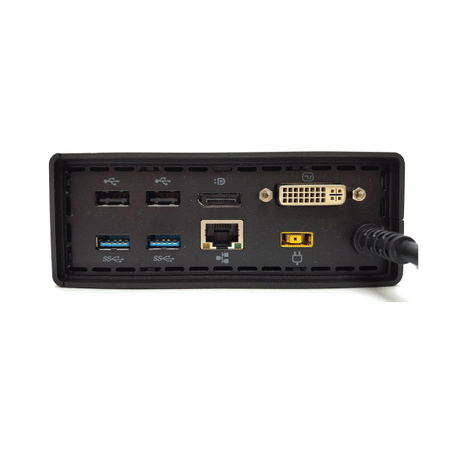
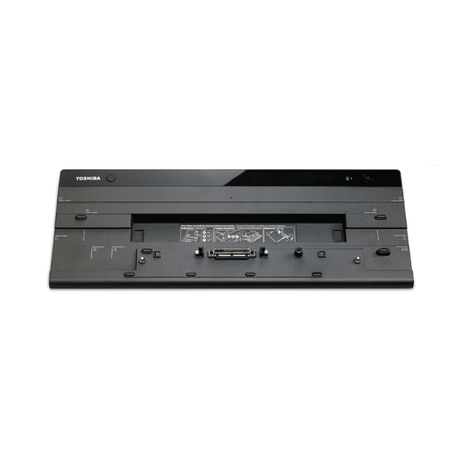
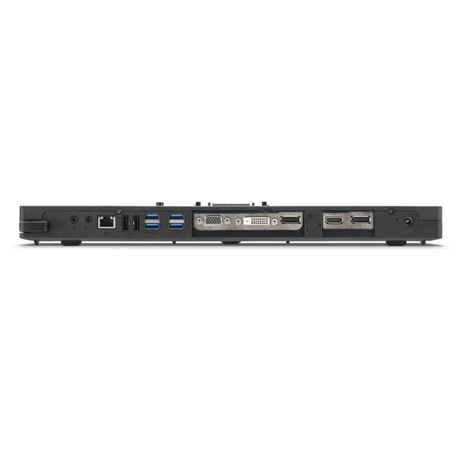
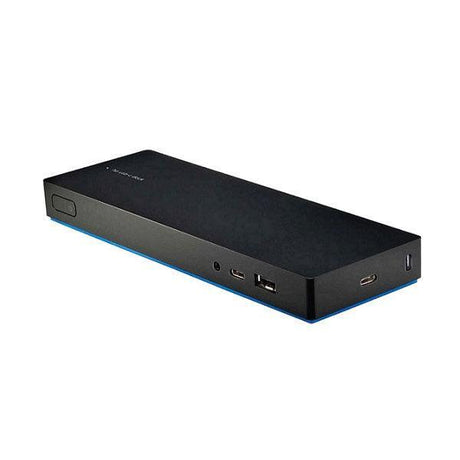
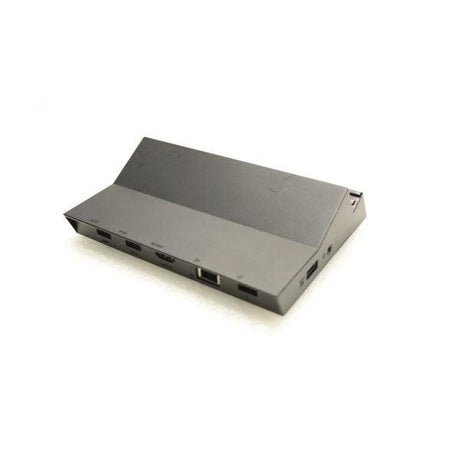
Refurbished laptop docking stations from $19 — turn any laptop into a full desk setup with dual monitors, Gigabit Ethernet and single-cable charging. We stock USB-C and Thunderbolt docks plus business docks for Dell Latitude, Lenovo ThinkPad, HP EliteBook and Microsoft Surface — ex-corporate, function-tested and covered by a 12-month warranty, with fleet quantities available. Check each listing for power-adapter inclusion.

View as

Buying Guide

Laptop Docking Station
Buying Guide

How to choose the right refurbished docking station for your laptop — universal USB-C and Thunderbolt docks, model-specific business docks, power adapters and video outputs, explained in plain English.

01

What a docking station does

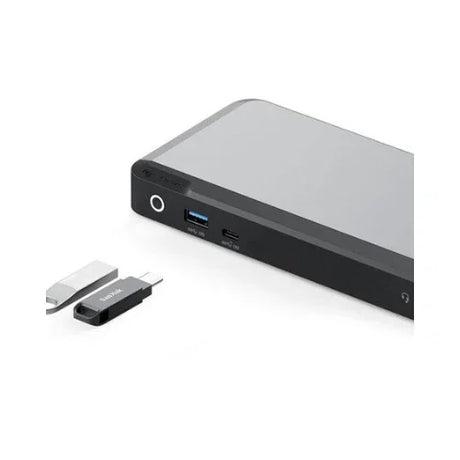
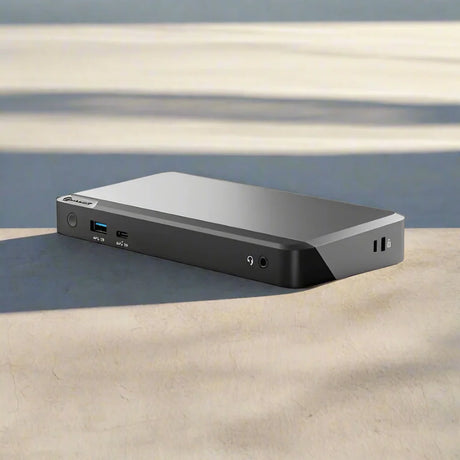
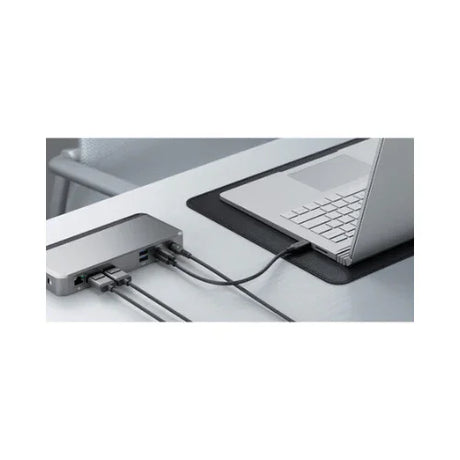
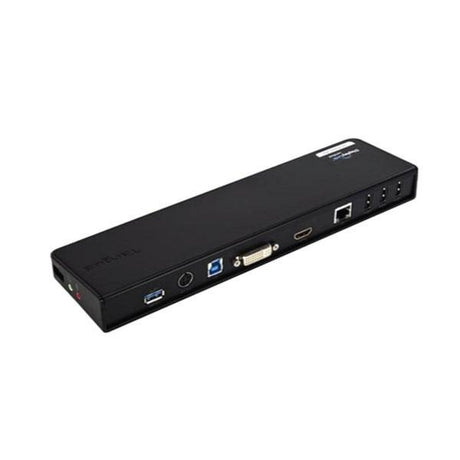
A laptop docking station turns a single connection into a complete desk setup — dual monitors, wired Ethernet, keyboard, mouse, headset and laptop charging all run through one cable. Undock and everything stays plugged in, ready for the next morning or the next person at that desk. Every dock we sell is ex-corporate business hardware, professionally tested and graded, and covered by a 12-month warranty on most models — from $19. With thousands of units across 55 models we can supply matched docks for an entire fleet, not just a single desk.

02

USB-C and Thunderbolt 4 Docking Stations

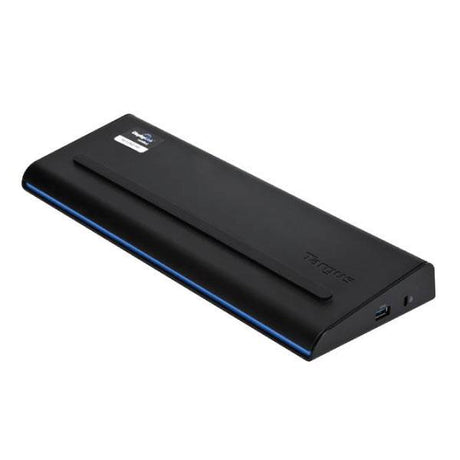
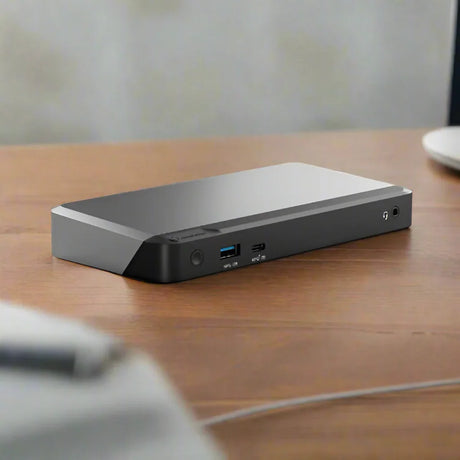
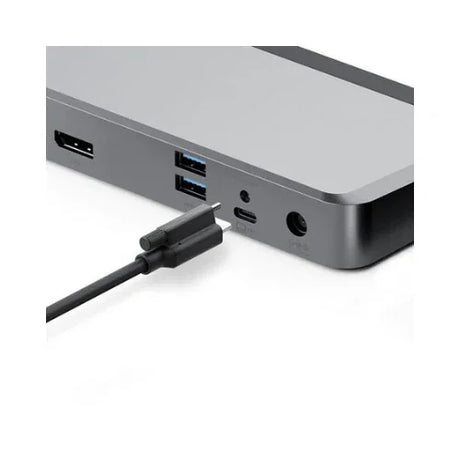
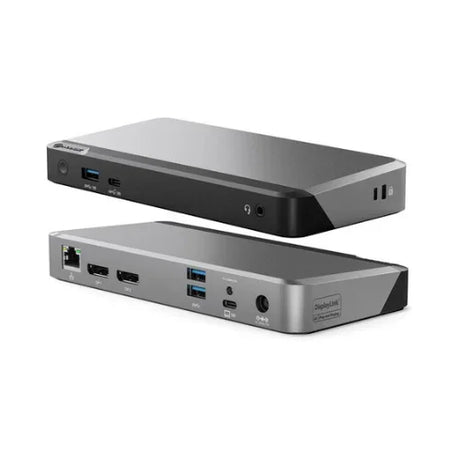
A universal docking station connects over USB-C or Thunderbolt and works with almost any modern laptop whose USB-C port carries video (DisplayPort Alt Mode). Thunderbolt 3 and 4 docks carry the most bandwidth — comfortably enough for dual 4K displays plus fast external storage. DisplayLink docks take a different route, compressing video over standard USB, which means they drive multiple screens even on machines without Alt Mode. Most universal docks also charge the laptop down the same cable using Power Delivery, typically 65W to 100W.

03

Which Docking Station Fits Your Dell, Lenovo or HP

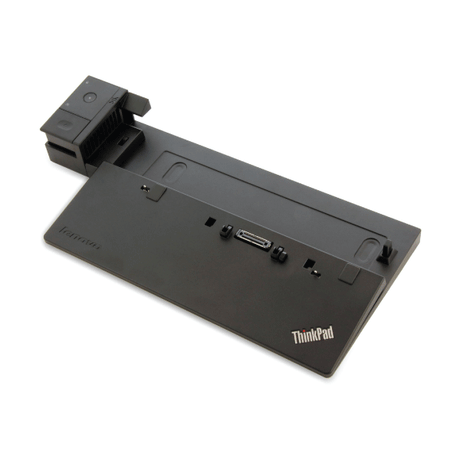
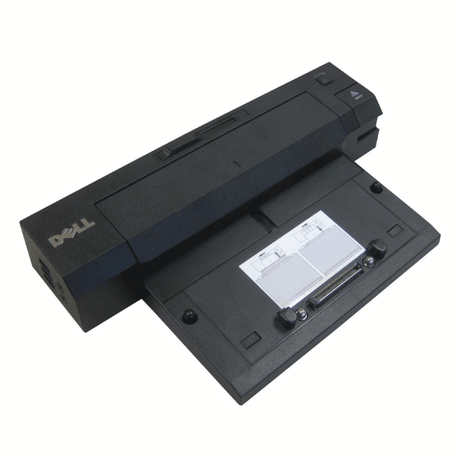
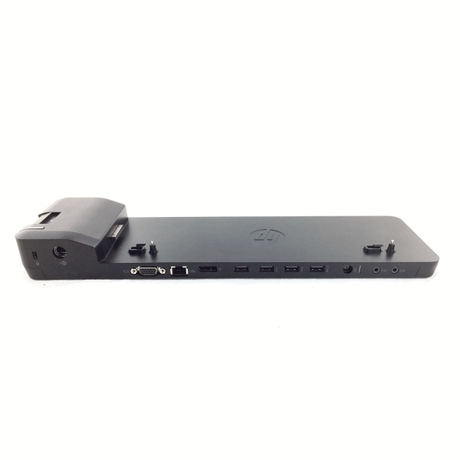
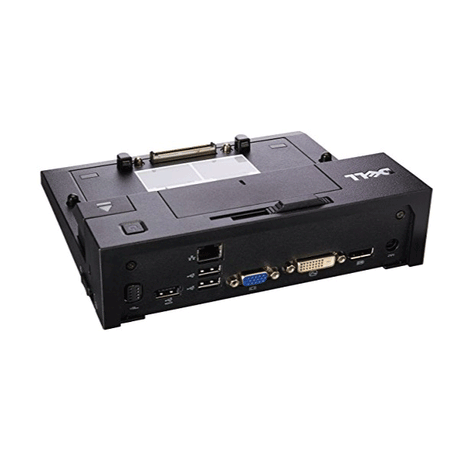
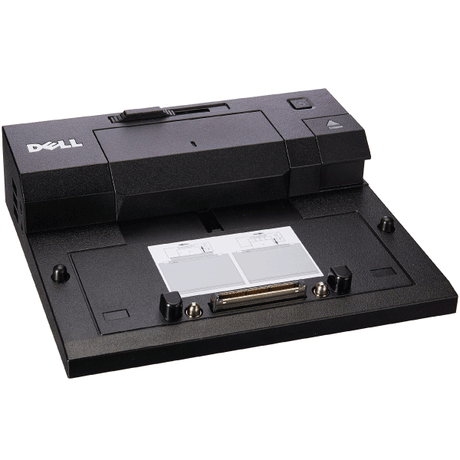
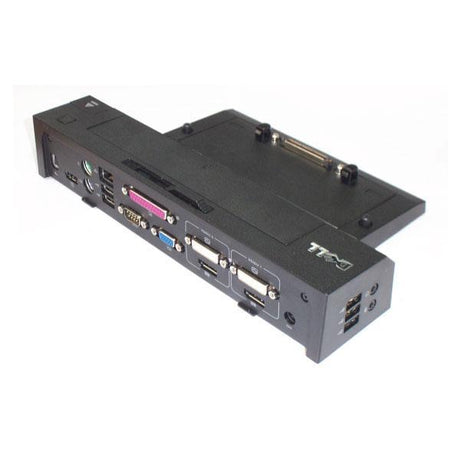
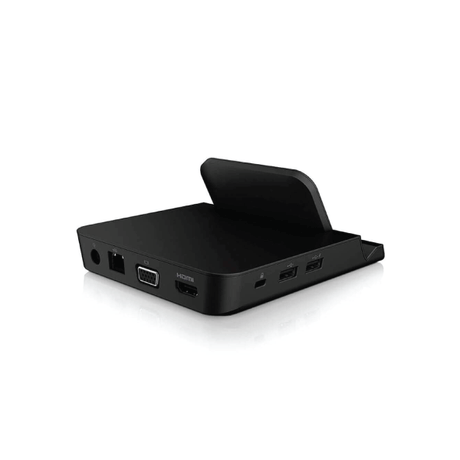
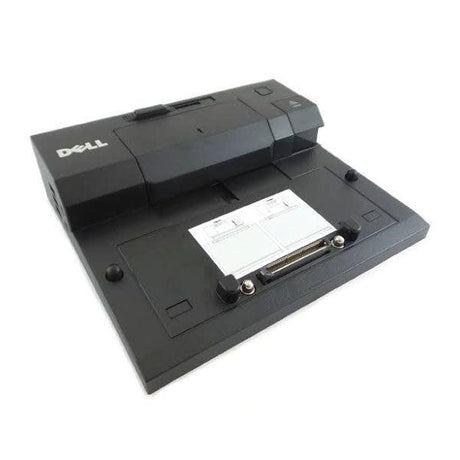
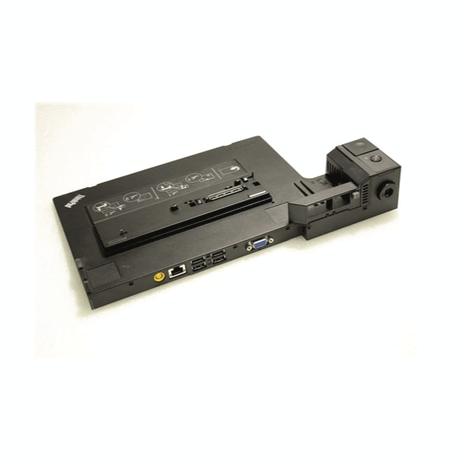
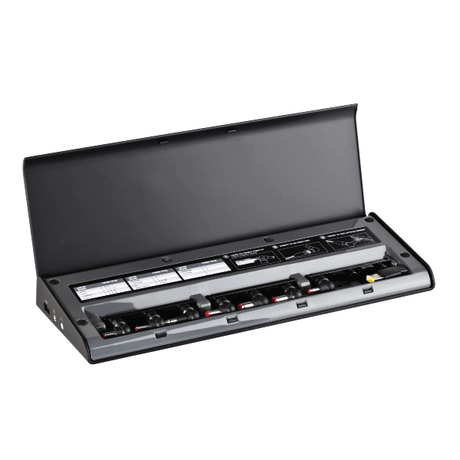
Business laptops built roughly between 2012 and 2019 use a dedicated docking connector on the base or side of the chassis, and those docks are model-specific. Dell's E-Port and E-Port Plus (PR02X, PR03X) fit Latitude E-series and Precision; Lenovo's Ultra Dock, Pro Dock and Basic Dock (40A series) fit ThinkPad T, X, L and P; HP's 2013 UltraSlim fits EliteBook and ProBook of the same generation. They cost a fraction of a universal dock, so for a fleet still running that hardware they are by far the cheapest way to kit out every desk. See also our full range of refurbished computer parts. Whether you need a docking station for a Dell laptop, a ThinkPad or an EliteBook, check the connector on your laptop's underside before ordering.

04

Power adapters, video outputs and what is included

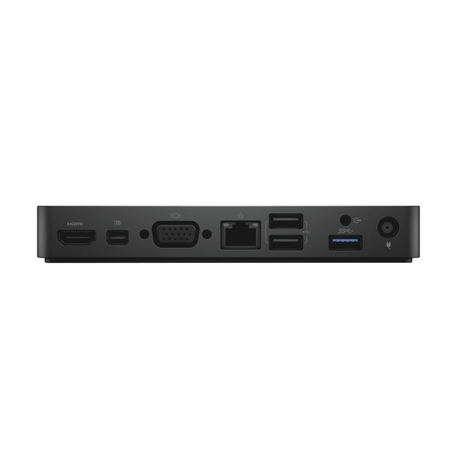
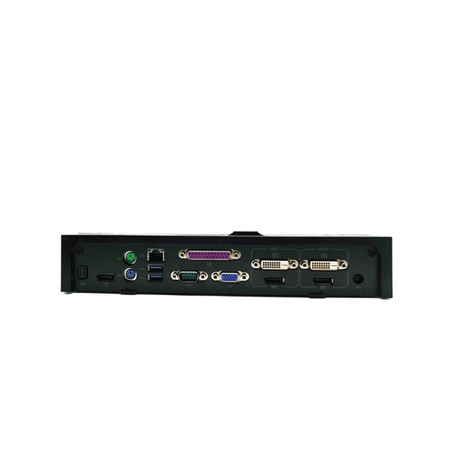
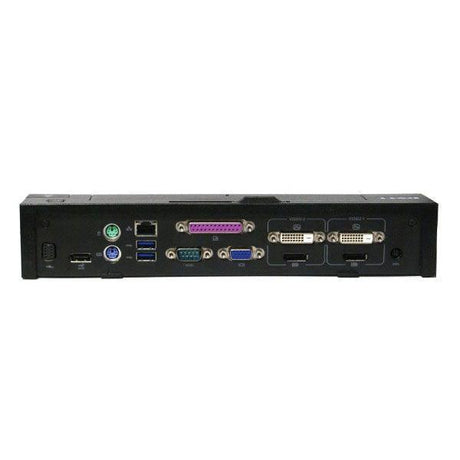
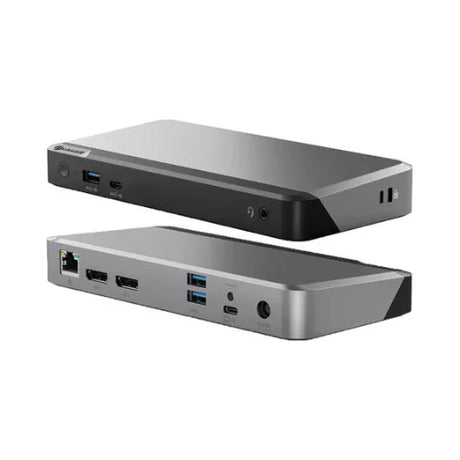
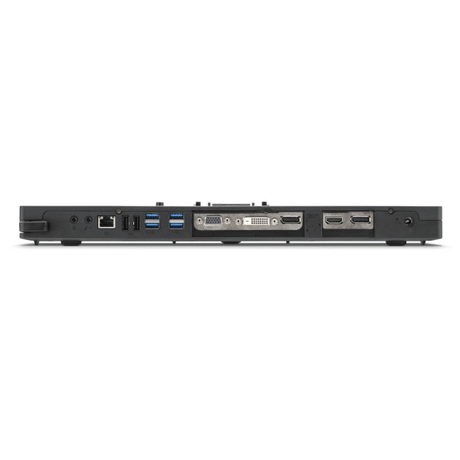
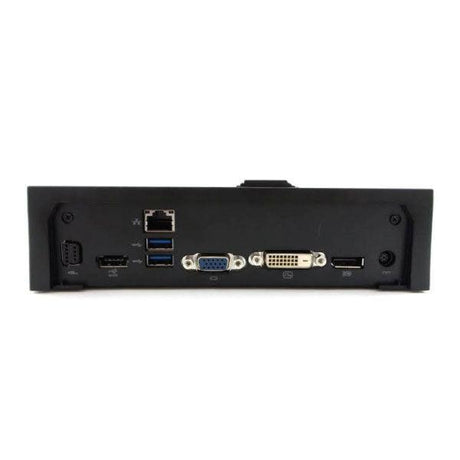
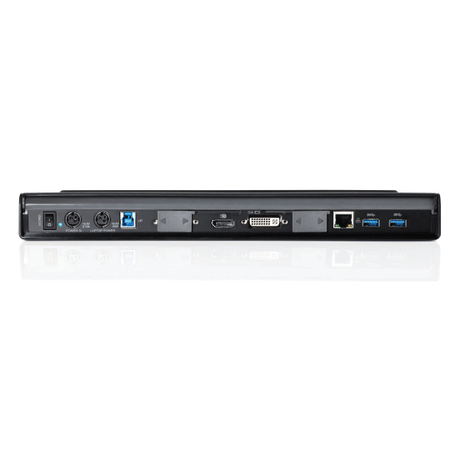
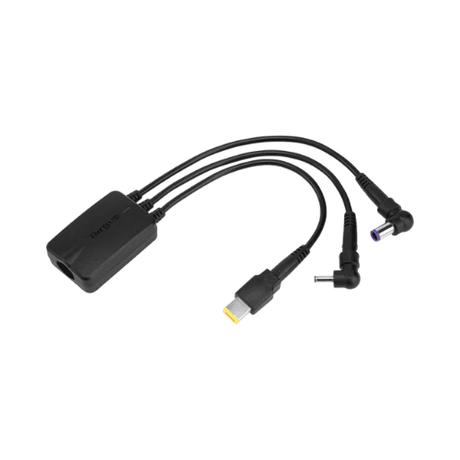
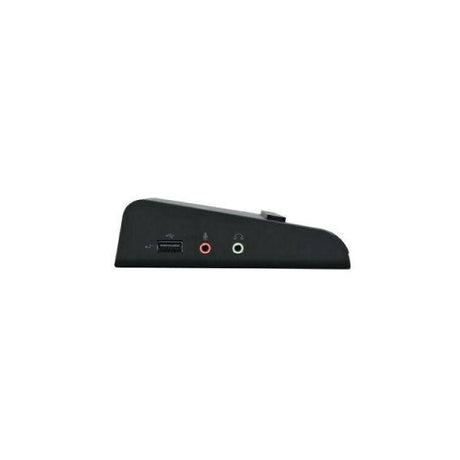
Read the product title carefully — many ex-corporate docks are supplied without a power adapter, because the original stayed with the fleet when the laptops were returned. A dock marked NO ADAPTER needs the correct barrel or USB-C supply at the right wattage before it will run. Check the video outputs too: older docks use VGA and DVI, newer ones DisplayPort and HDMI, and the maximum resolution and number of screens is set by the dock, not the monitor. If you are not certain which dock suits your laptop model, contact our team before you order.

Refurbished Docking Station FAQs

What is a laptop docking station?

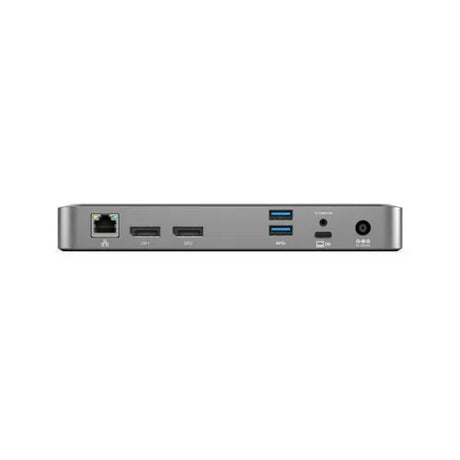
A laptop docking station is a device that expands a laptop into a full desktop workstation through one connection. It adds video outputs for one or more monitors, wired Gigabit Ethernet, extra USB ports for keyboard, mouse and headset, audio, and on most modern docks it charges the laptop at the same time. You leave the peripherals permanently connected to the dock and simply attach or detach the laptop.

What is the difference between a universal dock and a proprietary dock?

A universal docking station connects over USB-C or Thunderbolt and works with most modern laptops regardless of brand. A proprietary dock uses a manufacturer-specific connector — such as the Dell E-Port, Lenovo ThinkPad 40A series or HP 2013 UltraSlim — and only fits the laptop families it was designed for. Proprietary docks are considerably cheaper, which makes them excellent value if your fleet still runs that generation of hardware.

Will a docking station work with my laptop?

For a universal USB-C or Thunderbolt dock, your laptop needs a USB-C port that supports video output (DisplayPort Alt Mode) or, for a DisplayLink dock, any spare USB port. For a proprietary dock, check the docking connector on the underside or side of your laptop and match it to the dock family listed on the product page. If you are unsure, send us your laptop model and we will confirm before you buy.

What is a Thunderbolt dock and do I need one?

Thunderbolt 3 and 4 docks use the USB-C connector but carry far more bandwidth than standard USB-C — up to 40Gbps. That headroom matters if you want dual 4K monitors at 60Hz, fast external SSD storage, or a single-cable setup for a demanding workstation. If you run one or two 1080p screens and general office applications, a standard USB-C or DisplayLink dock will do the job for less money.

Do your docking stations include a power adapter?

Some do and some do not — it is stated in every product title. Ex-corporate docks often arrive without the original power supply because it stayed with the fleet, and those are listed as NO ADAPTER. A dock marked that way still needs the correct power supply at the right voltage and wattage to operate. We stock adapters separately, so contact us with the dock model and we will match the correct one.

How many monitors can I run from a docking station?

Most business docks drive two external displays, and some Thunderbolt and DisplayLink models support three or four. The limit is set by the dock and by your laptop graphics, not by the monitors — any of our refurbished monitors will work with a compatible dock. Older docks output VGA and DVI at lower resolutions, while newer USB-C and Thunderbolt docks support dual 4K. Each product page lists the video outputs and the maximum supported resolution.

Which docking station is best for dual monitors?

Any dock with two video outputs will work as a dual monitor docking station — most of our Dell, HP and Lenovo business docks drive two screens over DisplayPort, HDMI or DVI. For dual HDMI specifically, check the outputs listed on each product page; DisplayPort-to-HDMI adapters are an inexpensive alternative. If you want three or more monitors, choose a DisplayLink dock such as the Dell D6000 or a Thunderbolt dock, which carry enough bandwidth for a triple display setup.

What is DisplayLink and when do I need it?

DisplayLink is a technology that compresses video and sends it over an ordinary USB connection instead of a dedicated video lane. It matters when your laptop lacks DisplayPort Alt Mode over USB-C, or when you want more external screens than the graphics chip natively supports. DisplayLink docks require a small driver install and are ideal for mixed fleets where laptops from several generations share the same desks.

What does Power Delivery wattage mean on a dock?

Power Delivery is the standard that lets a USB-C dock charge your laptop through the same cable that carries data and video. The wattage is how much power the dock can supply — commonly 65W, 100W or 130W. Ultrabooks are generally happy on 65W, while larger 15-inch and 16-inch machines and mobile workstations want 100W or more. Under-powering a laptop will not damage it, but it may charge slowly under heavy load.

Which docking station fits a Dell Latitude?

Dell Latitude E-series and Precision laptops from roughly 2012 to 2018 use the E-Port connector, so the PR02X E-Port Plus and PR03X E-Port docks fit them directly. Newer USB-C Latitude models — the 5000, 7000 and 9000 series — use universal USB-C or Thunderbolt docks such as the Dell WD19, WD19S, D6000 or UD22. Check whether your Latitude has a flat docking connector on the base or relies on USB-C.

Which Dell dock should I choose — WD19, D6000 or E-Port?

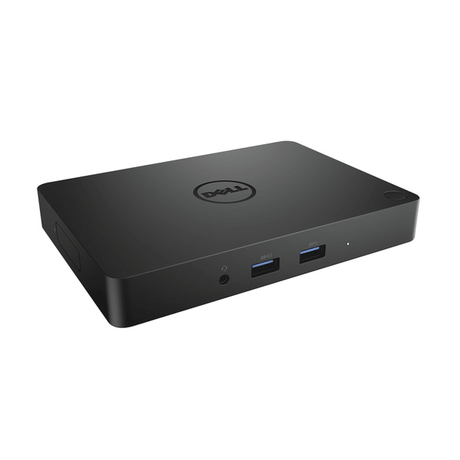
The Dell WD19 and WD19S are USB-C docks for current Latitude and Precision laptops and charge the laptop through the same cable. The Dell D6000 and D6000s are DisplayLink docks that work over USB-C or USB-A, making them the flexible choice for mixed fleets and multi-monitor setups up to 4K. The E-Port PR02X and PR03X are the classic snap-in docks for older Latitude E-series machines — by far the cheapest option if your fleet still runs that generation.

Which docking station fits a Lenovo ThinkPad?

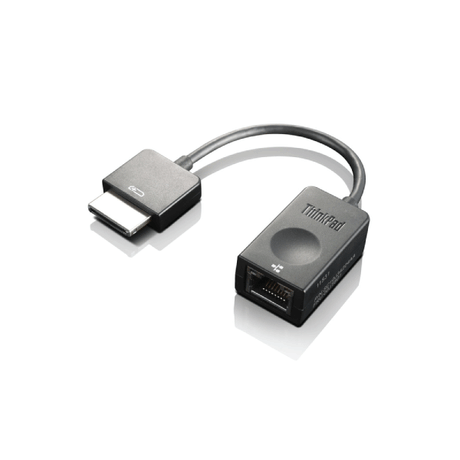
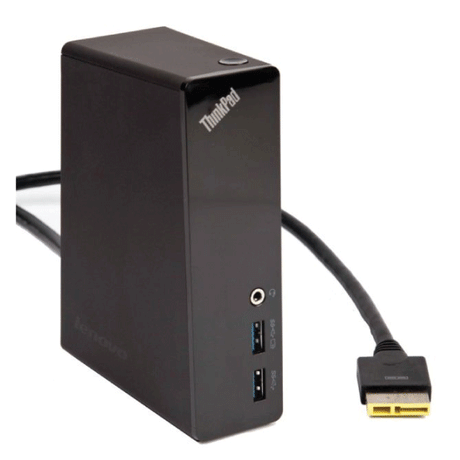
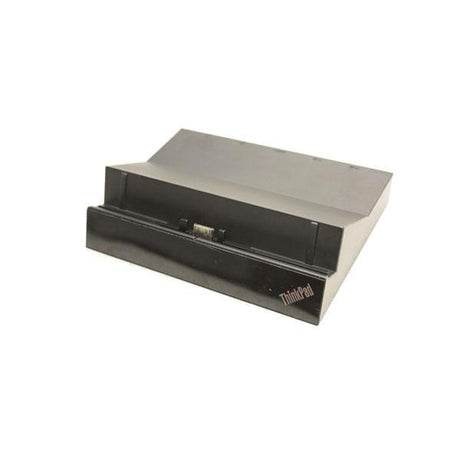
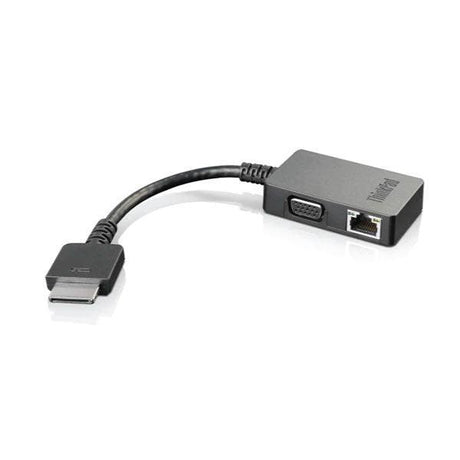
ThinkPad T, X, L and P series machines from around 2013 to 2018 use the mechanical 40A-series connector, covered by the ThinkPad Basic Dock, Pro Dock and Ultra Dock. From roughly 2018 onward ThinkPads moved to USB-C, so the ThinkPad USB-C Dock 40A9 and USB-C Gen 2 40AS are the right choice. Some models also used the OneLink and OneLink+ connectors, which need their own dock or adapter.

Which docking station fits an HP EliteBook or ProBook?

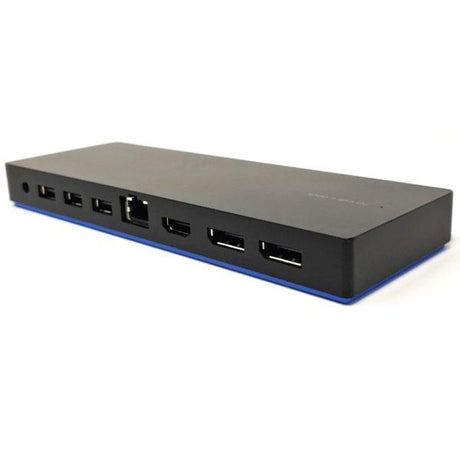
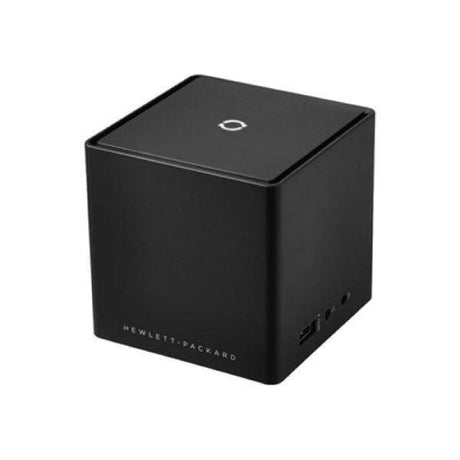
HP EliteBook and ProBook laptops of the 2013 to 2018 era use the 2013 UltraSlim docking connector on the underside. Newer EliteBook, ProBook and ZBook models use USB-C, so the HP USB-C Dock G4 and G5, or the HP Thunderbolt Dock and Thunderbolt Dock G2, are the correct match. HP also produced advanced wireless docking for a small number of models.

Which dock works with a Microsoft Surface?

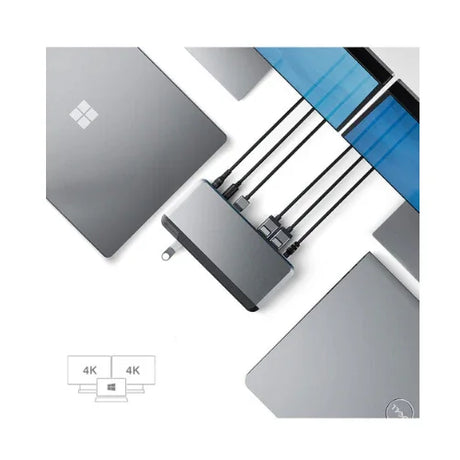
Surface Pro 3 and Surface Pro 4 use the Surface Dock 1661, which connects via the proprietary Surface Connect port. Later Surface Pro, Surface Laptop and Surface Book models work with the Surface Dock 2, which supports dual 4K displays over USB-C. The Surface USB-C Travel Hub is a compact alternative for mobile use rather than a permanent desk setup.

Is the Microsoft Surface Dock worth buying refurbished?

Yes — the Microsoft Surface Dock 1661 and Surface Dock 2 are our two best-selling docks, and refurbished units cost a fraction of the new price. The Microsoft Surface Dock connects through the magnetic Surface Connect port, charges the device and adds dual display outputs, Gigabit Ethernet and USB. Both are function-tested across every port before sale and covered by warranty.

Can I use a docking station with a MacBook?

Yes — MacBooks with USB-C or Thunderbolt ports work with universal docks, and Thunderbolt docks in particular are a natural fit. One caveat matters: macOS does not support DisplayLink natively without additional software, and Apple silicon MacBook Air and base-model MacBook Pro machines officially support only one external display. Check your specific model before buying if you plan to run dual screens.

What is a port replicator and how is it different to a dock?

The terms are largely interchangeable today. Historically a port replicator simply duplicated the ports already on the laptop, while a docking station added capability such as extra video outputs, more USB and sometimes drive bays. Manufacturers now use both names for similar products — Toshiba and Dell in particular label several models port replicators. Judge the product by the ports it lists rather than by the name.

Are refurbished docking stations reliable?

Yes. Docks are simple, passive desk hardware with no moving parts, no battery and no storage to wear out, which makes them one of the most dependable categories of refurbished IT equipment. Each unit is tested across its video, network, USB and power functions before it is graded and listed, and any dock that fails is stripped for parts rather than sold.

Are these used or refurbished docking stations?

Every dock we sell is professionally refurbished rather than simply resold. Units arrive from corporate and government fleet decommissions, are cleaned, function-tested across every port, graded for cosmetic condition and photographed. Cosmetic grade is stated on each listing, so light desk marks on a lower-priced unit are described up front rather than discovered on arrival.

Do refurbished docking stations come with a warranty?

Yes — every refurbished docking station we sell is covered by a 12-month Reboot IT warranty, stated on each product page. All warranties are handled locally from our Melbourne warehouse, with no need to ship anything overseas.

Can you supply docking stations in bulk for a fleet?

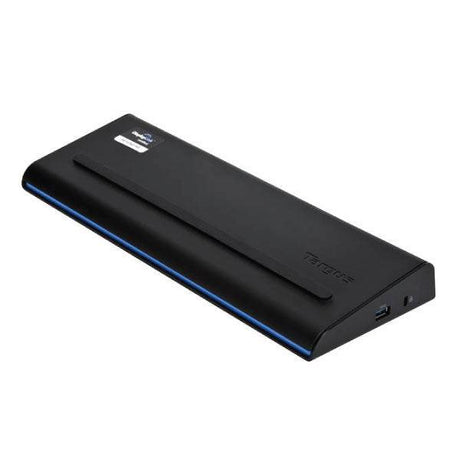
Yes, and it is one of the things we do best. We hold thousands of units across 55 dock models, including deep stock of the Dell E-Port, Lenovo ThinkPad Ultra Dock and Targus universal families, so we can supply matched docks for a whole office rather than a handful of mismatched units. Contact our business team for volume pricing and to confirm availability before you commit. We also carry the wider range of refurbished laptop and desktop components — motherboards, screens, memory and storage — for fleet maintenance.

Compare /4

Loading...