Microsoft Surface Pro 6 — Core i7 2-in-1 Tablet
A 12.3" detachable Windows tablet with a quad-core 8th Gen Intel Core i7, 8GB of memory and a 256GB SSD, running Windows 11 Pro and backed by a 12-month Reboot IT warranty.
The Surface Pro 6 is the configuration most people actually want from this generation: the i7 gives real headroom over the i5 for multitasking and heavier documents, while the chassis stays fanless-thin and light enough to carry all day. The PixelSense display runs at 2736 × 1824 in a 3:2 aspect ratio, which is taller than a widescreen panel and shows far more of a page at once.
Key Benefits
-
Quad-core Core i7 performance — the i7-8650U runs four cores and eight threads with a 4.2 GHz turbo ceiling, giving this the most headroom of any Surface Pro 6 configuration.
-
Genuinely portable — a 12.3" tablet that weighs under a kilogram on its own, with a 3:2 display that shows noticeably more of a document or web page than a widescreen laptop of the same size.
-
Very high resolution screen — 2736 × 1824 across 12.3 inches is 267 pixels per inch, so text is genuinely sharp rather than merely adequate.
-
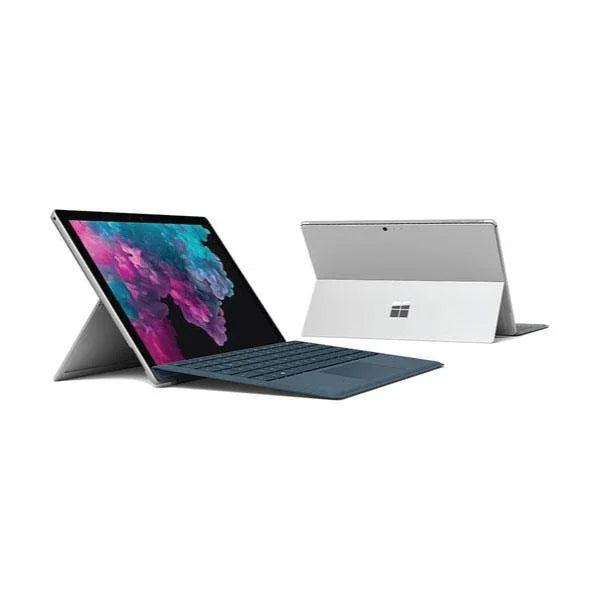
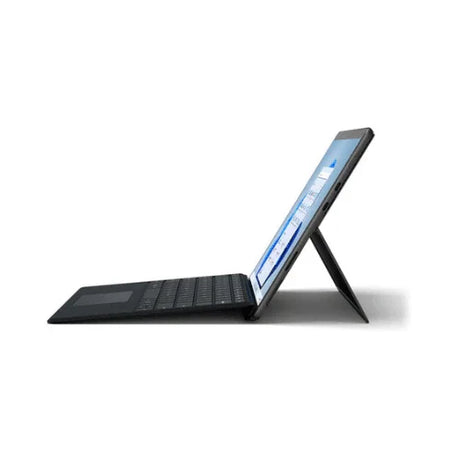
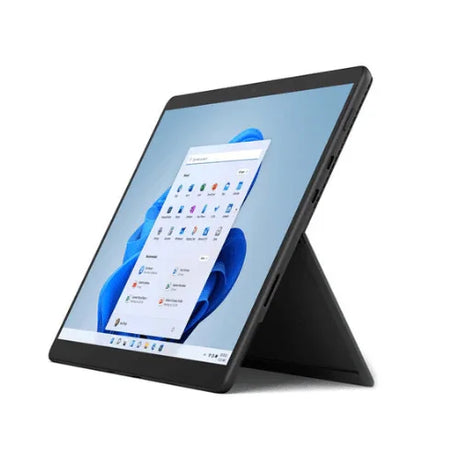
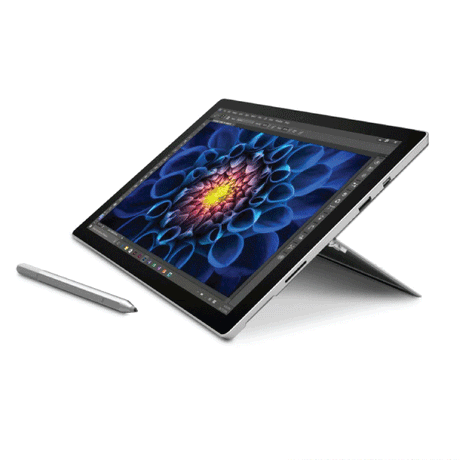
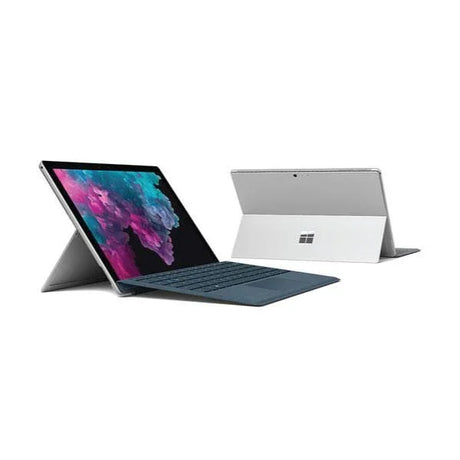
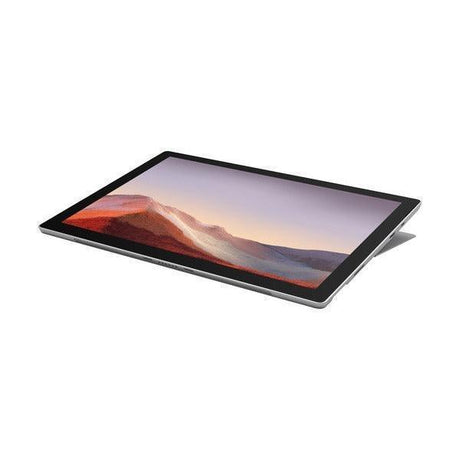
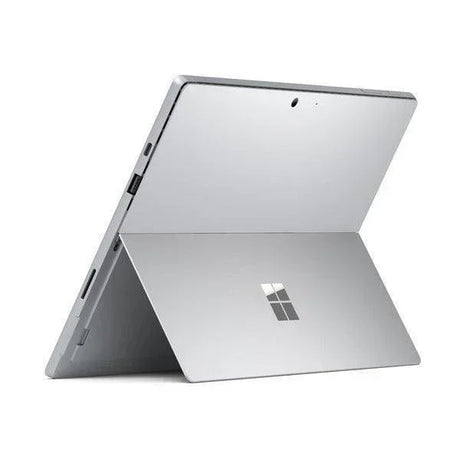
Built-in kickstand — the integrated stand adjusts through a wide range of angles, so the device stands on a desk, a lap or an aircraft tray without any accessory.
-
Pen and touch input — the 10-point PixelSense touchscreen supports Surface Pen for handwriting, sketching and marking up documents directly on screen.
-
Windows Hello sign-in — the infrared camera logs you in by face recognition, which is faster than a password and harder to shoulder-surf.
Performance In Use
The Core i7-8650U is a four-core, eight-thread 8th Gen processor running at 1.9 GHz base with a turbo ceiling of 4.2 GHz. In a device this size the practical benefit is responsiveness rather than sustained throughput — applications launch quickly, large spreadsheets recalculate without stalling, and a dozen browser tabs alongside Office and Teams stay usable. Paired with 8GB of LPDDR3 memory it handles the day-to-day workload of a professional user comfortably.
Storage is a 256GB solid-state drive, which is enough for Windows 11 Pro, the full Office suite and a working set of documents. Boot and wake are close to instant. The microSD slot takes care of media or archive files that do not need to live on the internal drive.
Where this device earns its place is mobility. It weighs under a kilogram as a tablet, the kickstand means you do not need a desk, and the 3:2 screen shows roughly a full A4 page at readable size. For a consultant moving between client sites, a student in lectures, or anyone who marks up documents by hand, it does something a conventional laptop cannot.
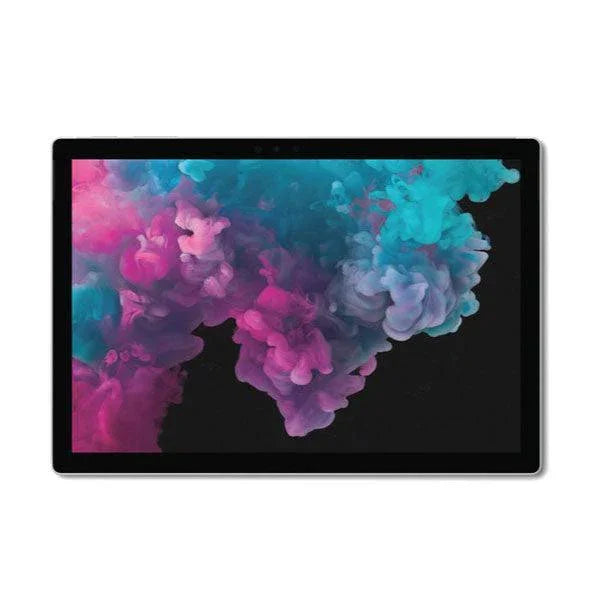
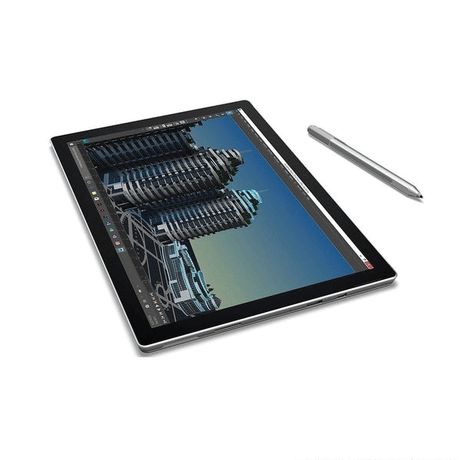
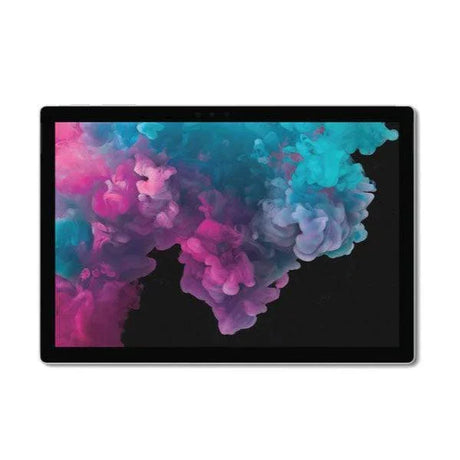
A word about the display, because it is the most underrated part of every Surface Pro. The panel measures 12.3 inches diagonally, but the 3:2 aspect ratio makes it proportionally taller than the 16:9 screens used by almost every laptop. That extra vertical space is worth more in practice than the diagonal figure suggests: a full page of A4 fits on screen at readable size, a code file shows more lines before scrolling, and a spreadsheet shows more rows. Combined with the 2736 × 1824 resolution — roughly 267 pixels per inch — text rendering sits closer to print than to a typical laptop panel, which matters a great deal if you read or write for hours at a time. The glass is fully laminated to the panel, so there is no visible air gap between the pen tip and the ink, and the display supports 10 simultaneous touch points.
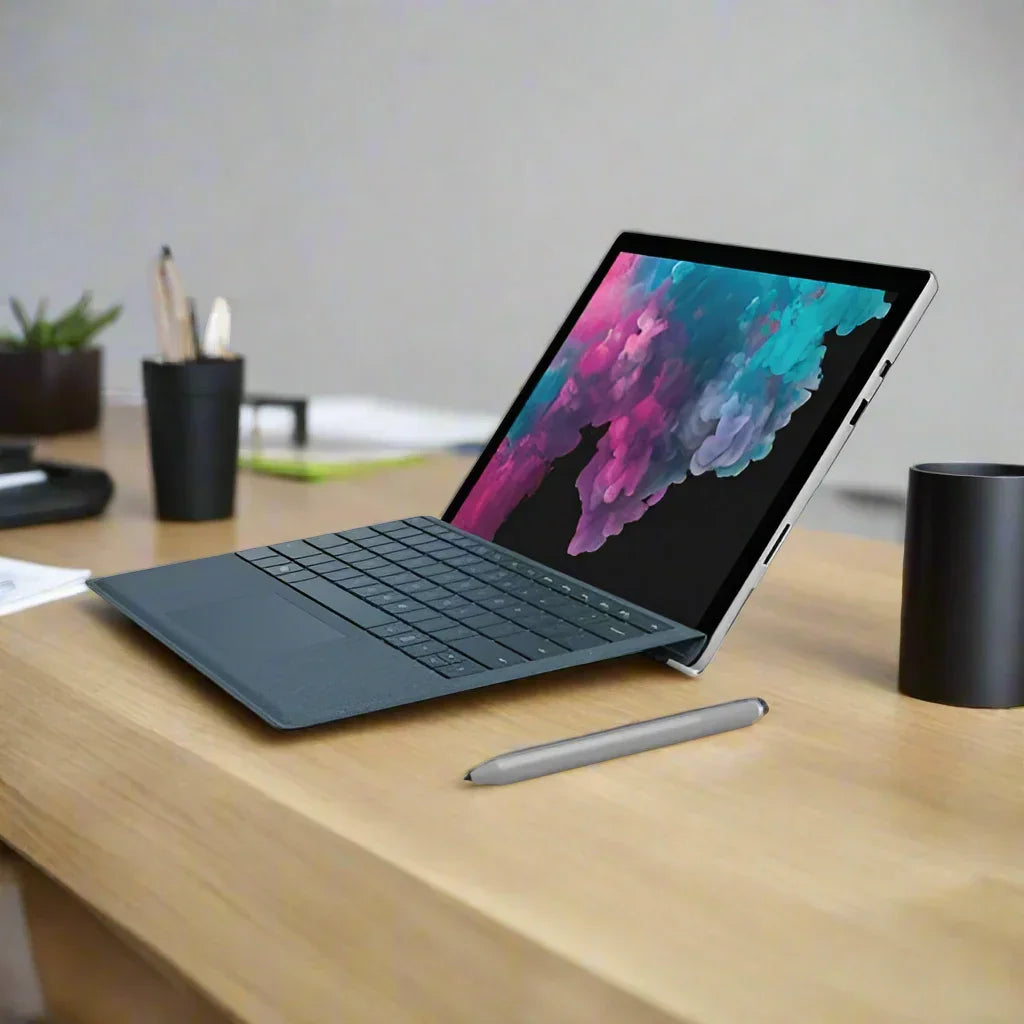
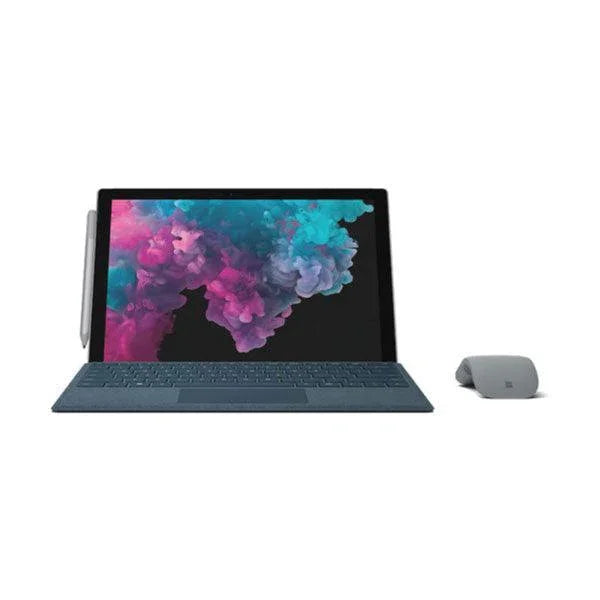
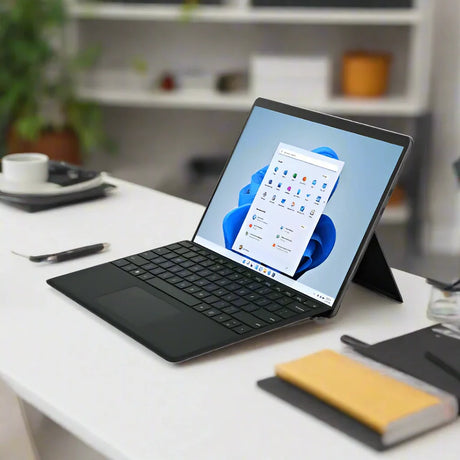
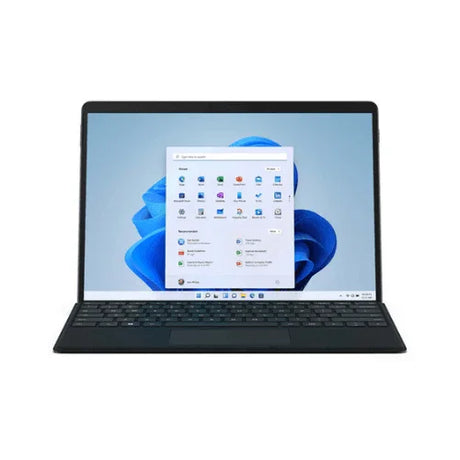
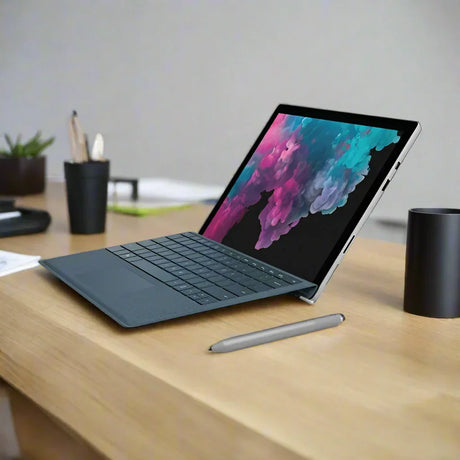
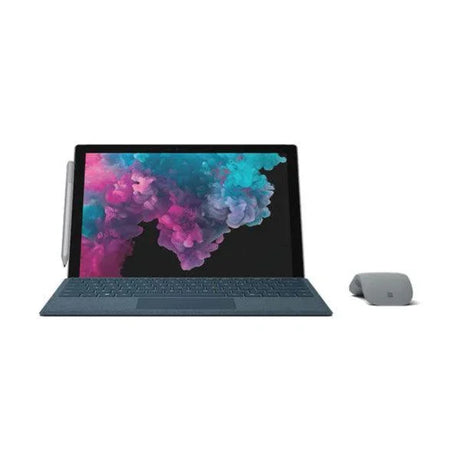
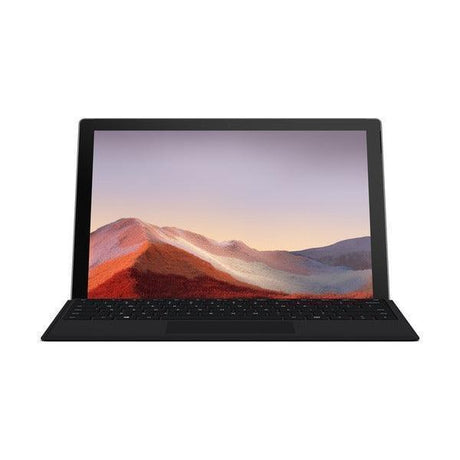
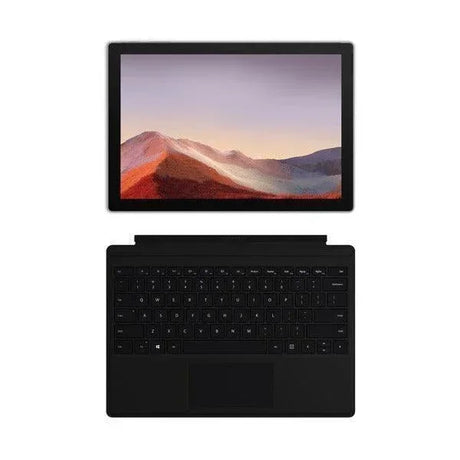
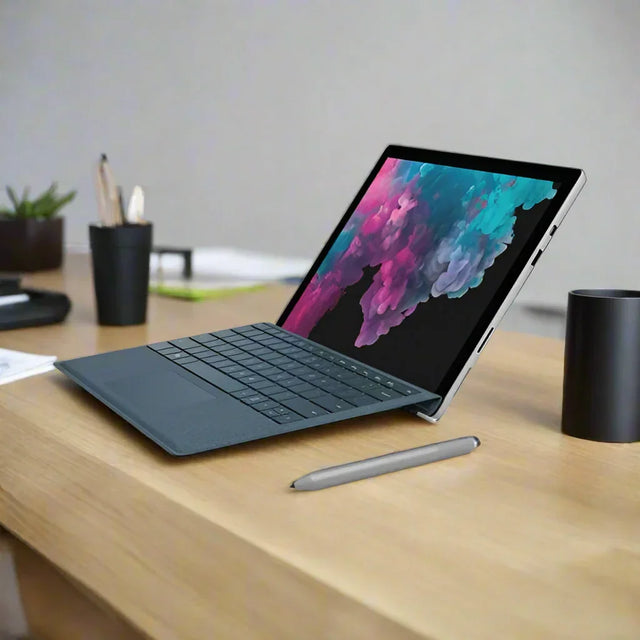
The accessory ecosystem is worth understanding before you buy. The Type Cover keyboard attaches magnetically along the bottom edge and folds over the screen as a cover when closed; any Type Cover from the Surface Pro 3 through Pro 7 generations fits, so second-hand ones are plentiful and inexpensive. The Surface Pen attaches magnetically to the left edge and supports pressure-sensitive handwriting and sketching directly on the glass. The Surface Connect port on the right edge accepts the Surface Dock, which delivers Ethernet, additional USB and dual external displays over a single magnetic connector — a genuinely practical option if the device will spend part of its life at a fixed desk. A microSD reader sits behind the kickstand for removable storage. Neither a keyboard nor a pen is included with this listing, and we would rather state that plainly here than have you find out on delivery.
Technical Specifications
| Brand |
Microsoft |
| Model |
Surface Pro 6 (model 1796) |
| Processor |
Intel Core i7-8650U, 8th Gen, 4 cores / 8 threads, 1.9 GHz base, up to 4.2 GHz turbo |
| Memory |
8GB LPDDR3 (soldered, not upgradeable) |
| Storage |
256GB SSD |
| Display |
12.3" PixelSense, 2736 × 1824, 3:2 aspect, 10-point multi-touch |
| Graphics |
Intel UHD Graphics 620 |
| Operating System |
Windows 11 Pro |
| Wireless |
Wi-Fi 802.11ac + Bluetooth |
| Ports |
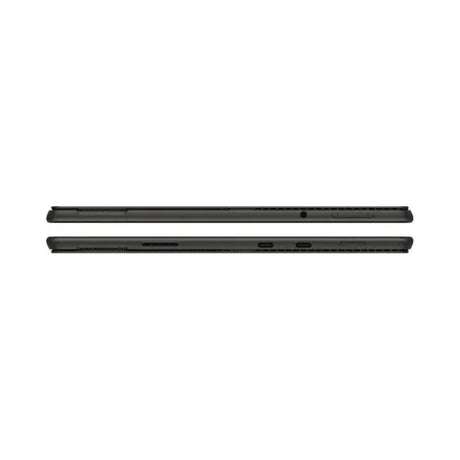
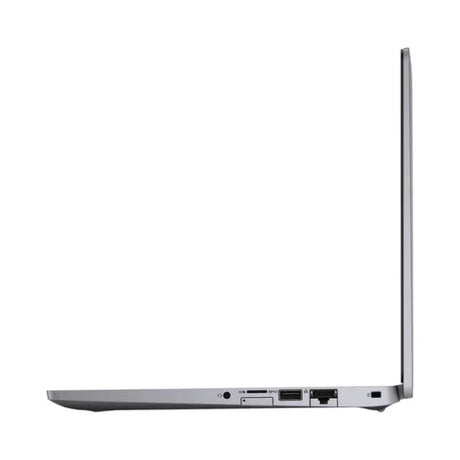
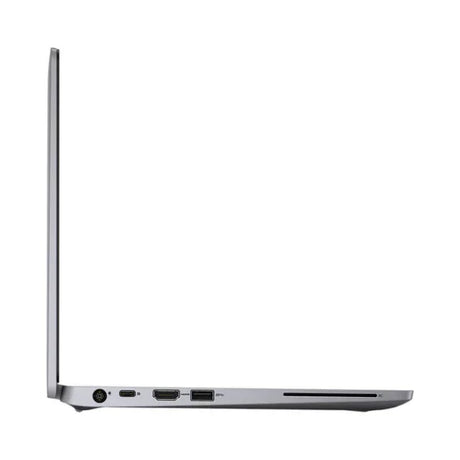
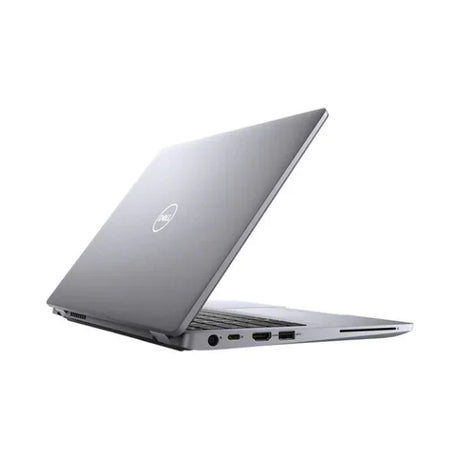
USB 3.0 Type-A, Mini DisplayPort, microSD reader, 3.5mm headset, Surface Connect |
| Cameras |
8MP rear, 5MP front with Windows Hello infrared |
| Pen support |
Yes (Surface Pen sold separately) |
| Keyboard |
Type Cover sold separately — not included |
| Warranty |
12 months |
Is It Right For You?
✓ Best For
- Students and note-takers who want pen input
- Professionals who travel and present
- Reading, email, browsing and Office work
- Marking up PDFs and drawings by hand
- A second device alongside a desktop
- Users who want the fastest Surface Pro 6 option
|
✗ Not For
- Gaming or 3D rendering
- Video editing and heavy creative workloads
- Anyone needing an included keyboard
- Users who want upgradeable RAM or storage
- Anyone needing USB-C or Thunderbolt
|
Condition Grades
| Grade |
What To Expect |
| A — Excellent |
Excellent to very good cosmetic condition. May have light scratches or other minor blemishes. Battery at 70% or more of original design capacity. |
| B — Good |
Some cosmetic blemishes including scratches and other surface imperfections. Screens may show scratches or white spots. Battery between 50% and 70% of original design capacity. |
Frequently Asked Questions
Is a keyboard included?
No. The Type Cover keyboard is a separate accessory and is not included unless the listing photographs and title state otherwise. The device is fully usable as a tablet with touch and pen input, and pairs with any USB or Bluetooth keyboard you already own. A Type Cover from any Surface Pro 3, 4, 5, 6 or 7 will fit this device. Second-hand Type Covers are widely available and inexpensive, so this is an easy and cheap addition later if you want one.
Is a Surface Pen included?
No. The screen fully supports pen input, but the pen itself is a separate accessory and is not supplied with this unit. Any Surface Pen compatible with this generation will work, as will most third-party styluses built to the same specification.
What operating system does it run?
It ships with Windows 11 Pro installed and activated, ready to use out of the box. The Pro edition adds BitLocker drive encryption, domain and Azure AD join, Remote Desktop host support and Group Policy management — the features most workplaces require before they will allow a device onto the network.
How do I connect it to a monitor or dock?
The Mini DisplayPort output drives an external monitor directly, and the Surface Connect port works with the Surface Dock for a single-cable desk setup. Note this generation does not have USB-C.
Can the storage or memory be upgraded?
No. Memory is soldered to the board and the storage is not user-serviceable on this model, so choose the configuration you need up front — it cannot be expanded later. The microSD card reader behind the kickstand does take a card of any size, which is a practical way to add space for photos, media or archives without touching the internal drive.
Is the battery covered by the warranty?
Batteries are consumable items and carry a 30-day warranty; the rest of the device is covered for the full 12 months. Battery health on every unit is measured against original design capacity before listing and reflected in the grade, so you know what you are buying rather than finding out later. Expect a used battery to deliver less runtime than a new one — that is normal for any refurbished device and is why we state the measurement rather than making a claim about hours.
How long does delivery take?
Free standard AU shipping is included and orders are usually dispatched within one business day from our Melbourne warehouse. Tracking is provided on every order, and a tax invoice is included with all sales.
12-Month Warranty & Peace Of Mind
Every device we sell is professionally tested, cleaned and graded before listing, and comes with a 12-month warranty from Reboot IT (30 days on batteries, which are consumable items). Free standard AU shipping is included.
Each unit passes through the same process: hardware scanned and logged component by component, storage securely wiped, battery health measured against original design capacity, and a cosmetic grade assigned by a technician rather than guessed. Anything that fails goes to the repair bench or is stripped for parts — it does not get listed.
Reboot IT has been refurbishing business IT equipment in Melbourne since 2001. We are a genuine Australian business with local support, local stock and local warranty service. Visit reboot-it.com.au to learn more about how we test and grade every unit.