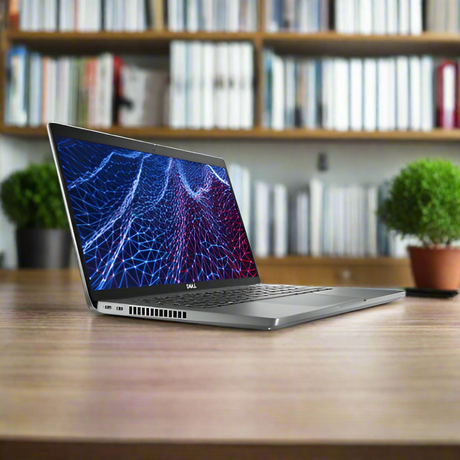
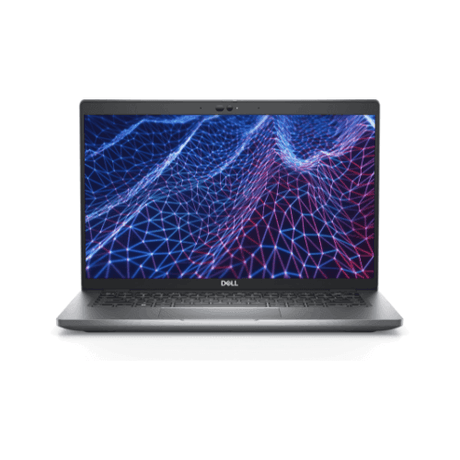
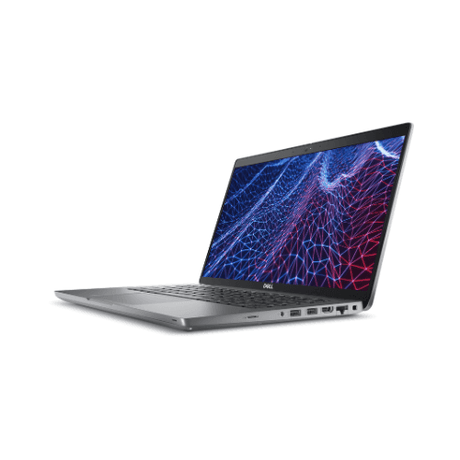
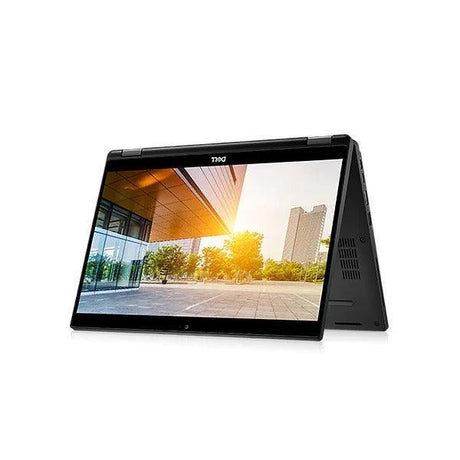
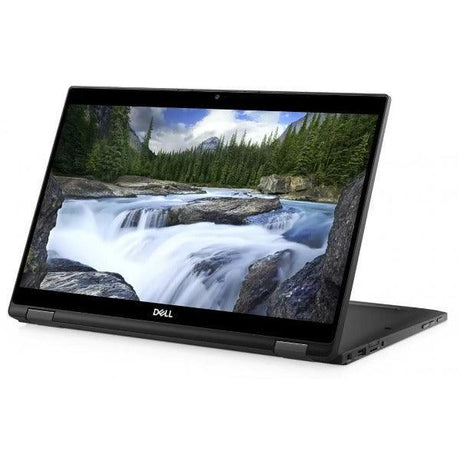
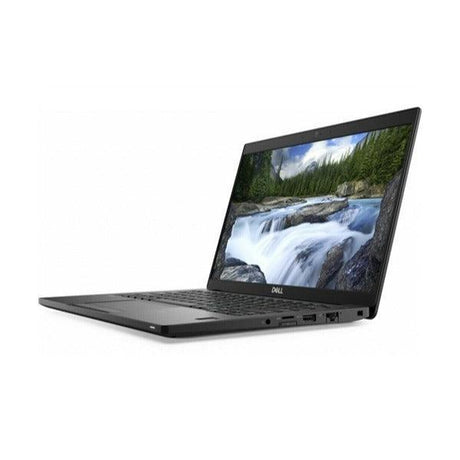
Dell Latitude 5440 — 14" FHD Touchscreen 13th Gen Core i5 Business Laptop
A professionally tested and graded 14-inch business laptop with a Full HD touchscreen, built around Intel’s 13th Generation Core i5-1345U with 16GB of DDR4 memory and a 256GB NVMe SSD, running Windows 11 Pro. Backed by a 12-month Reboot IT warranty and free standard AU shipping, it brings touch input to an enterprise-class chassis built for daily work.
Key Benefits
-
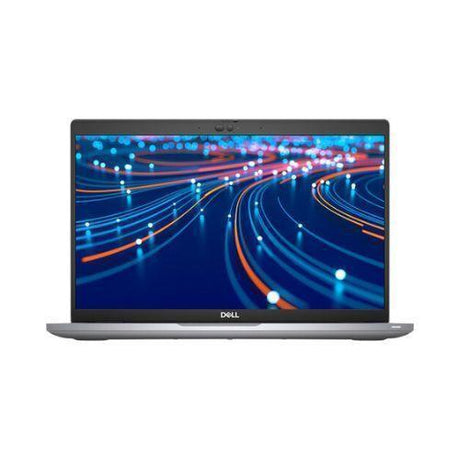
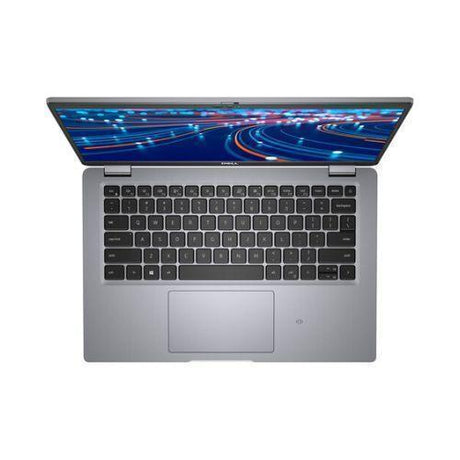
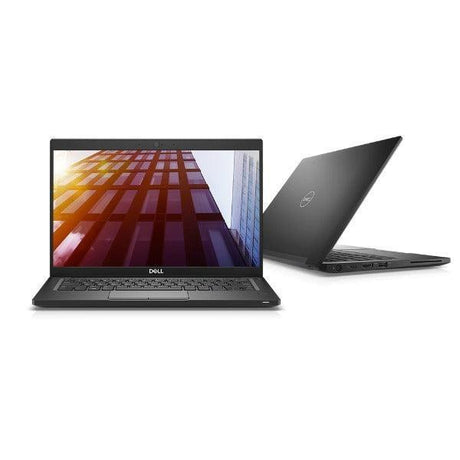
14-inch Full HD touchscreen: A 1920×1080 IPS panel rated at 300 nits with an anti-glare finish and full touch input — scroll, pinch, sign and annotate directly on screen, with enough brightness for a well-lit office.
-
13th Gen Intel Core i5: The i5-1345U is a 10-core (2 performance + 8 efficient), 12-thread processor boosting to 4.7GHz, delivering brisk response for multitasking, large documents and video calls.
-
16GB DDR4 with a free slot: A single 16GB DDR4-3200 module leaves the second SODIMM slot empty, so you can add a matching stick for dual-channel bandwidth or step up toward the platform’s 64GB ceiling. Nothing here is soldered down.
-
256GB NVMe SSD: Solid-state storage means near-instant boot and fast app launches, with a straightforward upgrade path via the standard M.2 slot if you need more room later.
-
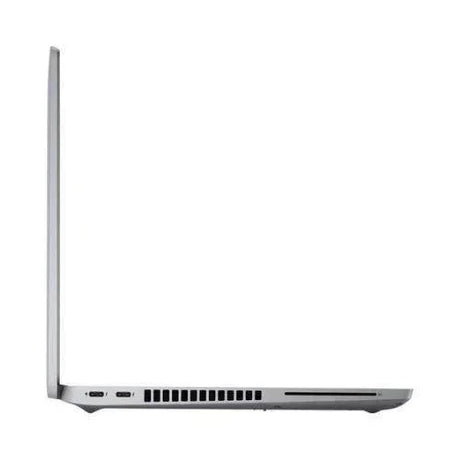
Thunderbolt 4 and Wi-Fi 6E: A single USB-C cable drives docks, power and multiple external displays, while Intel Wi-Fi 6E (AX211) with Bluetooth 5.4 keeps you on the fastest available wireless band.
-
12-month warranty & free AU shipping: Every unit is tested, graded and covered by a 12-month Reboot IT warranty, with free standard shipping anywhere in Australia.
Performance In Use
For day-to-day office work, the Latitude 5440 feels effortless. The 13th Gen Core i5-1345U pairs two performance cores with eight efficient cores, so short bursts — opening a large workbook, rendering a long document, joining a video call — land on the fast cores while background tasks sit on the efficient ones. With 16GB of RAM and NVMe storage, a full inbox, a heavy spreadsheet, a browser stacked with reference tabs and a Teams or Zoom call all coexist comfortably.
The touchscreen is what sets this configuration apart. Reviewing and signing documents, marking up drawings, navigating dashboards and working through long forms are all faster with direct touch than with a trackpad, and the anti-glare coating means the panel stays readable rather than turning into a mirror under overhead lighting. At 300 nits it is a step brighter than the standard non-touch panel, which helps near windows and in meeting rooms.
Remote and hybrid workers get particular value here. Intel Iris Xe integrated graphics drive the built-in display comfortably and support multiple external monitors over Thunderbolt 4, so a single USB-C cable at the desk gives you power, network and a two-screen setup in one connection. Students, consultants and small-business operators will find plenty of headroom for research with many tabs open, building presentations, working across Office or Google Workspace, and running business or accounting applications.
Technical Specifications
| Brand |
Dell |
| Model |
Latitude 5440 |
| Processor |
Intel Core i5-1345U (13th Gen, 10 cores / 12 threads, up to 4.7GHz) |
| Memory (RAM) |
16GB DDR4-3200 (1 × 16GB SODIMM, second slot free, upgradeable to 64GB) |
| Storage |
256GB NVMe SSD (M.2 2230, PCIe) |
| Display |
14" Full HD (1920×1080) IPS touchscreen, anti-glare, 300 nits |
| Graphics |
Intel Iris Xe (integrated) |
| Operating System |
Windows 11 Pro |
| Wireless |
Intel Wi-Fi 6E (AX211) + Bluetooth 5.4 |
| Wired Network |
Gigabit Ethernet (RJ45) |
| Ports |
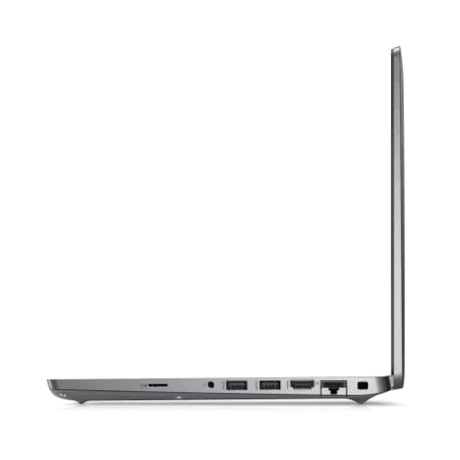
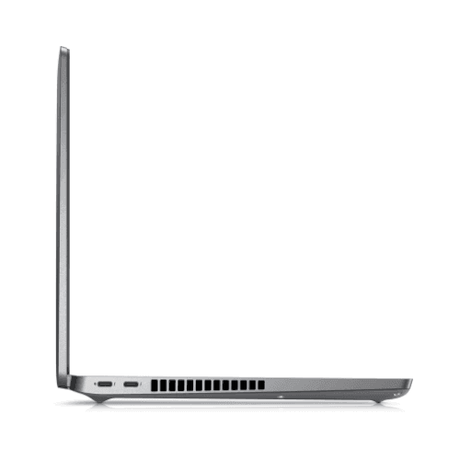
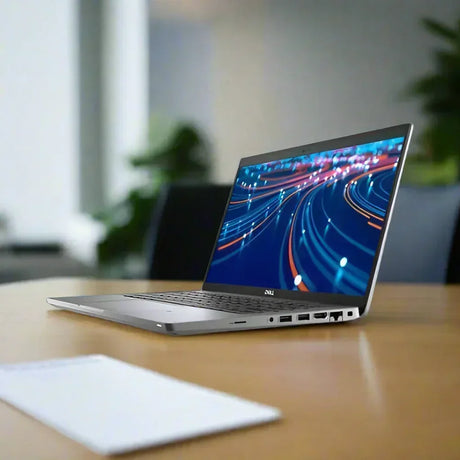
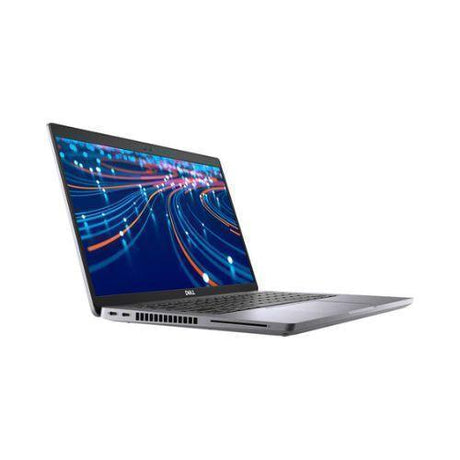
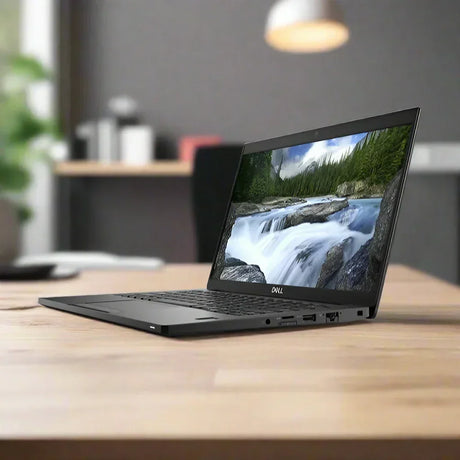
Thunderbolt 4 (USB-C), USB-A, HDMI, RJ45, 3.5mm audio |
| Camera |
FHD + infrared camera with privacy shutter (Windows Hello face sign-in) |
| Keyboard |
Backlit |
| Security |
TPM 2.0 |
| Battery |
3-cell 54Wh |
| Power Adapter |
65W USB-C |
| Form Factor |
14" business clamshell laptop |
| Warranty |
12-month Reboot IT warranty |
Is It Right For You?
| ✔ Best For |
✘ Not For |
Office productivity and everyday business use
Anyone who wants touch input on a work laptop
Document review, sign-off and form-heavy workflows
Hybrid and remote workers wanting a portable machine
Buyers who want a free RAM slot to upgrade into
Thunderbolt dock and dual-monitor desk setups |
Demanding AAA gaming
Heavy 3D rendering or professional video editing
Workloads needing a dedicated GPU
Fleets requiring Intel vPro remote management
Users needing built-in 4G/LTE mobile broadband
Users needing a large 15"+ display |
Condition Grades
| Grade |
What to Expect |
| A – Excellent |
Minimal signs of prior use. Only very light, hard-to-notice marks. Fully tested and cleaned, presenting in near-new condition. |
| B – Good |
Light cosmetic wear such as minor scuffs or small scratches consistent with normal business use. Fully functional and thoroughly tested. |
70%+ battery for Grade A, 40–69% for Grade B, 7-day dead-battery cover.
Frequently Asked Questions
Is this laptop new or refurbished?
It is a professionally refurbished business laptop. Each unit is inspected, tested, cleaned and graded by our Melbourne team before it ships.
Is the screen a touchscreen?
Yes. This configuration has a 14-inch Full HD IPS touchscreen rated at 300 nits, with an anti-glare finish so it stays readable under office lighting.
Can I upgrade the memory or storage later?
Yes. This unit ships with a single 16GB DDR4 module and a second SODIMM slot free, so you can add memory without removing anything, up to 64GB in total. The M.2 NVMe drive is also replaceable. If you plan to upgrade, we recommend a qualified technician to keep your warranty intact.
Does it have Intel vPro?
No. This particular unit was configured by Dell without vPro management enabled, so it is best suited to standalone use rather than a vPro-managed corporate fleet.
What operating system does it come with?
It ships with Windows 11 Pro installed and ready to use, giving you BitLocker encryption, domain join and remote desktop out of the box.
Does it have mobile broadband or a SIM slot?
No. This unit was configured without a mobile broadband card, so it connects via Wi-Fi 6E, Bluetooth or the built-in Gigabit Ethernet port.
Does it come with a charger?
Yes, a compatible 65W USB-C power adapter is included so the laptop is ready to use on arrival.
How much does shipping cost?
This laptop qualifies for free standard AU shipping, delivered anywhere in Australia at no extra cost.
What warranty is included?
Every unit is covered by a 12-month Reboot IT warranty, with 7-day dead-battery cover for peace of mind.
Your Purchase Is Protected
Every laptop is backed by a 12-month Reboot IT warranty. As a Melbourne-based refurbisher operating since 2001, we individually test and grade each device to a consistent standard before it leaves our workshop, so you know exactly what you are getting. Buy with confidence: your order includes free standard AU shipping and the reassurance of dealing with an established Australian business that stands behind every unit it sells.