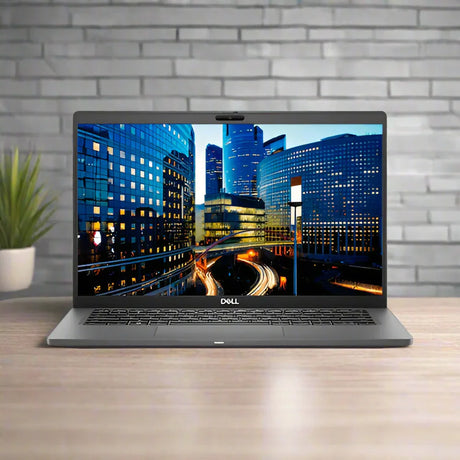
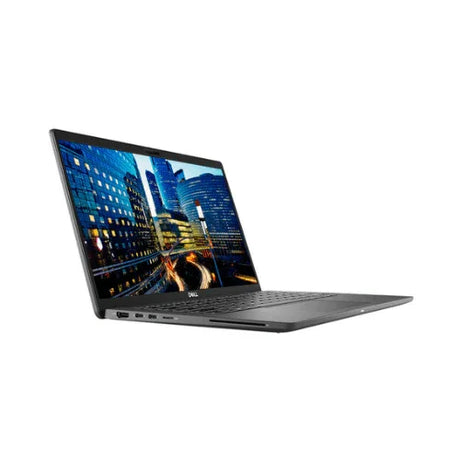
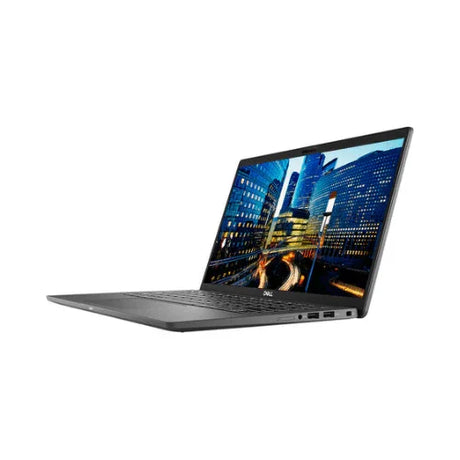
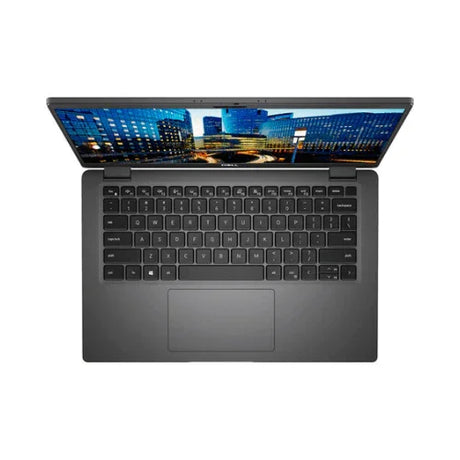
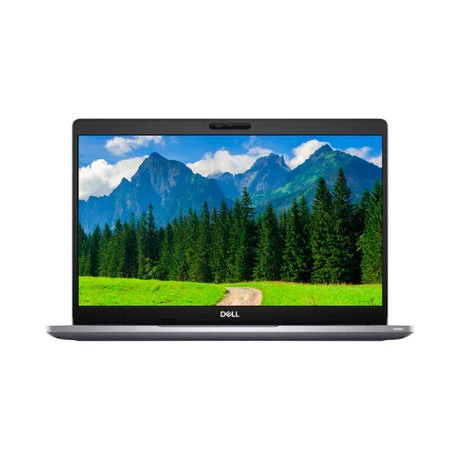
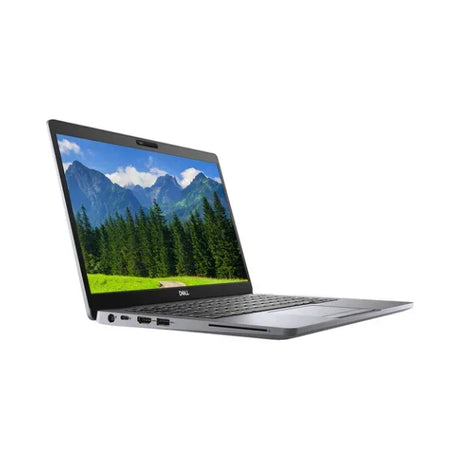
Apple MacBook Pro 16" (2021) – M1 pro, 32GB, 1TB
The MacBook Pro 16" with Apple M1 Max delivers a 10-core CPU, 32-core GPU, 32GB unified memory, and 1TB SSD in a 16.2" Liquid Retina XDR chassis — the most powerful MacBook Pro ever built at launch. Backed by a 12-month Reboot IT warranty.
Key Benefits
-
Apple M1 Max — Top-Tier Performance: The M1 Max 10-core CPU (8 performance + 2 efficiency) and 32-core GPU outperform previous Intel-based MacBook Pros and rival discrete GPU laptops for video editing, 3D rendering, and machine learning workflows.
-
32GB Unified Memory: Unlike traditional RAM, Apple's unified memory is shared across the CPU, GPU, and Neural Engine with extremely high bandwidth — meaning complex video timelines, large RAW photo libraries, and multiple virtual machines run without bottleneck.
-
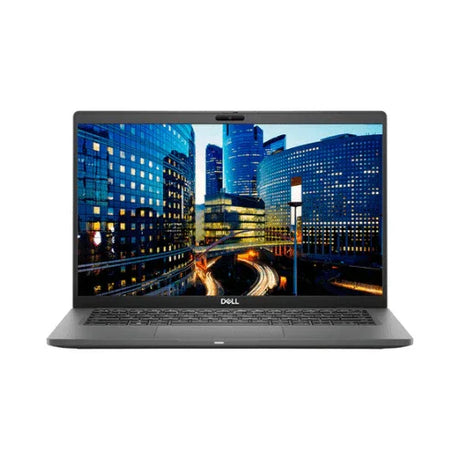
Liquid Retina XDR Display: The 16.2" panel hits 1000 nits sustained and 1600 nits peak with a 120Hz ProMotion refresh rate — noticeably smoother scrolling, more fluid animations, and cinema-grade colour accuracy for creative work.
-
Up to 21 Hours Battery Life: The 100Wh battery combined with M1 Max's efficiency delivers genuine all-day battery life even under load — a first for a pro-spec laptop of this class.
-
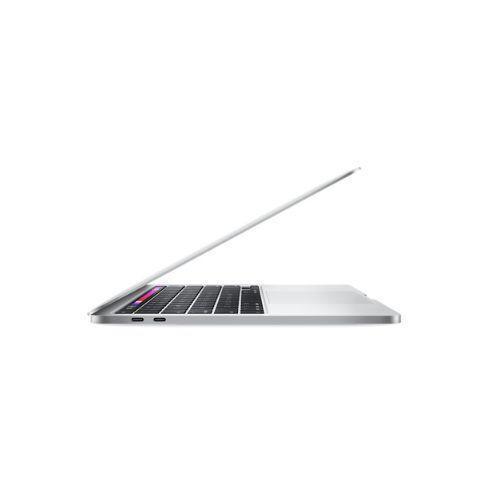
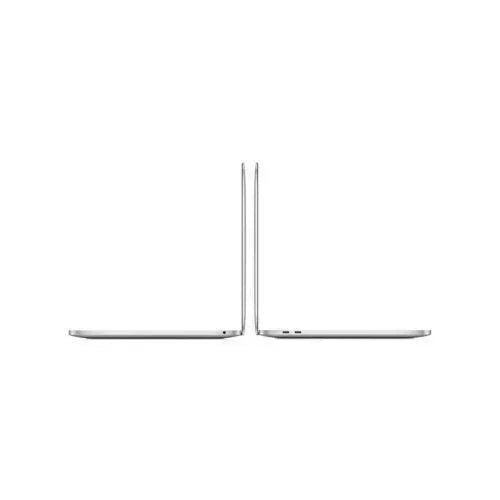
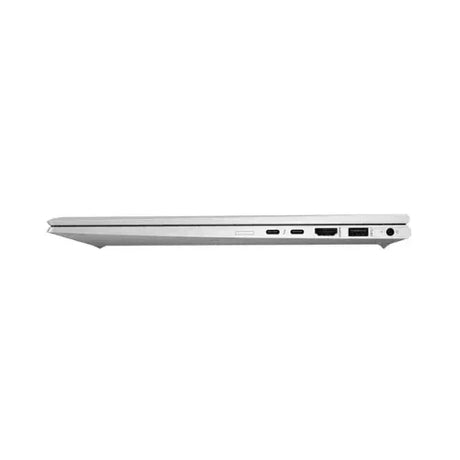
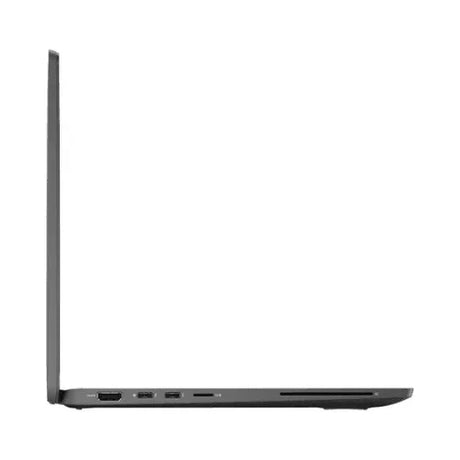
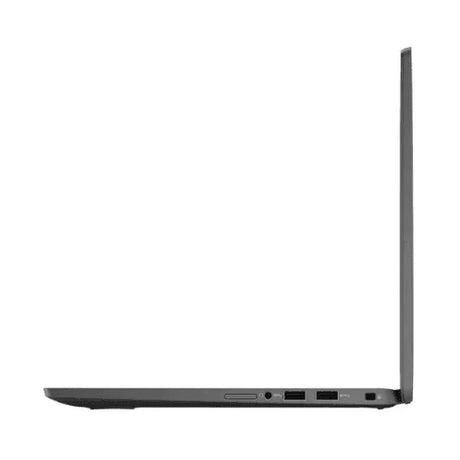
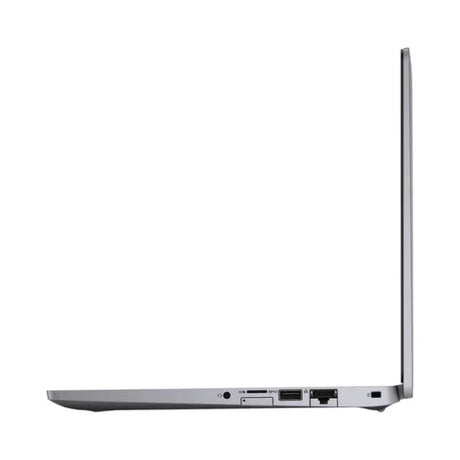
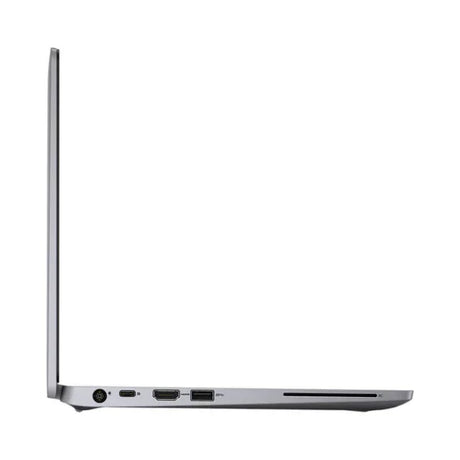
Pro Port Selection: Three Thunderbolt 4 ports, HDMI 2.0, SDXC card slot, MagSafe 3 charging, and a high-impedance 3.5mm jack — every port a pro user actually needs, back from the 2019 models.
-
World-Class Audio & Camera: A six-speaker system with Spatial Audio, three high-quality directional microphones, and a 1080p FaceTime HD camera with Centre Stage make this exceptional for calls, music production, and content creation.
Performance in Use
The M1 Max is purpose-built for creative professionals. In Final Cut Pro, it exports 8K ProRes footage in real time without dropping frames — a task that required external GPUs or render farms on previous Intel machines. DaVinci Resolve, Logic Pro, and Xcode all run noticeably faster than on competing Intel or even AMD Ryzen laptops, largely because the M1 Max's unified memory eliminates the latency of data passing between CPU and discrete GPU.
For developers, the performance advantage is equally real. Xcode builds complete 2–3× faster than on M1 MacBook Pros, and Rosetta 2 ensures virtually all legacy Intel apps run without issue. The 32-core GPU handles Metal workloads — game development, 3D modelling in Blender, scientific visualisation — that would stutter on Intel Iris Xe or AMD integrated graphics. Parallels Desktop users get surprisingly capable virtualisation thanks to the memory bandwidth, though note that the ARM edition of the guest OS runs rather than x86.
Battery life in this configuration genuinely lives up to Apple's claims. Running a mixed workload of Final Cut exports, browser tabs, and Slack, you'll see 14–18 hours. Under sustained GPU load (3D renders, video encoding) it drops to 6–8 hours — still exceptional for a 16" machine. The MagSafe 3 port means the three Thunderbolt 4 ports stay free for peripherals while charging.
Technical Specifications
| Chip |
Apple M1 Max (5nm), 10-core CPU (8P + 2E), 32-core GPU, 16-core Neural Engine |
| Memory |
32GB unified memory (LPDDR5, 400 GB/s bandwidth) |
| Storage |
1TB Apple SSD (NVMe, up to 7.4 GB/s read) |
| Display |
16.2" Liquid Retina XDR, 3456×2234 (254 ppi), 120Hz ProMotion, 1000 nits sustained / 1600 nits peak, P3 wide colour, True Tone |
| Camera |
1080p FaceTime HD camera with Centre Stage |
| Audio |
6-speaker system with Spatial Audio, 3 studio-quality directional microphones, 3.5mm headphone jack (high-impedance support) |
| Ports |
3x Thunderbolt 4 (USB-C, 40 Gb/s), HDMI 2.0, SDXC card reader (UHS-II), MagSafe 3, 3.5mm headphone |
| Wireless |
Wi-Fi 6 (802.11ax), Bluetooth 5.0 |
| Battery |
100Wh (up to 21 hours video playback) |
| Charging |
140W MagSafe 3 (included) or Thunderbolt 4 USB-C |
| Operating System |
macOS (upgradeable to latest release) |
| Colour |
Space Grey |
| Dimensions |
355.7 x 248.1 x 16.8 mm, 2.15 kg |
| Model |
A2485 (MacBook Pro 16", Late 2021) |
| Warranty |
12 months (Reboot IT) |
Is It Right for You?
| Best For ✓ |
Not Ideal For ✗ |
| Video editors, motion designers, and 3D artists who need sustained GPU performance |
Windows users — macOS is not Windows; the transition requires adjustment |
| Audio engineers and music producers (Logic Pro, Ableton, Pro Tools) |
x86/x64-only enterprise software without ARM/Rosetta compatibility |
| iOS/macOS developers who need fast Xcode builds and a native ARM target |
Gamers — most AAA games are unavailable on macOS natively |
| Photographers working with large RAW files in Lightroom or Capture One |
Users who need RAM upgradeable beyond 32GB (memory is soldered) |
Condition Grades
| Grade |
Description |
| A – Excellent |
Minimal cosmetic wear — may have light surface marks visible only under close inspection. Battery health ≥70% (check via Apple menu → System Information → Power). Fully functional. |
| B – Good |
Light cosmetic wear including minor scratches or scuffs. Battery health 50–70% (30-day battery warranty applies). Fully functional. |
Frequently Asked Questions
How does M1 Max compare to the M1 Pro?
The M1 Max doubles the GPU core count (32 vs 16) and memory bandwidth (400 GB/s vs 200 GB/s) compared to the M1 Pro. In GPU-heavy tasks like 3D rendering, ProRes video export, and machine learning, the M1 Max is roughly 2x faster. For CPU-only tasks the difference is minimal. If your work is GPU-intensive — video, motion, 3D, ML — the Max is worth it; for general coding or document work the Pro is sufficient.
Can this run Windows?
Yes, via Parallels Desktop (paid software). Parallels runs Windows for ARM natively on Apple Silicon with good performance for most business and development use. Note that x86-only software may not run under ARM Windows, though Microsoft's built-in x86 emulation layer covers many common apps. Boot Camp is not available on M-series Macs.
Can I upgrade the RAM or storage later?
No — both the 32GB unified memory and 1TB SSD are soldered to the logic board and cannot be upgraded after purchase. The 32GB/1TB configuration is well-suited to most professional workloads.
How do I check battery health on macOS?
Go to Apple menu → System Information → Power. You'll see the current battery condition, cycle count, and maximum capacity. Grade A units will show 70%+ maximum capacity; Grade B units will show 50–70%, covered by a 30-day battery warranty.
What warranty is included?
Every unit comes with a 12-month Reboot IT warranty covering hardware faults. Grade B units also carry a separate 30-day battery warranty. Contact our Melbourne team if you experience any issues during the warranty period.
How does shipping work?
We offer free standard shipping Australia-wide on this laptop. Express options are available at checkout for faster delivery.
What is the difference between Grade A – Excellent and Grade B – Good?
Grade A units show minimal cosmetic wear and battery health of 70% or above. Grade B units may have light scratches or scuffs with battery health between 50–70%, covered by a 30-day battery warranty. Both grades are fully functional and backed by the 12-month Reboot IT warranty.
12-Month Reboot IT Warranty
Every MacBook Pro 16" sold by Reboot IT comes with a full 12-month warranty against hardware faults. Our Melbourne-based team has been professionally refurbishing and selling quality IT equipment since 2001, and every unit is thoroughly tested and graded before dispatch.
This laptop ships with free standard Australia-wide delivery. If anything goes wrong under warranty, contact us at reboot-it.com.au — we'll sort it out promptly.