Dell WD19DCS Performance Dual USB-C Docking Station
The performance model in the WD19 family, using two USB-C connectors instead of one to deliver more display bandwidth and more power to the host machine. Supplied with its AC adapter and covered by a 12-month Reboot IT warranty.
Key Benefits
-
Dual USB-C connection: Two Type-C connectors to the host carry substantially more bandwidth than a single-cable dock, which is what makes the higher display modes possible.
-
5K single-display support: Drives a single display at up to 5120 x 2880 at 60 Hz, a mode most standard USB-C docks cannot reach.
-
Triple 4K output: Runs three external displays at 3840 x 2160 at 60 Hz, suited to trading desks, engineering and design workstations.
-
High power delivery: Built for mobile workstations, delivering enough power to keep a hungry laptop charged while it is working, not just while it is idle.
-
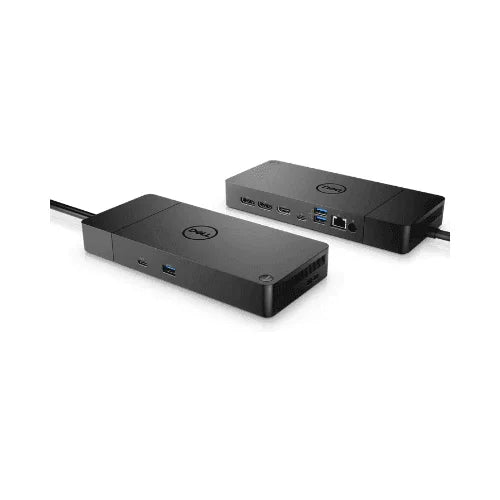
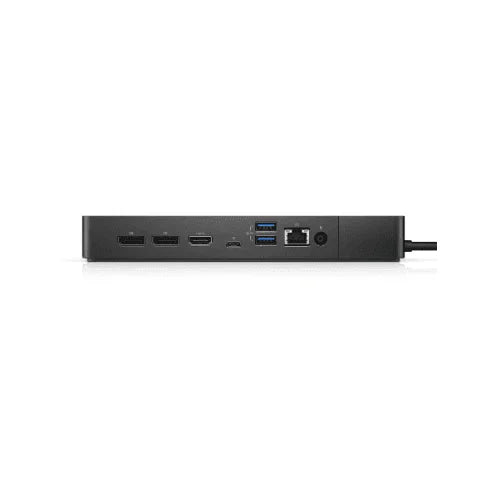
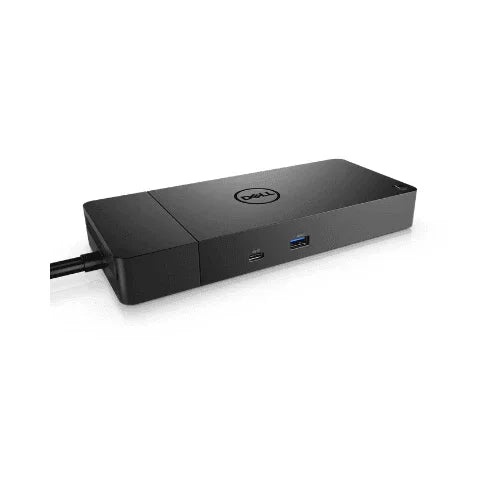
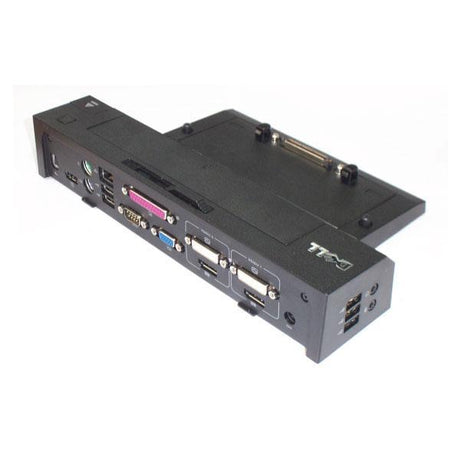
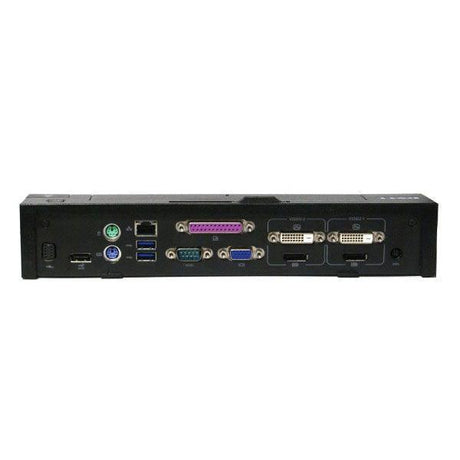
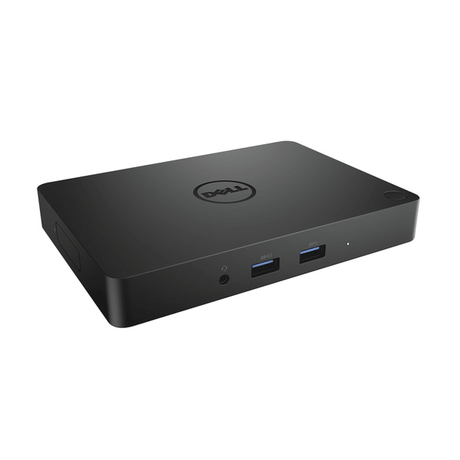
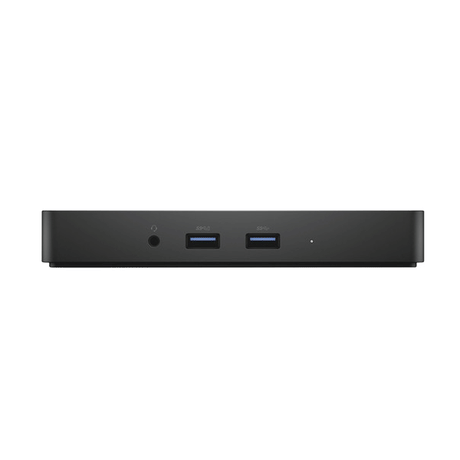
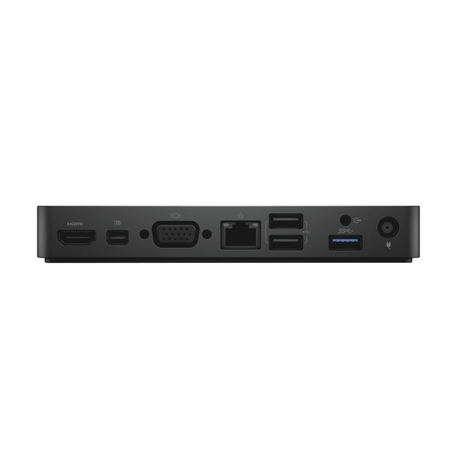
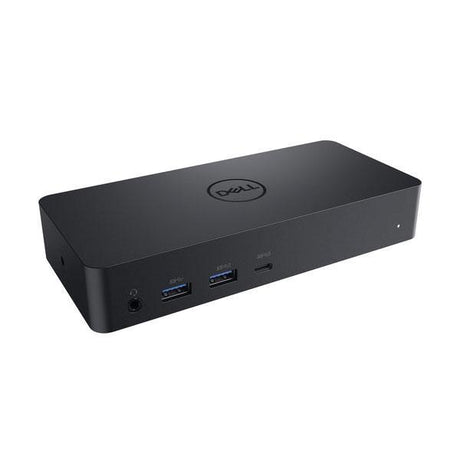
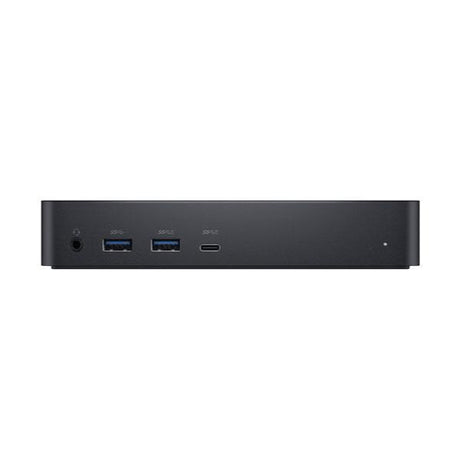
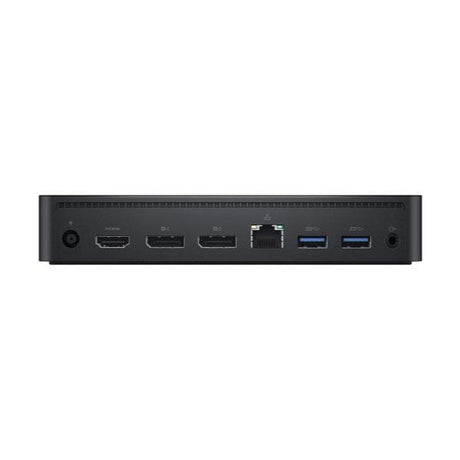
Full port complement: DisplayPort, HDMI, multiple USB Type-A and Type-C ports, Gigabit Ethernet and audio, all live from the one connection.
-
Workstation-class docking: Designed alongside the Dell Precision line, so it targets users whose display and power requirements exceed a standard office dock.
Performance In Use
The WD19DCS exists because a single USB-C cable eventually runs out of bandwidth. By using two Type-C connectors to the host, it clears the ceiling that limits ordinary docks, and that shows up in exactly two places: how many pixels it can push, and how much power it can return to the laptop.
For display work this is the practical difference. A standard dock will typically run two monitors at office resolutions and start making compromises beyond that. This one will drive a single 5K panel at 60 Hz, or three 4K panels at 60 Hz, which puts it in range for engineering, design, video review and multi-chart financial desks where screen real estate is the whole point.
The power side matters just as much for mobile workstation users. A Precision-class laptop under sustained load can draw more than a normal dock will supply, which results in the battery slowly draining even while docked. The WD19DCS is specified for that scenario. On a standard business ultrabook the dock is comfortably more capable than required — worth knowing you are buying headroom you may not need if your display setup is a simple dual-monitor pair.
Technical Specifications
| Brand |
Dell |
| Model |
WD19DCS Performance Dock |
| Connection to host |
Dual USB-C connectors |
| Maximum single display |
5120 x 2880 at 60 Hz |
| Multi-display |
Up to three displays at 3840 x 2160 at 60 Hz |
| Video outputs |
DisplayPort, HDMI and multifunction USB-C DisplayPort |
| Network |
1 x Gigabit Ethernet (RJ45) |
| USB ports |
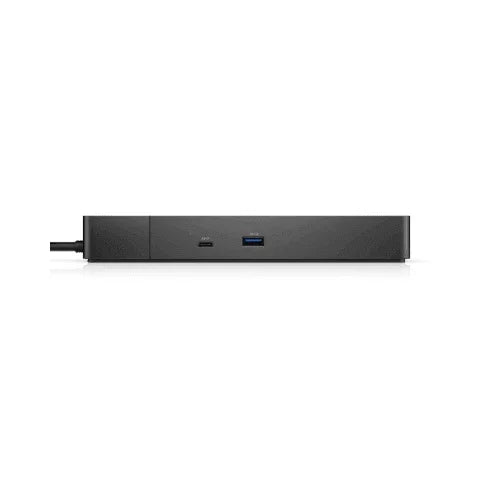
USB 3.1 Type-A and Type-C ports, including PowerShare |
| Audio |
Audio out and combo jack |
| Power |
AC adapter included; the WD19DCS shipped with a 240 W adapter |
| Colour |
Black |
| Included |
Dock, AC adapter, tax invoice |
| Warranty |
12-month Reboot IT warranty |
Is It Right For You?
| Best For |
Not For |
| ✓ Dell Precision mobile workstations |
✗ Laptops without USB-C DisplayPort Alt Mode |
| ✓ Triple 4K or single 5K display setups |
✗ Simple single-monitor desk setups |
| ✓ Engineering, CAD and design desks |
✗ Buyers who only need a basic USB hub |
| ✓ Video and photo editing workstations |
✗ Users wanting the cheapest possible dock |
| ✓ Trading and multi-chart financial desks |
✗ Travel use — it is a desk-bound unit |
| ✓ High-power laptops that drain while docked |
|
Condition Grades
| Grade |
What To Expect |
| A — Excellent |
Excellent to very good cosmetic condition. May carry light scratches or faint marks that are not obvious in normal use. Fully tested and functionally as-new. |
| B — Good |
Good cosmetic condition with visible signs of prior use — scuffs, scratches or minor blemishes on the casing. Cosmetic only; function is identical to Grade A. |
Grading is cosmetic. Every unit is functionally tested to the same standard regardless of grade. This product has no internal battery, so battery grading does not apply.
Frequently Asked Questions
What makes this different from a standard WD19?
The DCS model connects using two USB-C connectors rather than one. That extra bandwidth is what allows the higher display modes, and it also supports greater power delivery back to the laptop.
Which laptops is it designed for?
It was built alongside the Dell Precision mobile workstation line, but it works with any laptop whose USB-C ports support DisplayPort Alt Mode. It is not restricted to Dell machines.
Can it really drive three 4K monitors?
Yes, at 3840 x 2160 and 60 Hz each, subject to the host laptop graphics being capable of driving three external displays. The dock provides the bandwidth; the laptop GPU still has to support the configuration.
Is the power adapter included?
Yes, the AC adapter is supplied with this listing. That matters on this model in particular, because its power delivery capability is one of the main reasons to buy it.
Will it fully charge a workstation laptop under load?
It is specified for exactly that scenario, which is where standard docks fall short. Very high-draw configurations under sustained full load may still charge slowly, as they would on any dock.
Is it tested before shipping?
Yes. Video outputs, Ethernet, all USB ports and host charging are bench-tested in our Melbourne workshop before the unit is graded and listed.
What warranty applies?
A 12-month Reboot IT warranty against hardware faults, supported from our own Melbourne workshop.
Warranty & After-Sales Support
Every Dell WD19DCS dock sold by Reboot IT is covered by a 12-month warranty against hardware faults, backed by our own workshop rather than a third party. If something fails inside the warranty period we repair, replace or refund it.
Reboot IT has operated from Melbourne since 2001, refurbishing ex-corporate and ex-government IT equipment for businesses, schools and home users across Australia. Every unit is inspected, tested, data-wiped and graded in-house before it is listed.
Free standard AU shipping is included on this item. Orders include a tax invoice, and our support team is contactable by phone or email for setup questions after delivery.