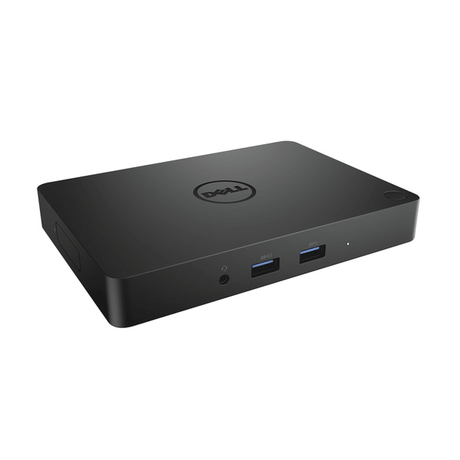
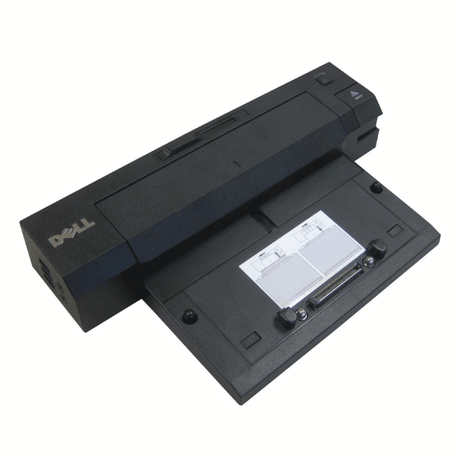
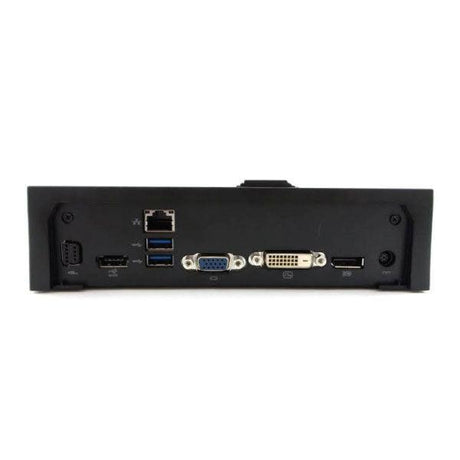
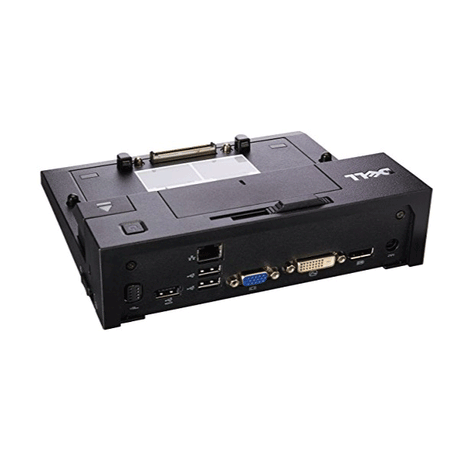
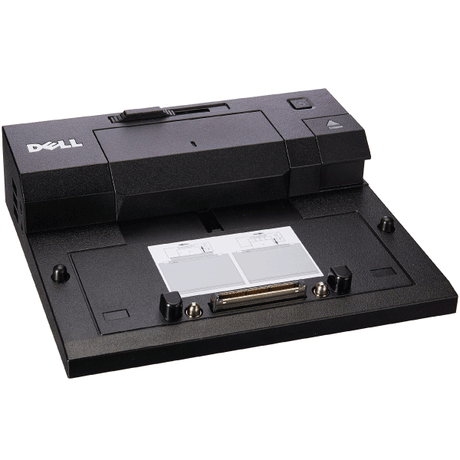
Dell WD19S USB-C Docking Station — Dual 4K, 130W Power Delivery, Supplied with 180W PSU
The Dell WD19S turns a single USB-C cable into a complete desk setup — two 4K displays at 60Hz, wired Gigabit Ethernet, a full spread of USB ports, and up to 130W of charge back to the laptop. This is the 180W power supply configuration, which is what unlocks the higher 130W charging tier. Backed by a 12-month Reboot IT warranty and free standard AU shipping.
Key Benefits
-
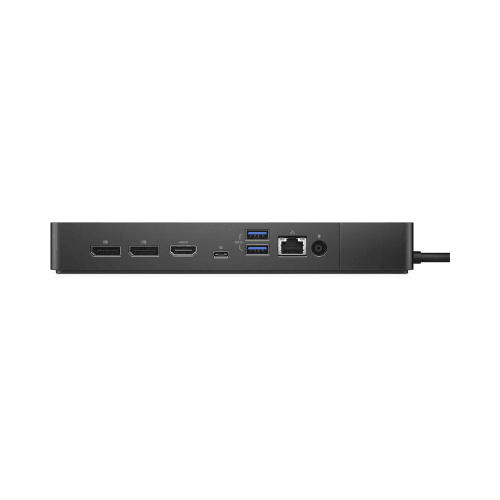
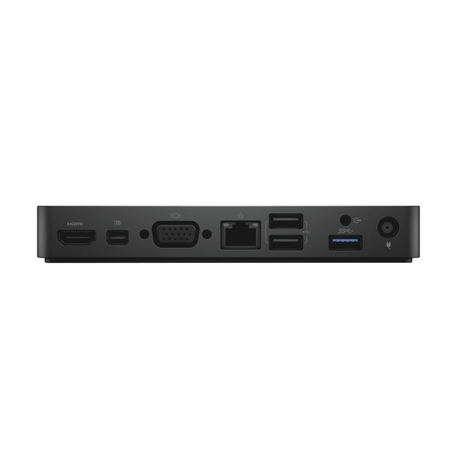
Dual 4K at 60Hz — Two DisplayPort 1.4 outputs plus HDMI 2.0b drive a pair of 4K monitors at a full 60Hz refresh, not the 30Hz compromise cheaper docks fall back to
-
130W laptop charging over the same cable — Power, video, data and network all travel down one USB-C connection, so the second power brick can stay in the bag
-
180W power supply included — The higher-wattage PSU ships with the dock; this is the configuration that supports the 130W charging tier rather than the 90W one
-
Gigabit Ethernet — A wired RJ45 connection at full 1GbE, noticeably steadier than Wi-Fi for video calls, large transfers and corporate VPN
-
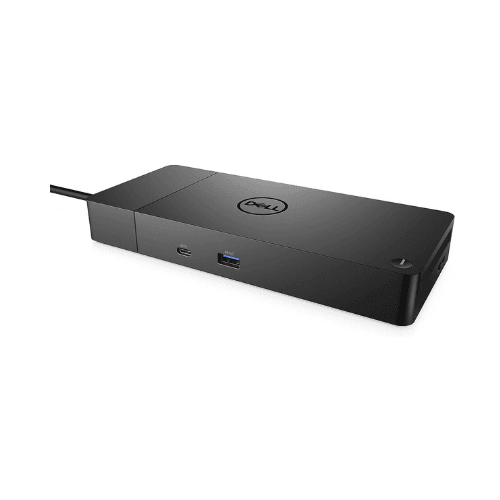
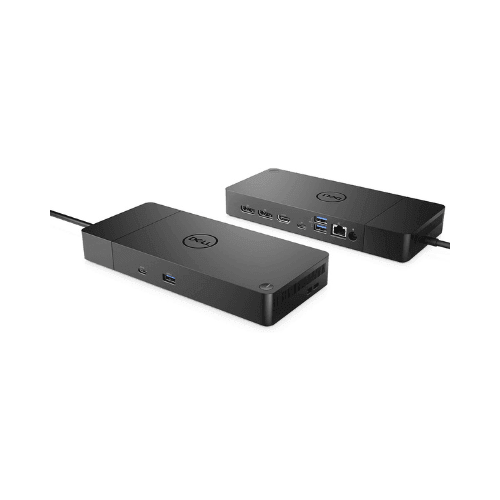
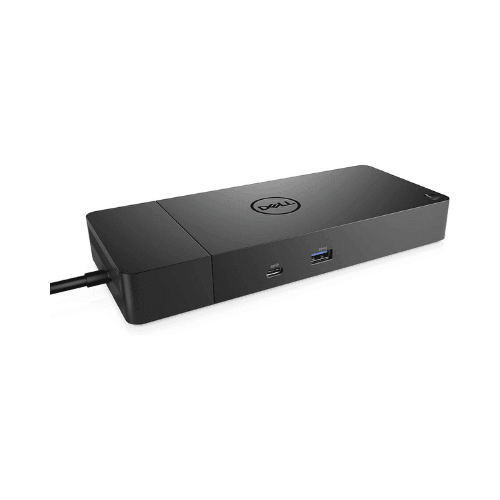
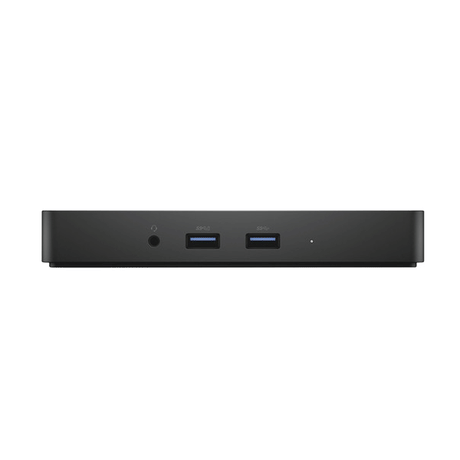
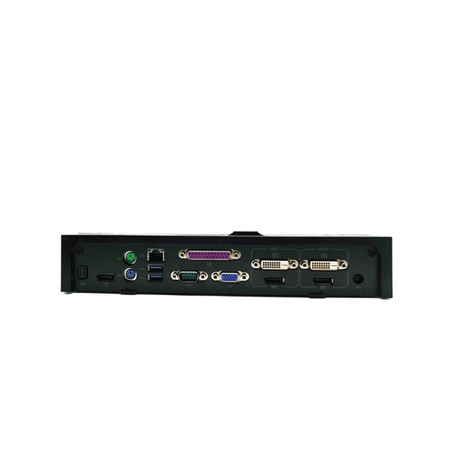
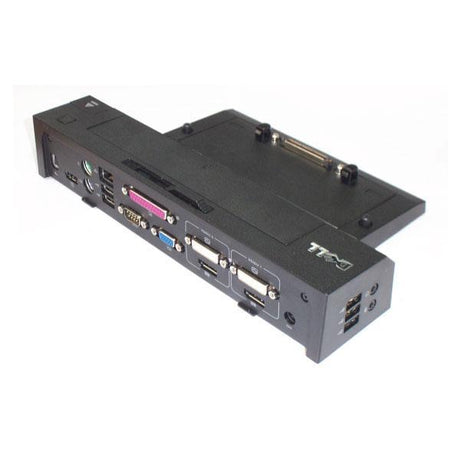
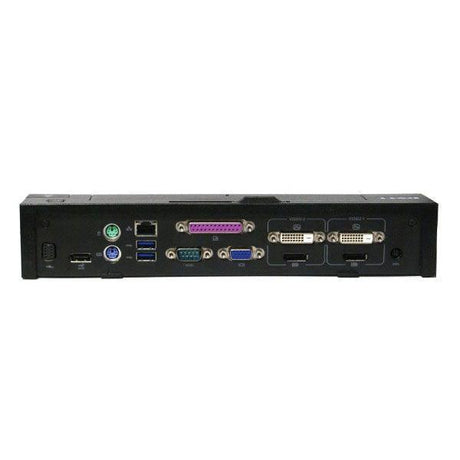
Ports for everything on the desk — USB-C 3.1 Gen 2, three USB-A 3.1 Gen 1, a USB-A 2.0 with PowerShare, SD card reader and a 3.5mm headset jack
-
Not Dell-only — Works with any notebook supporting USB-C DisplayPort Alt Mode and Power Delivery, so a mixed fleet can standardise on one dock
Performance at the Desk
The WD19S suits anyone who wants their desk to come alive the moment they plug in. Two 4K panels at 60Hz is enough screen real estate for a developer running an IDE beside logs, an analyst with a model open next to source data, or a designer working full-bleed on one screen with tool palettes on the other. Because the dock handles video, it does the work the laptop's own GPU would otherwise spend on display scaling.
Wired Ethernet is the quiet upgrade people notice most. Teams and Zoom calls stop hitching, multi-gigabyte file copies finish at predictable speed, and VPN sessions hold steady through the day. The SD card reader saves a rummage for a dongle whenever camera footage or field data comes off a card.
For IT teams running hot desks, one dock model across every desk means one cable to hand a visitor, one port layout to document, and one thing to troubleshoot. Users bring whatever laptop they were issued and it simply connects.
Technical Specifications
| Specification |
Details |
| Model |
Dell WD19S USB-C docking station |
| Host Connection |
USB-C, 1m cable included |
| Power Supply |
180W AC adapter included |
| Power to Laptop |
Up to 130W USB-C Power Delivery |
| Display Outputs |
2× DisplayPort 1.4, 1× HDMI 2.0b, 1× USB-C MFDP |
| Max Resolution |
Dual 4K @ 60Hz; up to three displays at reduced resolution |
| USB Ports |
1× USB-C 3.1 Gen 2, 3× USB-A 3.1 Gen 1, 1× USB-A 2.0 with PowerShare |
| Network |
RJ45 Gigabit Ethernet 10/100/1000 |
| Other Ports |
SD card reader, 3.5mm headset and mic combo jack |
| Compatibility |
Dell commercial laptops and other USB-C DisplayPort Alt Mode notebooks |
| Warranty |
12-month warranty |
Is the Dell WD19S Right for You?
✓ Best For:
• Dual 4K monitor home or corporate desks
• Hot-desking on a single-cable connection
• Dell Latitude, Precision and XPS USB-C laptops
• Laptops that draw more than 90W and need the higher charging tier
• Setups needing wired Gigabit alongside multi-display |
✗ Not Recommended For:
• Laptops without USB-C DisplayPort Alt Mode
• Anyone needing Thunderbolt-specific features or daisy-chaining
• MacBooks, where multi-display support is limited — verify first
• Travel setups where a full-size dock is impractical |
Condition Grades
| Grade |
Cosmetic Condition |
Functional Testing |
| A — Excellent |
Minimal signs of use, near-new appearance |
All ports, power delivery, display outputs and Ethernet verified |
| B — Good |
Light surface marks, fully functional |
All ports, power delivery, display outputs and Ethernet verified |
Frequently Asked Questions
What is the difference between the 180W PSU and the 130W power delivery?
They describe two different things. The 180W figure is the wall adapter that powers the dock itself; the 130W figure is how much of that the dock can push back into your laptop over USB-C. The WD19S also shipped in a 130W PSU configuration that only delivers 90W to the laptop — this listing is the higher 180W version.
Does the WD19S work with non-Dell laptops?
Yes, with any laptop supporting USB-C DisplayPort Alt Mode and Power Delivery. How much charge your machine accepts depends on its own USB-C implementation, not the dock.
How many monitors can I connect?
Two 4K monitors at 60Hz using the DisplayPort and HDMI outputs. A third display is possible via the USB-C MFDP port at reduced resolution.
Are the cable and power adapter included?
Yes — a 1m USB-C cable and the 180W power adapter both ship with the dock.
Does it support Thunderbolt?
No. The WD19S is a USB-C dock, not Thunderbolt. It will connect to a Thunderbolt port, but Thunderbolt-only features such as daisy-chaining are not available.
Will it charge a high-power mobile workstation?
Up to 130W, which covers most 14in and 15in business laptops. Larger mobile workstations that ship with a 180W or 240W charger will run and charge slowly, but should keep their original adapter for heavy workloads.
Does free shipping apply?
Yes — free standard AU shipping is included with this item.
Warranty & After-Sales Support
This Dell WD19S docking station is backed by a 12-month warranty from Reboot IT, covering hardware defects and functional failures from the date of purchase.
Reboot IT has been Australia's trusted refurbished IT specialist since 2001. Every dock is professionally tested before dispatch — all ports, power delivery, display outputs and network connectivity verified. Free standard AU shipping included. Shop at reboot-it.com.au.