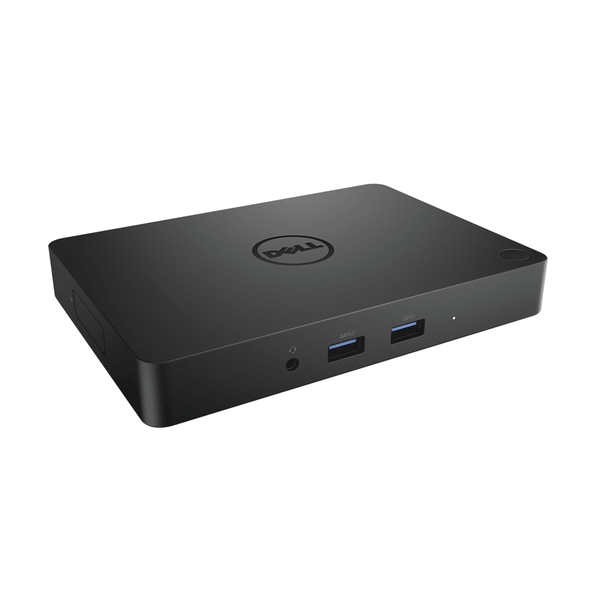
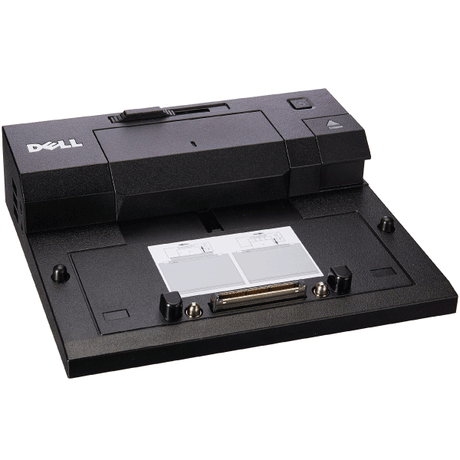
Dell WD15 USB-C Docking Station
A single-cable USB-C dock that adds HDMI, Mini DisplayPort, VGA, Gigabit Ethernet, audio and five USB ports to a laptop. Supplied without a power adapter — a compatible Dell 130 W USB-C adapter is required separately. Covered by a 12-month Reboot IT warranty.
Key Benefits
-
One cable to the laptop: Video, data, wired network and laptop charging all run down a single USB-C connector, so docking is one movement instead of plugging in five separate cables.
-
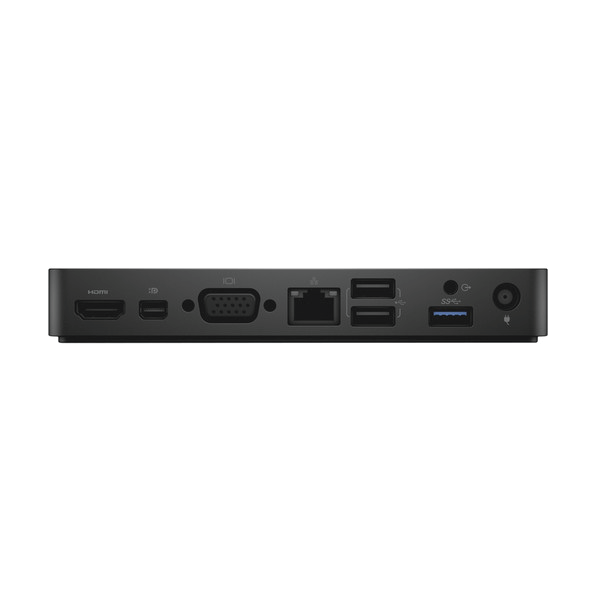
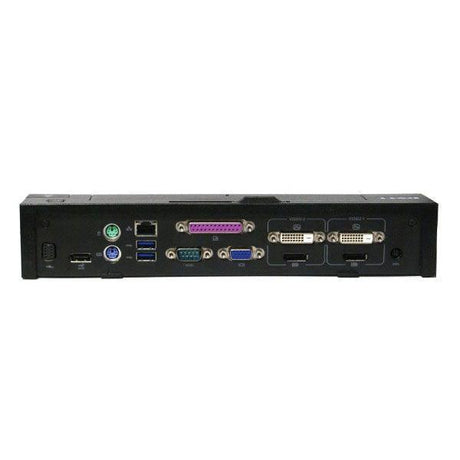
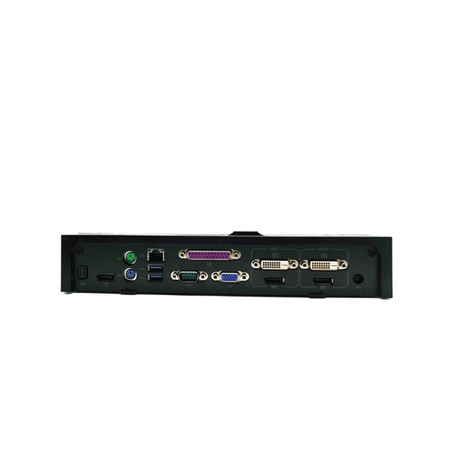
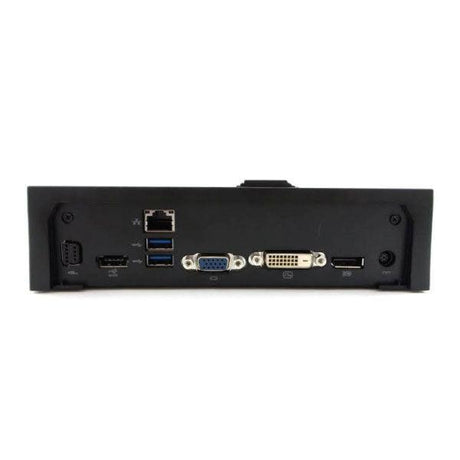
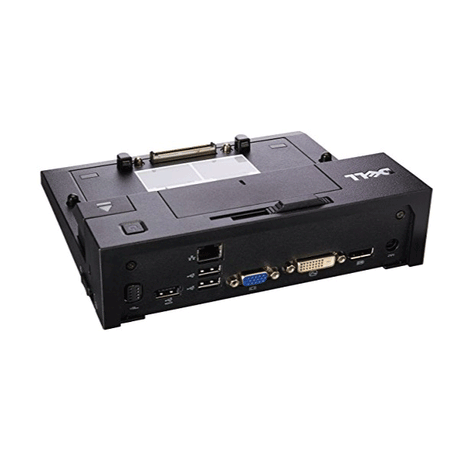
Three video standards in one dock: HDMI, Mini DisplayPort and VGA are all present, so it connects to current monitors and to older projectors and meeting-room screens without an adapter.
-
VGA for legacy displays: Still genuinely useful. Plenty of boardroom projectors and older monitors remain VGA-only, and most modern laptops have no way to reach them.
-
Wired Gigabit Ethernet: Restores a proper RJ45 port to thin laptops that have dropped it, which matters for VoIP, VPN and moving large files reliably.
-
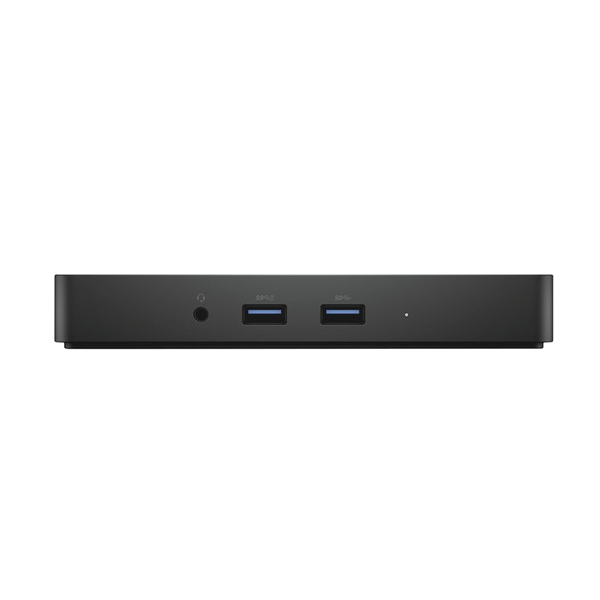
Five USB ports: Three USB 3.0 and two USB 2.0 ports cover keyboard, mouse, headset, webcam and an external drive without a separate hub.
-
Audio in and out: Dedicated headphone and speaker connections mean desk audio stays plugged into the dock rather than the laptop.
Performance In Use
The WD15 does the core job of a dock well: sit down, plug in one USB-C cable, and the monitors, keyboard, mouse, headset and wired network all come up together. Because the peripherals stay connected to the dock, nothing needs re-plugging or re-pairing when you take the laptop to a meeting and bring it back.
Its distinguishing feature is video flexibility rather than raw bandwidth. Having HDMI, Mini DisplayPort and VGA on the one unit means it will connect to almost anything you put in front of it — a current widescreen monitor, an older 4:3 panel, or a meeting-room projector that only takes VGA. For organisations with a mix of display ages, that coverage saves a drawer full of adapters.
It is worth being clear about where the ceiling sits. The WD15 is an earlier-generation dock than the WD19, and its video output tops out well below what newer docks manage — 4K is supported at 30 Hz rather than 60 Hz, which is fine for static desktop work but noticeably less smooth for moving content. For a standard office pair of 1080p or 1440p monitors it is entirely comfortable, and at this price it is an inexpensive way to turn a laptop into a proper desk setup.
Technical Specifications
| Brand |
Dell |
| Model |
WD15 USB-C Dock |
| Connection to host |
Single USB-C cable (DisplayPort Alt Mode required on the laptop) |
| Video outputs |
1 x HDMI, 1 x Mini DisplayPort, 1 x VGA |
| Display support |
Dual external displays; 4K supported at 30 Hz |
| Network |
1 x Gigabit Ethernet (RJ45) |
| USB ports |
3 x USB 3.0 (one with PowerShare), 2 x USB 2.0 |
| Audio |
Headphone and speaker connections |
| Power adapter |
NOT included — requires a compatible Dell 130 W USB-C adapter, sold separately |
| Colour |
Black |
| Included |
Dock and tax invoice only — no power adapter |
| Warranty |
12-month Reboot IT warranty |
Is It Right For You?
| Best For |
Not For |
| ✓ Offices with a mix of monitor ages |
✗ Anyone without a Dell 130 W USB-C adapter |
| ✓ Meeting rooms with VGA projectors |
✗ 4K at 60 Hz or high refresh rates |
| ✓ Dual-monitor office and admin work |
✗ Laptops with no USB-C DisplayPort Alt Mode |
| ✓ Home offices needing wired Ethernet |
✗ Users needing three or more displays |
| ✓ Buyers who already own a Dell 130 W adapter |
✗ Buyers wanting the newer WD19 bandwidth |
| ✓ Low-cost single-cable desk setups |
|
Condition Grades
| Grade |
What To Expect |
| A — Excellent |
Excellent to very good cosmetic condition. May carry light scratches or faint marks that are not obvious in normal use. Fully tested and functionally as-new. |
| B — Good |
Good cosmetic condition with visible signs of prior use — scuffs, scratches or minor blemishes on the casing. Cosmetic only; function is identical to Grade A. |
Grading is cosmetic. Every unit is functionally tested to the same standard regardless of grade. This product has no internal battery, so battery grading does not apply.
Frequently Asked Questions
Is a power adapter included?
No. This dock is supplied without a power adapter, which is why it is priced as it is. It requires a compatible Dell 130 W USB-C power adapter, purchased separately, and will not operate without one.
Why does it need a power adapter at all?
The dock draws its power from the adapter rather than the laptop, and it also passes charge back up the USB-C cable to the host machine. Without an adapter connected, the dock cannot power itself or its ports.
Will this work with a non-Dell laptop?
Yes, provided the laptop USB-C port supports DisplayPort Alt Mode. Most business-class USB-C laptops from the last several years do. It is not restricted to Dell hardware.
How many monitors can I connect?
Two external displays at once, drawn from the HDMI, Mini DisplayPort and VGA outputs. Which combination works depends on the graphics capability of the connected laptop.
Does it really support 4K?
It supports 4K at 30 Hz, not 60 Hz. That is acceptable for static desktop and document work but looks less smooth for video or fast-moving content. For 4K at 60 Hz you would want the newer WD19.
What is the difference between the WD15 and the WD19?
The WD19 is the later generation with greater bandwidth, higher refresh rates and support for more displays. The WD15 is the earlier model and is correspondingly cheaper. This listing is the WD15.
Is it tested before it ships?
Yes. Every video output, the Ethernet port, all five USB ports and audio are bench-tested in our Melbourne workshop before the unit is graded and listed.
Warranty & After-Sales Support
Every Dell WD15 dock sold by Reboot IT is covered by a 12-month warranty against hardware faults, backed by our own workshop rather than a third party. If something fails inside the warranty period we repair, replace or refund it.
Reboot IT has operated from Melbourne since 2001, refurbishing ex-corporate and ex-government IT equipment for businesses, schools and home users across Australia. Every unit is inspected, tested, data-wiped and graded in-house before it is listed.
Free standard AU shipping is included on this item. Orders include a tax invoice, and our support team is contactable by phone or email for setup questions after delivery.