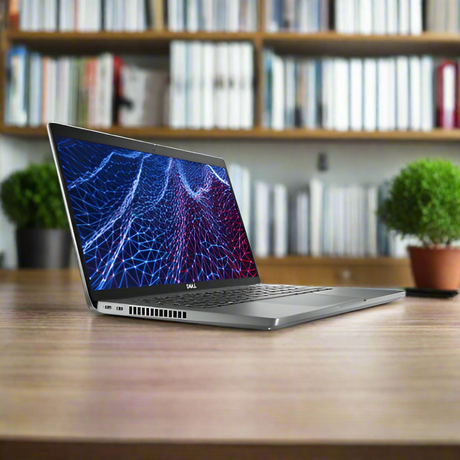
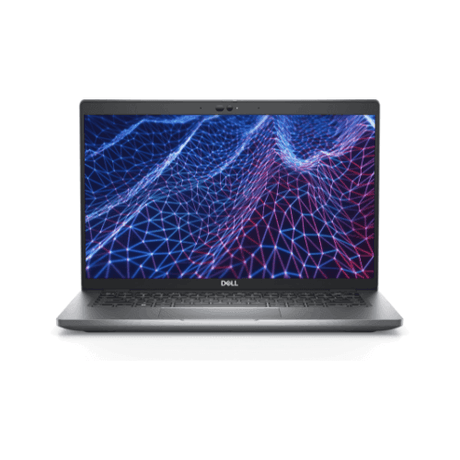
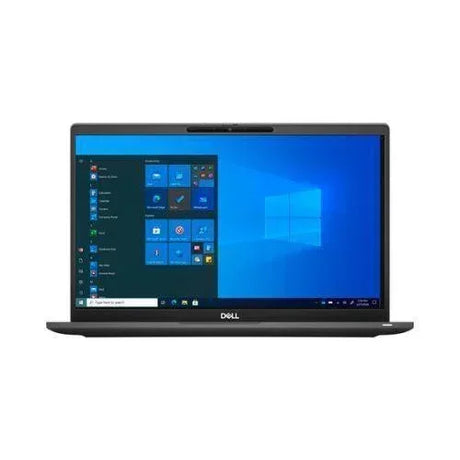
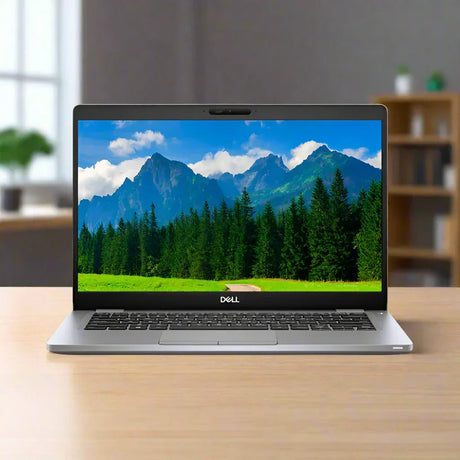
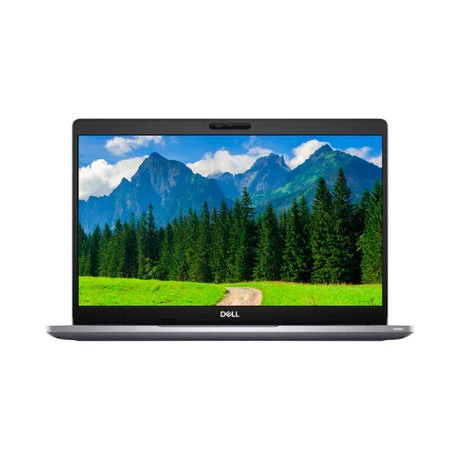
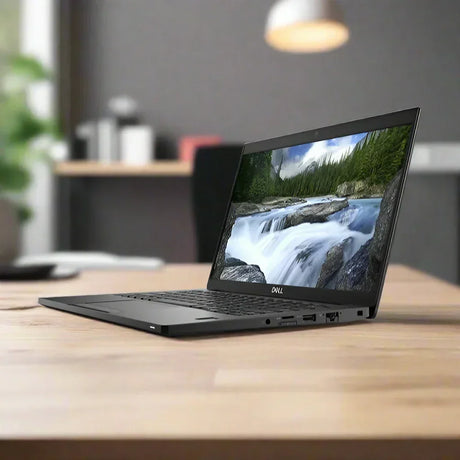
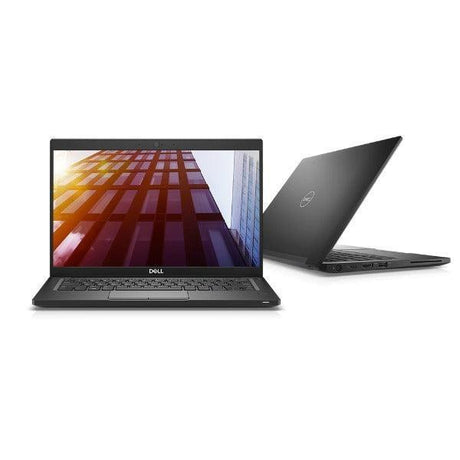
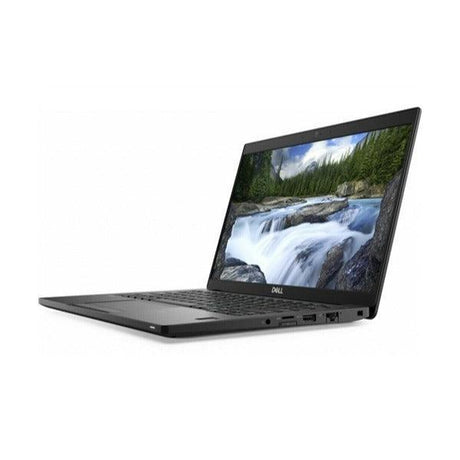
Dell Latitude 7430 – 14" Carbon Fibre Business Ultrabook
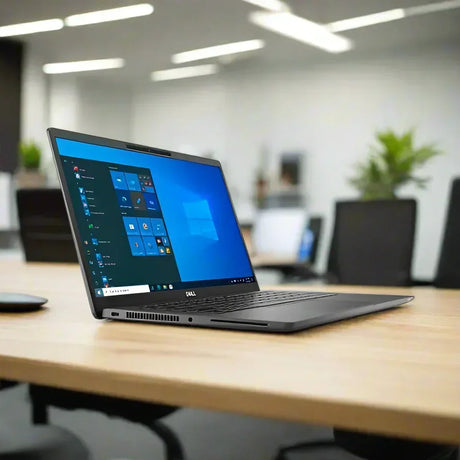
A certified refurbished 14" business laptop built on Dell’s carbon fibre Latitude chassis, running a 12th Gen Intel Core i7-1255U with 16GB of RAM, a 256GB NVMe SSD and Windows 11 Pro. Every unit is tested, wiped and graded in our Melbourne workshop and ships with a 12-month warranty.
Key Benefits
-
12th Gen 10-core performance. The Core i7-1255U pairs 2 performance cores with 8 efficient cores across 12 threads, so background sync, antivirus and updates stay off the critical path while you work.
-
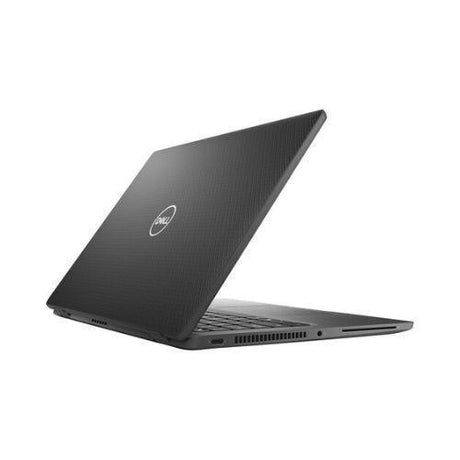
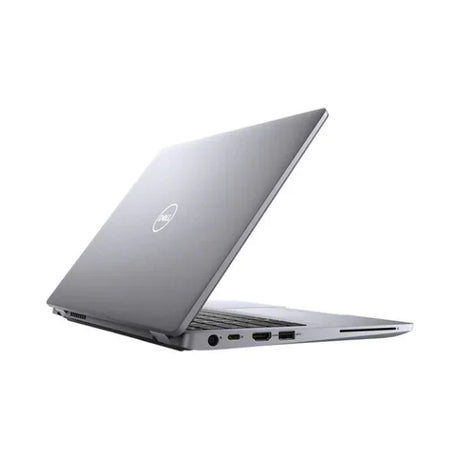
Genuinely light to carry. The carbon fibre lid and palmrest keep this in true ultrabook territory — it disappears into a backpack alongside a notebook and a charger.
-
Matte anti-glare IPS panel. The 14" Full HD IPS display holds its colour from off-centre angles and does not mirror overhead office lighting the way a glossy screen does.
-
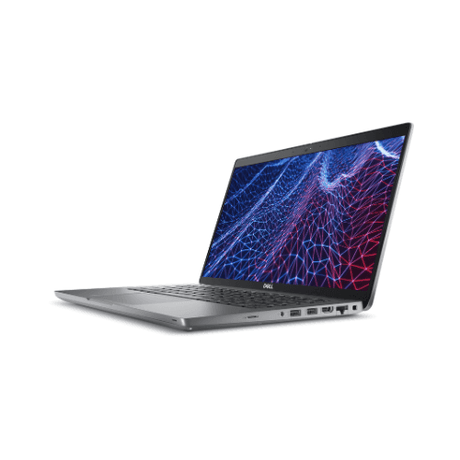
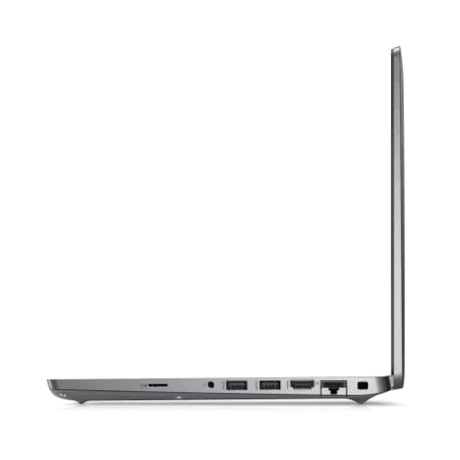
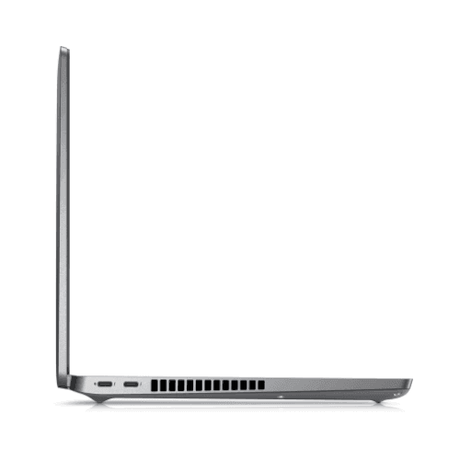
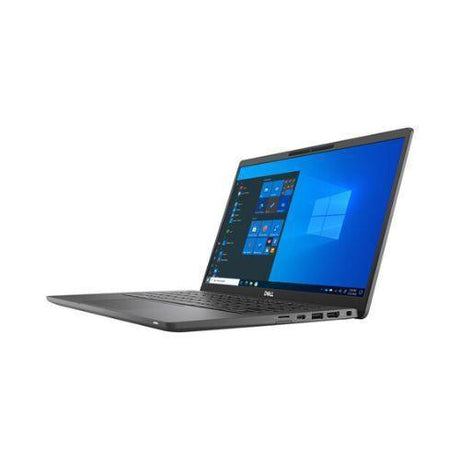
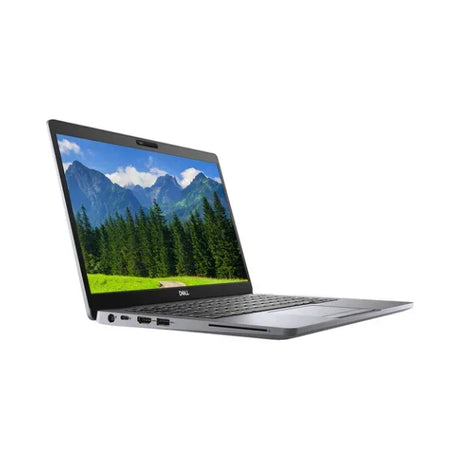
Single-cable desk setup. Two Thunderbolt 4 USB-C ports carry power, data and dual external displays, so one cable connects the whole desk.
-
Sign in with your face. The infrared camera supports Windows Hello facial recognition — no password typed at the lock screen.
-
Wi-Fi 6E ready. The Intel AX211 adapter adds the 6GHz band on top of 2.4 and 5GHz, which matters in busy offices and apartment blocks where the older bands are congested.
Performance In Use
For everyday business work this machine has considerable headroom. Thirty-plus browser tabs alongside Outlook, Teams and a couple of Office documents is comfortable territory for 16GB of RAM and a 10-core chip — the kind of load that makes an older 8GB machine start swapping to disk. The 256GB NVMe SSD keeps boot, wake and application launches close to instant, and the efficient-core design means light background tasks barely touch the battery.
It suits hybrid and travelling workers particularly well. The carbon fibre chassis is built for being moved daily rather than sitting on a desk, and the Thunderbolt 4 ports mean a single USB-C dock at the office restores a full multi-monitor setup in one motion. Video calls are handled properly — dual-array microphones with noise reduction and Waves MaxxAudio Pro tuning make a meaningful difference on a long Teams call compared with a budget laptop.
Battery life follows the same pattern. The 58Wh cell paired with a 15W processor is built for a working day rather than a benchmark run — a morning of email, documents and browsing at moderate brightness is well within reach, and ExpressCharge support means a short stint on the adapter at lunch puts a meaningful amount back. Sustained video calls and heavy multitasking will pull it down faster, as they do on any thin-and-light machine. Because the Thunderbolt ports accept USB-C Power Delivery, any decent 60W-plus USB-C charger will run it, which is worth knowing if you would rather not carry the original adapter between home and office.
On the management side, Windows 11 Pro is the version businesses actually need. It brings BitLocker drive encryption, Active Directory and Azure AD domain join, Group Policy, Remote Desktop hosting, Hyper-V virtualisation and Windows Update for Business — none of which are available on the Home edition. For a business replacing an ageing fleet, or an IT manager adding a machine to an existing domain, that distinction matters far more than any single hardware spec.
Where it stops is sustained heavy lifting. The i7-1255U is a 15W low-power part with Intel Iris Xe integrated graphics, tuned for battery life and thinness rather than raw throughput. Long 4K video renders, large CAD assemblies, 3D work and modern gaming all want a discrete GPU and a higher-wattage processor. For document work, browsing, data entry, accounting packages, light photo editing and everything that runs in a browser, it has plenty in reserve.
Technical Specifications
| Brand & Model |
Dell Latitude 7430 |
| Form Factor |
Clamshell notebook (non-convertible) |
| Processor |
Intel Core i7-1255U — 12th Gen, 10 cores (2P + 8E), 12 threads, up to 4.7GHz, 12MB cache |
| Memory |
16GB dual-channel |
| Storage |
256GB M.2 NVMe PCIe SSD |
| Display |
14.0" Full HD (1920 × 1080) IPS, non-touch, anti-glare |
| Graphics |
Intel Iris Xe Graphics (integrated) |
| Operating System |
Windows 11 Pro (64-bit) |
| Wireless |
Intel Wi-Fi 6E AX211 (2×2) + Bluetooth |
| Ports |
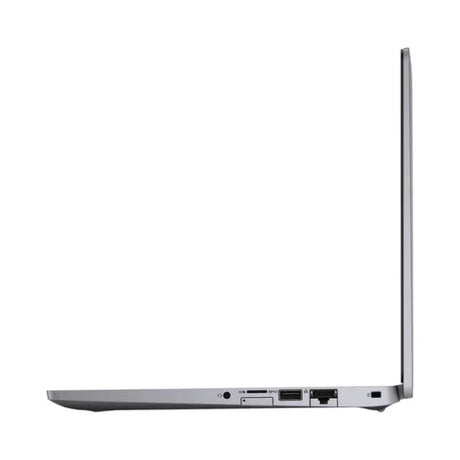
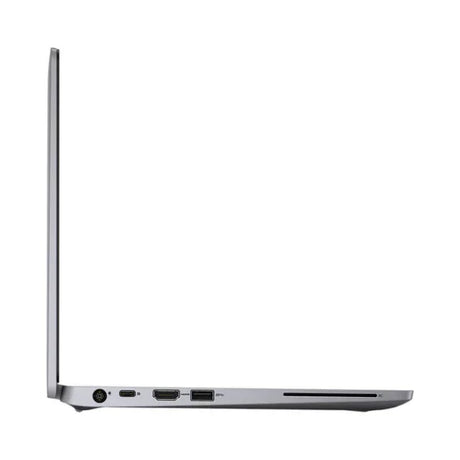
2 × Thunderbolt 4 USB-C (Power Delivery + DisplayPort), 1 × USB 3.2 Gen 1 Type-A, HDMI 2.0, 3.5mm audio, microSD card reader |
| Camera |
HD webcam with infrared sensor (Windows Hello facial recognition) |
| Audio |
Stereo speakers with Waves MaxxAudio Pro, dual-array microphones |
| Keyboard |
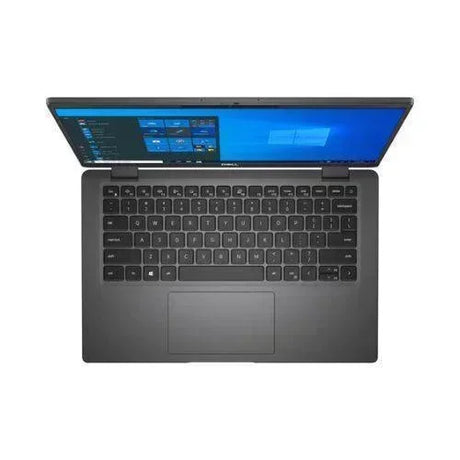
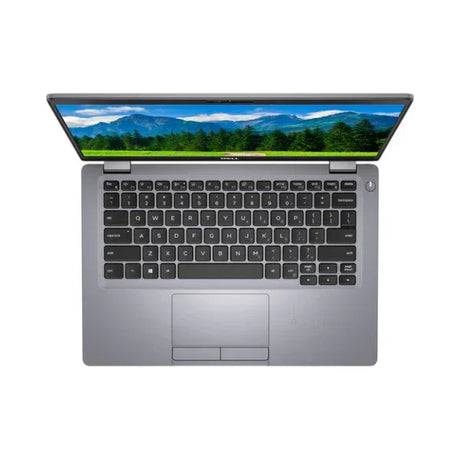
Full-size spill-resistant keyboard with precision touchpad |
| Battery |
58Wh 4-cell with ExpressCharge support |
| Chassis |
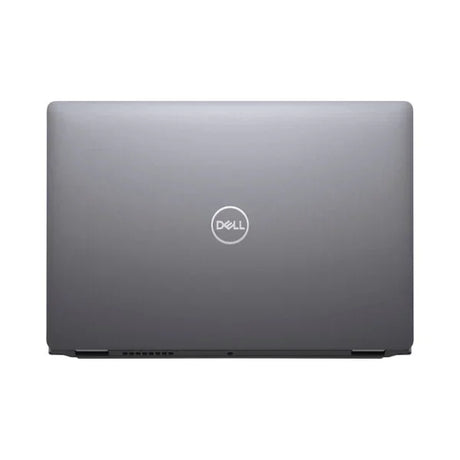
Carbon fibre lid and palmrest |
| Included |
Laptop and compatible power adapter |
| Warranty |
12-month warranty |
Is It Right For You?
| ✓ Best For |
✗ Not For |
Office and administration work — Word, Excel, Outlook, Teams
Hybrid workers moving between office, home and client sites
Accounting, bookkeeping and practice-management software
Heavy browser use with many tabs open at once
Businesses needing Windows 11 Pro for domain join and BitLocker
Students and professionals who want a light 14" machine
|
Modern gaming — there is no discrete graphics card
4K video editing and long render workloads
CAD, 3D modelling and engineering simulation
Anyone who needs a touchscreen, pen input or a 360° convertible hinge
Anyone who needs built-in mobile broadband — there is no LTE modem
Users wanting a fingerprint reader for sign-in
|
Condition Grades
| Grade |
What To Expect |
| A – Excellent |
Barely any sign of previous use. Very light scuffing at most, minimal keyboard wear, and a clean screen free of scratches, cracks or chips. Battery holds 70% or more of its original capacity. |
| B – Good |
Fully functional with visible signs of use — scratches on the casing, heavier keyboard wear, and possibly small dents or paint chips. The screen may show minor blemishes but is free of cracks. Battery holds 50–70% of its original capacity. |
Both grades are functionally identical and pass the same testing process. Batteries carry a 30-day warranty.
Frequently Asked Questions
Is this a touchscreen or a 2-in-1 convertible?
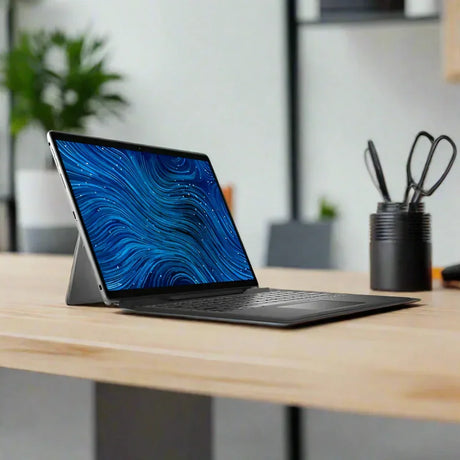
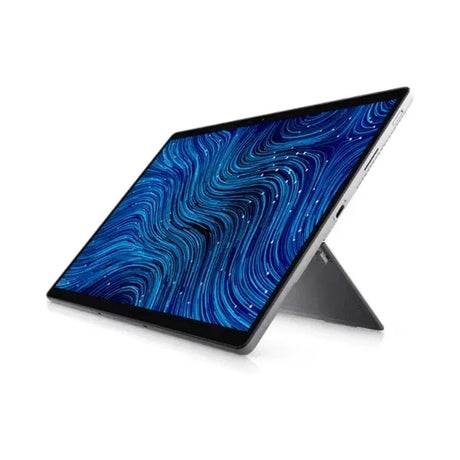
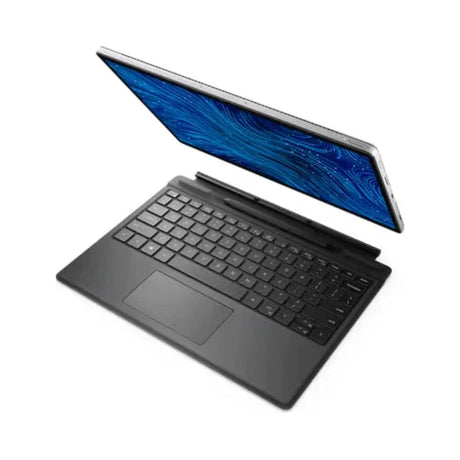
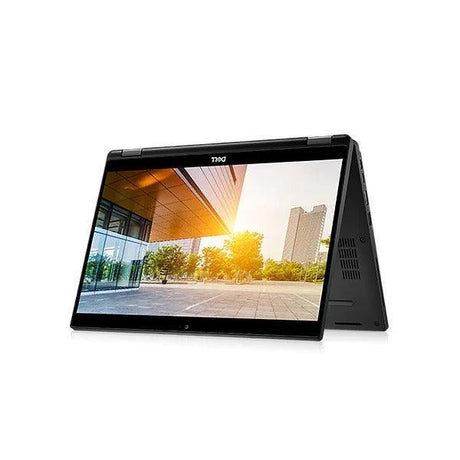
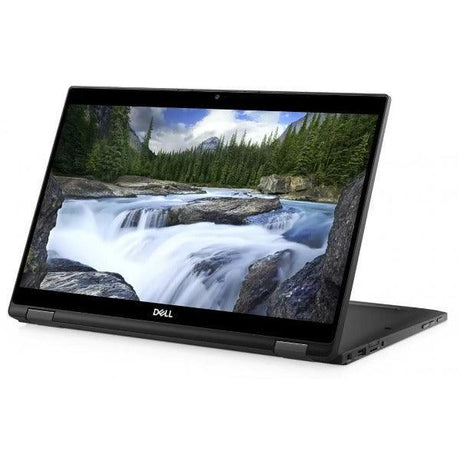
No. This is the standard Latitude 7430 clamshell with a non-touch display. The screen does not fold back and there is no pen support. Dell also made a 7430 2-in-1 convertible — that is a different model and this is not it.
Can I upgrade the RAM or the SSD later?
The M.2 NVMe SSD can be replaced with a larger drive. The memory in this configuration is not user-upgradeable, so 16GB is what you have for the life of the machine — which is ample for typical business workloads.
Does it have a SIM slot or mobile broadband?
No. This unit was built without a WWAN card, so there is no 4G or 5G connectivity. It connects via Wi-Fi 6E or through a wired connection using a USB-C or Thunderbolt dock.
What comes in the box?
The laptop and a compatible power adapter. Docks, bags, external monitors and other accessories are sold separately. Original Dell retail packaging is not included — machines are packed protectively for transit rather than for display.
How is my data protected before the machine is sold?
Every drive is securely wiped to recognised data-destruction standards before a fresh copy of Windows is installed. Nothing from the previous owner survives the process. If your business needs a certificate of data destruction for its own compliance records, contact us and we can arrange it.
Is Windows already installed and activated?
Yes. Windows 11 Pro is installed and activated, and the drive is securely wiped before the operating system goes on. You can sign in and start working straight away.
What does shipping cost?
Free standard shipping anywhere in Australia. Orders are dispatched from our Melbourne warehouse with tracking supplied.
Backed by a 12-month warranty
Every Dell Latitude 7430 we sell carries a 12-month warranty covering all functional components, with batteries covered for 30 days. If something goes wrong, you deal directly with our Melbourne workshop — not an overseas call centre.
Reboot IT has been refurbishing enterprise IT equipment in Melbourne since 2001. Every machine is diagnostically tested, securely data-wiped, professionally cleaned and cosmetically graded before it is listed. Free standard shipping across Australia, with tracking on every order. Visit reboot-it.com.au to learn more.