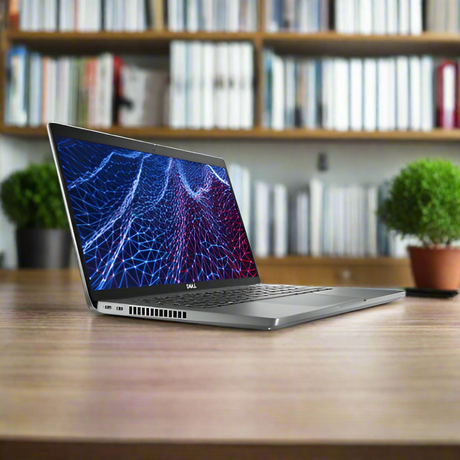
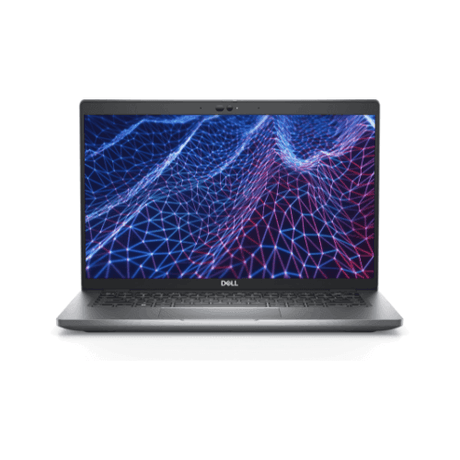
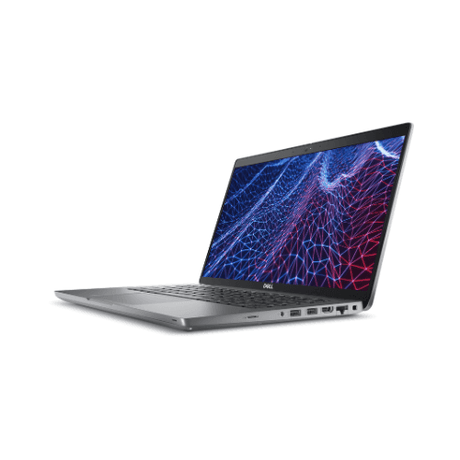
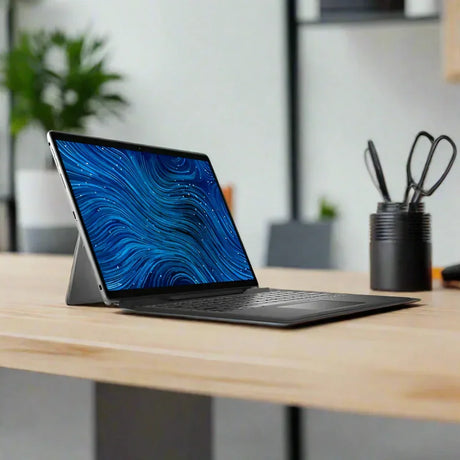
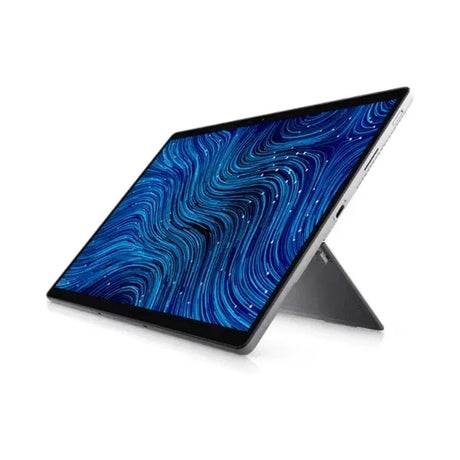
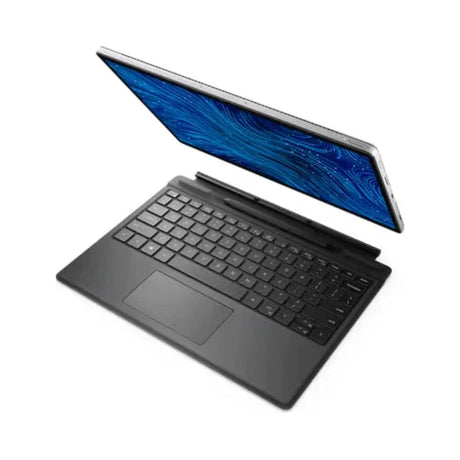
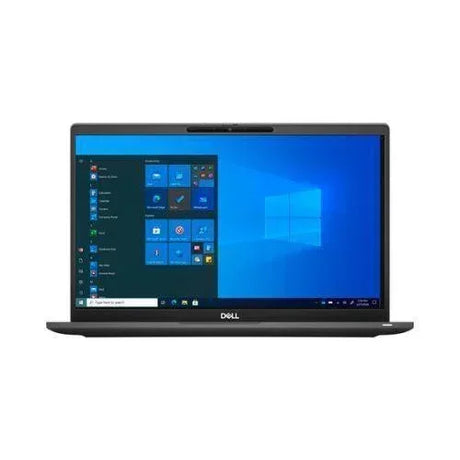
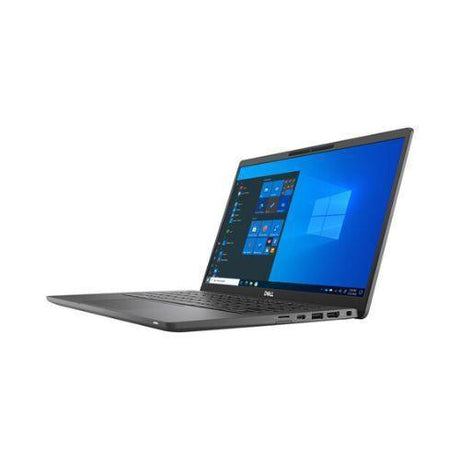
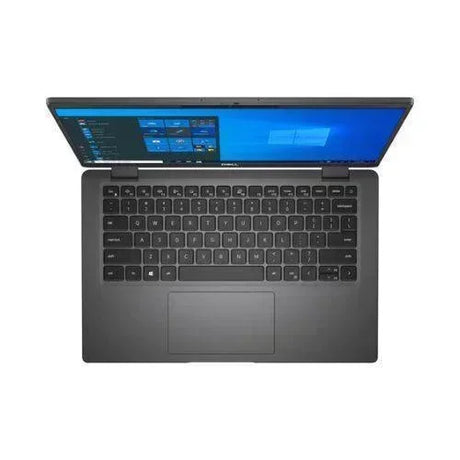
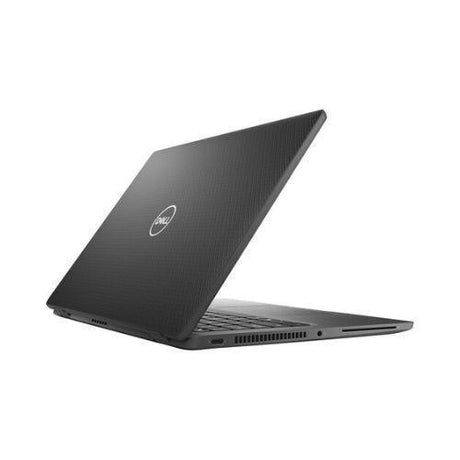
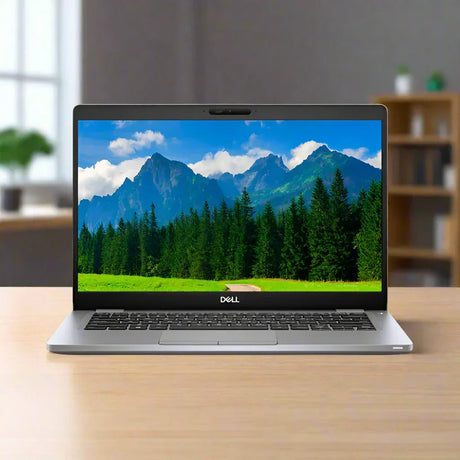
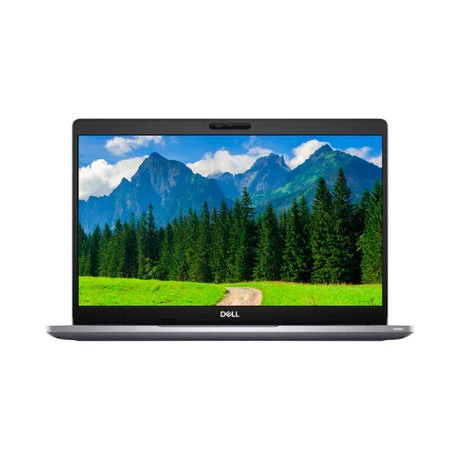
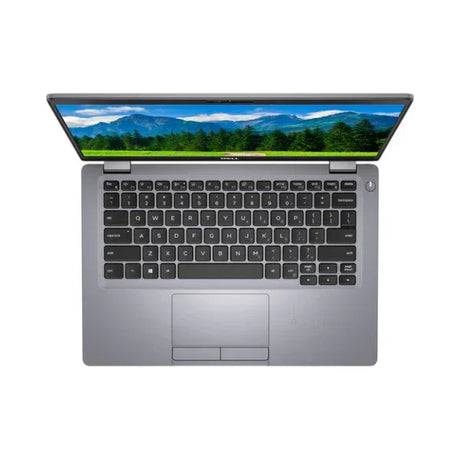
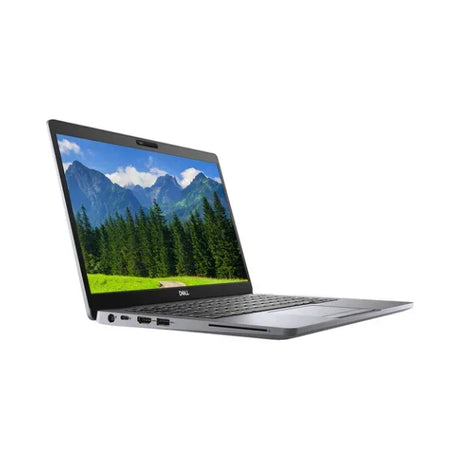
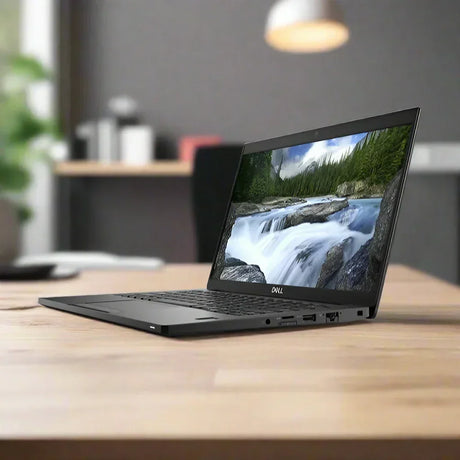
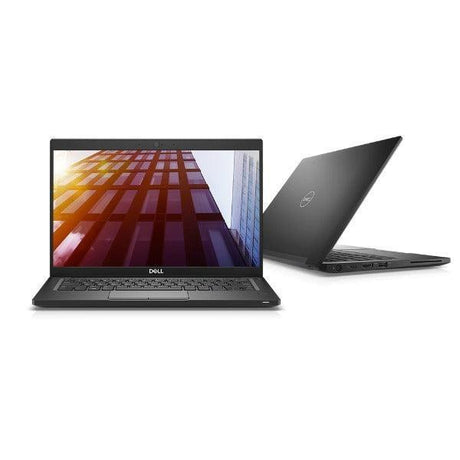
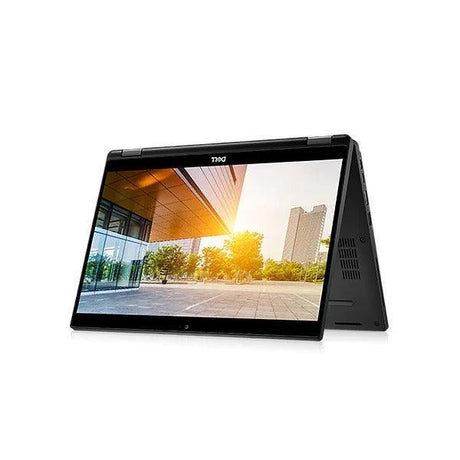
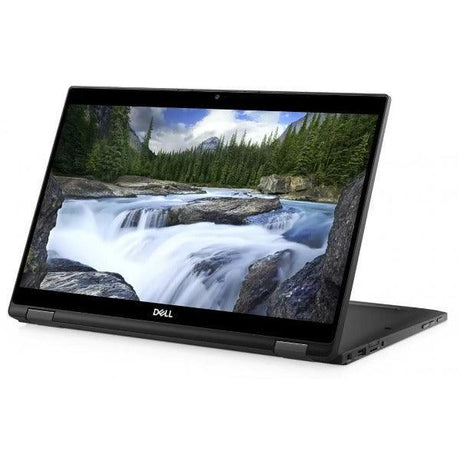
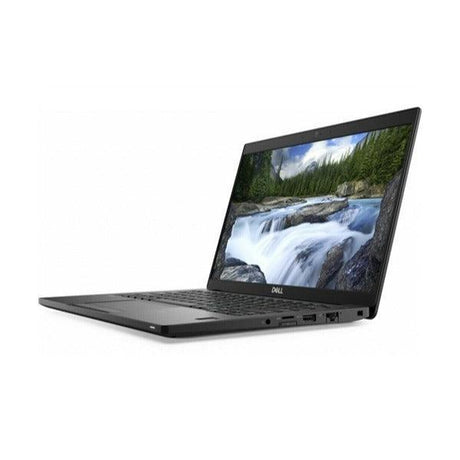
Dell Latitude 7390 — Refurbished Business Ultrabook (BIOS Locked)
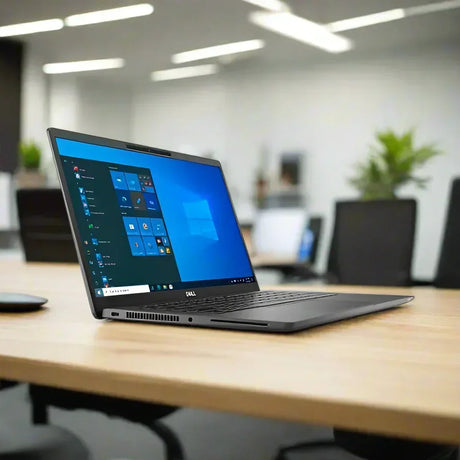
13.3-inch business ultrabook with Intel Core i7-8650U 8th Gen quad-core processor, 8GB DDR4 RAM, 256GB SSD, Full HD anti-glare display and Thunderbolt 3 — backed by a 12-month warranty from Reboot IT. Note: the BIOS admin password is locked. Windows 11 Pro is installed, activated and fully usable; BIOS settings cannot be changed. Priced accordingly.
Why the Latitude 7390 Stands Out
-
Intel Core i7-8650U vPro Quad-Core: 8th Gen Kaby Lake Refresh with 4.2GHz turbo boost and Intel vPro technology — smooth multitasking across office suites, browsers and video calls, plus enterprise-grade remote management for corporate IT environments.
-
Outstanding Value from the BIOS Lock: the previous corporate owner's BIOS admin password remains set, so BIOS settings can't be modified — Windows 11 Pro runs completely normally, and the laptop is priced well below an unlocked equivalent.
-
Thunderbolt 3 Single-Cable Docking: 40Gbps Thunderbolt 3 supports dual 4K displays, 100W power delivery and full docking station connectivity through one USB-C cable.
-
Business Security Hardware: fingerprint reader, Smart Card reader, NFC and TPM 2.0 — sign-in stays fast and data stays protected.
-
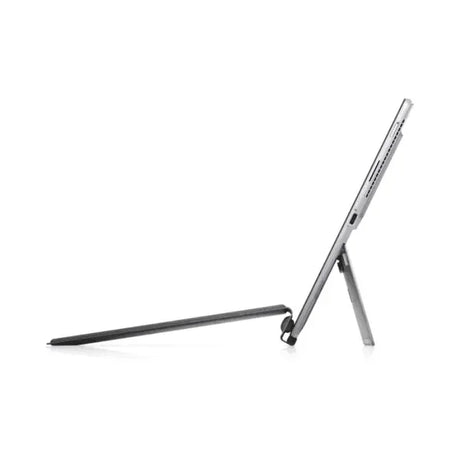
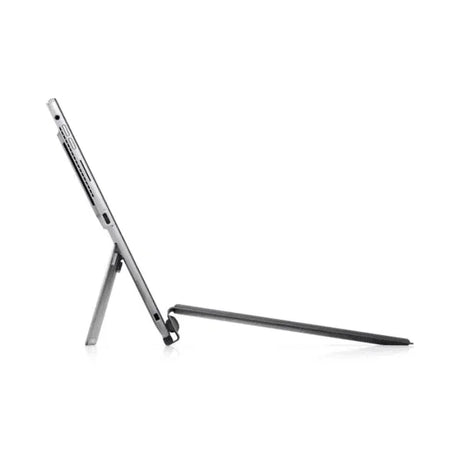
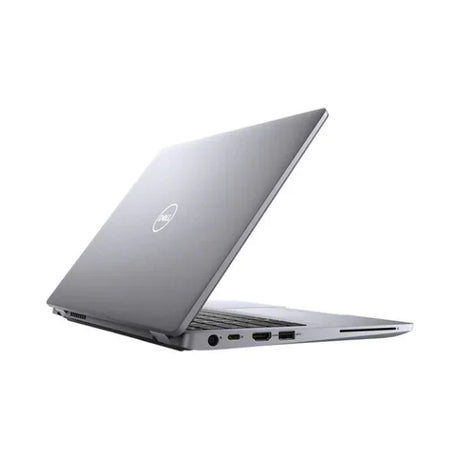
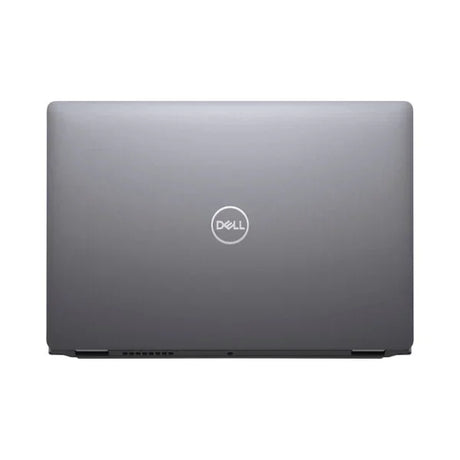
Carbon Fibre Ultrabook at 1.37kg: MIL-STD-810G tested chassis pairs a carbon fibre lid with a magnesium alloy base — travel-grade durability without the weight.
-
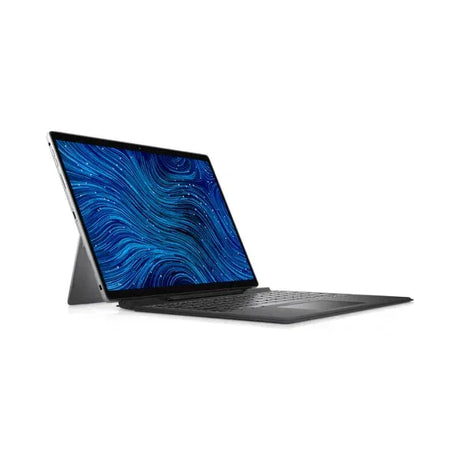
13.3-Inch Full HD Anti-Glare Display: 1920×1080 WVA panel with wide viewing angles — sharp, comfortable visuals for documents, spreadsheets and video conferencing in any lighting.
What Does "BIOS Locked" Mean?
The BIOS (the firmware setup screen you can enter before Windows starts) has an administrator password set by the previous corporate owner that cannot be removed. In day-to-day use this changes nothing — the laptop powers on and boots straight into Windows 11 Pro, every port and feature works, and software installs normally. What you can't do is open the BIOS setup screen to change firmware settings such as the boot order. If you plan to run the machine as a normal Windows laptop — which is what almost everyone does — the lock simply means a better price for identical everyday performance.
How the Latitude 7390 Performs Day-to-Day
The quad-core i7-8650U handles Microsoft 365, heavy Outlook mailboxes, Chrome or Edge with 20+ tabs, and Teams or Zoom calls without performance degradation. The 8GB of DDR4-2400 keeps application switching responsive, and the 256GB M.2 SATA SSD delivers fast boots and instant file access throughout the working day. Intel vPro is present on this processor, so IT teams retain out-of-band management and remote administration capability at the operating-system level.
For mobile professionals, the 1.37kg carbon fibre chassis disappears into a bag while shrugging off daily commutes. Thunderbolt 3 makes desk transitions effortless — one cable to a compatible dock delivers dual external monitors, USB peripherals and Gigabit Ethernet. The 720p webcam handles video conferencing cleanly, and the 60Wh battery with ExpressCharge keeps pace with busy schedules.
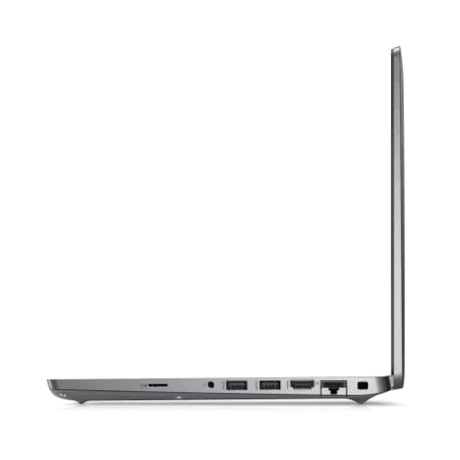
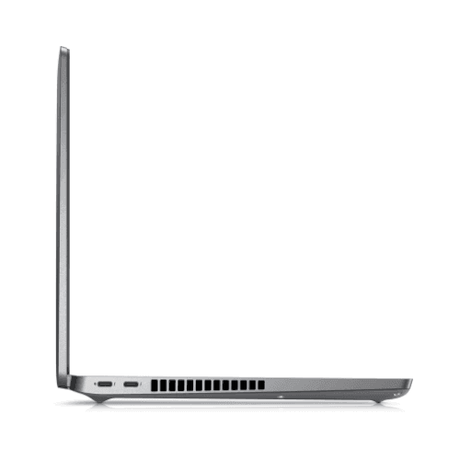
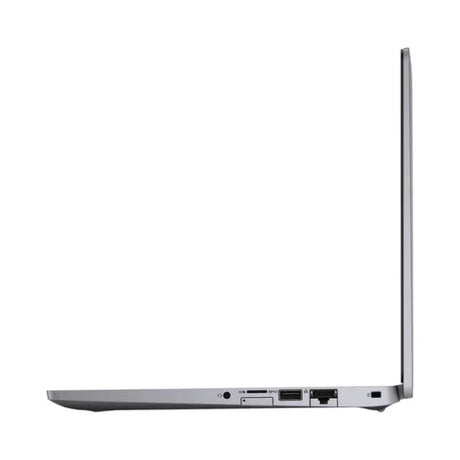
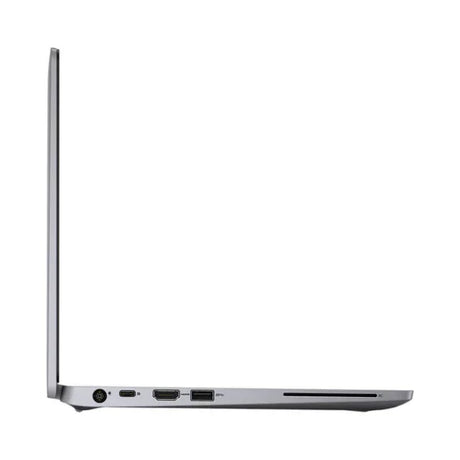
Connectivity covers the essentials: Thunderbolt 3 USB-C, a second USB-C with DisplayPort Alt Mode, two USB-A 3.0 ports, HDMI, microSD and a 3.5mm headset jack, plus dual-band Wi-Fi (Intel Wireless-AC 8265) and Bluetooth 4.2. There is no built-in RJ-45 port — wired networking runs through a USB-C adapter or dock.
Technical Specifications
| Component |
Specification |
| Processor |
Intel Core i7-8650U, 8th Gen, 4 cores / 8 threads, 1.9GHz base / 4.2GHz turbo, 8MB cache, vPro enabled |
| Memory |
8GB DDR4-2400MHz SODIMM |
| Storage |
256GB M.2 SATA SSD |
| Display |
13.3" Full HD (1920×1080) WVA anti-glare, non-touch |
| Graphics |
Intel UHD Graphics 620 (integrated) |
| Thunderbolt 3 |
1× Thunderbolt 3 USB-C (40Gbps, DP 1.2, 100W PD, dual 4K display support) |
| Other Ports |
1× USB-C 3.1 (DP Alt Mode), 2× USB-A 3.0, HDMI 1.4b, microSD, 3.5mm audio |
| Wireless |
Intel Wireless-AC 8265 (dual-band 2×2) + Bluetooth 4.2 |
| Camera |
720p HD webcam, dual array microphone |
| Security |
Fingerprint reader, Smart Card reader, NFC, TPM 2.0 |
| Keyboard |
Backlit US keyboard |
| Battery |
60Wh 4-cell, ExpressCharge rapid charging (30-day battery warranty) |
| Chassis |
Carbon fibre lid, magnesium alloy base, MIL-STD-810G tested, 1.37kg |
| Operating System |
Windows 11 Professional 64-bit, installed and activated |
| BIOS Status |
Admin password locked — Windows fully usable; BIOS settings cannot be changed |
| Warranty |
12 months, Reboot IT (battery: 30-day warranty) |
Is the Latitude 7390 Right for You?
✓ Best For:
• Budget-conscious buyers wanting i7 ultrabook performance
• Everyday Windows use — office, web, email, video calls
• Students and home users needing a light, durable laptop
• Thunderbolt 3 docking station setups
• Anyone happy to trade BIOS access for a sharper price |
✗ Not Recommended For:
• IT admins needing BIOS/firmware access or custom boot settings
• Dual-boot or Linux-from-USB setups (boot order is fixed)
• Gaming or dedicated GPU workloads
• Heavy multitasking needing 16GB+ RAM
• Users requiring built-in Ethernet (needs adapter/dock) |
Condition Grades Explained
| Grade |
Cosmetic Condition |
What to Expect |
| A — Excellent |
Minimal to no visible wear |
Like-new appearance, battery 70%+ capacity, all functions tested |
| B — Good |
Light cosmetic wear, minor scuffs |
Fully functional, battery 50–70% capacity, 30-day battery warranty |
Current stock of this model is Good (B) grade.
Frequently Asked Questions
What does "BIOS locked" actually mean for me?
The firmware setup screen is protected by the previous owner's admin password, which cannot be removed. The laptop boots straight into Windows 11 Pro and works completely normally — you just can't change BIOS settings such as boot order. If you use it as a regular Windows laptop, you'll never notice; if you need firmware access or want to boot from USB, this machine isn't the right pick.
What warranty is included?
A 12-month hardware warranty from Reboot IT covering all components and functionality, with the battery covered for 30 days as a consumable. Claims are handled by our Melbourne-based technician team — no call centres.
Is Windows genuine and activated?
Yes — Windows 11 Professional is freshly installed and activated. Updates, software installs and everyday use all work exactly as on any other Windows 11 laptop.
Can I upgrade the RAM or storage?
The hardware is physically accessible via the bottom panel (two SODIMM slots, M.2 2280 bay), and standard part swaps don't require BIOS entry. Note that anything needing a BIOS setting change — such as booting from USB to reinstall Windows — is not possible on this unit, so we recommend keeping the installed Windows 11 Pro system.
Does it have built-in Ethernet?
No — there's no RJ-45 port on the ultra-thin chassis. Gigabit Ethernet is available via a USB-C adapter or a docking station.
Does it support external monitors?
Yes — Thunderbolt 3 supports dual 4K external displays, HDMI provides another output, and USB-C DisplayPort Alt Mode a third option via adapter.
Is free shipping available?
Yes — free standard AU shipping is included on every order, with express options available at checkout.
Warranty & After-Sales Support
Your Dell Latitude 7390 is backed by a 12-month warranty from Reboot IT — Australia's trusted refurbished technology specialist since 2001. All hardware components and system performance are covered against defects under normal use, with claims handled by our Melbourne-based certified technician team. The BIOS lock is disclosed on this page and does not affect your warranty cover.
Free standard AU shipping is included on every order. Your laptop is carefully packaged and dispatched promptly after our full quality inspection process.
Visit reboot-it.com.au for warranty terms and support details. We stand behind every device we sell.