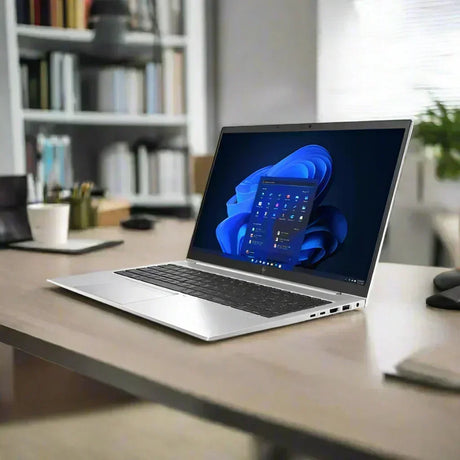
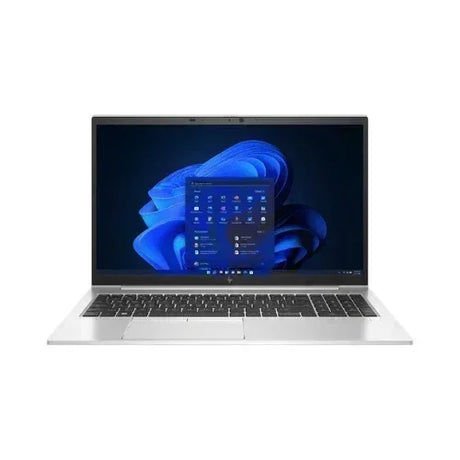
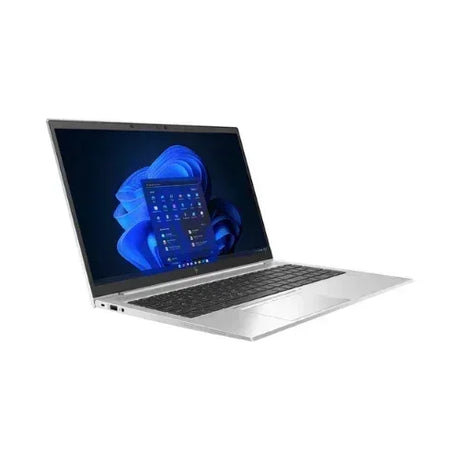
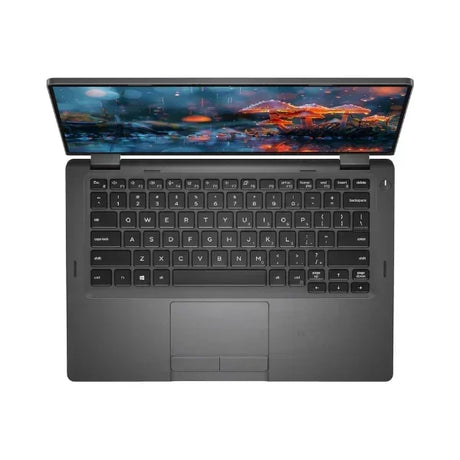
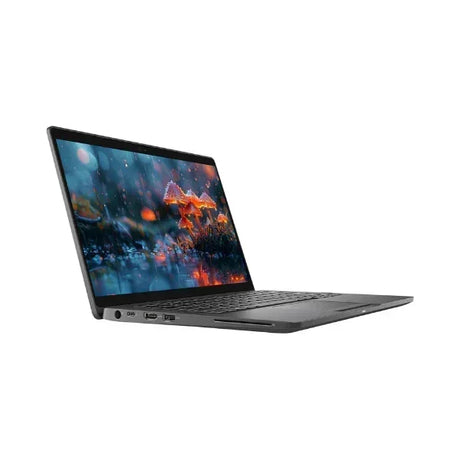
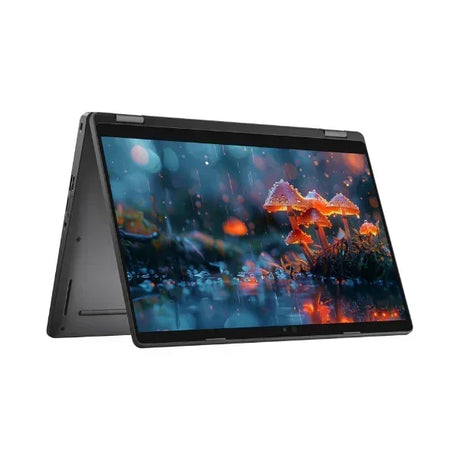
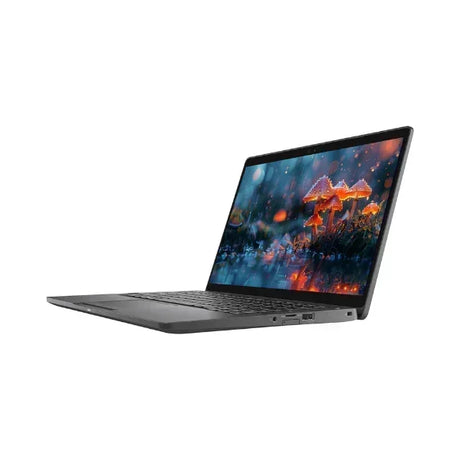
Apple MacBook Pro 16" 2021 — M1 Pro 10-Core, 16GB, 512GB
A certified refurbished Apple MacBook Pro 16-inch (2021, A2485) powered by the pro-class M1 Pro chip — 10-core CPU + 16-core GPU, 16GB unified memory and a fast 512GB SSD, with the stunning 16.2-inch Liquid Retina XDR mini-LED display. Desktop-class performance and all-day battery in a premium pro laptop, professionally tested by Reboot IT (Melbourne, est. 2001) and backed by a 12-month warranty with free standard AU shipping.
Key Benefits
-
Apple M1 Pro 10-core CPU: 8 performance + 2 efficiency cores — true pro-class Apple silicon that handles 4K/ProRes video, Xcode builds, Logic Pro and Final Cut Pro timelines with no Intel-era throttling.
-
16-core M1 Pro GPU + 16-core Neural Engine: hardware-accelerated rendering and AI/ML — smooth real-time 4K editing and faster photo/video AI in Final Cut Pro, DaVinci Resolve and Pixelmator.
-
16GB unified memory: shared across CPU, GPU and Neural Engine for fast throughput — comfortable multitasking across 4K editing, large Photoshop and Lightroom files, and dozens of browser tabs.
-
512GB NVMe SSD: fast, generous storage for projects, photo libraries, audio sessions and apps, with blazing read/write speeds.
-
16.2" Liquid Retina XDR mini-LED display: 3456x2234, 120Hz ProMotion, 1000-nit sustained / 1600-nit peak HDR, P3 wide colour — reference-grade for colour-critical work.
-
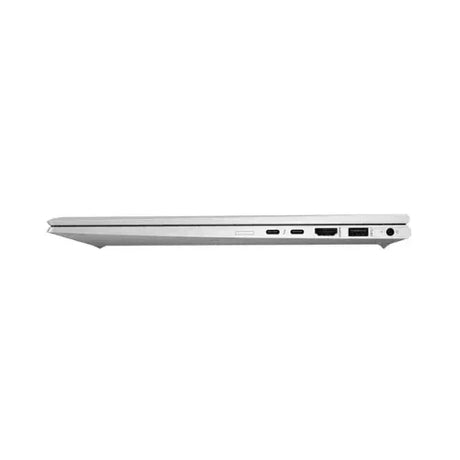
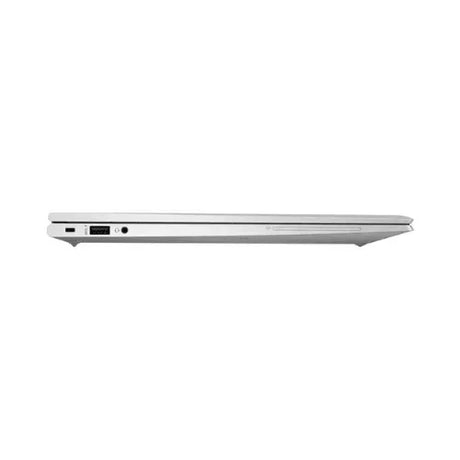
Pro connectivity, no dongles: MagSafe 3 charging, full-size HDMI, SDXC card reader and 3x Thunderbolt 4, plus Wi-Fi 6 and Bluetooth 5.0.
Performance in Use
The MacBook Pro 16" 2021 with M1 Pro changed how creative professionals think about laptop performance. The 10-core CPU sustains high clocks under load, and the 16-core GPU delivers smooth accelerated performance in Final Cut Pro and DaVinci Resolve for 4K and ProRes timelines. Photographers running Lightroom and Photoshop see real speed-ups in bulk edits and AI features.
Developers benefit from the unified memory architecture and the 10-core CPU — Xcode builds that crawled on Intel finish far faster, and Docker, VS Code language servers and Parallels VMs stay responsive thanks to the 16GB of unified memory shared between CPU and GPU.
The Liquid Retina XDR display is the showstopper: mini-LED HDR with 1600-nit peaks and 120Hz ProMotion makes grading, retouching and design review accurate and fluid, while the 16.2-inch panel and 100Wh battery make it a genuine desktop-replacement you can carry all day.
Technical Specifications
| Specification |
Details |
| Model |
MacBook Pro 16-inch 2021 (A2485 / MacBookPro18,1) |
| Chip |
Apple M1 Pro — 10-core CPU (8 performance + 2 efficiency) |
| Graphics |
16-core M1 Pro GPU |
| Neural Engine |
16-core |
| Memory |
16GB unified memory (LPDDR5, soldered) |
| Storage |
512GB NVMe SSD |
| Display |
16.2" Liquid Retina XDR mini-LED, 3456x2234, 120Hz ProMotion, 1000 nits sustained / 1600 nits peak HDR, P3 wide colour |
| Operating System |
macOS (current supported release) |
| Ports |
3x Thunderbolt 4 (USB-C, 40Gbps), HDMI, SDXC, MagSafe 3, 3.5mm jack |
| Wireless |
Wi-Fi 6 (802.11ax) + Bluetooth 5.0 |
| Camera & Audio |
1080p FaceTime HD; six-speaker spatial audio, studio three-mic array |
| Battery |
100Wh; up to 21 hours video playback |
| Security |
Touch ID, Apple Secure Enclave |
| Weight |
Approx. 2.1kg |
| Warranty |
12 months — Reboot IT (battery 30 days) |
Is This MacBook Pro Right for You?
✓ Best For:
• Video editors cutting 4K / ProRes timelines
• Photographers needing colour-accurate XDR
• Developers running Xcode, Docker and VMs
• Creators wanting a big 16.2" pro display
• All-day battery with desktop-class power |
✗ Not Ideal For:
• Users needing native Windows (Boot Camp unsupported)
• Buyers wanting the cheapest everyday laptop
• Those needing a lighter, more portable machine (2.1kg)
• Heavy simultaneous AI workloads (newer M3/M4 Pro have more headroom) |
Condition Grades
| Grade |
Cosmetic |
Battery |
| A — Excellent |
Minimal signs of use; very light marks only on close inspection. |
70%+ health |
| B — Good |
Light wear from prior use — minor scuffs or palm-rest shine. Fully functional. |
50-70% health |
Frequently Asked Questions
How powerful is the M1 Pro in 2026?
Very. The 10-core CPU and 16-core GPU still comfortably handle 4K editing, large code projects and pro audio. M1 Pro remains an excellent-value entry into Apple silicon Pro workstations.
Can I run Windows on it?
Not natively (Boot Camp is Intel-only). Parallels Desktop runs the ARM build of Windows in a virtual machine smoothly for office and productivity apps, with x86 emulation via Microsoft Prism.
Can the memory or storage be upgraded later?
No — on Apple silicon the 16GB unified memory is part of the M1 Pro package and the 512GB SSD is soldered. Fast external Thunderbolt 4 SSDs are the recommended way to add storage.
How many external displays can it drive?
The M1 Pro supports up to two external displays (up to 6K via Thunderbolt) plus the built-in panel — ideal for a dual-monitor pro setup via a single Thunderbolt 4 dock.
What macOS version does it run?
It runs the current supported macOS and will keep receiving Apple updates for years. We ship each unit with a fresh, fully set-up install of the latest compatible macOS.
Do you offer free shipping?
Yes — this item ships free with standard AU shipping to any Australian address, and includes a 12-month Reboot IT warranty.
12-Month Warranty & Reboot IT Guarantee
Every MacBook Pro is fully tested, professionally cleaned and reinstalled with a fresh, supported copy of macOS before dispatch. Your purchase includes a full 12-month Reboot IT warranty on hardware (battery cells carry a separate 30-day warranty), with free standard AU shipping. Reboot IT has been Melbourne's trusted certified refurbisher since 2001.
Our Australian support team handles warranty enquiries quickly so you are never left without help.