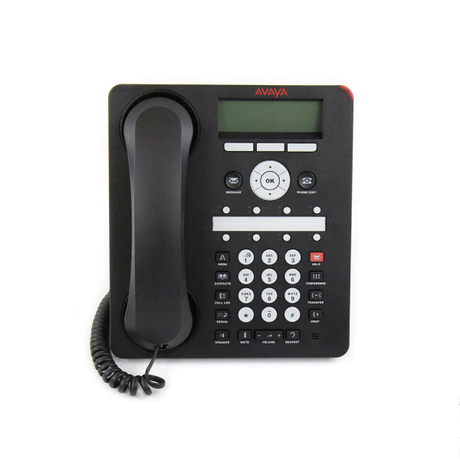
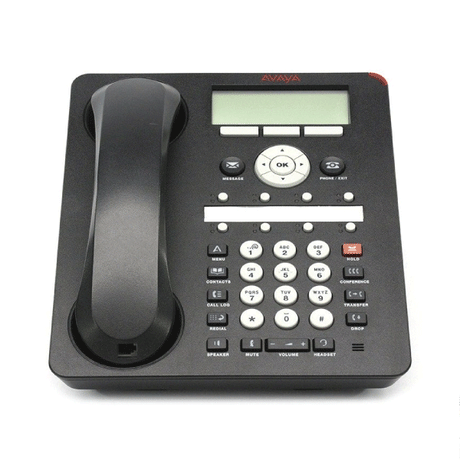
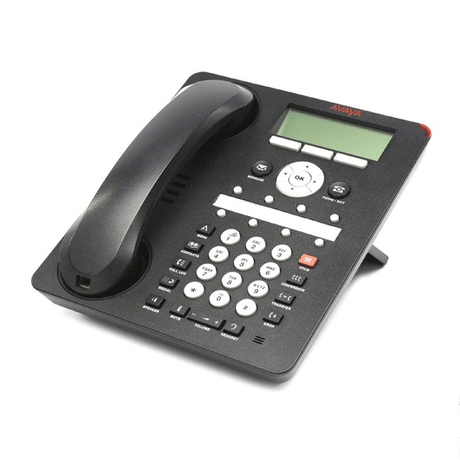
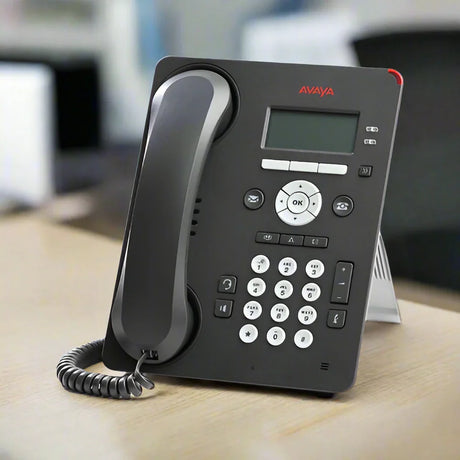
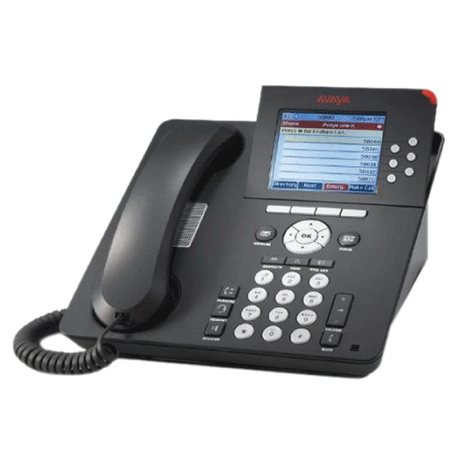
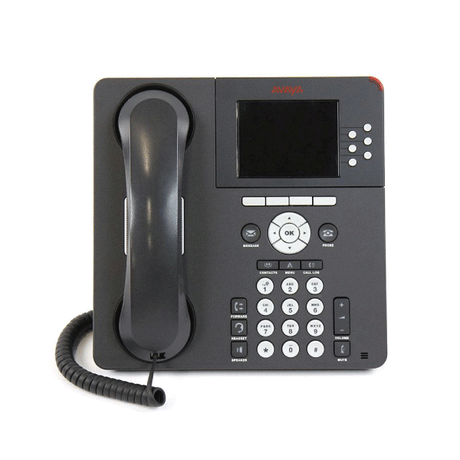
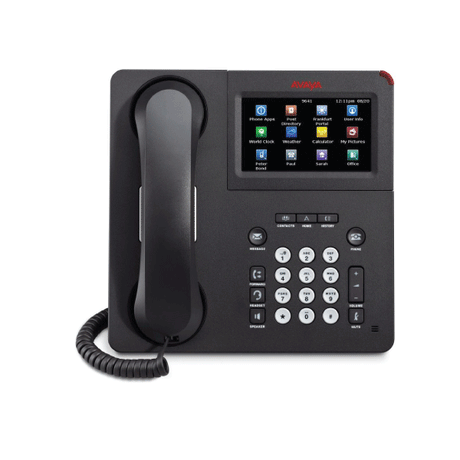
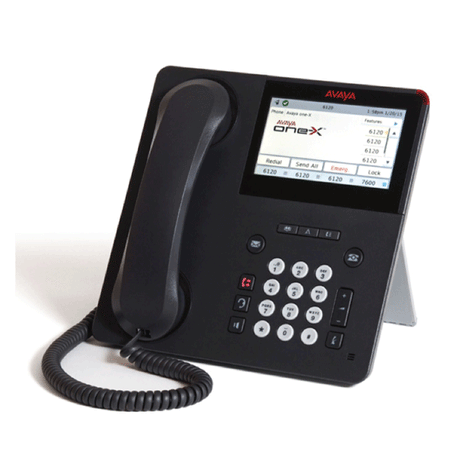
Avaya J169 — 8-Line SIP/H.323 VoIP Desk Phone with HD Audio
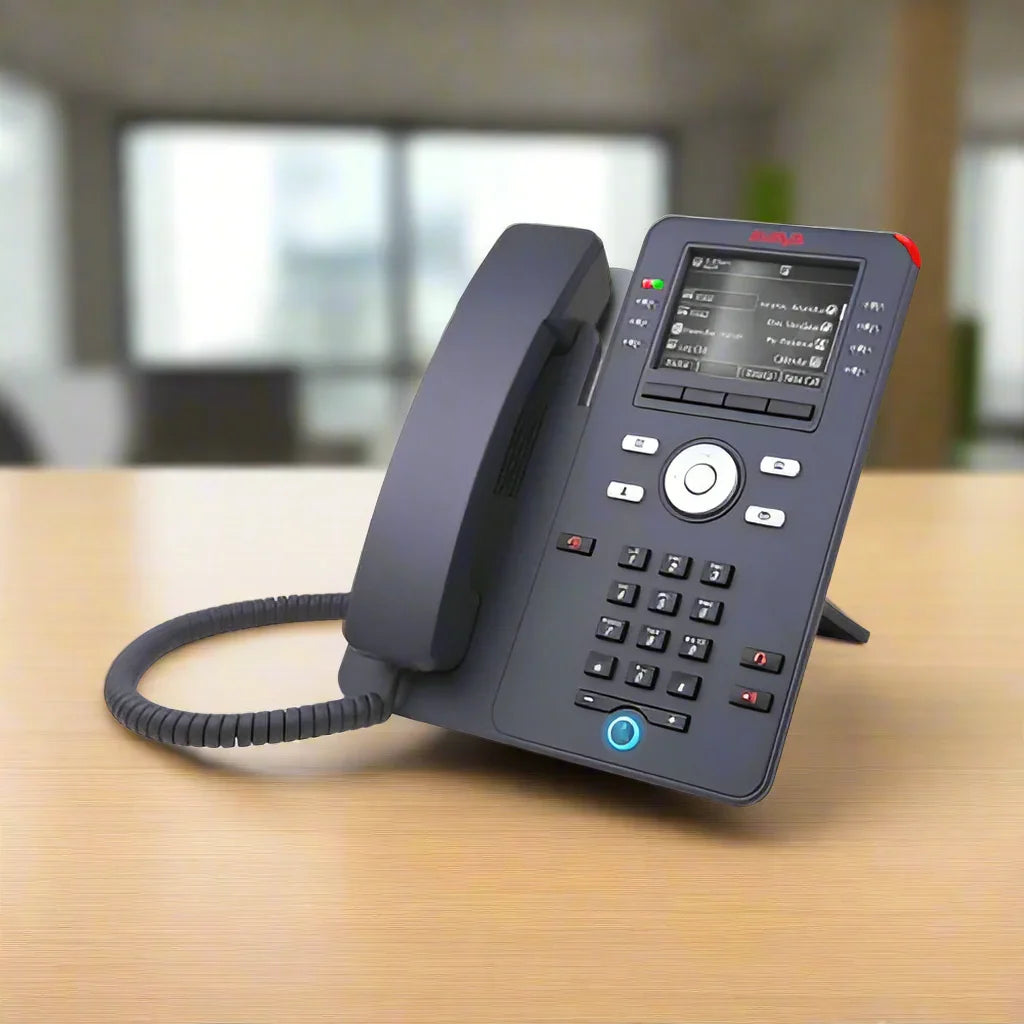
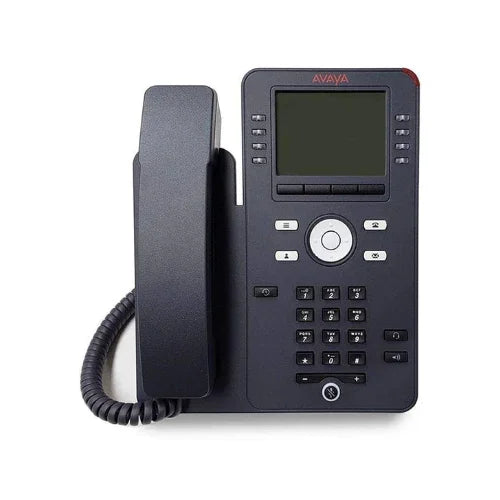
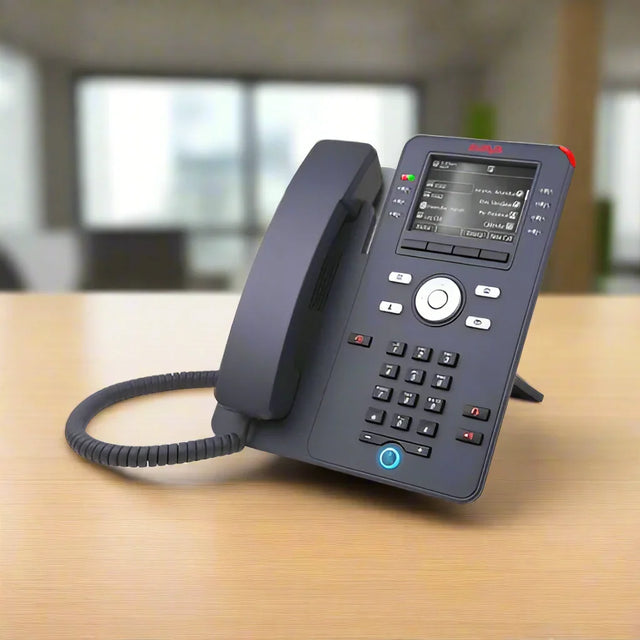
The Avaya J169 is a multi-line business IP phone featuring 8 line keys with dual red/green LEDs, a 3.5″ grayscale display (320 × 240), dual Gigabit Ethernet ports with PoE passthrough, and wideband HD audio with full-duplex speakerphone. Supports SIP, H.323, and Avaya Aura platform integration. Backed by a full 12-month Reboot IT warranty.
Key Benefits
-
8 line keys with dual LED: Manage up to 8 simultaneous lines or call appearances — ideal for busy office professionals, receptionists, and call centre agents handling concurrent calls
-
Dual GbE with PoE passthrough: Two Gigabit Ethernet ports allow a PC to share the network connection via the phone — reducing desk cabling while the phone draws power from the existing PoE switch port
-
Wideband HD audio: G.722 wideband codec delivers voice clarity significantly above standard 8 kHz telephony — reduces listener fatigue during extended calls and conference sessions
-
SIP and H.323 protocol support: Compatible with Avaya Aura Communication Manager, Avaya IP Office, and third-party SIP call servers — broad deployment flexibility across existing UC infrastructure
-
4 context-sensitive soft keys: Dynamic screen-driven navigation for call handling, transfer, conference, and feature access without memorising key sequences
-
EHS headset and expansion modules: Electronic Hook Switch (EHS) headset support plus up to 3 × JBM24 button modules or 3 × JEM24 display modules for customised agent workstation builds
Performance in Use
In a corporate office or contact centre environment, the J169 handles multiple simultaneous call appearances — on-hold calls, transferred calls, and direct extensions — via the 8 programmable line keys and 3.5″ display. The full-duplex speakerphone with acoustic echo cancellation enables hands-free conference calls while maintaining audio clarity for all participants.
PoE passthrough eliminates the need for a separate network cable to the desk computer — one cable from the wall port to the J169, and a short patch from the J169 to the PC. This simplifies desk layouts and reduces infrastructure requirements in hot-desking environments.
The J169 integrates directly with Avaya Aura Communication Manager and Avaya IP Office platforms. Registration uses standard SIP (for open-platform deployments) or H.323 and Avaya proprietary signalling for feature-rich Avaya Aura integration — covering Busy Lamp Field (BLF), shared call appearances, and voicemail message waiting indicators.
Technical Specifications
| Display |
3.5″ grayscale, 320 × 240 pixels |
| Line Keys |
8 programmable line/feature keys (dual red/green LED) |
| Soft Keys |
4 context-sensitive soft keys |
| Audio |
Wideband HD (G.722), full-duplex speakerphone, HAC compliant |
| Ethernet |
2 × 10/100/1000 GbE (LAN port + PC passthrough) |
| Power |
PoE Class 1 (802.3af) or AC adapter (sold separately) |
| Protocols |
SIP, SIP-AST, H.323, CCMS over SIP |
| Headset |
RJ9 (handset + headset), EHS compatible |
| Expansion Modules |
Up to 3 × JBM24 button modules or 3 × JEM24 display modules |
| Warranty |
12 months (Reboot IT) |
Is It Right for You?
| Best For ✓ |
Not For ✗ |
| Avaya Aura / IP Office enterprise deployments |
Microsoft Teams-native direct routing endpoints |
| Multi-line office professionals and receptionists |
Home analogue phone replacement |
| Contact centre agent workstations with EHS headsets |
Environments without an existing SIP/H.323 call server |
| Third-party SIP PBX (Cisco CUCM, 3CX, FreePBX) |
DECT/wireless handset requirements |
Condition Grades
| Grade |
Description |
| A — Excellent |
Minimal signs of desk use. Light scuffs or micro-scratches only. All keys, display, audio, and ports fully tested and functional. |
| B — Good |
Visible cosmetic wear — scratches or light marks on housing. Fully functional. All components tested and verified. |
Frequently Asked Questions
Does this work with Cisco CUCM or Microsoft Teams?
The J169 supports SIP, H.323, and Avaya Aura natively. It can register to Cisco CUCM via SIP if a SIP profile is configured. Microsoft Teams requires the Avaya SBCE (Session Border Controller for Enterprise) as a SIP gateway — direct Teams native registration is not supported by this handset model.
Is a power adapter included?
The J169 is designed to be powered via PoE (Class 1, 802.3af) from a PoE switch. An optional AC power adapter (sold separately) is available for non-PoE environments. Most enterprise deployments use PoE — confirm your switch supports 802.3af before ordering without an adapter.
What expansion modules are compatible?
Up to 3 × JBM24 Button Modules (24 additional programmable keys) or 3 × JEM24 Display Modules (24 keys with label display) can be daisy-chained to the J169 — useful for receptionist consoles or agent workstations requiring extensive BLF/call coverage keys.
Does it require a dedicated call server to operate?
Yes — the J169 is an IP endpoint that registers to a SIP or H.323 call server (Avaya Aura, IP Office, Cisco CUCM, 3CX, or FreePBX). It cannot operate as a standalone phone without a supporting PBX or hosted SIP provider.
What warranty is included?
A 12-month Reboot IT warranty covers all hardware components from the date of purchase.
How does shipping work?
Shipping costs apply based on size and destination — rates are calculated at checkout.
12-Month Warranty — Reboot IT
Every Avaya J169 sold by Reboot IT includes a full 12-month warranty covering all hardware components. Reboot IT has been Melbourne’s trusted refurbished IT specialist since 2001, operating from reboot-it.com.au.