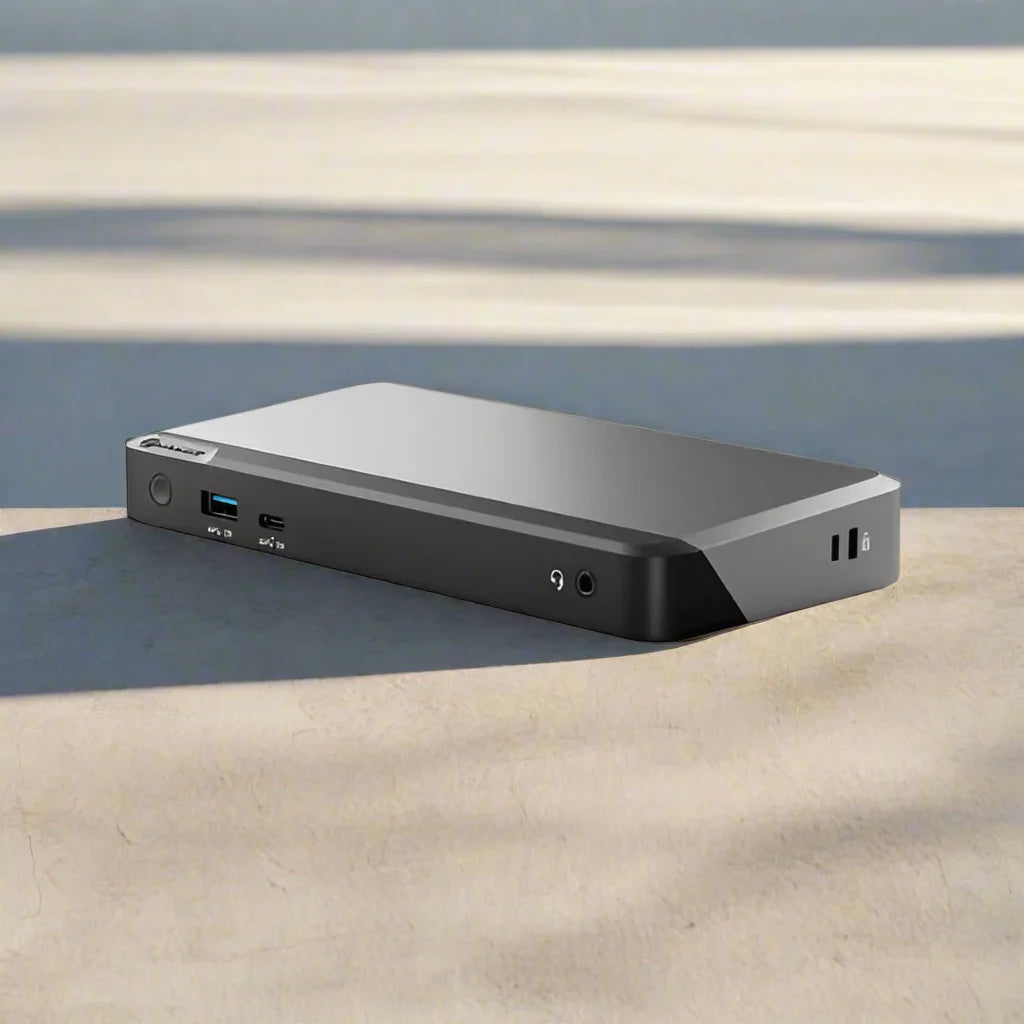
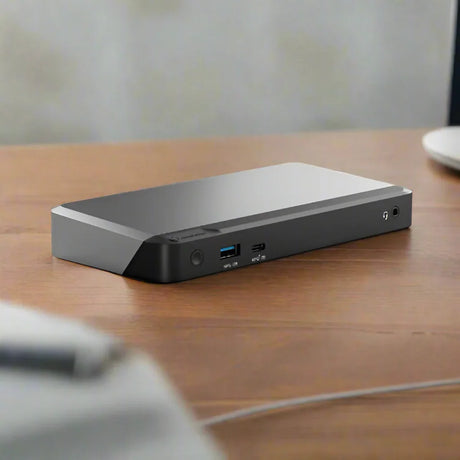
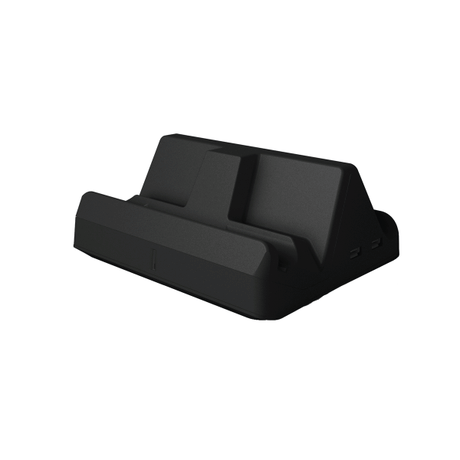
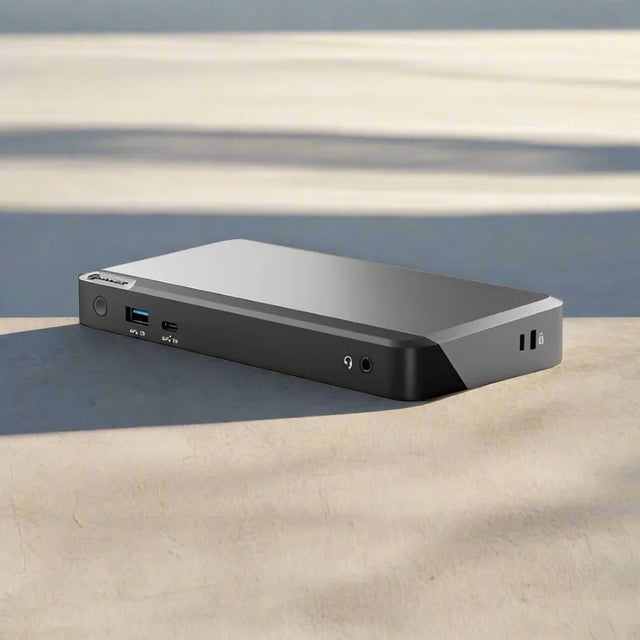
Alogic DX2 — Dual 4K Universal Docking Station, 65W PD
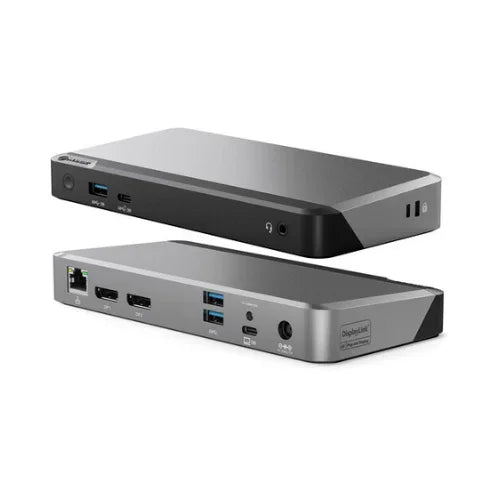
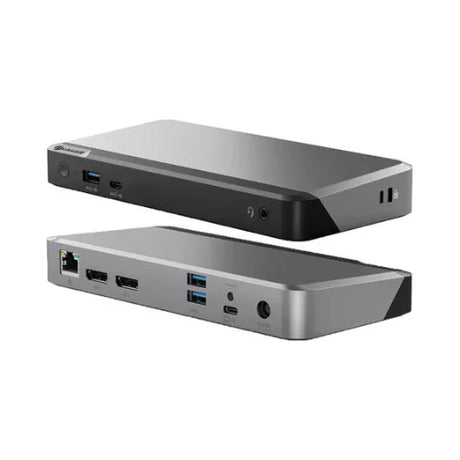
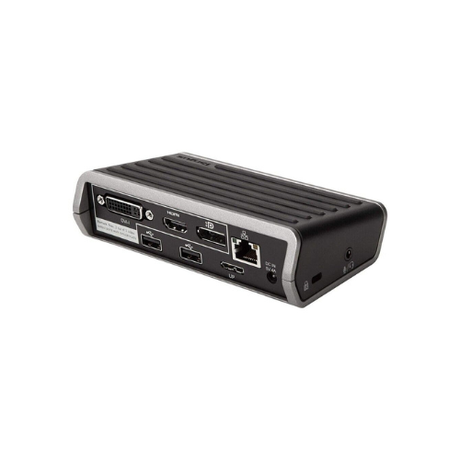
The Alogic DX2 (DUPRDX2) is a universal DisplayLink docking station driving two DisplayPort displays at 4K 60Hz, with 65W Power Delivery, Gigabit Ethernet, and four USB ports. It connects to USB-C and USB-A hosts alike, working across Windows, macOS, and Chromebook machines. Backed by a 12-month Reboot IT warranty.
⚠ DisplayLink drivers required. The DX2 uses DisplayLink rather than DisplayPort Alt Mode. A free driver must be installed on the connected computer for the display outputs to work.
Key Benefits
-
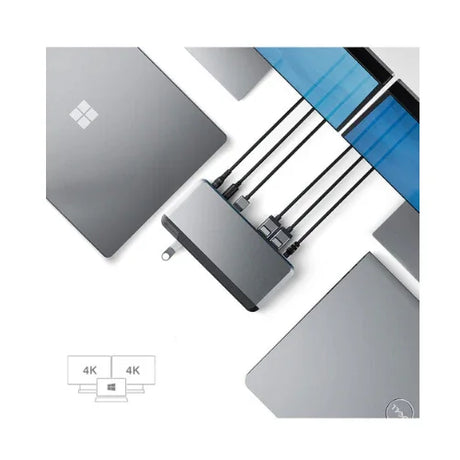
Universal host compatibility: DisplayLink works regardless of whether the laptop supports DisplayPort Alt Mode, so it drives displays from machines a native USB-C dock cannot.
-
Connects over USB-C or USB-A: Older laptops with no USB-C port still gain dual-display output — genuinely useful for extending the life of existing hardware.
-
Dual 4K at 60Hz: Two DisplayPort outputs run a full dual 4K workspace, well beyond what most laptops support from a single port natively.
-
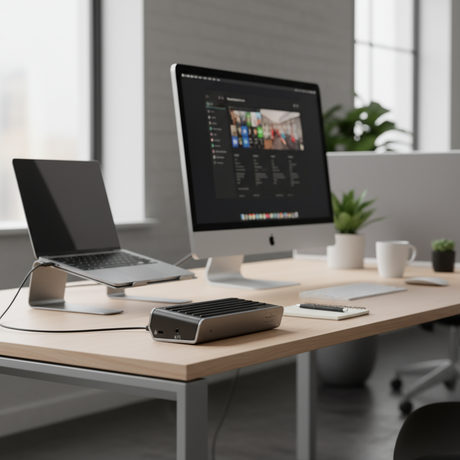
65W Power Delivery: Charges most ultrabooks and business laptops over USB-C while driving displays, so the desk needs one cable rather than two.
-
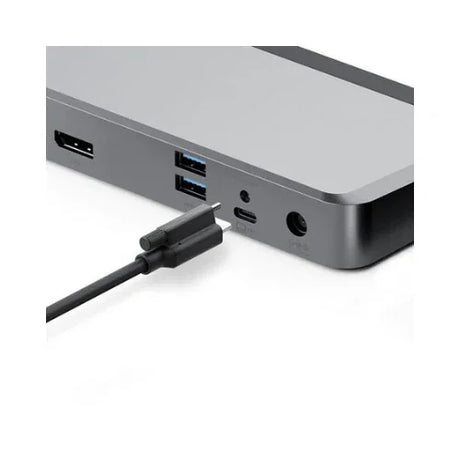
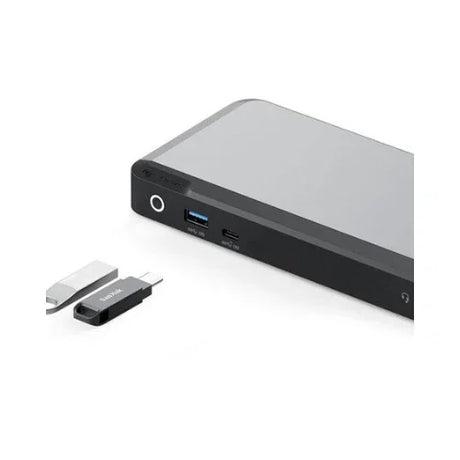
Four USB ports: Three USB-A 3.2 Gen 1 ports plus a USB-C 3.2 Gen 2 port keep peripherals and fast external storage permanently connected at the desk.
-
Cross-platform support: Works across Windows, macOS, and Chromebook machines, which suits organisations running more than one platform.
Performance in Use
The DX2 is the universal counterpart to Alogic's MX2, and choosing between them comes down to one question: does the host laptop support DisplayPort Alt Mode? If it does not — or if the fleet is mixed and you cannot guarantee it — the DX2 is the dock that will actually work. DisplayLink transmits display data over the USB connection itself rather than requiring a native video path, which is what makes it host-agnostic.
The practical benefit shows most clearly with older hardware. A laptop with only USB-A ports has no route to dual external displays through a conventional dock, but the DX2 provides exactly that. For organisations extending the service life of existing machines rather than replacing them, that capability is often the entire justification for the purchase.
The trade-off is the driver requirement and a degree of host CPU involvement. DisplayLink must be installed on each connected computer, and because display data is compressed and sent over USB, full-screen high-frame-rate video and gaming are less well suited than on a native Alt Mode dock. For documents, spreadsheets, browsers, and video calls across two 4K screens, it performs well.
Technical Specifications
| Specification |
Details |
| Model |
Alogic DX2 (DUPRDX2) |
| Technology |
DisplayLink (driver installation required) |
| Host Connection |
USB-C or USB-A |
| Video Outputs |
2 x DisplayPort (4K at 60Hz) |
| USB Ports |
3 x USB-A 3.2 Gen 1, 1 x USB-C 3.2 Gen 2 |
| Network |
Gigabit Ethernet (RJ45) |
| Power Delivery |
65W USB-C PD |
| Audio |
3.5 mm combo jack |
| Compatibility |
Windows, macOS, and Chromebook with DisplayLink drivers |
| Warranty |
12 months (Reboot IT) |
Is It Right for You?
✓ Best For:
• Mixed fleets where DP Alt Mode support cannot be guaranteed
• Older laptops with USB-A only needing dual-display output
• Cross-platform sites running Windows, macOS, and Chromebooks
• Dual 4K desks for document and office work
• Extending the working life of existing laptop hardware |
✗ Not For:
• Gaming or full-screen high-frame-rate video across docked displays
• Users unwilling or unable to install DisplayLink drivers
• Laptops requiring more than 65W charging
• Driver-free operation — choose the Alogic MX2 instead
• Thunderbolt-native workflows needing full PCIe bandwidth |
Condition Grades
| Grade |
Cosmetic Condition |
Functional Testing |
| A — Excellent |
Minimal marks, near-new appearance |
Both display outputs, Ethernet, all USB ports, and power delivery verified |
| B — Good |
Light wear from normal use, fully functional |
Both display outputs, Ethernet, all USB ports, and power delivery verified |
Frequently Asked Questions
What is the difference between the DX2 and the MX2?
The DX2 uses DisplayLink — drivers are required, but it works with USB-A hosts and laptops that do not support DisplayPort Alt Mode. The MX2 uses DP Alt Mode — no drivers, but the host USB-C port must support it.
Do I need to install software?
Yes. DisplayLink drivers must be installed on the connected computer for the display outputs to work. They are available free from DisplayLink for Windows and macOS.
Will it work with a laptop that has no USB-C port?
Yes. The DX2 connects over USB-A as well as USB-C, which lets older laptops drive dual external displays they could not otherwise support.
Can it run two 4K monitors?
Yes. Both DisplayPort outputs support 4K at 60Hz. Performance across two 4K displays depends partly on the host computer, as DisplayLink uses host resources.
Is it compatible with MacBook?
Yes, with the DisplayLink driver for macOS installed. Check current DisplayLink macOS compatibility for your specific macOS version before ordering.
Is a power adapter included?
Yes. A power adapter is supplied with this dock, which requires external power to deliver 65W charging and drive dual displays.
What are the shipping options?
Free standard shipping across Australia.
Warranty & Support
Every Alogic DX2 sold by Reboot IT includes a 12-month warranty covering hardware defects and functional failure from the date of purchase.
Reboot IT has been Australia's trusted refurbished IT specialist since 2001. Every unit is tested before dispatch — both display outputs, Ethernet, all USB ports, and power delivery are confirmed working. Free standard shipping across Australia. Melbourne-based support at reboot-it.com.au.