



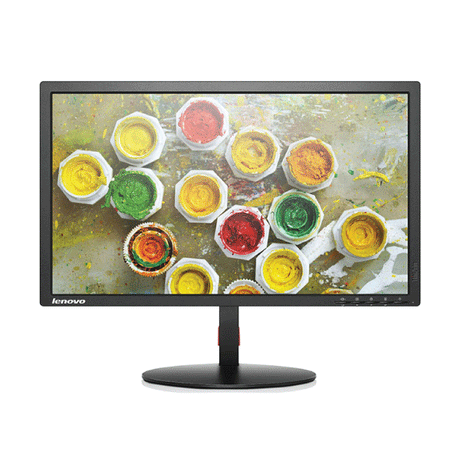
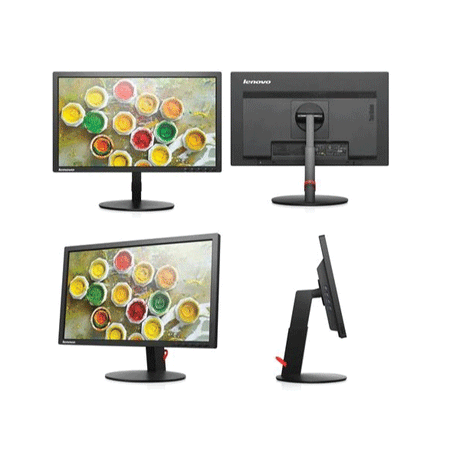
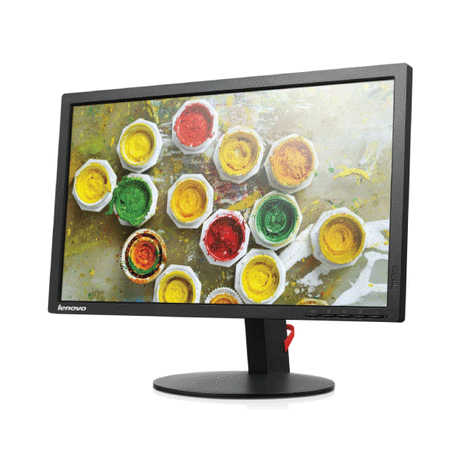
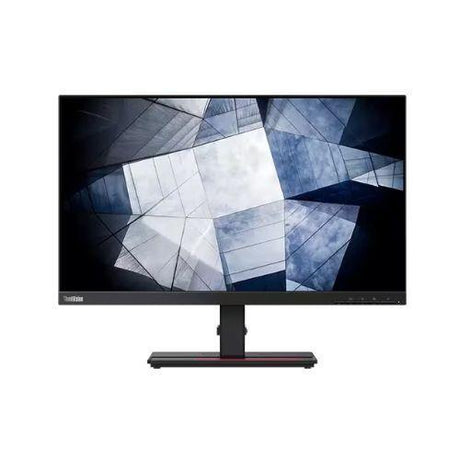
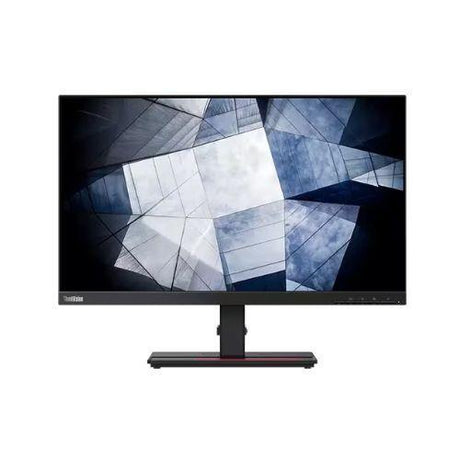
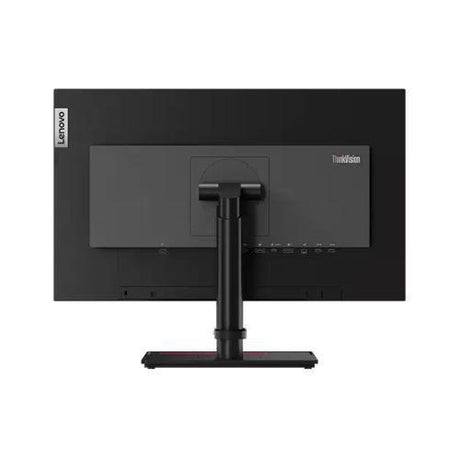
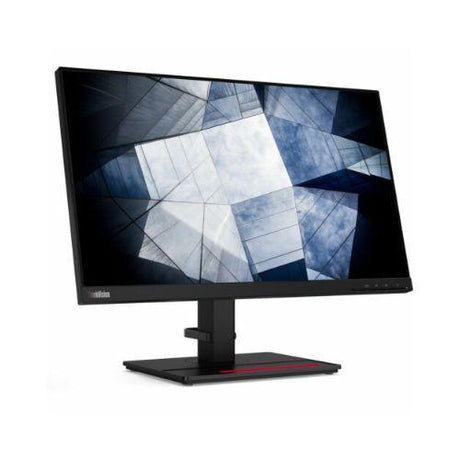
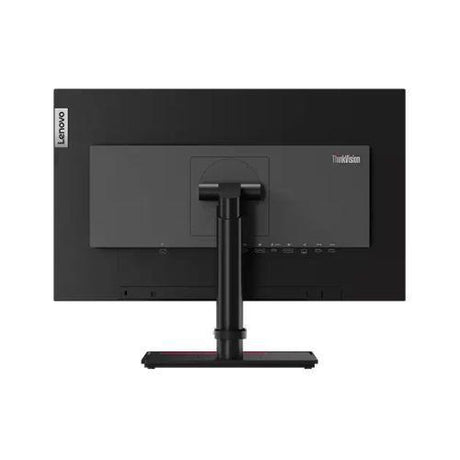
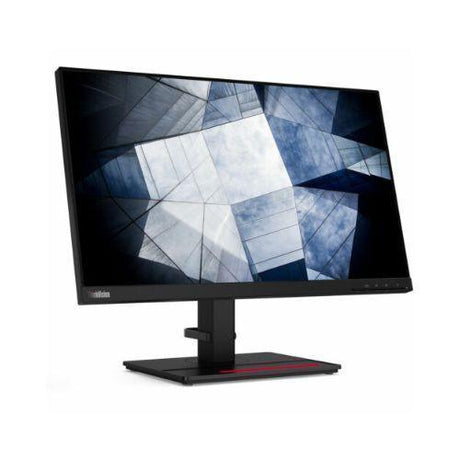


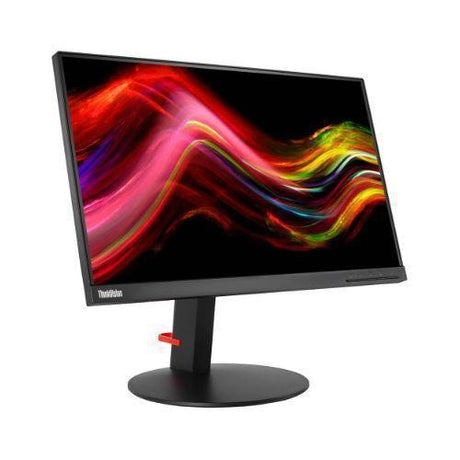
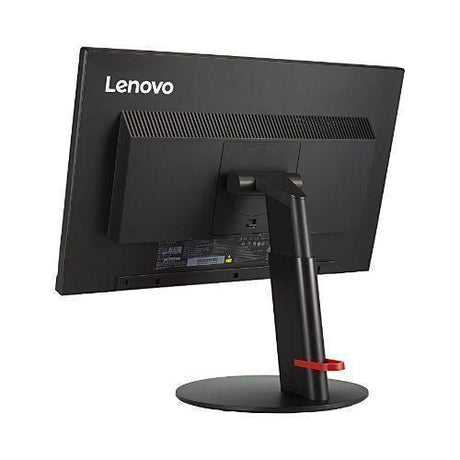
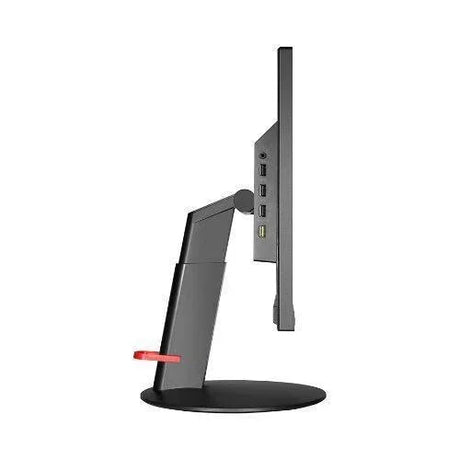


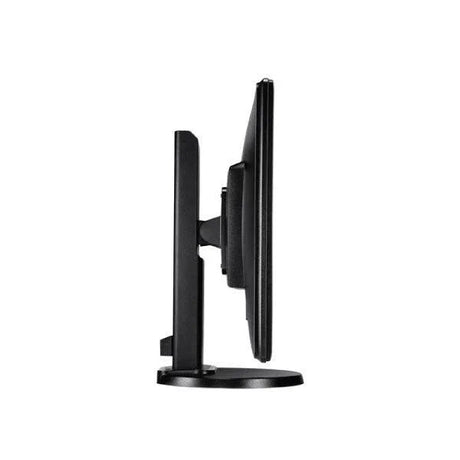
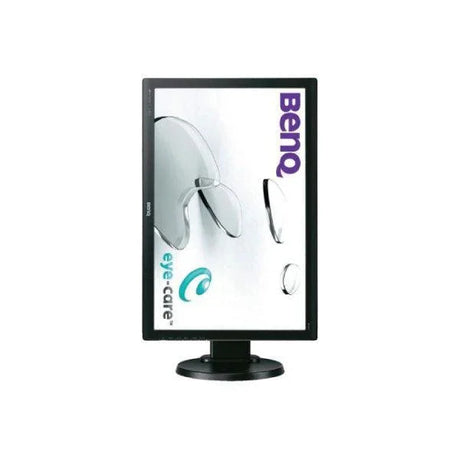
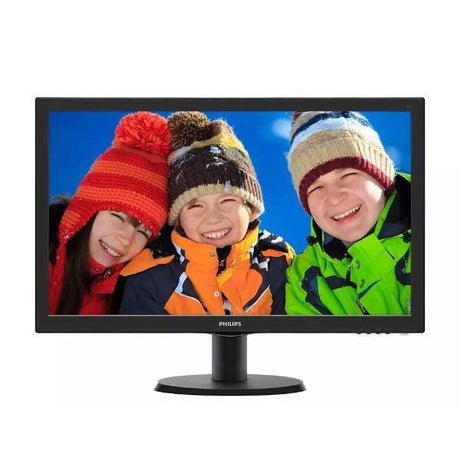
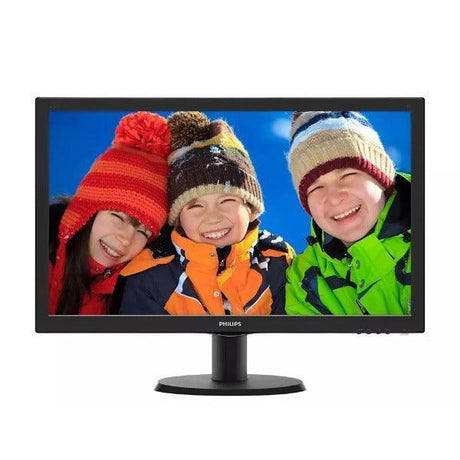
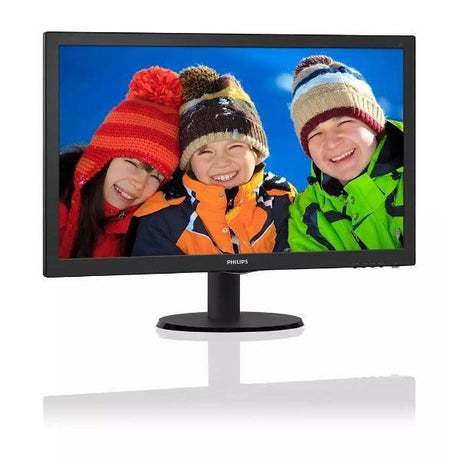
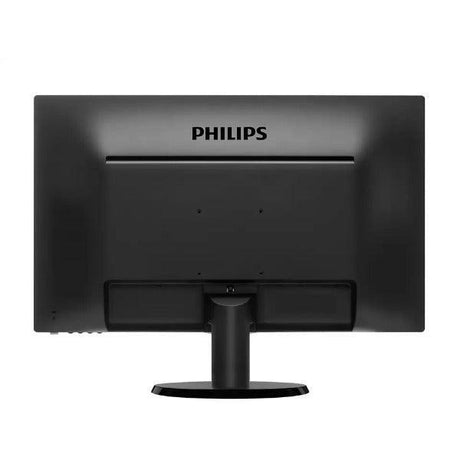
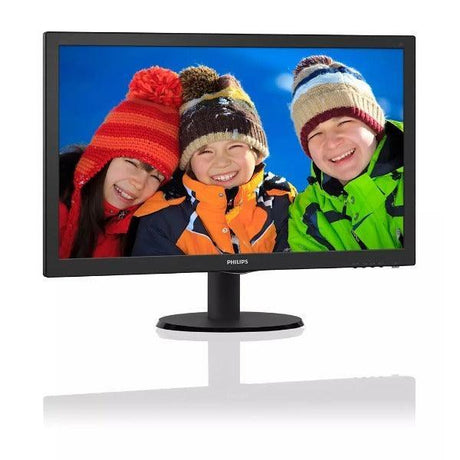
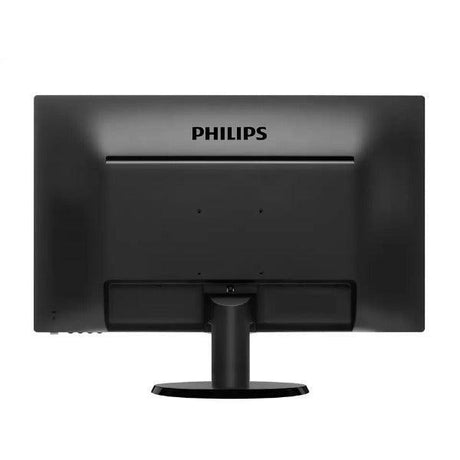
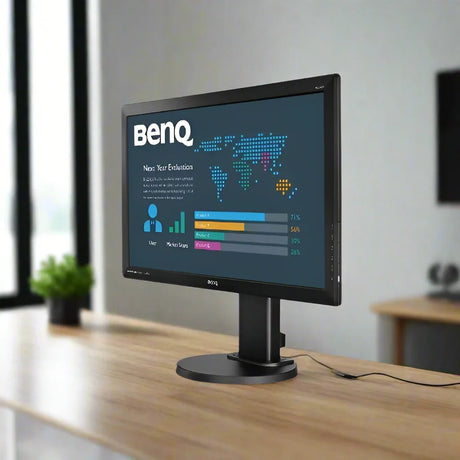
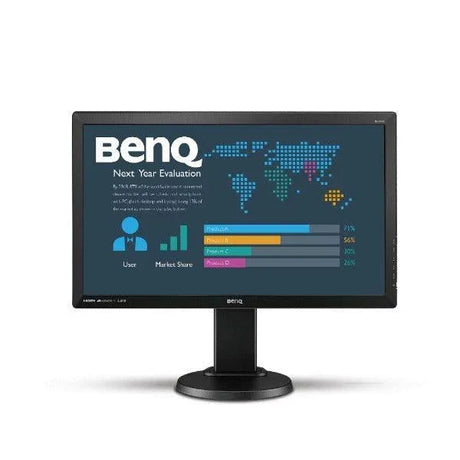
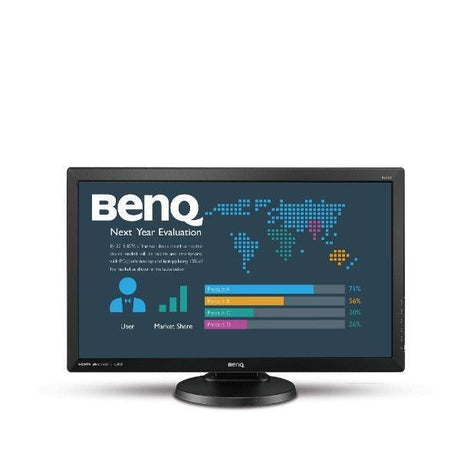
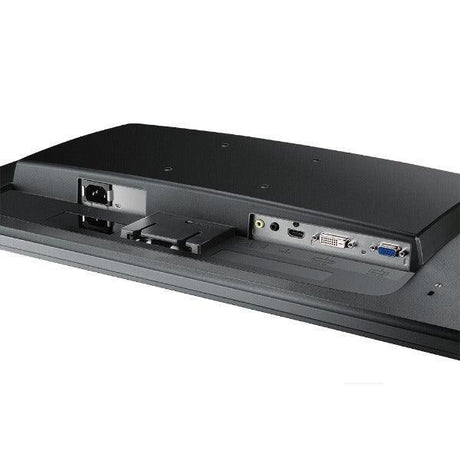
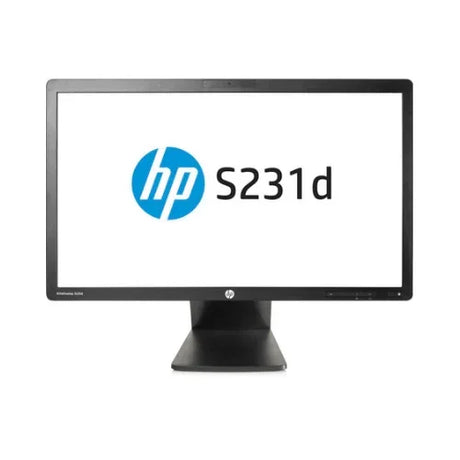
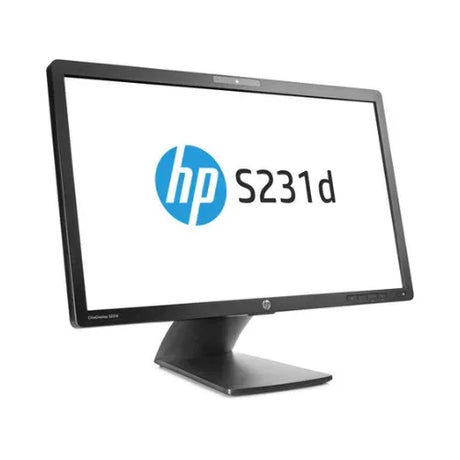
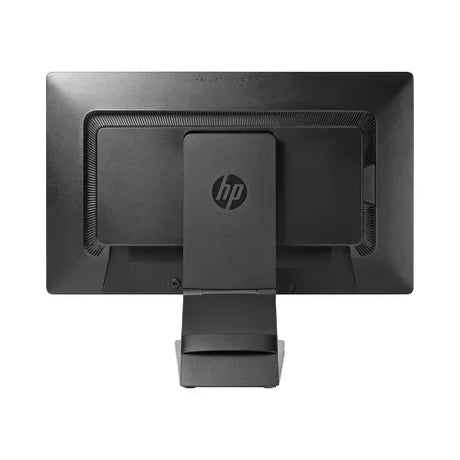
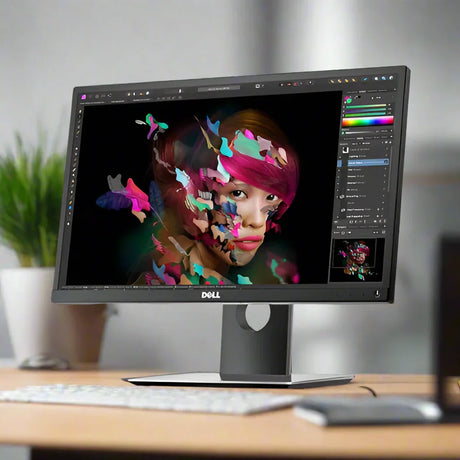
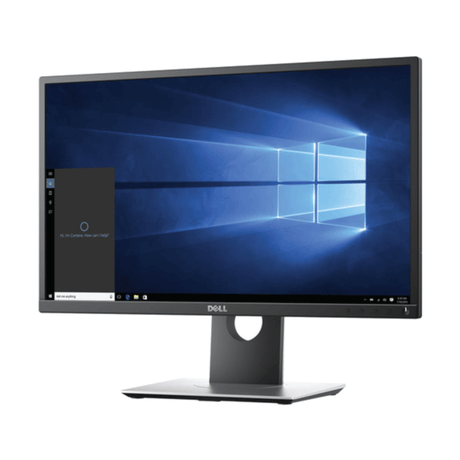
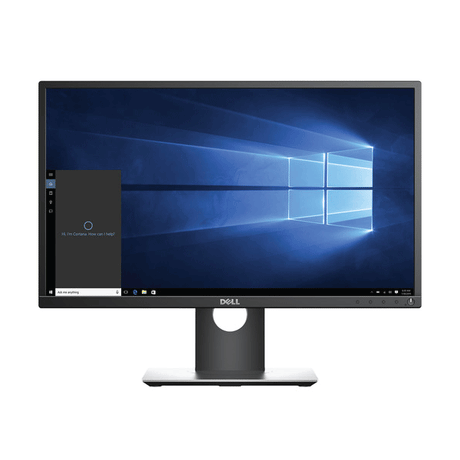
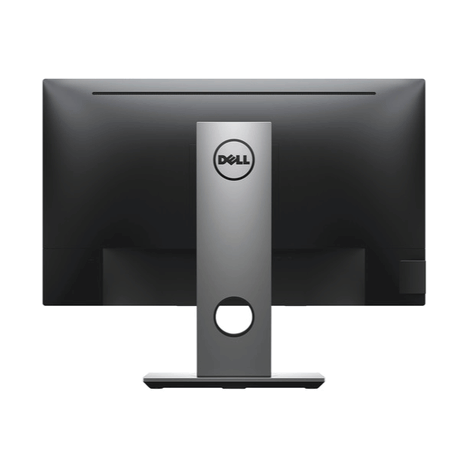
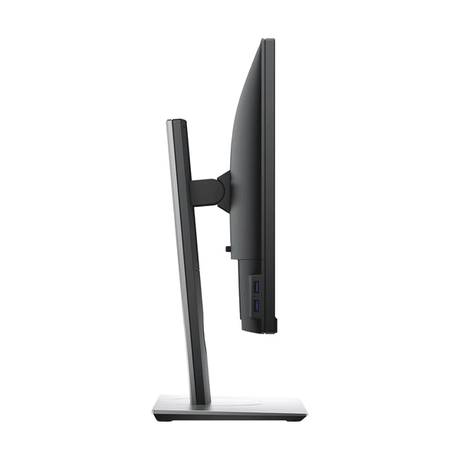
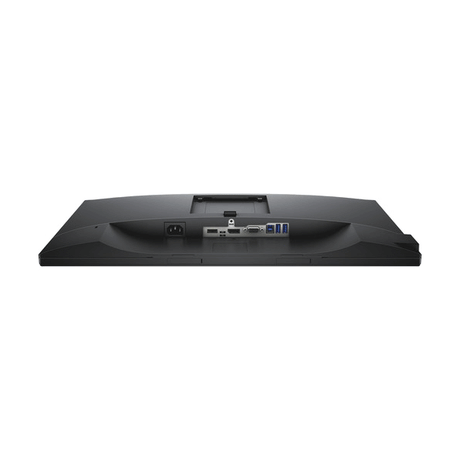
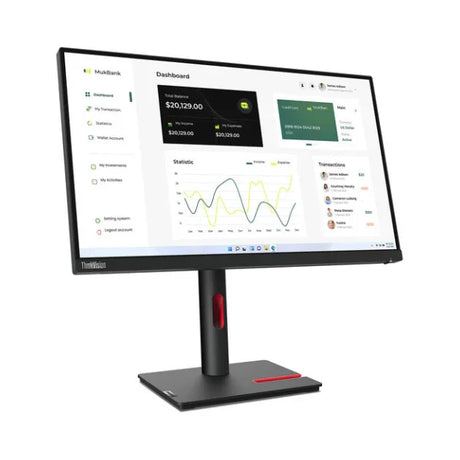
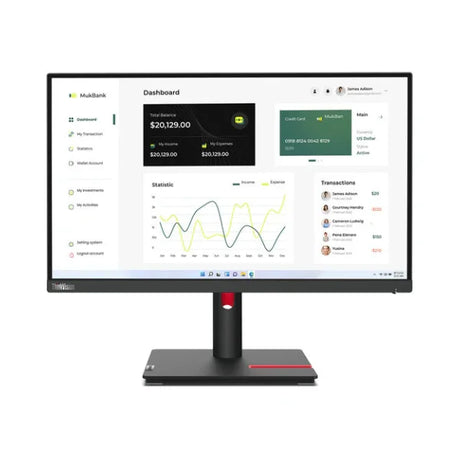
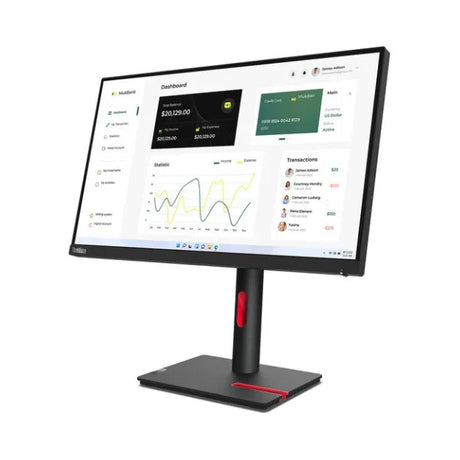
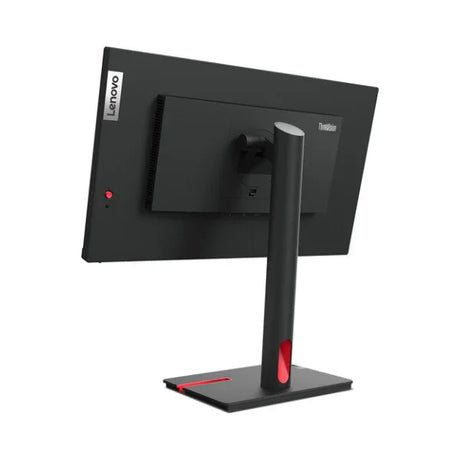
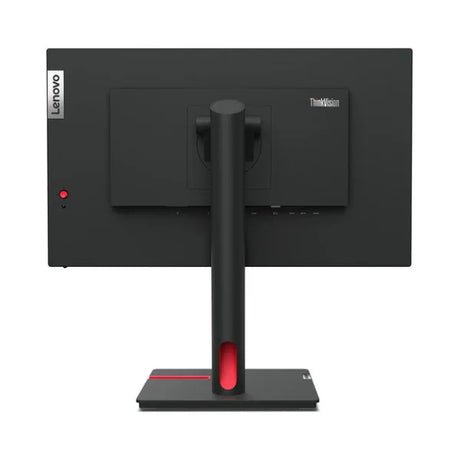
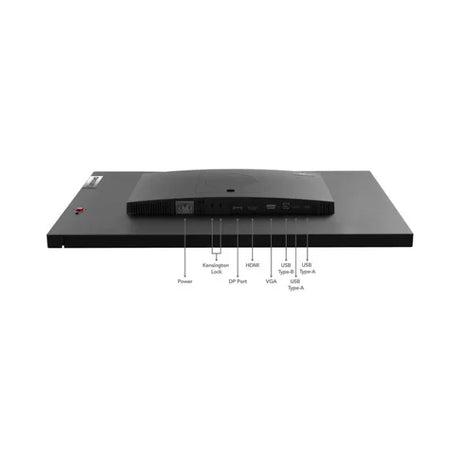
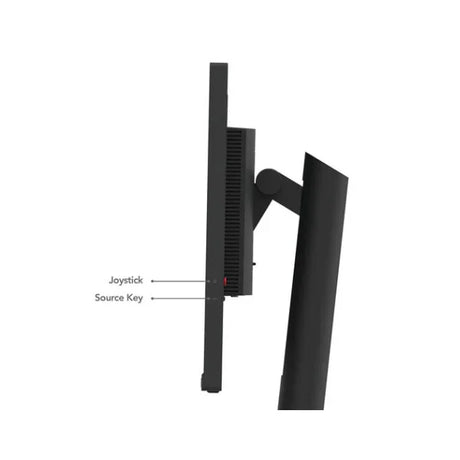






Refurbished Clearance sale
SALE - SAVE UP TO 70% ON SELECTED ITEMS
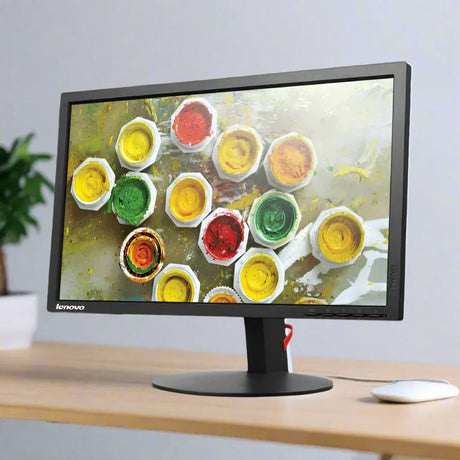
- Up to 44% off$75$59Was
$105Condition gradesExcellent — virtually like new. Minimal signs of use.
Good — fully functional, with light signs of use such as minor marks on the casing.
Every monitor is fully tested before dispatch — the grade describes appearance only.
Full grading guide →- 24" · Full HD
- TN screen · basic
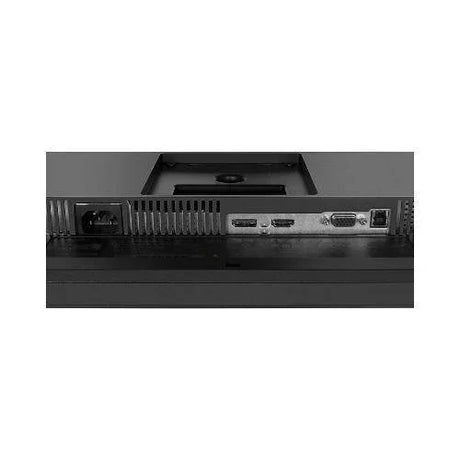
- Ports: HDMI · VGA
- Fixed stand
Monitor terms explained- Full HD / QHD
- How sharp the picture is. Full HD (1920×1080) is the everyday standard; QHD (2560×1440) is noticeably sharper.
- IPS, VA or TN screen
- IPS: best colour and viewing angles. VA: deep blacks and strong contrast. TN: a basic screen that is perfectly fine for office work.
- Ports — which cable?
- Match one to your computer. HDMI: most laptops, PCs and TVs. DP (DisplayPort): desktops and business laptops. USB-C: newer laptops — one cable for picture and power. DVI / VGA: older PCs. Adapters are available if your computer is different.
- Wall/arm mount (VESA)
- Standard screw holes on the back that fit a wall bracket or monitor arm. Monitors sold with "No stand" need one of these, or a separate stand.
Very low stock (3 units) -
- No standUp to 38% off$75$65Was
$105Condition gradesExcellent — virtually like new. Minimal signs of use.
Good — fully functional, with light signs of use such as minor marks on the casing.
Every monitor is fully tested before dispatch — the grade describes appearance only.
Full grading guide →- 24" · Full HD
- IPS screen · vivid colour
- Ports: HDMI · DP · VGA
- No stand – mount only
Monitor terms explained- Full HD / QHD
- How sharp the picture is. Full HD (1920×1080) is the everyday standard; QHD (2560×1440) is noticeably sharper.
- IPS, VA or TN screen
- IPS: best colour and viewing angles. VA: deep blacks and strong contrast. TN: a basic screen that is perfectly fine for office work.
- Ports — which cable?
- Match one to your computer. HDMI: most laptops, PCs and TVs. DP (DisplayPort): desktops and business laptops. USB-C: newer laptops — one cable for picture and power. DVI / VGA: older PCs. Adapters are available if your computer is different.
- Wall/arm mount (VESA)
- Standard screw holes on the back that fit a wall bracket or monitor arm. Monitors sold with "No stand" need one of these, or a separate stand.
Low stock (11 units) -
- No standUp to 49% off$35$25Was
$49Condition gradesExcellent — virtually like new. Minimal signs of use.
Good — fully functional, with light signs of use such as minor marks on the casing.
Every monitor is fully tested before dispatch — the grade describes appearance only.
Full grading guide →- 21.5" · Full HD
- TN screen · basic
- Ports: DP · VGA
- No stand – mount only
Monitor terms explained- Full HD / QHD
- How sharp the picture is. Full HD (1920×1080) is the everyday standard; QHD (2560×1440) is noticeably sharper.
- IPS, VA or TN screen
- IPS: best colour and viewing angles. VA: deep blacks and strong contrast. TN: a basic screen that is perfectly fine for office work.
- Ports — which cable?
- Match one to your computer. HDMI: most laptops, PCs and TVs. DP (DisplayPort): desktops and business laptops. USB-C: newer laptops — one cable for picture and power. DVI / VGA: older PCs. Adapters are available if your computer is different.
- Wall/arm mount (VESA)
- Standard screw holes on the back that fit a wall bracket or monitor arm. Monitors sold with "No stand" need one of these, or a separate stand.
Very low stock (4 units) -
- Up to 61% off$19$25Was
$49Condition gradesExcellent — virtually like new. Minimal signs of use.
Good — fully functional, with light signs of use such as minor marks on the casing.
Every monitor is fully tested before dispatch — the grade describes appearance only.
Full grading guide →- 21.5" · Full HD
- TN screen · basic
- Ports: VGA
- Fixed stand
Monitor terms explained- Full HD / QHD
- How sharp the picture is. Full HD (1920×1080) is the everyday standard; QHD (2560×1440) is noticeably sharper.
- IPS, VA or TN screen
- IPS: best colour and viewing angles. VA: deep blacks and strong contrast. TN: a basic screen that is perfectly fine for office work.
- Ports — which cable?
- Match one to your computer. HDMI: most laptops, PCs and TVs. DP (DisplayPort): desktops and business laptops. USB-C: newer laptops — one cable for picture and power. DVI / VGA: older PCs. Adapters are available if your computer is different.
- Wall/arm mount (VESA)
- Standard screw holes on the back that fit a wall bracket or monitor arm. Monitors sold with "No stand" need one of these, or a separate stand.
Low stock (8 units) -
- Up to 49% off$35$25Was
$49Condition gradesExcellent — virtually like new. Minimal signs of use.
Good — fully functional, with light signs of use such as minor marks on the casing.
Every monitor is fully tested before dispatch — the grade describes appearance only.
Full grading guide →- 21.5" · Full HD
- IPS screen · vivid colour
- Ports: HDMI · VGA
- Fixed stand
Monitor terms explained- Full HD / QHD
- How sharp the picture is. Full HD (1920×1080) is the everyday standard; QHD (2560×1440) is noticeably sharper.
- IPS, VA or TN screen
- IPS: best colour and viewing angles. VA: deep blacks and strong contrast. TN: a basic screen that is perfectly fine for office work.
- Ports — which cable?
- Match one to your computer. HDMI: most laptops, PCs and TVs. DP (DisplayPort): desktops and business laptops. USB-C: newer laptops — one cable for picture and power. DVI / VGA: older PCs. Adapters are available if your computer is different.
- Wall/arm mount (VESA)
- Standard screw holes on the back that fit a wall bracket or monitor arm. Monitors sold with "No stand" need one of these, or a separate stand.
In stock (21 units) -
- Up to 47% off$39$29Was
$55Condition gradesExcellent — virtually like new. Minimal signs of use.
Good — fully functional, with light signs of use such as minor marks on the casing.
Every monitor is fully tested before dispatch — the grade describes appearance only.
Full grading guide →- 21.5" · Full HD
- TN screen · basic
- Ports: DP · VGA
- Fixed stand
Monitor terms explained- Full HD / QHD
- How sharp the picture is. Full HD (1920×1080) is the everyday standard; QHD (2560×1440) is noticeably sharper.
- IPS, VA or TN screen
- IPS: best colour and viewing angles. VA: deep blacks and strong contrast. TN: a basic screen that is perfectly fine for office work.
- Ports — which cable?
- Match one to your computer. HDMI: most laptops, PCs and TVs. DP (DisplayPort): desktops and business laptops. USB-C: newer laptops — one cable for picture and power. DVI / VGA: older PCs. Adapters are available if your computer is different.
- Wall/arm mount (VESA)
- Standard screw holes on the back that fit a wall bracket or monitor arm. Monitors sold with "No stand" need one of these, or a separate stand.
Low stock (12 units) -
- Up to 48% off$75Sold outWas
$105Condition gradesExcellent — virtually like new. Minimal signs of use.
Good — fully functional, with light signs of use such as minor marks on the casing.
Every monitor is fully tested before dispatch — the grade describes appearance only.
Full grading guide →- 23" · Full HD
- IPS screen · vivid colour
- Ports: HDMI · DP · VGA
- Height-adjust stand
Monitor terms explained- Full HD / QHD
- How sharp the picture is. Full HD (1920×1080) is the everyday standard; QHD (2560×1440) is noticeably sharper.
- IPS, VA or TN screen
- IPS: best colour and viewing angles. VA: deep blacks and strong contrast. TN: a basic screen that is perfectly fine for office work.
- Ports — which cable?
- Match one to your computer. HDMI: most laptops, PCs and TVs. DP (DisplayPort): desktops and business laptops. USB-C: newer laptops — one cable for picture and power. DVI / VGA: older PCs. Adapters are available if your computer is different.
- Wall/arm mount (VESA)
- Standard screw holes on the back that fit a wall bracket or monitor arm. Monitors sold with "No stand" need one of these, or a separate stand.
In stock (21 units) -
- No standUp to 34% off$125$109Was
$165Condition gradesExcellent — virtually like new. Minimal signs of use.
Good — fully functional, with light signs of use such as minor marks on the casing.
Every monitor is fully tested before dispatch — the grade describes appearance only.
Full grading guide →- 24" · QHD 1440p
- IPS screen · vivid colour
- Ports: USB-C · HDMI · DP
- No stand – mount only
Monitor terms explained- Full HD / QHD
- How sharp the picture is. Full HD (1920×1080) is the everyday standard; QHD (2560×1440) is noticeably sharper.
- IPS, VA or TN screen
- IPS: best colour and viewing angles. VA: deep blacks and strong contrast. TN: a basic screen that is perfectly fine for office work.
- Ports — which cable?
- Match one to your computer. HDMI: most laptops, PCs and TVs. DP (DisplayPort): desktops and business laptops. USB-C: newer laptops — one cable for picture and power. DVI / VGA: older PCs. Adapters are available if your computer is different.
- Wall/arm mount (VESA)
- Standard screw holes on the back that fit a wall bracket or monitor arm. Monitors sold with "No stand" need one of these, or a separate stand.
Low stock (6 units) -
- No standUp to 38% off$119$99Was
$159Condition gradesExcellent — virtually like new. Minimal signs of use.
Good — fully functional, with light signs of use such as minor marks on the casing.
Every monitor is fully tested before dispatch — the grade describes appearance only.
Full grading guide →- 24" · QHD 1440p
- IPS screen · vivid colour
- Ports: USB-C · HDMI · DP
- No stand – mount only
Monitor terms explained- Full HD / QHD
- How sharp the picture is. Full HD (1920×1080) is the everyday standard; QHD (2560×1440) is noticeably sharper.
- IPS, VA or TN screen
- IPS: best colour and viewing angles. VA: deep blacks and strong contrast. TN: a basic screen that is perfectly fine for office work.
- Ports — which cable?
- Match one to your computer. HDMI: most laptops, PCs and TVs. DP (DisplayPort): desktops and business laptops. USB-C: newer laptops — one cable for picture and power. DVI / VGA: older PCs. Adapters are available if your computer is different.
- Wall/arm mount (VESA)
- Standard screw holes on the back that fit a wall bracket or monitor arm. Monitors sold with "No stand" need one of these, or a separate stand.
In stock (191 units) -
- 14% off
Dell
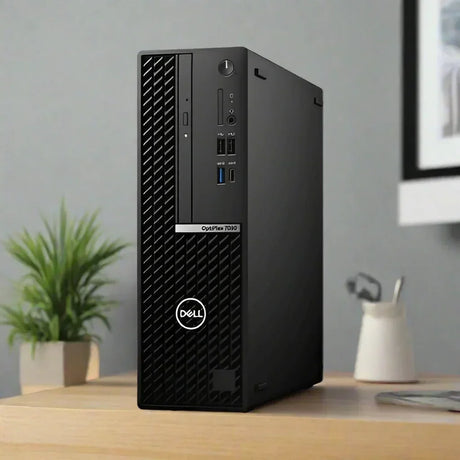
New Dell OptiPlex 7010 Plus SFF Desktop PC i7-13700 32GB 1TB SSD WiFi Win 11 Pro
Sale price $1,299.00 Regular price $1,509.00Unit price /UnavailableLow stock (18 units) -
- Up to 45% off$89$69Was
$125Condition gradesExcellent — virtually like new. Minimal signs of use.
Good — fully functional, with light signs of use such as minor marks on the casing.
Every monitor is fully tested before dispatch — the grade describes appearance only.
Full grading guide →- 23" · Full HD
- IPS screen · vivid colour
- Ports: VGA · HDMI · DP
- Height-adjust stand
Monitor terms explained- Full HD / QHD
- How sharp the picture is. Full HD (1920×1080) is the everyday standard; QHD (2560×1440) is noticeably sharper.
- IPS, VA or TN screen
- IPS: best colour and viewing angles. VA: deep blacks and strong contrast. TN: a basic screen that is perfectly fine for office work.
- Ports — which cable?
- Match one to your computer. HDMI: most laptops, PCs and TVs. DP (DisplayPort): desktops and business laptops. USB-C: newer laptops — one cable for picture and power. DVI / VGA: older PCs. Adapters are available if your computer is different.
- Wall/arm mount (VESA)
- Standard screw holes on the back that fit a wall bracket or monitor arm. Monitors sold with "No stand" need one of these, or a separate stand.
In stock (37 units) -
- Up to 49% off$49Sold outWas
$69Condition gradesExcellent — virtually like new. Minimal signs of use.
Good — fully functional, with light signs of use such as minor marks on the casing.
Every monitor is fully tested before dispatch — the grade describes appearance only.
Full grading guide →- 21.5" · Full HD
- VA screen · deep contrast
- Ports: VGA · DP
- Fixed stand
Monitor terms explained- Full HD / QHD
- How sharp the picture is. Full HD (1920×1080) is the everyday standard; QHD (2560×1440) is noticeably sharper.
- IPS, VA or TN screen
- IPS: best colour and viewing angles. VA: deep blacks and strong contrast. TN: a basic screen that is perfectly fine for office work.
- Ports — which cable?
- Match one to your computer. HDMI: most laptops, PCs and TVs. DP (DisplayPort): desktops and business laptops. USB-C: newer laptops — one cable for picture and power. DVI / VGA: older PCs. Adapters are available if your computer is different.
- Wall/arm mount (VESA)
- Standard screw holes on the back that fit a wall bracket or monitor arm. Monitors sold with "No stand" need one of these, or a separate stand.
Very low stock (3 units) -
- No standUp to 41% off$39$29Was
$49Condition gradesExcellent — virtually like new. Minimal signs of use.
Good — fully functional, with light signs of use such as minor marks on the casing.
Every monitor is fully tested before dispatch — the grade describes appearance only.
Full grading guide →- 21.5" · Full HD
- TN screen · basic
- Ports: VGA · DP
- No stand – mount only
Monitor terms explained- Full HD / QHD
- How sharp the picture is. Full HD (1920×1080) is the everyday standard; QHD (2560×1440) is noticeably sharper.
- IPS, VA or TN screen
- IPS: best colour and viewing angles. VA: deep blacks and strong contrast. TN: a basic screen that is perfectly fine for office work.
- Ports — which cable?
- Match one to your computer. HDMI: most laptops, PCs and TVs. DP (DisplayPort): desktops and business laptops. USB-C: newer laptops — one cable for picture and power. DVI / VGA: older PCs. Adapters are available if your computer is different.
- Wall/arm mount (VESA)
- Standard screw holes on the back that fit a wall bracket or monitor arm. Monitors sold with "No stand" need one of these, or a separate stand.
Low stock (8 units) -
- No standUp to 49% off$35$25Was
$49Condition gradesExcellent — virtually like new. Minimal signs of use.
Good — fully functional, with light signs of use such as minor marks on the casing.
Every monitor is fully tested before dispatch — the grade describes appearance only.
Full grading guide →- 21.5" · Full HD
- IPS screen · vivid colour
- Ports: HDMI · VGA
- No stand – mount only
Monitor terms explained- Full HD / QHD
- How sharp the picture is. Full HD (1920×1080) is the everyday standard; QHD (2560×1440) is noticeably sharper.
- IPS, VA or TN screen
- IPS: best colour and viewing angles. VA: deep blacks and strong contrast. TN: a basic screen that is perfectly fine for office work.
- Ports — which cable?
- Match one to your computer. HDMI: most laptops, PCs and TVs. DP (DisplayPort): desktops and business laptops. USB-C: newer laptops — one cable for picture and power. DVI / VGA: older PCs. Adapters are available if your computer is different.
- Wall/arm mount (VESA)
- Standard screw holes on the back that fit a wall bracket or monitor arm. Monitors sold with "No stand" need one of these, or a separate stand.
Low stock (10 units) -
- No standUp to 49% off$49$35Was
$69Condition gradesExcellent — virtually like new. Minimal signs of use.
Good — fully functional, with light signs of use such as minor marks on the casing.
Every monitor is fully tested before dispatch — the grade describes appearance only.
Full grading guide →- 21.5" · Full HD
- VA screen · deep contrast
- Ports: VGA · DP
- No stand – mount only
Monitor terms explained- Full HD / QHD
- How sharp the picture is. Full HD (1920×1080) is the everyday standard; QHD (2560×1440) is noticeably sharper.
- IPS, VA or TN screen
- IPS: best colour and viewing angles. VA: deep blacks and strong contrast. TN: a basic screen that is perfectly fine for office work.
- Ports — which cable?
- Match one to your computer. HDMI: most laptops, PCs and TVs. DP (DisplayPort): desktops and business laptops. USB-C: newer laptops — one cable for picture and power. DVI / VGA: older PCs. Adapters are available if your computer is different.
- Wall/arm mount (VESA)
- Standard screw holes on the back that fit a wall bracket or monitor arm. Monitors sold with "No stand" need one of these, or a separate stand.
Very low stock (4 units) -
- No standUp to 44% off$35Sold outWas
$45Condition gradesExcellent — virtually like new. Minimal signs of use.
Good — fully functional, with light signs of use such as minor marks on the casing.
Every monitor is fully tested before dispatch — the grade describes appearance only.
Full grading guide →- 22" · 1680x1050
- TN screen · basic
- Ports: DVI · VGA
- No stand – mount only
Monitor terms explained- Full HD / QHD
- How sharp the picture is. Full HD (1920×1080) is the everyday standard; QHD (2560×1440) is noticeably sharper.
- IPS, VA or TN screen
- IPS: best colour and viewing angles. VA: deep blacks and strong contrast. TN: a basic screen that is perfectly fine for office work.
- Ports — which cable?
- Match one to your computer. HDMI: most laptops, PCs and TVs. DP (DisplayPort): desktops and business laptops. USB-C: newer laptops — one cable for picture and power. DVI / VGA: older PCs. Adapters are available if your computer is different.
- Wall/arm mount (VESA)
- Standard screw holes on the back that fit a wall bracket or monitor arm. Monitors sold with "No stand" need one of these, or a separate stand.
Very low stock (3 units) -
- No standUp to 61% offSold out$19Was
$49Condition gradesExcellent — virtually like new. Minimal signs of use.
Good — fully functional, with light signs of use such as minor marks on the casing.
Every monitor is fully tested before dispatch — the grade describes appearance only.
Full grading guide →- 22" · 1680x1050
- IPS screen · vivid colour
- Ports: DVI · VGA
- No stand – mount only
Monitor terms explained- Full HD / QHD
- How sharp the picture is. Full HD (1920×1080) is the everyday standard; QHD (2560×1440) is noticeably sharper.
- IPS, VA or TN screen
- IPS: best colour and viewing angles. VA: deep blacks and strong contrast. TN: a basic screen that is perfectly fine for office work.
- Ports — which cable?
- Match one to your computer. HDMI: most laptops, PCs and TVs. DP (DisplayPort): desktops and business laptops. USB-C: newer laptops — one cable for picture and power. DVI / VGA: older PCs. Adapters are available if your computer is different.
- Wall/arm mount (VESA)
- Standard screw holes on the back that fit a wall bracket or monitor arm. Monitors sold with "No stand" need one of these, or a separate stand.
Very low stock (3 units) -
- No standExtra 10% offUp to 57% off$69Sold outWas
$129Condition gradesExcellent — virtually like new. Minimal signs of use.
Good — fully functional, with light signs of use such as minor marks on the casing.
Every monitor is fully tested before dispatch — the grade describes appearance only.
Full grading guide →- 23.6" · Full HD
- TN screen · basic
- Ports: HDMI · DVI · VGA
- No stand – mount only
Monitor terms explained- Full HD / QHD
- How sharp the picture is. Full HD (1920×1080) is the everyday standard; QHD (2560×1440) is noticeably sharper.
- IPS, VA or TN screen
- IPS: best colour and viewing angles. VA: deep blacks and strong contrast. TN: a basic screen that is perfectly fine for office work.
- Ports — which cable?
- Match one to your computer. HDMI: most laptops, PCs and TVs. DP (DisplayPort): desktops and business laptops. USB-C: newer laptops — one cable for picture and power. DVI / VGA: older PCs. Adapters are available if your computer is different.
- Wall/arm mount (VESA)
- Standard screw holes on the back that fit a wall bracket or monitor arm. Monitors sold with "No stand" need one of these, or a separate stand.
Very low stock (1 unit) -
- No standUp to 42% offSold out$55Was
$95Condition gradesExcellent — virtually like new. Minimal signs of use.
Good — fully functional, with light signs of use such as minor marks on the casing.
Every monitor is fully tested before dispatch — the grade describes appearance only.
Full grading guide →- 24" · Full HD
- VA screen · deep contrast
- Ports: HDMI · DVI · VGA
- No stand – mount only
Monitor terms explained- Full HD / QHD
- How sharp the picture is. Full HD (1920×1080) is the everyday standard; QHD (2560×1440) is noticeably sharper.
- IPS, VA or TN screen
- IPS: best colour and viewing angles. VA: deep blacks and strong contrast. TN: a basic screen that is perfectly fine for office work.
- Ports — which cable?
- Match one to your computer. HDMI: most laptops, PCs and TVs. DP (DisplayPort): desktops and business laptops. USB-C: newer laptops — one cable for picture and power. DVI / VGA: older PCs. Adapters are available if your computer is different.
- Wall/arm mount (VESA)
- Standard screw holes on the back that fit a wall bracket or monitor arm. Monitors sold with "No stand" need one of these, or a separate stand.
Low stock (8 units) -
- No standUp to 50% off$29$22.50Was
$45Condition gradesExcellent — virtually like new. Minimal signs of use.
Good — fully functional, with light signs of use such as minor marks on the casing.
Every monitor is fully tested before dispatch — the grade describes appearance only.
Full grading guide →- 22" · 1680x1050
- TN screen · basic
- Ports: DVI · VGA
- No stand – mount only
Monitor terms explained- Full HD / QHD
- How sharp the picture is. Full HD (1920×1080) is the everyday standard; QHD (2560×1440) is noticeably sharper.
- IPS, VA or TN screen
- IPS: best colour and viewing angles. VA: deep blacks and strong contrast. TN: a basic screen that is perfectly fine for office work.
- Ports — which cable?
- Match one to your computer. HDMI: most laptops, PCs and TVs. DP (DisplayPort): desktops and business laptops. USB-C: newer laptops — one cable for picture and power. DVI / VGA: older PCs. Adapters are available if your computer is different.
- Wall/arm mount (VESA)
- Standard screw holes on the back that fit a wall bracket or monitor arm. Monitors sold with "No stand" need one of these, or a separate stand.
Low stock (17 units) -
 Up to 40% off
Integ
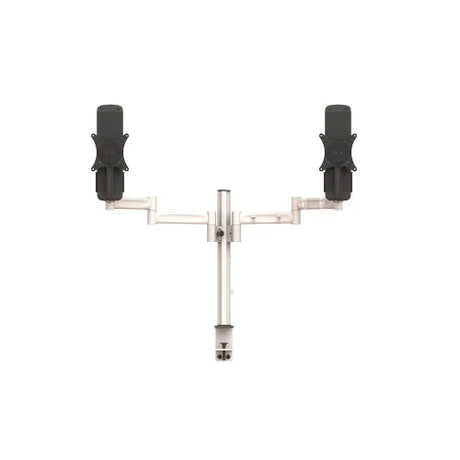
Integ Blade Dual Monitor Mount with Desk Camp | Wty
Sale price From $59.00 Regular price $99.00Unit price /UnavailableIn stock (32 units)- Up to 24% off
Dell
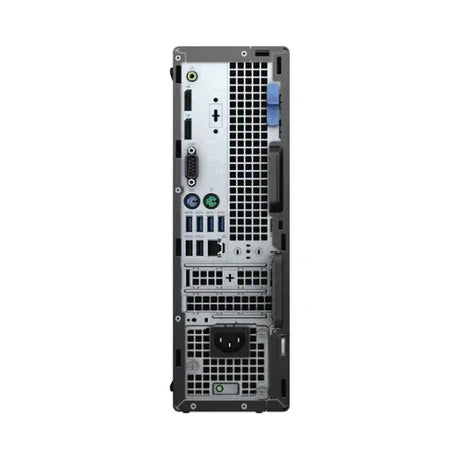
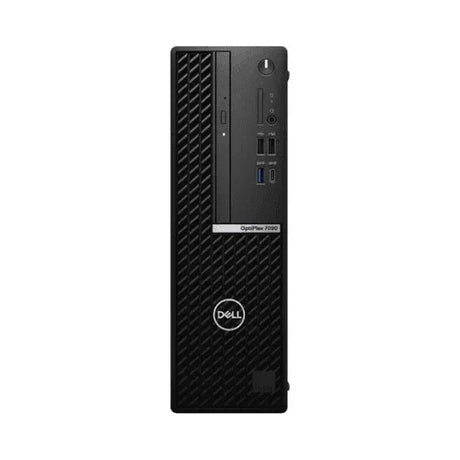
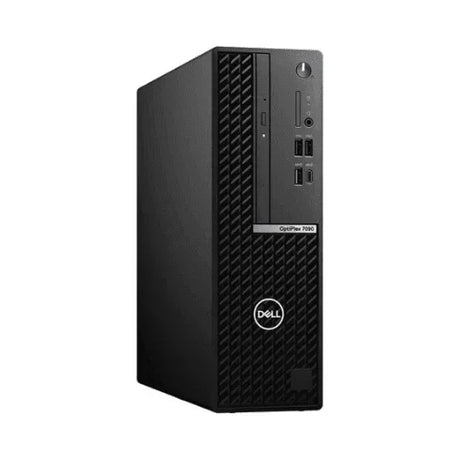
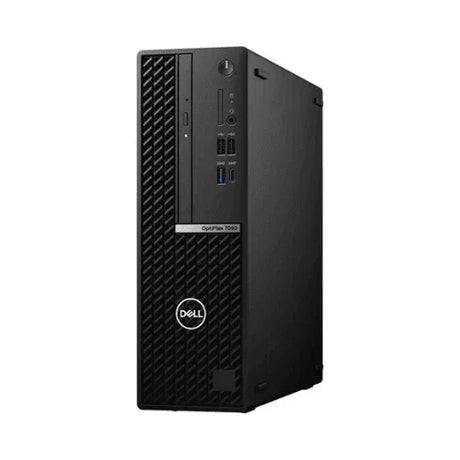
Dell OptiPlex 7090 SFF Business PC i5-11500 16GB 256GB NVMe SSD Win 11 Pro | Wty
Sale price From $455.00 Regular price $595.00Unit price /UnavailableLow stock (17 units) -
- No standUp to 46% off$89Sold outWas
$139Condition gradesExcellent — virtually like new. Minimal signs of use.
Good — fully functional, with light signs of use such as minor marks on the casing.
Every monitor is fully tested before dispatch — the grade describes appearance only.
Full grading guide →- 23" · Full HD
- IPS screen · vivid colour
- Ports: DP · VGA
- No stand – mount only
Monitor terms explained- Full HD / QHD
- How sharp the picture is. Full HD (1920×1080) is the everyday standard; QHD (2560×1440) is noticeably sharper.
- IPS, VA or TN screen
- IPS: best colour and viewing angles. VA: deep blacks and strong contrast. TN: a basic screen that is perfectly fine for office work.
- Ports — which cable?
- Match one to your computer. HDMI: most laptops, PCs and TVs. DP (DisplayPort): desktops and business laptops. USB-C: newer laptops — one cable for picture and power. DVI / VGA: older PCs. Adapters are available if your computer is different.
- Wall/arm mount (VESA)
- Standard screw holes on the back that fit a wall bracket or monitor arm. Monitors sold with "No stand" need one of these, or a separate stand.
Low stock (10 units) -
- No standUp to 42% off$69$55Was
$95Condition gradesExcellent — virtually like new. Minimal signs of use.
Good — fully functional, with light signs of use such as minor marks on the casing.
Every monitor is fully tested before dispatch — the grade describes appearance only.
Full grading guide →- 23" · Full HD
- IPS screen · vivid colour
- Ports: HDMI · DP · VGA
- No stand – mount only
Monitor terms explained- Full HD / QHD
- How sharp the picture is. Full HD (1920×1080) is the everyday standard; QHD (2560×1440) is noticeably sharper.
- IPS, VA or TN screen
- IPS: best colour and viewing angles. VA: deep blacks and strong contrast. TN: a basic screen that is perfectly fine for office work.
- Ports — which cable?
- Match one to your computer. HDMI: most laptops, PCs and TVs. DP (DisplayPort): desktops and business laptops. USB-C: newer laptops — one cable for picture and power. DVI / VGA: older PCs. Adapters are available if your computer is different.
- Wall/arm mount (VESA)
- Standard screw holes on the back that fit a wall bracket or monitor arm. Monitors sold with "No stand" need one of these, or a separate stand.
In stock (54 units) -
- No standUp to 36% off$129Sold outWas
$169Condition gradesExcellent — virtually like new. Minimal signs of use.
Good — fully functional, with light signs of use such as minor marks on the casing.
Every monitor is fully tested before dispatch — the grade describes appearance only.
Full grading guide →- 23" · Full HD
- IPS screen · vivid colour
- Ports: HDMI · DP · VGA
- No stand – mount only
Monitor terms explained- Full HD / QHD
- How sharp the picture is. Full HD (1920×1080) is the everyday standard; QHD (2560×1440) is noticeably sharper.
- IPS, VA or TN screen
- IPS: best colour and viewing angles. VA: deep blacks and strong contrast. TN: a basic screen that is perfectly fine for office work.
- Ports — which cable?
- Match one to your computer. HDMI: most laptops, PCs and TVs. DP (DisplayPort): desktops and business laptops. USB-C: newer laptops — one cable for picture and power. DVI / VGA: older PCs. Adapters are available if your computer is different.
- Wall/arm mount (VESA)
- Standard screw holes on the back that fit a wall bracket or monitor arm. Monitors sold with "No stand" need one of these, or a separate stand.
Very low stock (3 units) -
Top picks for you
View all-
28% offNew arrival
Klik
Klik KACAD USB-A Male to USB-C Female USB 3.0 Adapter 5Gbps | Brand New in Box
Sale price $7.95 Regular price $11.00Unit price /UnavailableIn stock (99 units) -
-
No stand24% offNew arrivalSale price $19.00 Regular price $25.00Unit price /Unavailable
- 22" · Full HD
- TN screen · basic
- Ports: VGA
- No stand – mount only
Monitor terms explained- Full HD / QHD
- How sharp the picture is. Full HD (1920×1080) is the everyday standard; QHD (2560×1440) is noticeably sharper.
- IPS, VA or TN screen
- IPS: best colour and viewing angles. VA: deep blacks and strong contrast. TN: a basic screen that is perfectly fine for office work.
- Ports — which cable?
- Match one to your computer. HDMI: most laptops, PCs and TVs. DP (DisplayPort): desktops and business laptops. USB-C: newer laptops — one cable for picture and power. DVI / VGA: older PCs. Adapters are available if your computer is different.
- Wall/arm mount (VESA)
- Standard screw holes on the back that fit a wall bracket or monitor arm. Monitors sold with "No stand" need one of these, or a separate stand.
Very low stock (1 unit) -
-
No standUp to 51% offNew arrival$29$19Was
$39Condition gradesExcellent — virtually like new. Minimal signs of use.
Good — fully functional, with light signs of use such as minor marks on the casing.
Every monitor is fully tested before dispatch — the grade describes appearance only.
Full grading guide →- 21.5" · Full HD
- TN screen · basic
- Ports: DVI · VGA
- No stand – mount only
Monitor terms explained- Full HD / QHD
- How sharp the picture is. Full HD (1920×1080) is the everyday standard; QHD (2560×1440) is noticeably sharper.
- IPS, VA or TN screen
- IPS: best colour and viewing angles. VA: deep blacks and strong contrast. TN: a basic screen that is perfectly fine for office work.
- Ports — which cable?
- Match one to your computer. HDMI: most laptops, PCs and TVs. DP (DisplayPort): desktops and business laptops. USB-C: newer laptops — one cable for picture and power. DVI / VGA: older PCs. Adapters are available if your computer is different.
- Wall/arm mount (VESA)
- Standard screw holes on the back that fit a wall bracket or monitor arm. Monitors sold with "No stand" need one of these, or a separate stand.
Very low stock (2 units) -
-
31% offNew arrival
Dell
Dell Pro Plus Active Pen PN5122W AES Stylus Dell 2-in-1 | Brand New Open Box
Sale price $45.00 Regular price $65.00Unit price /UnavailableVery low stock (1 unit) -
-
No stand27% offNew arrivalSale price $69.00 Regular price $95.00Unit price /Unavailable
- 24" · Full HD
- IPS screen · vivid colour
- Ports: HDMI · DP · VGA
- No stand – mount only
Monitor terms explained- Full HD / QHD
- How sharp the picture is. Full HD (1920×1080) is the everyday standard; QHD (2560×1440) is noticeably sharper.
- IPS, VA or TN screen
- IPS: best colour and viewing angles. VA: deep blacks and strong contrast. TN: a basic screen that is perfectly fine for office work.
- Ports — which cable?
- Match one to your computer. HDMI: most laptops, PCs and TVs. DP (DisplayPort): desktops and business laptops. USB-C: newer laptops — one cable for picture and power. DVI / VGA: older PCs. Adapters are available if your computer is different.
- Wall/arm mount (VESA)
- Standard screw holes on the back that fit a wall bracket or monitor arm. Monitors sold with "No stand" need one of these, or a separate stand.
Very low stock (1 unit) -
-
29% offNew arrivalSale price $25.00 Regular price $35.00Unit price /Unavailable
- 21.5" · Full HD
- TN screen · basic
- Ports: DVI · VGA
- Fixed stand
Monitor terms explained- Full HD / QHD
- How sharp the picture is. Full HD (1920×1080) is the everyday standard; QHD (2560×1440) is noticeably sharper.
- IPS, VA or TN screen
- IPS: best colour and viewing angles. VA: deep blacks and strong contrast. TN: a basic screen that is perfectly fine for office work.
- Ports — which cable?
- Match one to your computer. HDMI: most laptops, PCs and TVs. DP (DisplayPort): desktops and business laptops. USB-C: newer laptops — one cable for picture and power. DVI / VGA: older PCs. Adapters are available if your computer is different.
- Wall/arm mount (VESA)
- Standard screw holes on the back that fit a wall bracket or monitor arm. Monitors sold with "No stand" need one of these, or a separate stand.
Very low stock (1 unit) -
-
25% offNew arrival
Ubiquiti
Ubiquiti EdgeSwitch 48 Lite ES-48-Lite 48-Port Gigabit Managed Switch SFP+ | Wty
Sale price $139.00 Regular price $185.00Unit price /UnavailableVery low stock (1 unit) -
-
22% offNew arrival
HP
HP Z440 Workstation Tower PC XEON E5-1620 V4 16GB 1TB HDD Quadro P2000 Computer
Sale price $399.00 Regular price $509.00Unit price /UnavailableVery low stock (1 unit) -
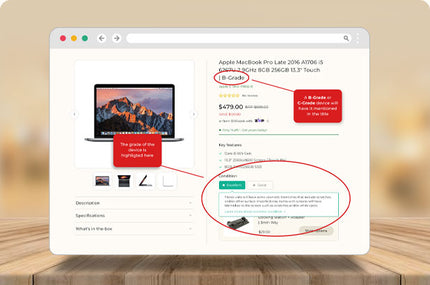
COSMETIC CONDITION
Learning About Cosmetic Grading Standards for Refurbished IT Equipment
Learn more >
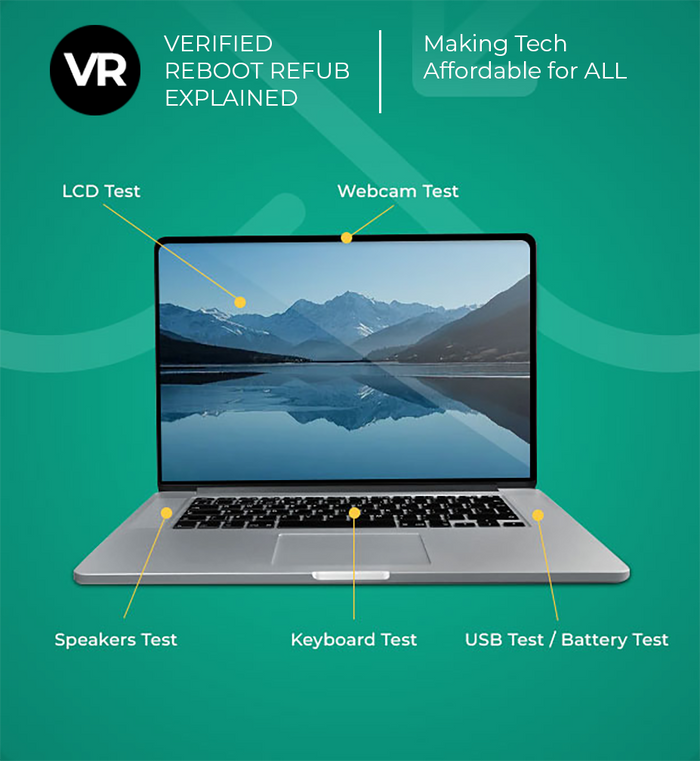
BUYING GUIDES
View all




-

Visit our support center
Expert help & advice
-

Check your order status
Updates and tracking
-

Returns & exchanges
All you need to know
-

Price match guarantee
Our promise to you


