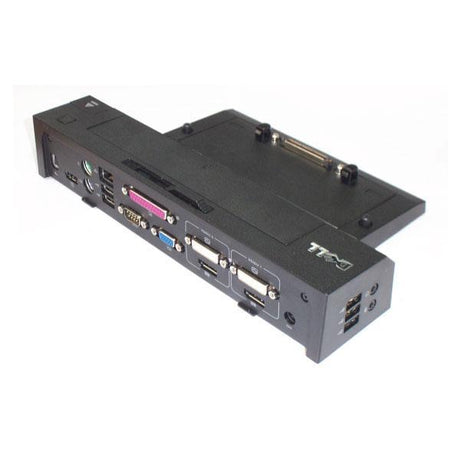
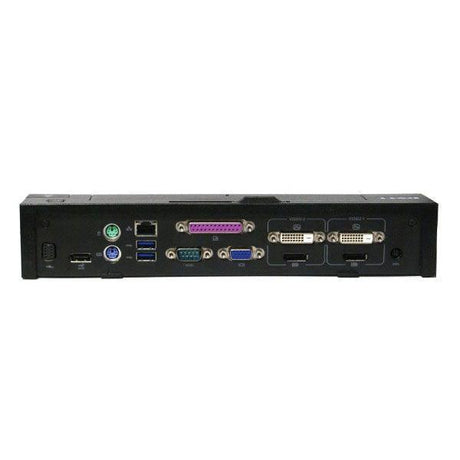
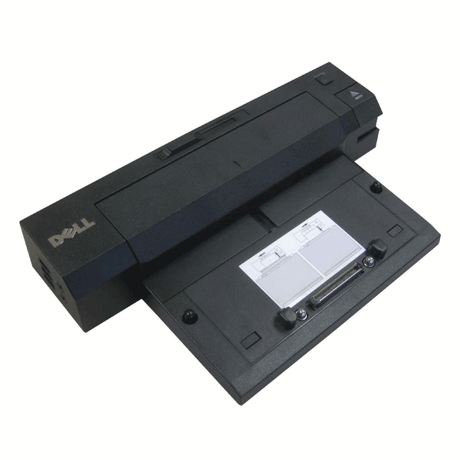
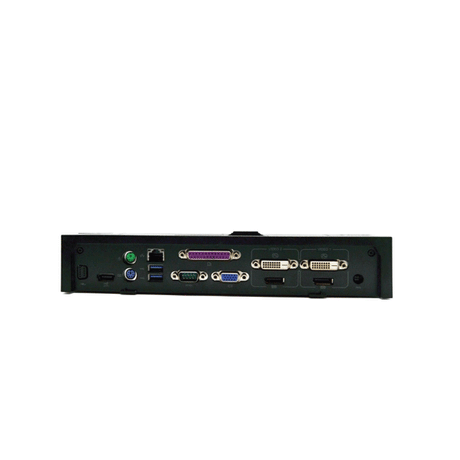
Dell WD19 — USB-C Universal Docking Station
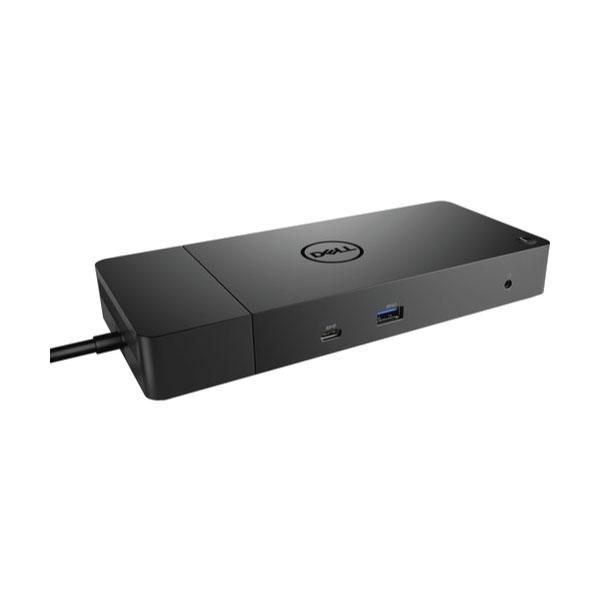
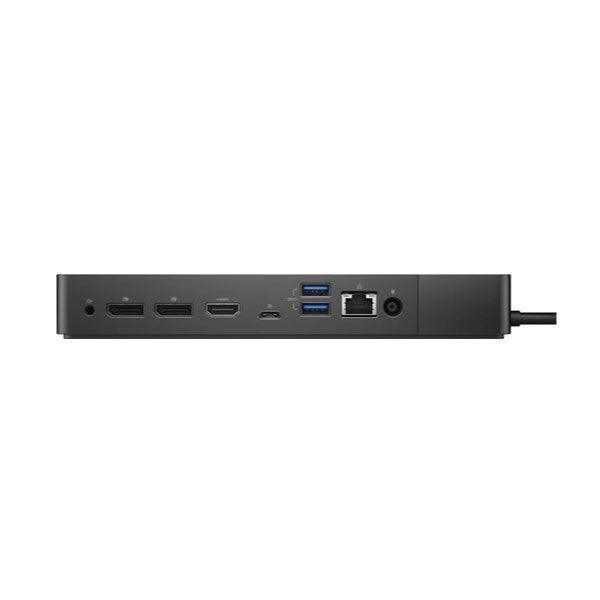
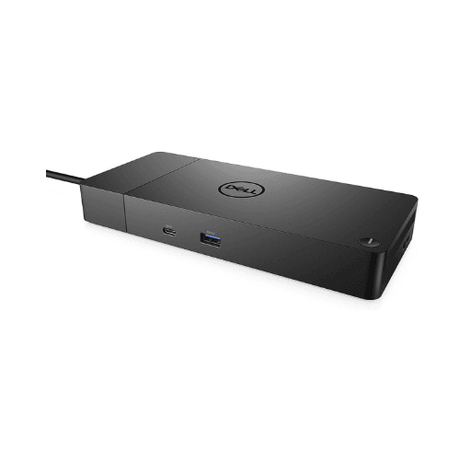
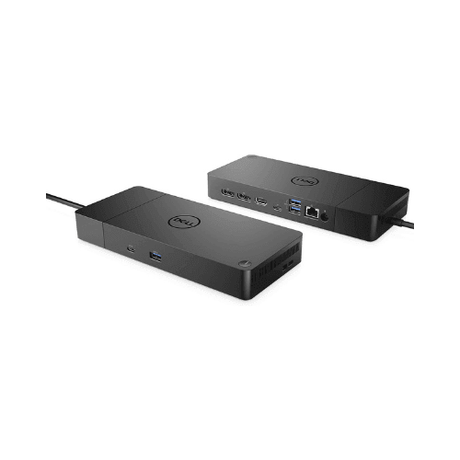
The Dell WD19 is a universal USB-C docking station that turns a single cable into a full desktop setup. Its integrated 1 m USB-C cable delivers HDMI 2.0b, dual DisplayPort 1.4, Gigabit Ethernet, five USB ports, and up to 130W power delivery to your laptop simultaneously. Note: no power adapter is included — an external Dell AC adapter is required separately. This unit ships with a 12-month Reboot IT warranty and is professionally tested at our Melbourne facility.
Key Benefits
-
Single-cable USB-C connection: The integrated 1 m cable carries video, data, audio, and up to 130W of laptop charging through one plug — no dongle juggling.
-
Dual monitor support: HDMI 2.0b + dual DisplayPort 1.4 simultaneously; supports up to 3840×2160 at 30 Hz on a single screen or dual 1920×1080 at 60 Hz.
-
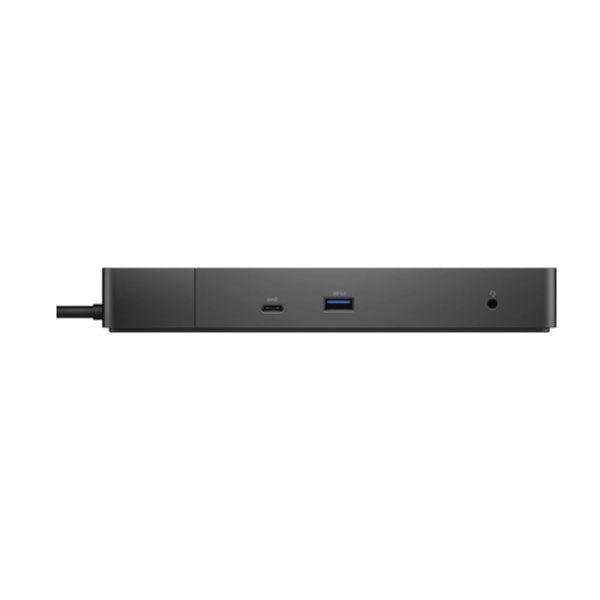
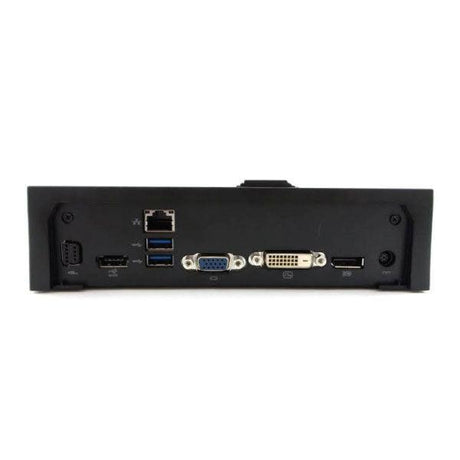
Five USB ports: 2× USB 3.1 Gen 2 Type-C (10 Gbps; one with DisplayPort Alt Mode) + 3× USB 3.1 Gen 1 Type-A (5 Gbps) for peripherals and storage.
-
Gigabit Ethernet: Reliable wired network access at the desk without relying on WiFi — essential for large file transfers and stable VoIP/video calls.
-
Audio included: 3.5mm headphone/mic combo and 3.5mm audio-out ports cover headsets and speakers without additional adapters.
-
12-month Reboot IT warranty: Professionally inspected, tested, and graded at our Melbourne facility — Australian warranty support since 2001.
Performance in Use
The WD19 excels in hot-desk and shared workstation environments. Arriving with a compatible laptop, a single USB-C connection hooks you into dual monitors, wired Ethernet, a keyboard and mouse, and charges the laptop at full speed. Dell's 130W power delivery covers demanding Latitude and Precision configurations without a second power brick on the desk. The integrated cable eliminates the cable-management friction of separate adapters and ensures compatibility across Dell's full commercial line — Latitude 5000/7000 series, Precision, XPS — as well as many non-Dell USB-C Windows laptops.
DisplayPort 1.4 on both video outputs supports multi-stream transport (MST), enabling daisy-chain monitor setups with compatible displays. For 4K work, a single 3840×2160 monitor at 30 Hz is supported via HDMI or DisplayPort. The USB-C port with DisplayPort Alt Mode adds a third display option for GPU-capable host systems. Kensington and Noble Wedge lock slots protect the dock from physical theft in shared office environments.
One important note: the WD19 requires its own external Dell AC power adapter (180W or 240W, depending on laptop charging wattage needed). This must be sourced separately. For IT managers rolling out the WD19 across a fleet that already holds Dell adapters, this is generally not an issue — but budget for an adapter when deploying in a fresh location.
Technical Specifications
| Specification |
Detail |
| Connection to Host |
Integrated 1 m (3.3 ft) USB-C cable |
| Video Outputs |
1× HDMI 2.0b, 2× DisplayPort 1.4, 1× USB-C with DisplayPort Alt Mode |
| Max Resolution |
3840×2160 at 30 Hz (single); or dual 1920×1080 at 60 Hz |
| USB-C Ports |
2× USB 3.1 Gen 2 (10 Gbps); one with DisplayPort Alt Mode |
| USB-A Ports |
3× USB 3.1 Gen 1 (5 Gbps) |
| Network |
1× Gigabit Ethernet (RJ-45) |
| Audio |
3.5mm headphone/mic combo; 3.5mm audio out |
| Power Delivery |
Up to 130W to host laptop |
| Power Source |
External Dell AC adapter required — NOT included |
| Compatibility |
Windows 10, Ubuntu 18.04, RHEL; Dell and non-Dell USB-C laptops |
| Security |
Kensington lock slot + Noble Wedge lock slot |
| Warranty |
12-month Reboot IT warranty |
Is It Right for You?
✓ Best For:
• Hot-desk setups wanting single-cable simplicity
• Dell Latitude, Precision, or XPS USB-C users needing a certified dock
• Workspaces needing dual monitors, wired Ethernet, and USB-A peripherals
• IT managers deploying a standardised dock across a Dell fleet
|
✗ Not Recommended For:
• Users expecting an included power adapter
• Mac users — macOS is not officially supported
• Laptops without USB-C (Thunderbolt 3 or USB 3.1 Gen 2 recommended)
• Thunderbolt daisy-chain deployments — WD19 is USB-C, not Thunderbolt
|
Condition Grades
| Grade |
Cosmetic Condition |
Functional Condition |
| A — Excellent |
Minimal marks or scratches only visible on close inspection. No cracks or structural damage. |
Fully tested. All ports, video outputs, and USB connections verified operational. |
| B — Good |
Light wear consistent with office use — minor scuffs or marks on housing. |
Fully tested. All ports, video outputs, and USB connections verified operational. |
Frequently Asked Questions
Does a power adapter come included?
No. The Dell WD19 requires a separate Dell AC adapter (typically 180W for up to 90W laptop charging, or 240W for full 130W delivery). These adapters are sold separately. For office rollouts where Dell adapters are already in stock, this is generally a non-issue — but factor the adapter cost into a fresh home-office deployment.
Which laptops are compatible?
The WD19 is optimised for Dell commercial laptops (Latitude, Precision, Vostro, XPS) with USB-C. Many non-Dell USB-C laptops running Windows 10, Ubuntu 18.04, or RHEL are also compatible for core dock functions. Thunderbolt-specific performance requires a Thunderbolt 3/4 dock — the WD19 is USB-C only.
Can I connect two external monitors at once?
Yes. The WD19 provides HDMI 2.0b, dual DisplayPort 1.4, and USB-C with DisplayPort Alt Mode — up to three display outputs. Simultaneous dual-monitor use is supported. Maximum configuration depends on your laptop's GPU capabilities and supported display modes.
Does it work with macOS?
No. The Dell WD19 dock and its firmware are designed for Windows. Mac users should use a Mac-compatible USB-C or Thunderbolt dock.
What shipping options are available?
Shipping costs apply based on size and destination — rates are calculated at checkout.
What does the 12-month warranty cover?
Reboot IT's 12-month warranty covers hardware defects and functional failures. Physical damage caused after delivery is excluded. Contact our Melbourne support team for warranty claims.
Warranty & About Reboot IT
12-Month Warranty Included — Every Dell WD19 sold by Reboot IT is backed by a full 12-month warranty. Hardware fault develops — we repair or replace at no cost to you.
About Reboot IT — Melbourne-based since 2001, Reboot IT is one of Australia's most established certified refurbished IT retailers. Every unit is professionally inspected, tested, and graded before sale.
Shop with confidence — Australian-owned, Australian-stocked, Australian warranty support.