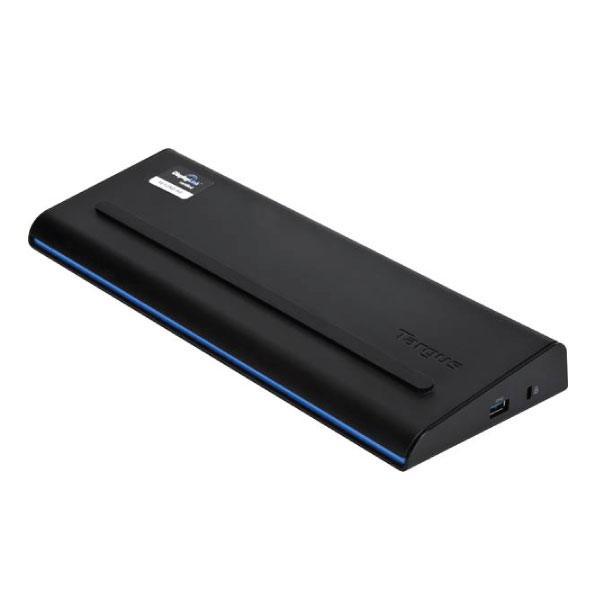
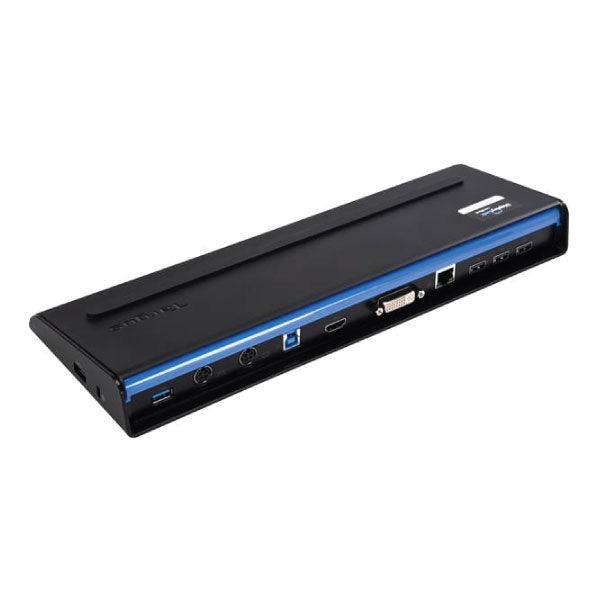
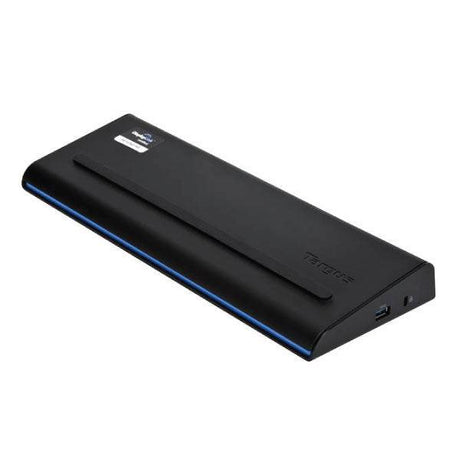
Targus ACP71AU USB 3.0 Docking Station — HDMI, DVI & Universal Compatibility
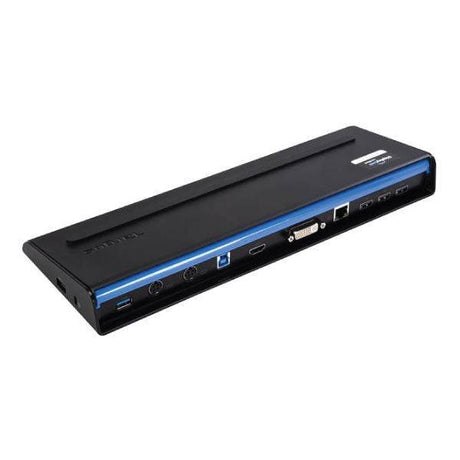
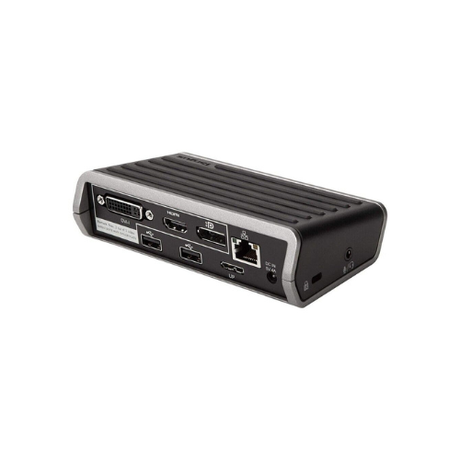
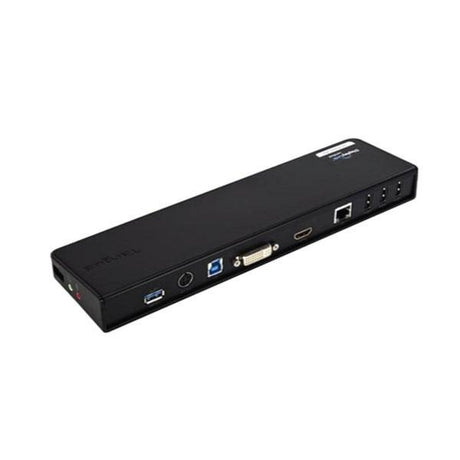
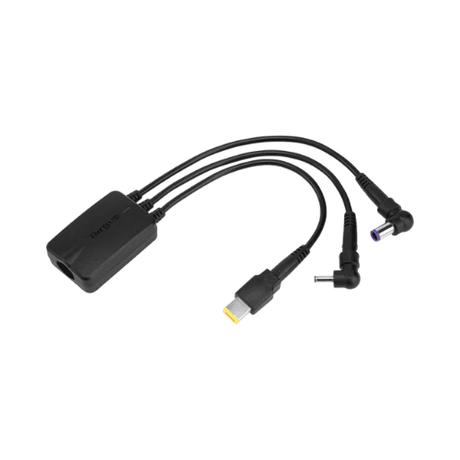
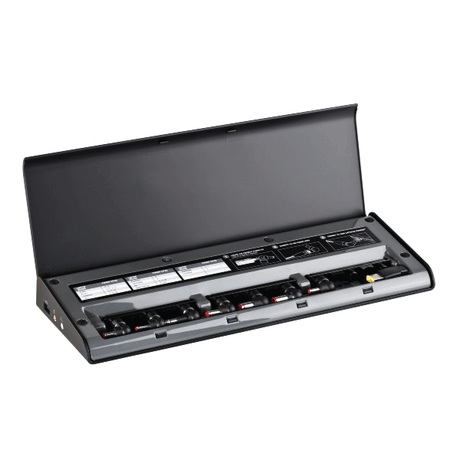
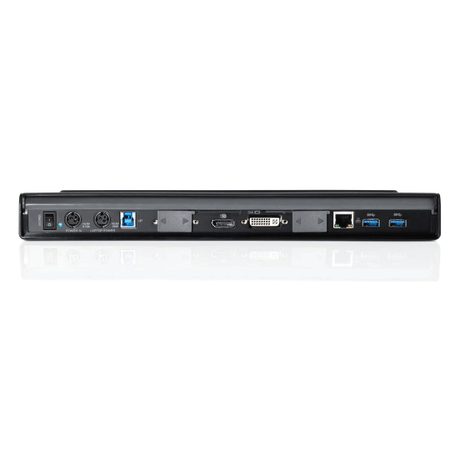
The Targus ACP71AU connects via a single USB 3.0 cable to deliver HDMI and DVI display outputs, six USB 3.0 ports, Gigabit Ethernet, and audio — working with any USB 3.0 laptop regardless of brand. Backed by a full 12-month warranty from Reboot IT (Melbourne, est. 2001). Note: power adapter and power tips are not included.
Key Benefits
-
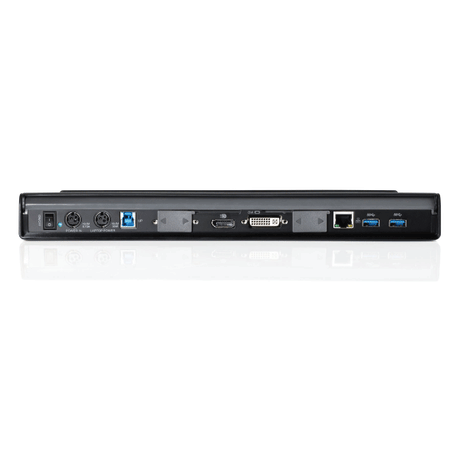
HDMI + DVI Dual Display: Connect two external monitors simultaneously via HDMI and DVI — extend your desktop without adapters for modern and legacy displays.
-
USB 3.0 SuperSpeed: Six USB 3.0 ports at 5Gbps — fast transfers for external drives, plus ports for keyboard, mouse, webcam, and more.
-
Universal USB 3.0 Connection: Works with any laptop with a USB 3.0 port — Dell, HP, Lenovo, Toshiba, Asus, Acer, and more.
-
Gigabit Ethernet: Wired 1Gbps network for stable video calls, VPN access, and fast file transfers.
-
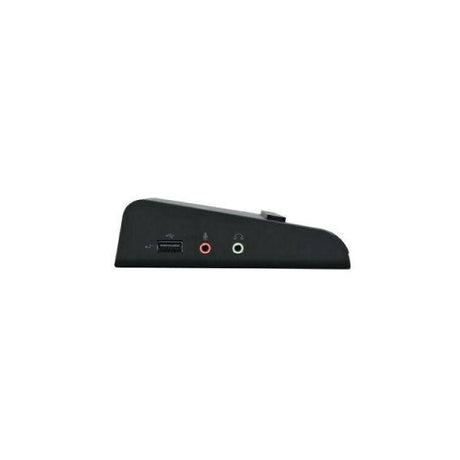
Audio In/Out: 3.5mm headphone and microphone jacks at the dock — plug in your headset without reaching behind the laptop.
-
Compact & Tidy: One USB cable replaces the tangle of individual peripheral connections — cleaner desk, faster setup.
Performance in Use
The ACP71AU uses DisplayLink technology to drive both display outputs over USB 3.0 — install the free DisplayLink driver once and all monitors, ports, and audio work automatically on every subsequent connection. It's compatible across Windows versions and supports macOS with the DisplayLink macOS driver.
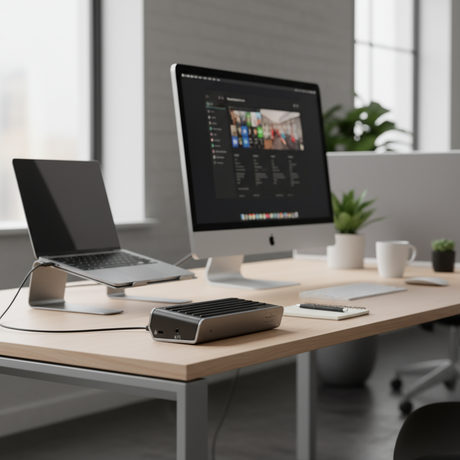
In an activity-based working environment, the universal connection is particularly valuable. One dock per desk serves whoever uses that desk — ThinkPad today, HP EliteBook tomorrow — without swapping proprietary adapters or reconfiguring cable setups.
The HDMI output is the standout advantage over older VGA-only docks — modern monitors, projectors, and TVs connect directly without a converter. The DVI port covers legacy monitors still in widespread corporate use, making this dock a genuine bridge between old and new display infrastructure.
Technical Specifications
| Specification |
Details |
| Model |
Targus ACP71AU SuperSpeed USB 3.0 |
| Host Connection |
USB 3.0 (USB-A) — universal compatibility |
| Video Outputs |
1× HDMI, 1× DVI-D — dual monitor support |
| USB Ports |
6× USB 3.0 SuperSpeed (5Gbps) |
| Network |
Gigabit Ethernet (RJ-45) |
| Audio |
3.5mm headphone + microphone jacks |
| Technology |
DisplayLink — requires driver (Windows/macOS) |
| Power Adapter |
Not included — power tips also missing |
| Warranty |
12 months — Reboot IT |
Is This Dock Right for You?
✓ Best For:
• Any USB 3.0 laptop needing dual monitor support
• Mixed-brand environments (not locked to one laptop brand)
• Users upgrading from VGA-only docks to HDMI
• Hot-desk setups where different laptops share one dock
• Home office workers wanting one-cable desktop connectivity |
✗ Not Ideal For:
• Users needing laptop power delivery (no adapter included)
• Those wanting plug-and-play without driver install
• USB-C only laptops without USB-A port
• Users needing three or more monitors
• High-frame-rate gaming (DisplayLink adds latency) |
Condition Grades
| Grade |
Cosmetic Condition |
Functionality |
| A — Excellent |
Minimal signs of use; housing near-new condition |
All ports and functions fully tested and operational |
| B — Good |
Light wear marks or minor scuffs on housing |
All ports and functions fully tested and operational |
Frequently Asked Questions
Does it need a driver installed?
Yes — the ACP71AU uses DisplayLink technology. Download the free DisplayLink driver for Windows or macOS, install it, reboot once, and the dock works automatically on every subsequent connection.
Is the power adapter included?
No — the power adapter and power tips are not included with this listing. The dock itself functions for display and USB without a power adapter when connected to a host laptop; the power adapter is required for laptop charging through the dock.
Can I run two monitors at the same time?
Yes — HDMI and DVI outputs can both run simultaneously for a dual external monitor setup. Supported resolution is up to 1920×1080 on each output.
Does it work with my MacBook?
Yes with the DisplayLink macOS driver installed. Intel-based Macs work well; Apple Silicon Macs may have limitations with multiple external monitors. Ensure your MacBook has USB-A or use a USB-C to USB-A adapter.
How is this item shipped?
This item ships free via standard Australia Post delivery to any address in Australia. Orders dispatch within 1 business day from our Melbourne warehouse.
12-Month Warranty & Reboot IT Guarantee
Every dock is covered by a full 12-month warranty on all hardware and ports. Reboot IT has been Melbourne's trusted certified refurbisher since 2001 — every unit tested before it ships. Your order includes free standard AU delivery.
Contact our Australian support team for any warranty claims and we'll respond promptly.