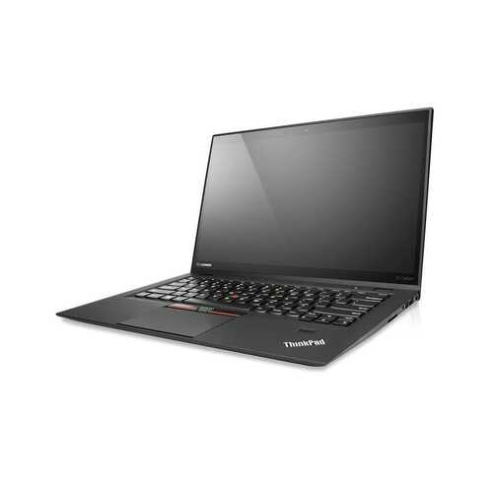
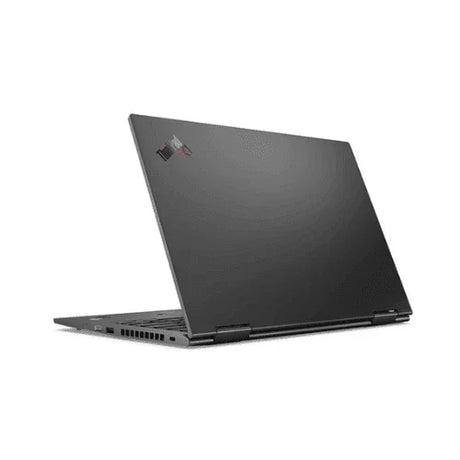
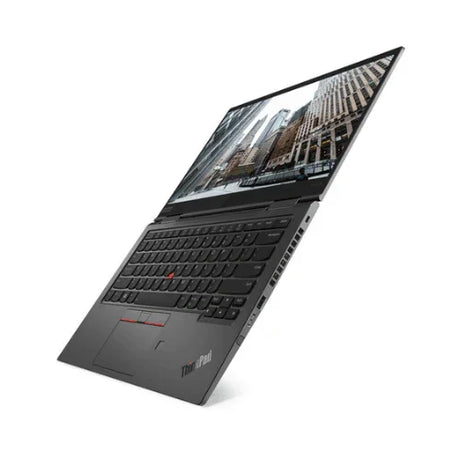
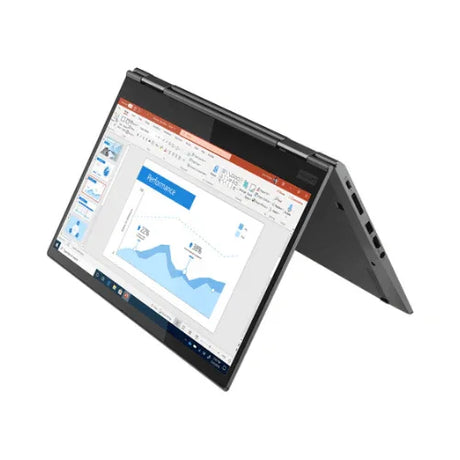
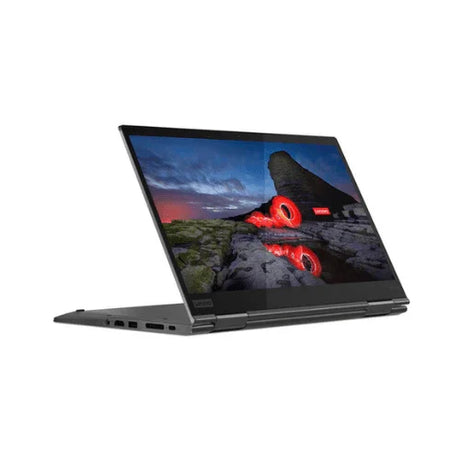
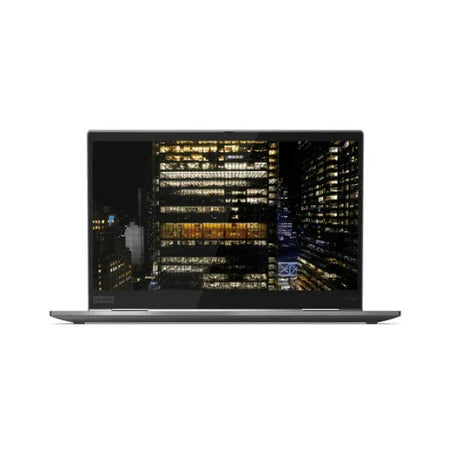
Lenovo ThinkPad X1 Carbon G1 — 14" Touchscreen Carbon-Fibre Ultrabook
The laptop that started the X1 line: a carbon-fibre 14" ultrabook with a touchscreen, Intel Core i5-3427U, 4GB memory and a 128GB SSD. Supplied with no operating system, and covered by a 12-month Reboot IT warranty.
Read this first: no operating system
The drive is wiped and nothing is installed. There is no Windows licence with this machine. You will need to install an OS yourself before it will do anything — Windows 10, a Linux distribution, or ChromeOS Flex. If you want a laptop that works the moment you open it, this is not that listing.
Key benefits
-
A touchscreen, which most of these do not have — The touch digitiser was detected and tested on this specific unit. The large majority of X1 Carbon G1s shipped without one.
-
HD+ instead of the usual 1366 x 768 — 1600 x 900 is a meaningful step up in how much of a document or spreadsheet fits on screen, and it is the difference between usable and cramped at this age.
-
Carbon fibre, not plastic — The X1 roll-cage construction is the reason a 2012 machine is still worth listing in 2026.
-
1.27kg — Lighter than a great many 13" laptops sold new today, in a 14" footprint.
-
The SSD can be upgraded — The 128GB drive is replaceable, so storage is the one thing about this machine you can still improve.
-
Backlit ThinkPad keyboard — With the TrackPoint, and the key travel the range is bought for.
Performance in use
This is the original X1 Carbon from 2012. The Core i5-3427U is a dual-core, four-thread Ivy Bridge chip at 1.8GHz, boosting to 2.8GHz, with 4GB of memory and a 128GB SSD alongside it. Judge it against what it is: a fourteen-year-old ultrabook, not a current machine at a low price.
Within that frame it still does real work. Browsing, email, word processing, spreadsheets, streaming video and remote-desktop sessions all run acceptably, and the SSD means it boots and launches applications faster than its age suggests. The touchscreen and the HD+ panel make it more pleasant to use than most machines of the period.
The ceiling is the memory. 4GB is soldered to the board and cannot be increased, so a dozen browser tabs alongside other applications will reach the limit and start to feel slow. That single constraint is what decides whether this machine suits you — and it is also why it is a strong candidate for a lightweight Linux desktop, where 4GB goes considerably further than it does under Windows.
Technical specifications
| Processor |
Intel Core i5-3427U (3rd Gen Ivy Bridge, 2 cores, 4 threads, 1.80GHz, up to 2.80GHz) |
| Graphics |
Intel HD Graphics 4000 (integrated) |
| Memory |
4GB DDR3 onboard — soldered, cannot be upgraded |
| Storage |
128GB SATA SSD — replaceable |
| Display |
14" HD+ 1600 x 900 touchscreen |
| Operating system |
None — drive wiped, no OS and no licence supplied |
| Wireless |
Intel Centrino Advanced-N 6205 (802.11a/b/g/n) with Bluetooth |
| Ports |
USB 3.0, USB 2.0, Mini DisplayPort. No USB-C, no HDMI, no built-in Ethernet port |
| Other |
Backlit keyboard, TrackPoint, webcam, microphone, TPM |
| Weight |
Approximately 1.27kg |
| Warranty |
12-month Reboot IT warranty |
Is it right for you?
✓ Best for
- A Linux or ChromeOS Flex build
- A light, cheap travel or spare machine
- Browsing, email and documents
- Buyers who already hold an OS licence
- Workshop, warehouse or loan-pool use
- Anyone wanting touch at this price
|
✗ Not for
- Anyone needing it usable on arrival
- Windows 11 — this CPU cannot run it
- Heavy multitasking on 4GB soldered RAM
- Gaming, video editing or 3D work
- USB-C or HDMI without an adapter
- A primary, everyday work machine
|
Condition grades
| A – Excellent |
Minimal signs of use. May have very light surface marks not visible in normal use. Battery health 70% or above. |
| B – Good |
Light cosmetic wear such as small scratches or scuffs on the lid or palm rest. Fully functional. Battery health 40–69%. |
All batteries carry 7-day dead-battery cover. On a machine of this age treat the battery as a consumable and expect reduced runtime away from power.
What we check before it is listed
Every machine through our Melbourne workshop is powered up and tested component by component, with the results recorded against its serial number.
-
Hardware scan — processor, memory, storage, display panel, graphics and wireless identified and recorded per serial number.
-
Touchscreen — the digitiser is tested across the panel, which is how we know this unit has one.
-
Storage health — SMART data read from the drive; drives showing early warning signs are replaced rather than listed.
-
Battery condition — measured against design capacity and recorded as a percentage.
-
Secure data erasure — every drive wiped to recognised data destruction standards. On this listing it is left wiped, with no OS reinstalled.
-
Functional testing — keyboard, trackpad, ports, camera, microphone, speakers, wireless and display each checked by hand.
Frequently asked questions
Does it come with Windows?
No. The drive is wiped, no operating system is installed and no Windows licence is included. You supply and install your own OS.
Will it run Windows 11?
No. A 3rd generation Intel processor is well outside Microsoft's Windows 11 requirements. Windows 10, an earlier Windows release, or a Linux distribution are the realistic choices.
Is it genuinely a touchscreen?
Yes. A touch digitiser was detected during hardware scanning of this unit and tested by hand. Most X1 Carbon G1s are non-touch, so this is the less common build.
Can I add more memory later?
No. The memory is soldered to the mainboard on this model. 4GB is fixed for the life of the machine, and it is the main thing to weigh before buying.
How do I connect an external monitor?
Via Mini DisplayPort. There is no HDMI and no USB-C on this model, so a Mini DisplayPort adapter or cable is needed for HDMI or VGA displays.
Can I plug in wired network?
Not directly. The X1 Carbon G1 has no built-in Ethernet port, so wired network needs a USB Ethernet adapter. Wi-Fi and Bluetooth are built in.
What is included in the box?
The laptop, a compatible power adapter and a tax invoice. Original packaging, manuals and accessories are not included unless specifically noted.
12-month warranty — buy with confidence
Every unit has a 12-month Reboot IT warranty. Batteries are tested to hold a charge, and a battery that holds no charge is replaced if reported within 7 days of purchase. If something goes wrong, our Melbourne-based team handles it directly — no offshore call centres.
Reboot IT has supplied certified refurbished business technology from Melbourne since 2001, to schools, government departments, businesses and home users across Australia. Free standard AU shipping is included on this item.