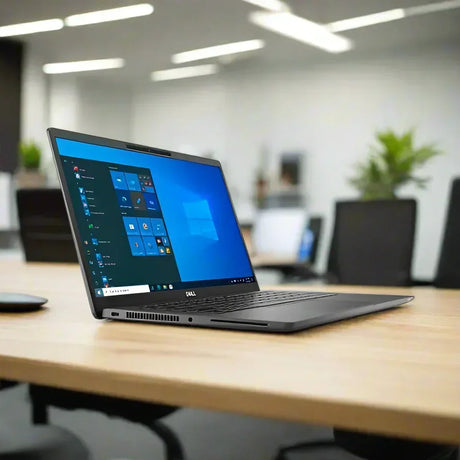
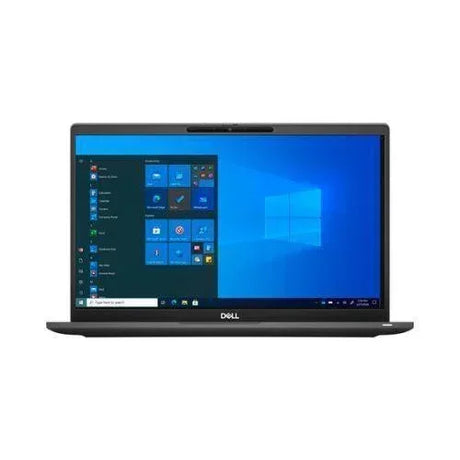
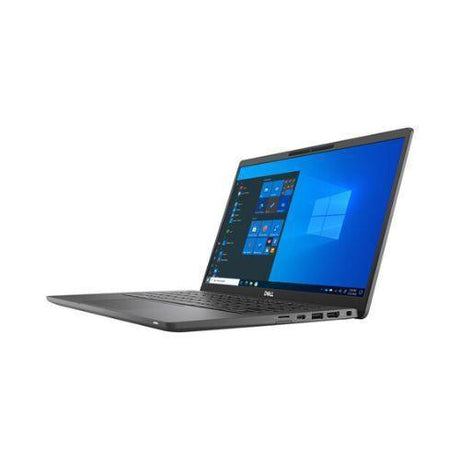
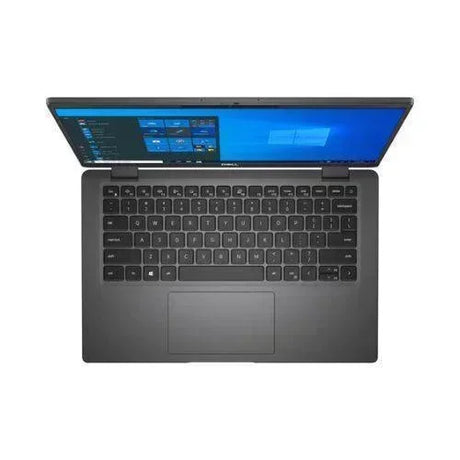
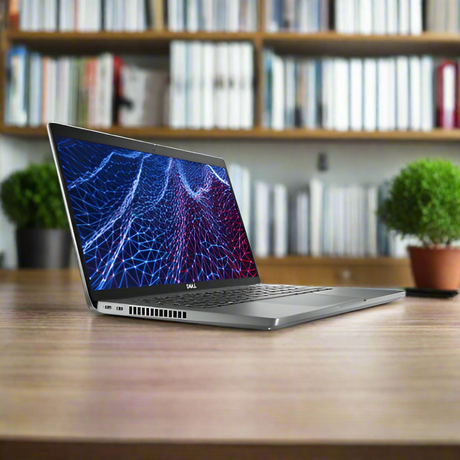
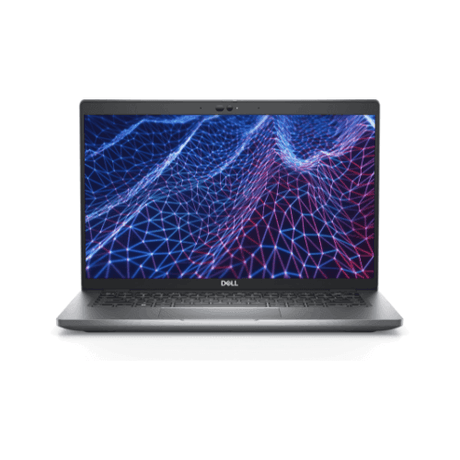
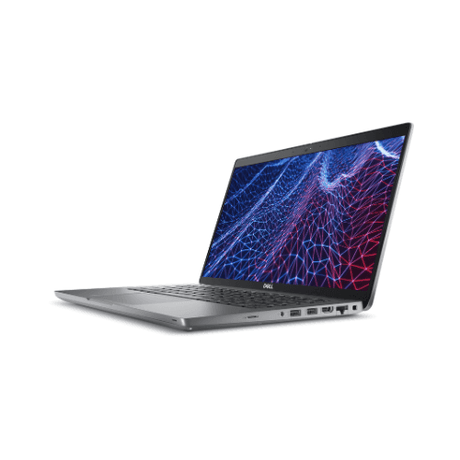
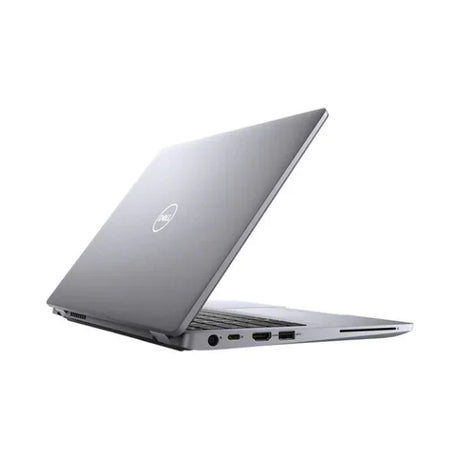
Dell XPS 13 Plus 9320 – 13.4" 3.5K OLED Touch Ultrabook
Dell's design-led XPS 13 Plus pairs a 13th Gen Intel Core i7-1360P with 16GB of LPDDR5 memory, a 512GB NVMe SSD and a stunning 13.4" 3.5K (3456x2160) OLED InfinityEdge touch display, running Windows 11 Pro. Professionally tested and graded in Melbourne by Reboot IT, and backed by a 12-month warranty.
Key Benefits
-
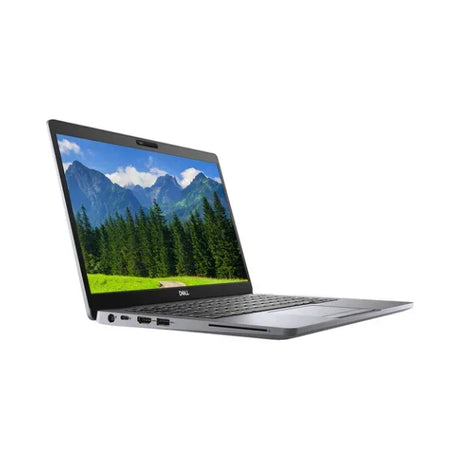
3.5K OLED touch display. A 13.4" 3456x2160 OLED InfinityEdge panel with 400-nit brightness and an anti-reflective finish delivers deep blacks, vivid colour and crisp text for photos, video and detailed documents.
-
13th Gen Intel Core i7-1360P. A 12-core processor (up to 5.0GHz, 18MB cache) that balances responsive everyday performance with the headroom for heavier multitasking and creative work.
-
16GB LPDDR5 at 6000MHz. Fast dual-channel memory keeps dozens of browser tabs, Office documents, Teams calls and photo edits running smoothly side by side.
-
512GB NVMe SSD. Quick boot times, fast app launches and ample room for your documents, projects and media library.
-
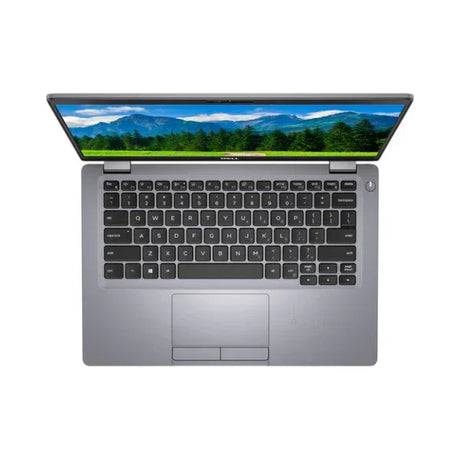
Secure, modern sign-in. A fingerprint reader built into the backlit keyboard gives fast, password-free Windows Hello log-ins, with Windows 11 Pro business features on board.
-
Fast wireless connectivity. Intel Killer Wi-Fi 6E AX1675 (2x2, 802.11ax) with Bluetooth for quick, low-latency connections on modern networks and cable-free accessories.
Performance in Use
The XPS 13 Plus is built for people who care about how their laptop looks and feels as much as what it can do. For the executive moving between board meetings, client sites and the airport lounge, it is a compact, premium machine that wakes quickly, signs you in with a touch of the fingerprint reader and handles email, Teams or Zoom calls, large spreadsheets and presentation decks without hesitation. The 16GB of fast LPDDR5 memory means you can keep a video call, a shared document and a busy browser open at once without the slowdown that cheaper 8GB machines suffer.
For creatives, the display is the headline. The 3.5K OLED touch panel at 3456x2160 is far sharper than a standard Full HD screen, and OLED's per-pixel lighting delivers true blacks and rich contrast that make photo editing, design review and video playback genuinely enjoyable. At 400 nits with an anti-reflective coating, it stays comfortable to use in bright offices and cafes. Touch input makes it natural to scroll through galleries, pinch-zoom into images and mark up PDFs. The 12-core Intel Core i7-1360P, with integrated Intel graphics, comfortably handles photo editing, light video trimming, content creation and heavy multitasking, while the 512GB NVMe SSD keeps project files and catalogues loading quickly.
Day to day, the XPS 13 Plus is a pleasure to carry. Its minimalist platform design, with a capacitive touch function row, seamless glass haptic touchpad and a clean USB-C port layout, gives it a distinctive, uncluttered look that stands apart from ordinary business laptops. Intel Killer Wi-Fi 6E keeps downloads and cloud syncing fast on modern routers, the 55Wh battery supports a solid working session away from the desk, and Windows 11 Pro adds BitLocker encryption, Remote Desktop hosting and domain-join capability for professionals who need business-grade control on a premium machine.
Working with sensitive client material? Windows 11 Pro lets you encrypt the 512GB NVMe SSD with BitLocker, while the fingerprint reader means you never need to type a password in a crowded meeting room or airport lounge. If your organisation manages devices centrally, domain-join and group policy support let the XPS 13 Plus sit comfortably inside a corporate environment, giving senior staff a premium machine without compromising on IT policy. Remote Desktop hosting also makes it easy to reach your office PC or be supported remotely.
At a desk, the XPS 13 Plus becomes a capable workstation. Connect a single USB-C dock to add an external monitor, full-size keyboard, mouse, wired Ethernet and charging through one cable, then unplug and go when the meeting starts. The 16GB of dual-channel LPDDR5 memory running at 6000MHz helps the integrated Intel graphics drive a larger external display, so spreadsheets, timelines and design canvases get the room they need. Because the memory is integrated, 16GB is a sensible, future-ready amount for most professional and creative workloads over the life of the machine.
For photographers and designers, the combination of a high pixel density OLED panel and a fast NVMe SSD makes culling and editing a shoot noticeably quicker. Thumbnails render sharply, zooming into fine detail is smooth, and the deep contrast of OLED helps you judge shadows and highlights with confidence. Video creators can trim clips, colour-correct short projects and export social content on the go, while writers and strategists will appreciate the crisp text rendering during long reading and editing sessions.
Whether you are presenting to a client, reviewing a photo shoot on the train or drafting a strategy paper at home, this is a laptop that makes a strong impression and keeps pace with demanding days. It is a genuinely premium Dell ultrabook, professionally prepared by our Melbourne technicians and ready to work straight out of the box.
Technical Specifications
| Brand |
Dell |
| Model |
XPS 13 Plus 9320 |
| Processor |
13th Gen Intel Core i7-1360P (12 cores, up to 5.0GHz, 18MB cache) |
| Memory (RAM) |
16GB LPDDR5 6000MHz, dual channel (onboard, not upgradeable) |
| Storage |
512GB M.2 PCIe NVMe SSD |
| Display |
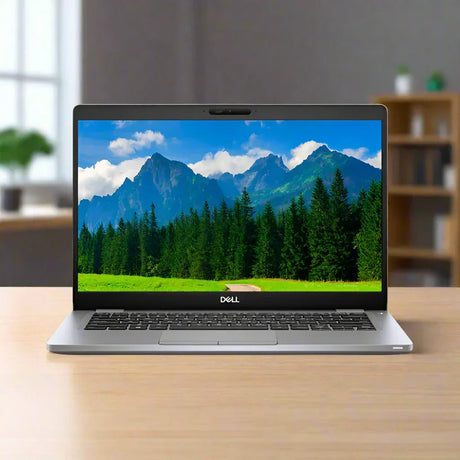
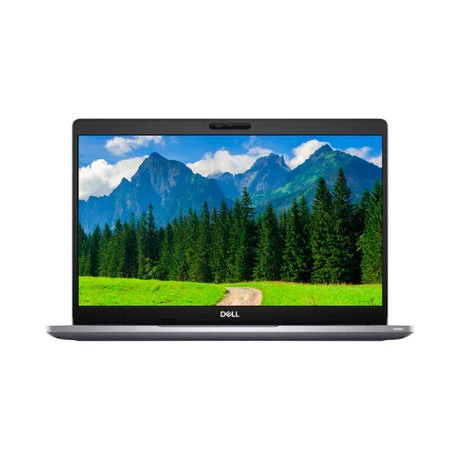
13.4" OLED 3.5K (3456x2160) InfinityEdge touch, anti-reflective, 400 nits |
| Graphics |
Integrated Intel graphics |
| Keyboard |
Backlit keyboard (US/International) with fingerprint reader |
| Wireless |
Intel Killer Wi-Fi 6E AX1675 (2x2, 802.11ax) + Bluetooth |
| Battery |
3-cell 55Wh integrated |
| Ports |
USB-C with Thunderbolt 4 (XPS 13 Plus platform design) |
| Operating System |
Windows 11 Pro |
| Colour |
Platinum |
| Warranty |
12-month warranty from Reboot IT |
Is It Right for You?
| Best For ✓ |
Not For ✗ |
| Executives and professionals who want a premium, head-turning ultrabook |
Serious 3D gaming or GPU-heavy rendering – there is no dedicated graphics card |
| Photographers, designers and content creators who value a sharp, high-contrast OLED screen |
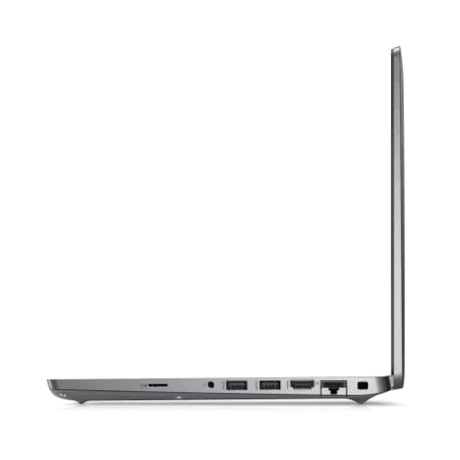
Users who need built-in USB-A, HDMI or SD card slots without an adapter or dock |
| Frequent travellers wanting a compact 13.4" machine with fast Wi-Fi 6E |
Anyone planning to upgrade RAM later – memory is onboard |
| Users who want secure fingerprint sign-in and Windows 11 Pro features |
Buyers who prefer traditional physical function keys and a mechanical touchpad |
| Heavy multitaskers running Office, Teams, browsers and photo apps together |
Large-screen spreadsheet work without an external monitor |
Condition Grades
| Grade |
What to Expect |
| A – Excellent |
Minimal signs of use; may have very light marks only visible on close inspection. Screen free of noticeable scratches. 70%+ battery health. |
| B – Good |
Light cosmetic wear such as minor scuffs or marks on the lid or base that do not affect use. Fully functional. 40–69% battery health. |
Every unit is fully tested and functional regardless of grade. Battery condition: 70%+ battery for Grade A, 40–69% for Grade B, with 7-day dead-battery cover.
Frequently Asked Questions
Is this the standard XPS 13 or the XPS 13 Plus?
This is the XPS 13 Plus 9320, the premium design-led model with the 13.4" 3.5K OLED touch display. The capacitive touch function row, haptic glass touchpad and minimalist USB-C port layout are part of the XPS 13 Plus platform design.
Does the screen support touch?
Yes. The 13.4" OLED 3.5K (3456x2160) InfinityEdge display is a touchscreen with an anti-reflective finish and 400-nit brightness.
Can I upgrade the RAM?
No. The 16GB LPDDR5 6000MHz memory is integrated on the motherboard, so it cannot be upgraded later. Storage is a 512GB M.2 PCIe NVMe SSD.
What ports does it have?
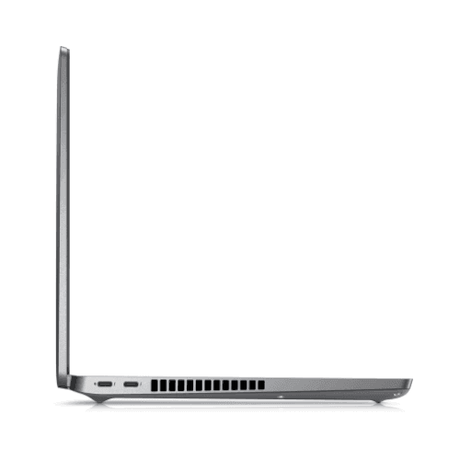
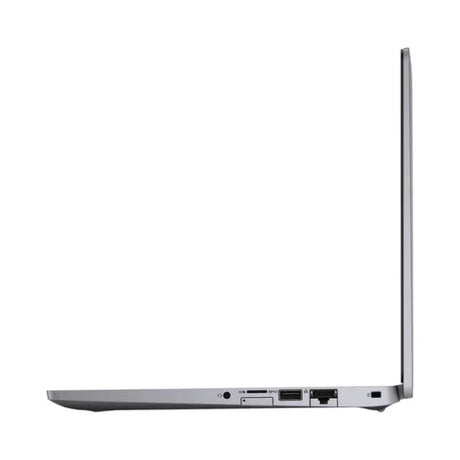
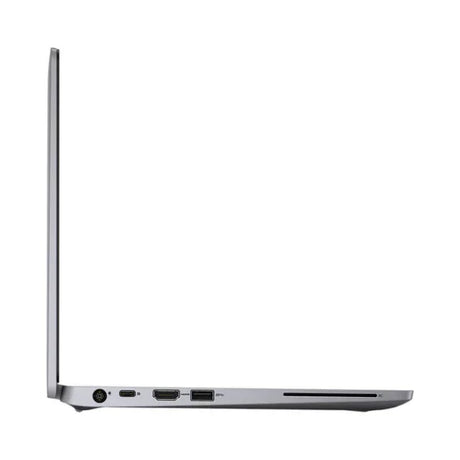
The XPS 13 Plus uses a USB-C-only layout with Thunderbolt 4 support. Use a USB-C dock or adapter to connect USB-A accessories, HDMI displays or wired Ethernet.
Which operating system is installed?
Windows 11 Pro, which includes BitLocker encryption, Remote Desktop hosting and domain-join support.
Is it suitable for photo and video editing?
Yes, for photo editing, design work and lighter video editing. The i7-1360P and 16GB RAM handle creative apps well, and the OLED screen shows rich contrast. It uses integrated graphics, so it is not intended for heavy 3D rendering or demanding modern gaming.
Is shipping free?
Yes. This laptop ships with free standard AU shipping, and every order is covered by a 12-month warranty from Reboot IT.
12-Month Warranty & Reboot IT Promise
Your Dell XPS 13 Plus 9320 comes with a 12-month warranty from Reboot IT, covering hardware faults under normal use, plus 7-day dead-battery cover. Every laptop is professionally tested, data-wiped, cleaned and graded by our technicians in Melbourne before dispatch, and ships with free standard AU shipping. Each unit is checked across its display, keyboard, touchpad, fingerprint reader, wireless, battery and charging before it earns its grade, so you know exactly what you are getting.
Reboot IT has been supplying quality refurbished business and premium IT equipment to Australian customers since 2001. Buying refurbished gives you premium hardware for less while keeping quality devices out of landfill. Questions before you buy? Our Melbourne team is happy to help via reboot-it.com.au, and if anything goes wrong during your warranty period we will repair or replace the laptop so you can get back to work quickly.