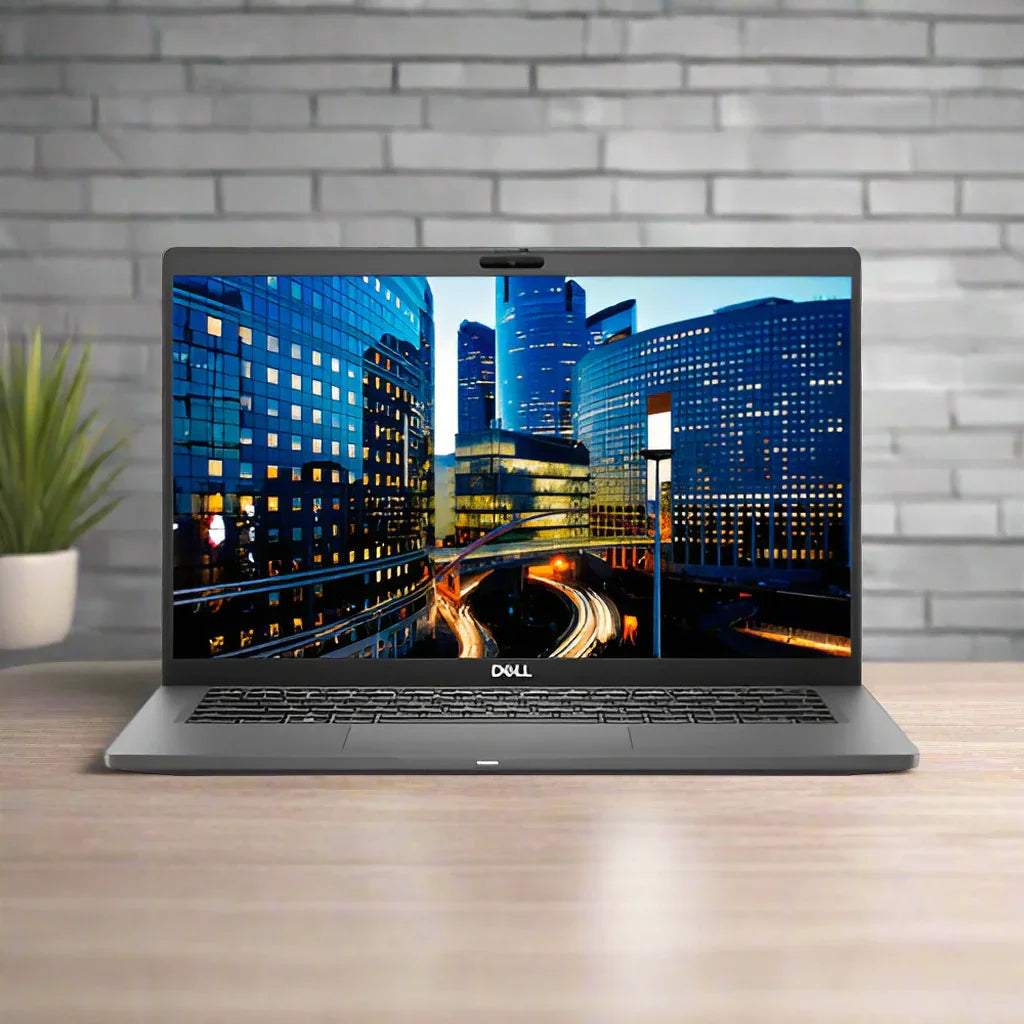
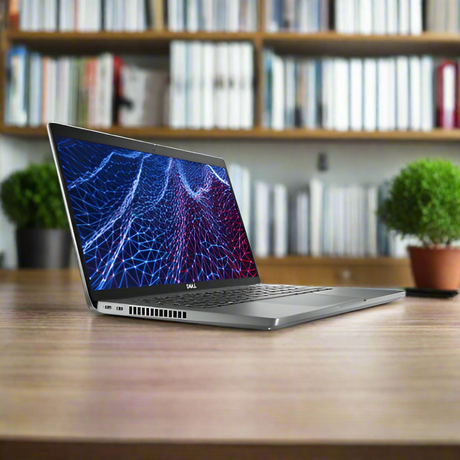
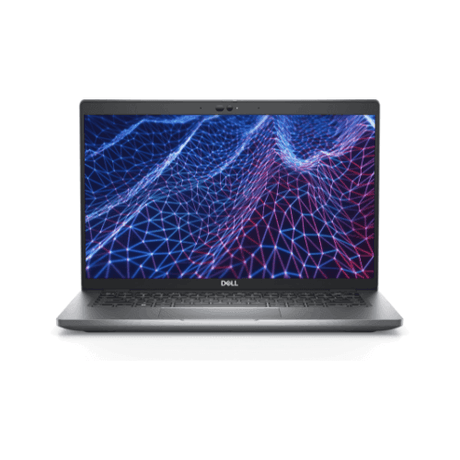
Dell Latitude 7410 — Refurbished Business Laptop (BIOS Locked)
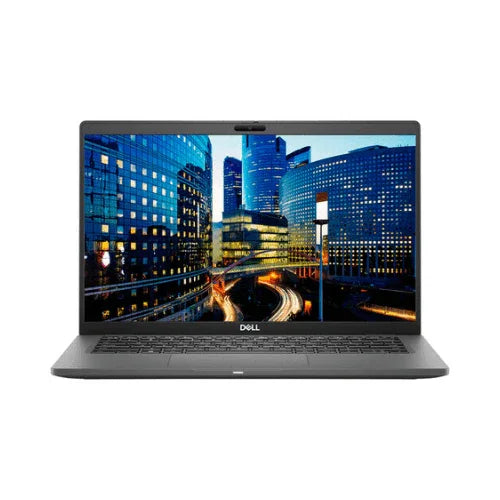
14-inch business laptop with Intel Core i7-10610U 10th Gen processor, 16GB RAM, 256GB SSD and a Full HD touchscreen — backed by a 12-month warranty from Reboot IT. Note: the BIOS admin password is locked. Windows 11 Home is installed, activated and fully usable; BIOS settings cannot be changed. Priced accordingly.
Why the Latitude 7410 Stands Out
-
10th Gen Core i7 Performance: The i7-10610U reaches 4.9GHz turbo across four cores — the fastest processor in this Latitude generation, with 16GB of RAM to match.
-
Wi-Fi 6 and Thunderbolt 3: AX201 Wi-Fi 6 delivers faster, more reliable wireless, while Thunderbolt 3 drives dual 4K displays and full docking over one cable.
-
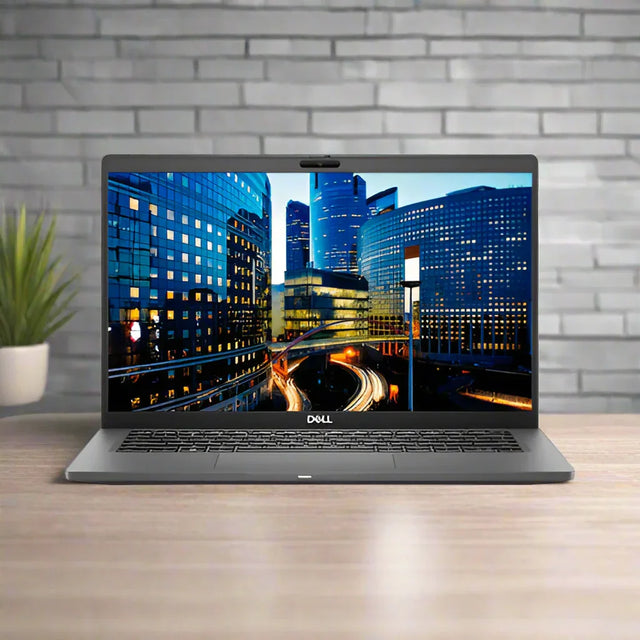
Touchscreen with IR Camera: A 14-inch Full HD touch display paired with an infrared camera for Windows Hello face sign-in, plus an ambient light sensor for automatic brightness.
-
Built-in Ethernet Port: Native RJ-45 wired networking with no adapter required — a genuine advantage in managed office and education environments.
-
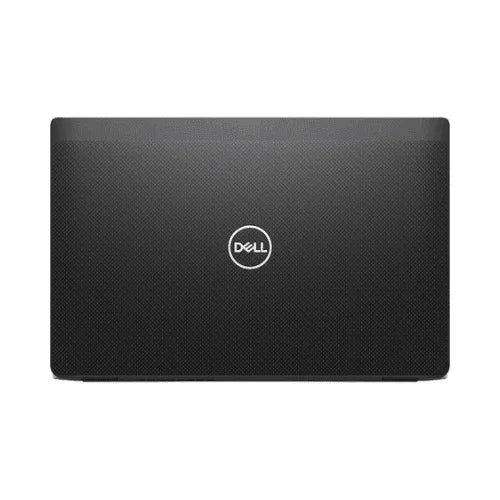
Carbon Fibre Chassis: A light, durable carbon fibre body at 1.46kg, built to Dell’s business-grade durability standards.
-
Priced for Its Condition: This unit carries visible chassis damage and heavy key wear, and the BIOS is locked — so it is priced well below a clean equivalent while remaining fully functional.
What Does "BIOS Locked" Mean?
The BIOS (the firmware setup screen you can enter before Windows starts) has an administrator password set by the previous corporate owner that cannot be removed. In everyday use this changes nothing — the laptop powers on and boots straight into Windows 11 Home, every port and feature works, and software installs normally. What you can't do is open the BIOS setup screen to change firmware settings such as the boot order. If you plan to run the machine as a normal Windows laptop, the lock simply means a better price for identical day-to-day performance.
How the Latitude 7410 Performs Day-to-Day
The i7-10610U handles Microsoft 365, large Outlook mailboxes, Chrome or Edge with many tabs open, and Teams or Zoom calls without slowing down. 16GB of memory keeps application switching responsive, and the 256GB SSD delivers fast boots and instant file access throughout the working day.
At 1.46kg this is a genuinely portable machine that stands up to daily commuting. Thunderbolt makes desk transitions effortless — a single cable to a compatible dock delivers external monitors, USB peripherals and wired networking. The webcam and microphone handle video conferencing cleanly, and the 52Wh battery keeps pace with a working day.
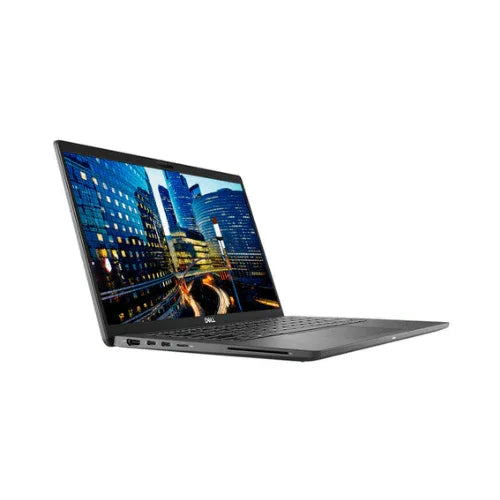
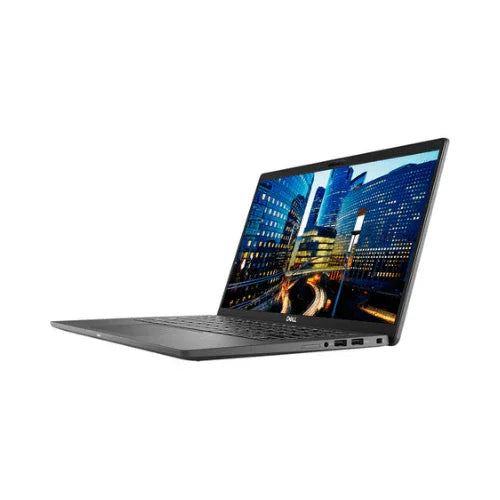
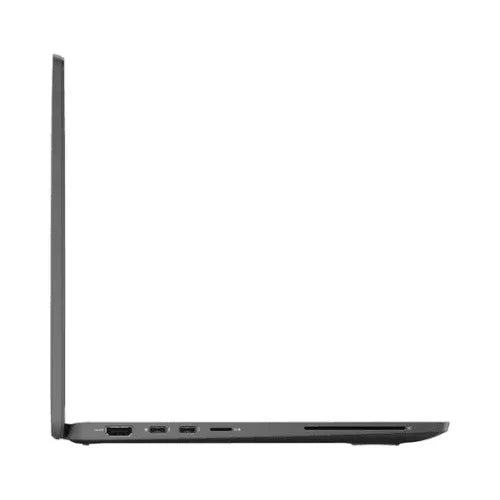
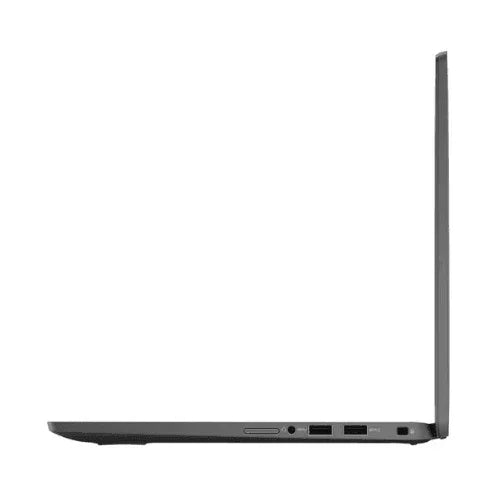
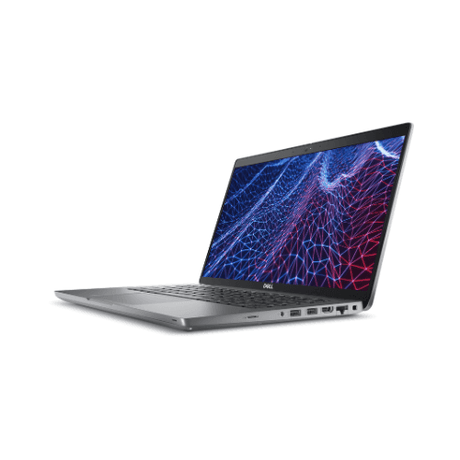
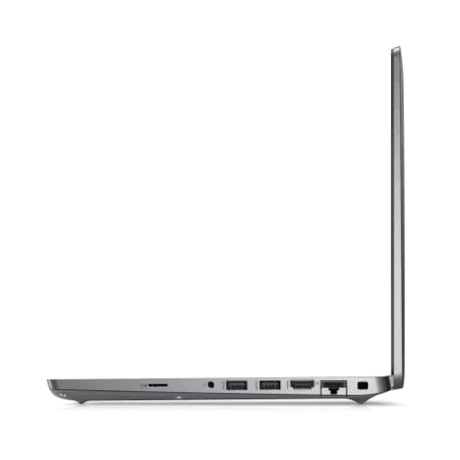
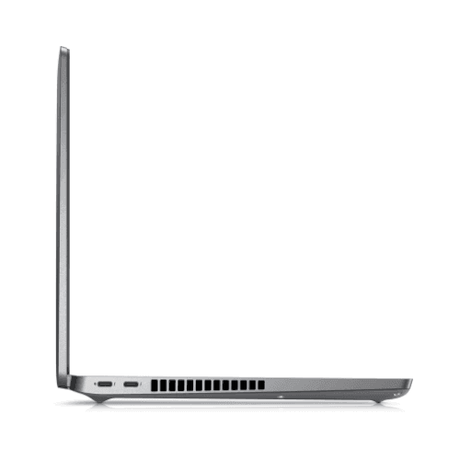
Connectivity covers 1× thunderbolt 3 usb-c, 1× usb-c, 2× usb-a 3.2, hdmi, rj-45 ethernet, microsd, 3.5mm audio, plus Intel Wi-Fi 6 AX201 (2×2, 160MHz) + Bluetooth 5.1. A built-in RJ-45 port provides wired networking with no adapter needed.
Technical Specifications
| Component |
Specification |
| Processor |
Intel Core i7-10610U, 10th Gen, 4 cores / 8 threads, 1.8GHz base / 4.9GHz turbo, 8MB cache |
| Memory |
16GB DDR4 (integrated) |
| Storage |
256GB M.2 PCIe NVMe SSD |
| Display |
14" Full HD (1920×1080) anti-glare touchscreen with IR camera and ambient light sensor |
| Graphics |
Intel UHD Graphics (integrated) |
| Ports |
1× Thunderbolt 3 USB-C, 1× USB-C, 2× USB-A 3.2, HDMI, RJ-45 Ethernet, microSD, 3.5mm audio |
| Wireless |
Intel Wi-Fi 6 AX201 (2×2, 160MHz) + Bluetooth 5.1 |
| Security |
Fingerprint reader in power button, Smart Card reader, TPM 2.0 |
| Keyboard |
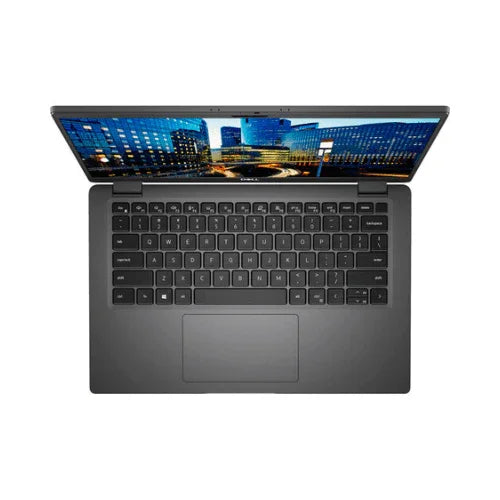
Backlit keyboard |
| Battery |
52Wh 4-cell ExpressCharge (battery: 7 days if it holds no charge) |
| Weight |
1.46kg |
| Operating System |
Windows 11 Home 64-bit, installed and activated |
| BIOS Status |
Admin password locked — Windows fully usable; BIOS settings cannot be changed |
| Warranty |
12 months, Reboot IT (battery: 7 days if it holds no charge) |
Is the Latitude 7410 Right for You?
✓ Best For:
• Everyday Windows use — office, web, email, video calls
• Students and home users wanting a durable business laptop
• Touchscreen users who prefer direct on-screen interaction
• Thunderbolt docking station setups
• Buyers wanting business-grade build at a refurbished price |
✗ Not Recommended For:
• IT admins needing BIOS/firmware access or custom boot settings
• Dual-boot or Linux-from-USB setups (boot order is fixed)
• Gaming or GPU-accelerated workloads
• Users needing a screen larger than 14 inches
• Buyers wanting a lightweight sub-1.3kg ultraportable |
Condition Grades Explained
| Grade |
Cosmetic Condition |
What to Expect |
| A — Excellent |
Minimal to no visible wear |
Like-new appearance, battery 70%+ capacity, all functions tested |
| B — Good |
Light cosmetic wear, minor scuffs |
Fully functional, battery 40–69% capacity, 7-day dead-battery cover |
Current stock of this model is Fair condition — heavily worn keys, a crack and a missing piece on the chassis — fully functional and tested.
Frequently Asked Questions
What does "BIOS locked" actually mean for me?
The firmware setup screen is protected by the previous owner's admin password, which cannot be removed. The laptop boots straight into Windows 11 Home and works completely normally — you just can't change BIOS settings such as boot order. If you use it as a regular Windows laptop you'll never notice; if you need firmware access or want to boot from USB, this machine isn't the right pick.
What warranty is included?
Every unit has a 12-month Reboot IT warranty. Batteries are tested to hold a charge, and a battery that holds no charge is replaced if reported within 7 days of purchase. Claims are handled by our Melbourne-based technician team — no call centres.
Is Windows genuine and activated?
Yes — Windows 11 Home is freshly installed and activated. Updates, software installs and everyday use all work exactly as on any other Windows 11 laptop.
What condition will my laptop arrive in?
Current stock is Fair condition — heavily worn keys, a crack and a missing piece on the chassis — fully functional and tested. Every unit is fully tested and functional, and photographs show the model rather than the individual machine.
Does it have built-in Ethernet?
Yes — a native RJ-45 Gigabit Ethernet port is built in, so no adapter is needed for wired networking.
Does it support external monitors?
Yes — Thunderbolt supports dual 4K external displays, and HDMI provides a further output.
Is free shipping available?
Yes — free standard AU shipping is included on every order, with express options available at checkout.
Warranty & After-Sales Support
Your Dell Latitude 7410 is backed by a 12-month warranty from Reboot IT — Australia's trusted refurbished technology specialist since 2001. All hardware components and system performance are covered against defects under normal use, with claims handled by our Melbourne-based certified technician team. The BIOS lock is disclosed on this page and does not affect your warranty cover.
Free standard AU shipping is included on every order. Your laptop is carefully packaged and dispatched promptly after our full quality inspection process.
Visit reboot-it.com.au for warranty terms and support details. We stand behind every device we sell.