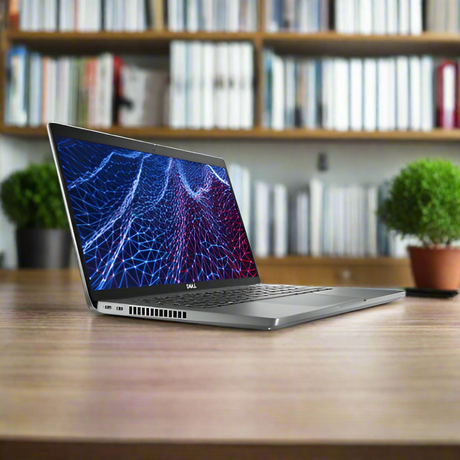
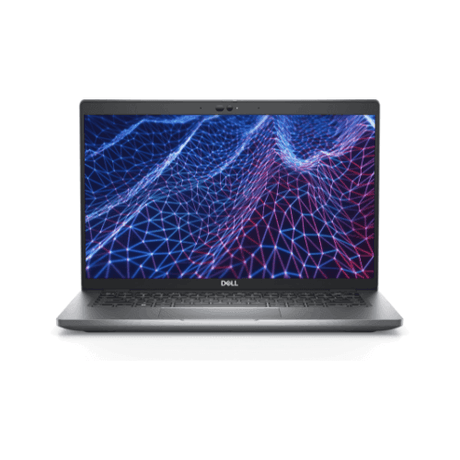
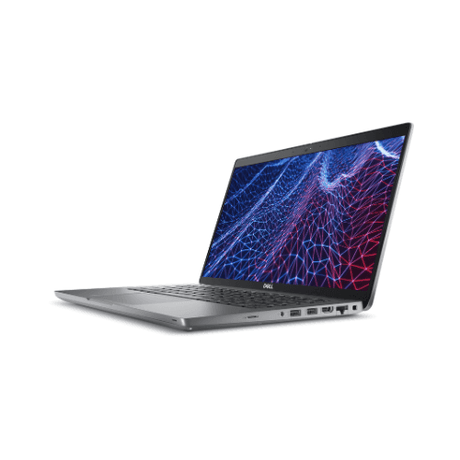
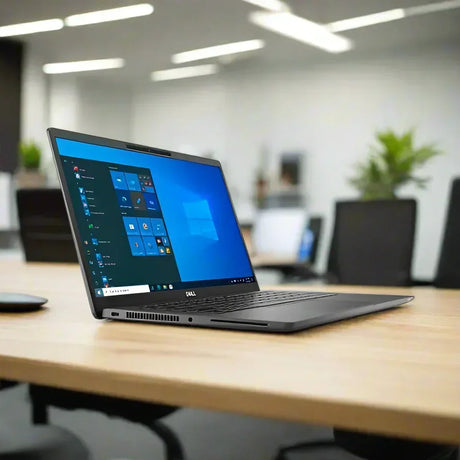
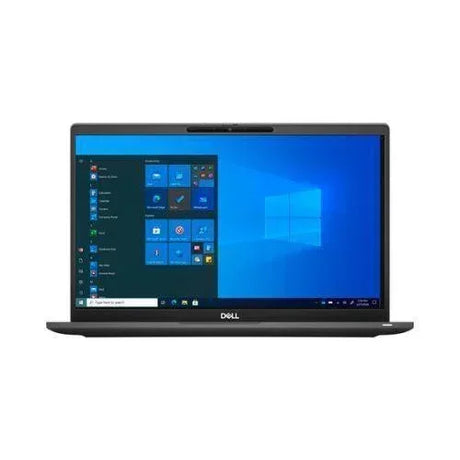
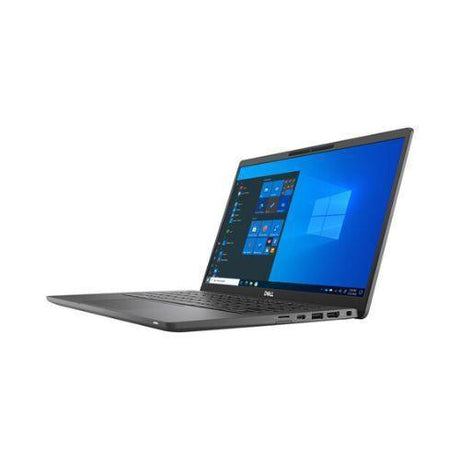
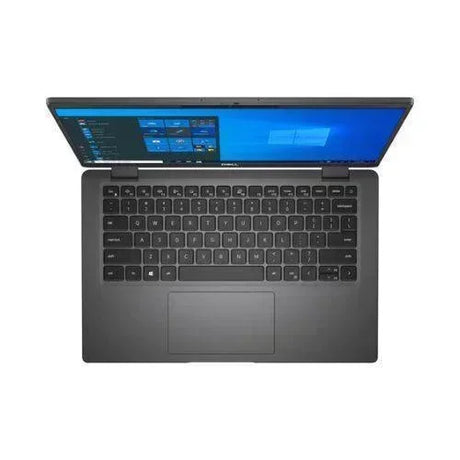
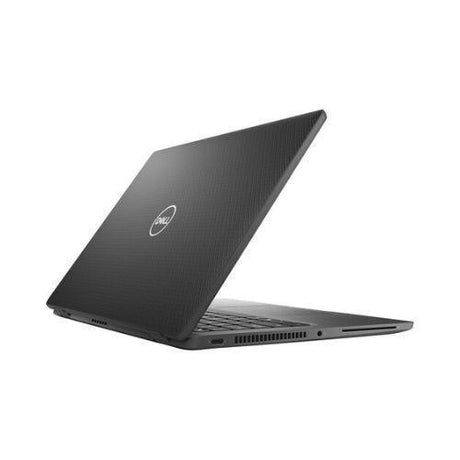
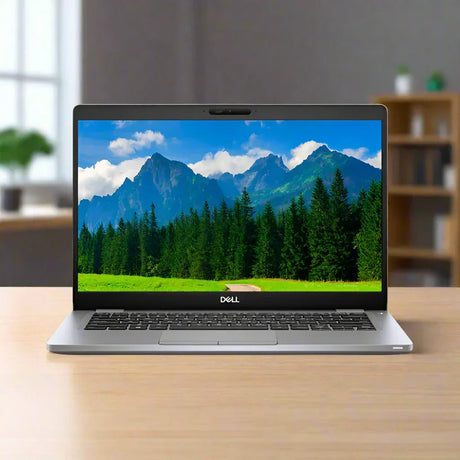
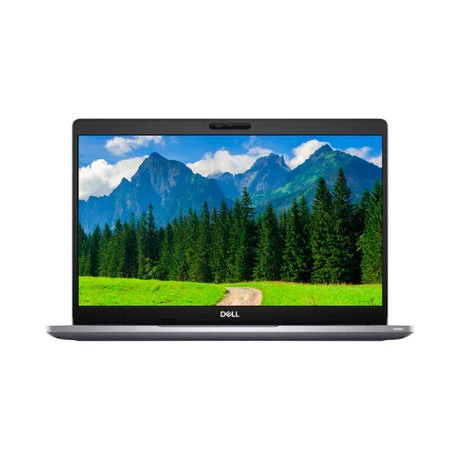
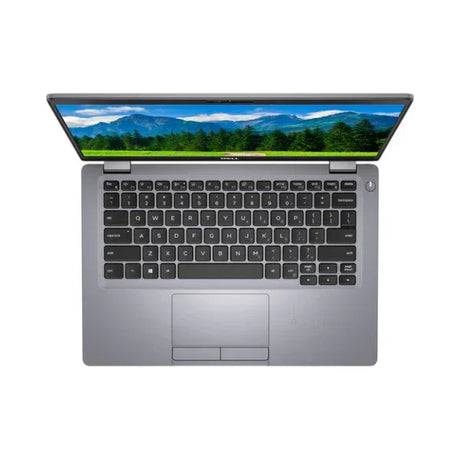
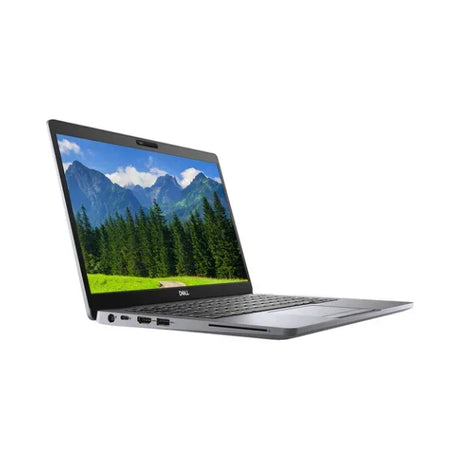
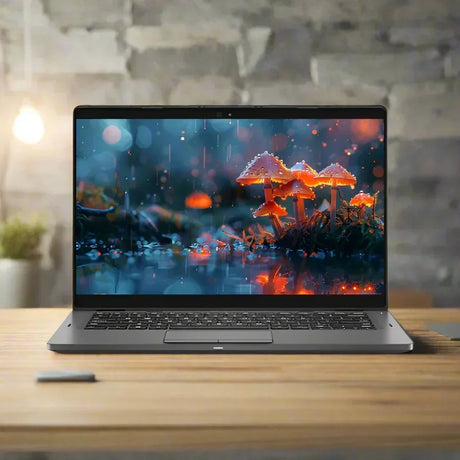
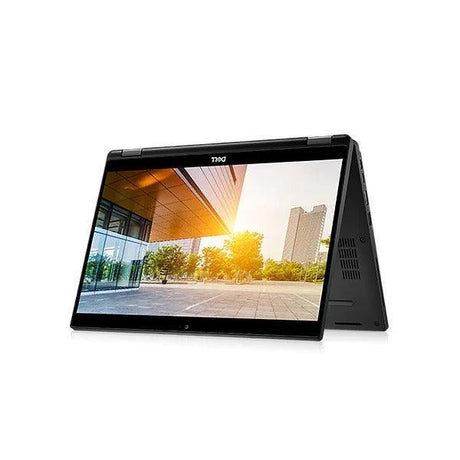
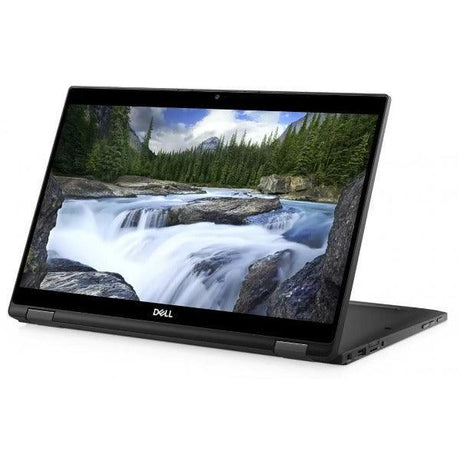
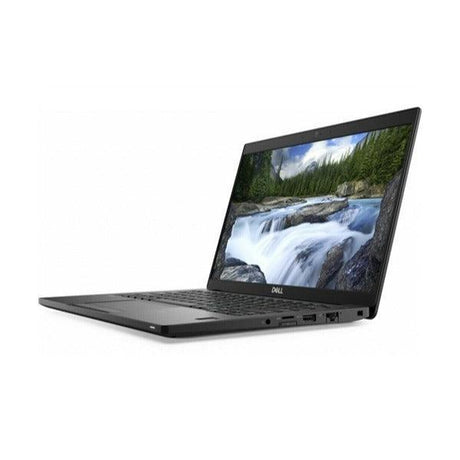
Dell Latitude 7330 2-in-1 – 13.3" Convertible Touch Business Laptop
A 12th Gen Intel Core i7-1265U 10-core vPro convertible with 16GB LPDDR4x RAM, 256GB NVMe SSD, 13.3" FHD touchscreen, Wi-Fi 6E, Thunderbolt 4, built-in 4G LTE and Windows 11 Pro — backed by a 12-month Reboot IT warranty. Please note: this unit has a locked BIOS — it boots and runs Windows normally, but BIOS settings cannot be changed (full detail below).
Key Benefits
-
12th Gen 10-Core vPro Performance: The i7-1265U pairs 2 Performance cores with 8 Efficient cores for smooth multitasking across Microsoft 365, Teams, Power BI and dozens of browser tabs at once.
-
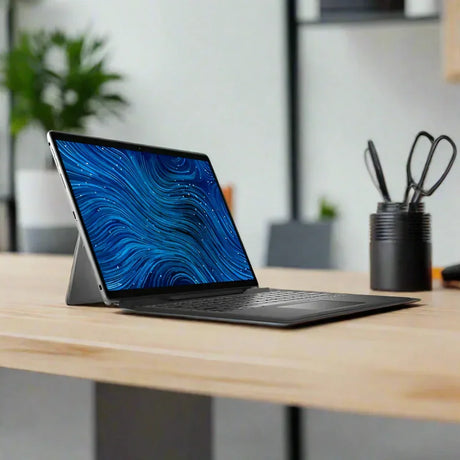
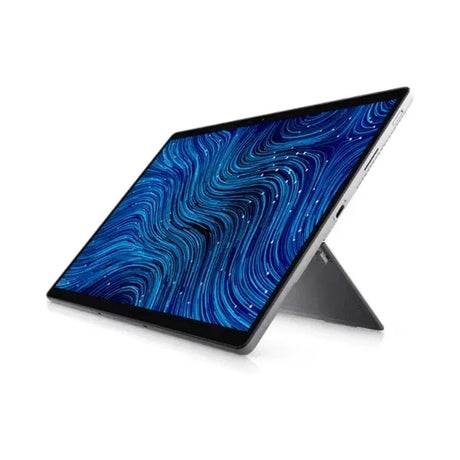
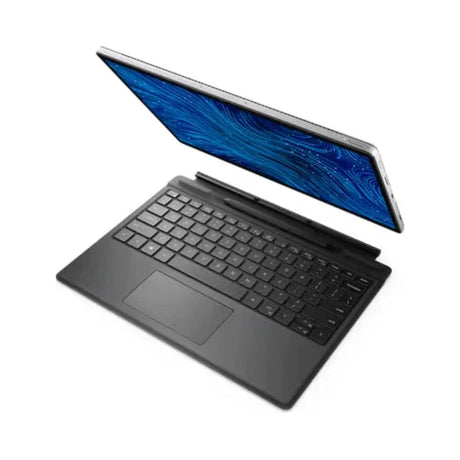
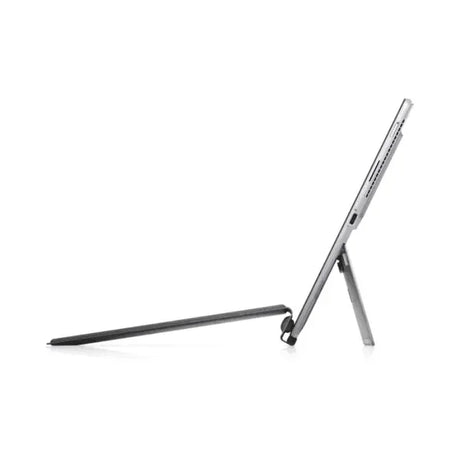
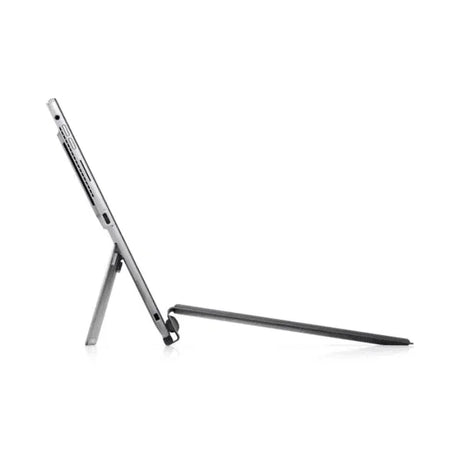
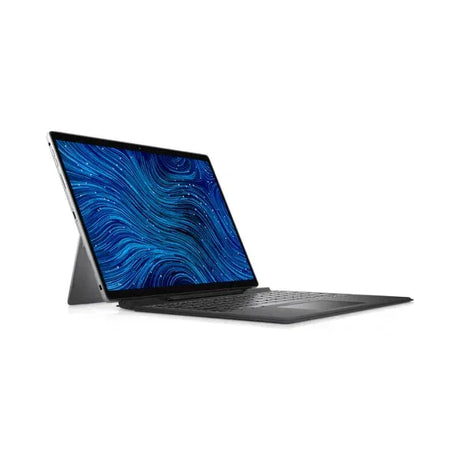
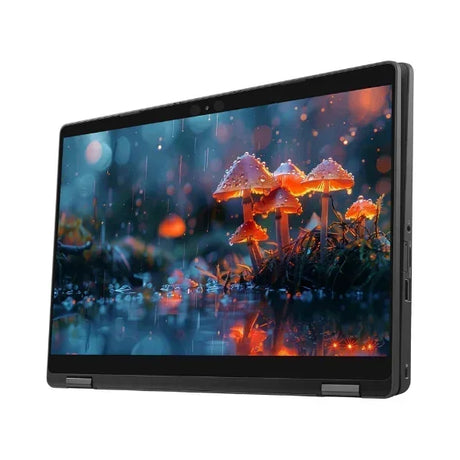
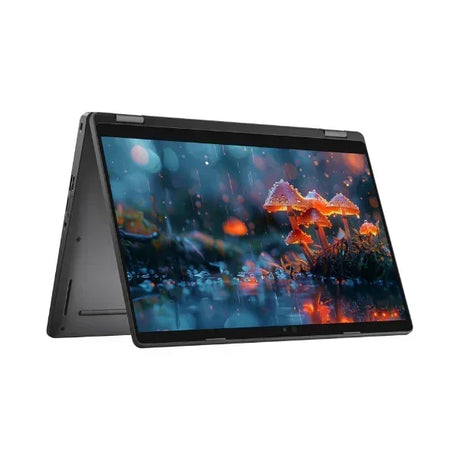
2-in-1 Convertible Touchscreen: The 360° hinge flips between laptop, tent, stand and tablet modes — ideal for presentations, sketching, annotating documents and signing on the go.
-
Built-in 4G LTE: An embedded WWAN modem means you can insert a SIM and stay connected anywhere, with no hotspot or dongle required — perfect for field work and travel.
-
Wi-Fi 6E + Thunderbolt 4: Next-gen 6 GHz Wi-Fi for less congestion in busy offices, plus Thunderbolt 4 USB-C for single-cable docking and dual external displays.
-
Security Built In: Fingerprint reader, IR webcam for Windows Hello facial sign-in, TPM 2.0 and Windows 11 Pro BitLocker keep business data locked down.
-
Ultra-Light & Durable: Around 1 kg in a MIL-STD-tested chassis with a backlit keyboard — a genuine all-day carry that handles the daily commute.
Performance in Use
The i7-1265U is Intel’s 12th Gen Alder Lake chip with a hybrid 10-core architecture — 2 Performance cores for burst-heavy tasks and 8 Efficient cores for background work. In practice that means Teams calls, large spreadsheets, browser tabs and background sync all run at once without the bottleneck you’d hit on an older 4-core Latitude. With 16 GB of LPDDR4x RAM, the 7330 2-in-1 handles data analysis, presentation builds and remote desktop sessions without hesitation.
The 2-in-1 form factor is what sets this model apart. Fold it back into tablet mode to read and annotate documents on the 13.3" touchscreen, prop it in tent mode for a video call on a cramped desk, or use it as a standard clamshell when you’re typing all day. Combined with built-in 4G LTE, it’s a true go-anywhere machine for consultants, field staff and executives who move between sites.
Security is handled the way enterprise IT expects. The IR webcam supports Windows Hello facial recognition, the fingerprint reader gives a second fast sign-in option, and TPM 2.0 with vPro and Windows 11 Pro BitLocker protect data at rest. For an organisation rolling out a managed fleet — or an individual who simply wants a secure, premium ultraportable — the 7330 2-in-1 ticks the boxes.
Please Note — Locked BIOS
This particular unit has a password-locked BIOS. It boots and operates completely normally from the installed Windows 11 Pro — everything works as expected for day-to-day use. However, BIOS/UEFI setup settings cannot be changed (for example, boot order, virtualisation toggles or a clean reinstall that requires booting from external media). If your workflow needs full BIOS access or the ability to reimage from USB, this unit is not suitable. The price reflects this. If you’re unsure whether it fits your needs, contact our Melbourne team before ordering and we’ll talk it through.
Technical Specifications
| Processor |
Intel Core i7-1265U (12th Gen Alder Lake), up to 4.80 GHz, 10-core/12-thread (2P+8E), 12 MB cache, Intel vPro |
| Memory |
16 GB LPDDR4x (soldered) |
| Storage |
256 GB M.2 PCIe NVMe SSD |
| Display |
13.3" Full HD (1920×1080) IPS Touchscreen, convertible 2-in-1 |
| Graphics |
Intel Iris Xe Graphics (integrated) |
| Camera |
FHD IR webcam (Windows Hello) + dual microphone |
| Ports |
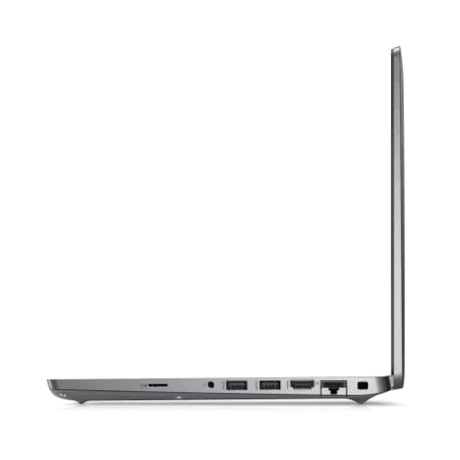
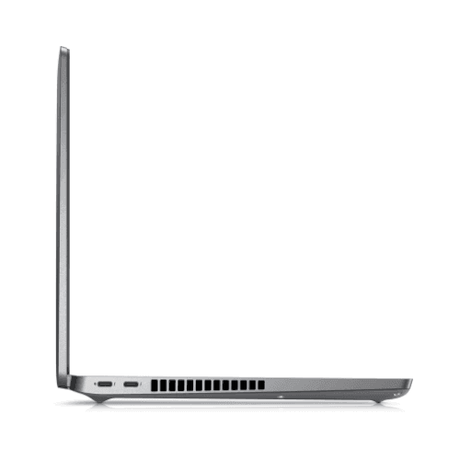
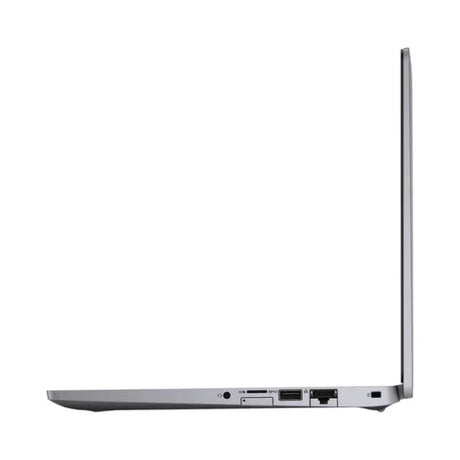
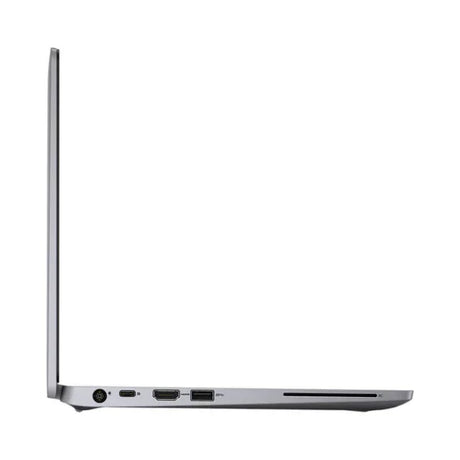
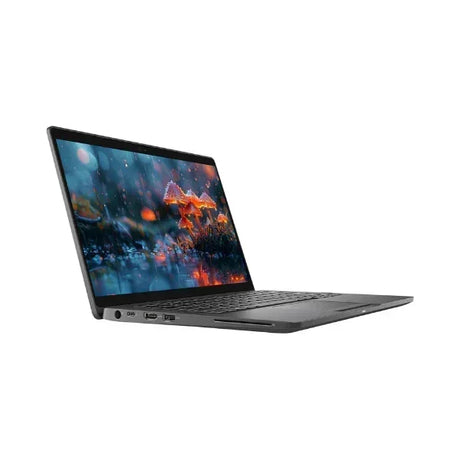
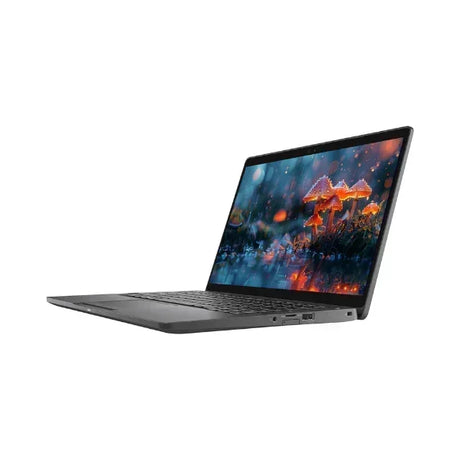
2× Thunderbolt 4 (USB-C), USB 3.2 Type-A, HDMI, combo audio jack |
| Wireless |
Intel Wi-Fi 6E (802.11ax), Bluetooth 5.2 |
| Mobile Broadband |
Built-in 4G LTE WWAN (SIM required) |
| Input |
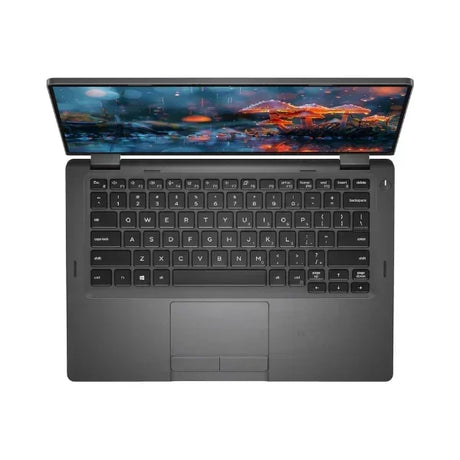
Backlit keyboard, precision touchpad, touchscreen, fingerprint reader |
| Security |
TPM 2.0, Intel vPro, Windows Hello (IR + fingerprint) |
| Operating System |
Windows 11 Pro 64-bit |
| Weight |
Approx. 1.0 kg |
| BIOS Status |
Password-locked — boots & runs Windows normally; BIOS settings cannot be changed (see note above) |
| Warranty |
12 months (Reboot IT) |
Is It Right for You?
| Best For ✓ |
Not Ideal For ✗ |
| Mobile professionals who want touch, LTE and a true go-anywhere ultraportable |
Anyone who needs to change BIOS settings or reinstall the OS from USB (BIOS is locked) |
| Presentations, note-taking and document mark-up using the convertible touchscreen |
3D CAD, heavy video editing or GPU-intensive work (no discrete graphics) |
| Users upgrading from an older 4-core 7xxx Latitude wanting more speed |
Users who need more than 16 GB RAM (soldered, not upgradeable) |
| Security-conscious users wanting fingerprint + facial sign-in and BitLocker |
Gaming beyond light/casual browser titles |
Condition Grades
| Grade |
Description |
| A – Excellent |
Minimal cosmetic wear — may have light surface marks visible only under close inspection. Battery 70%+ health. Fully functional (note locked BIOS above). |
| B – Good |
Light cosmetic wear including minor scratches or scuffs. Battery 50–70% health (30-day battery warranty applies). Fully functional (note locked BIOS above). |
Frequently Asked Questions
What does “locked BIOS” mean for everyday use?
It means the laptop starts up and runs Windows 11 Pro exactly like any normal machine — you can log in, install software, browse, run Office and everything else as usual. The only limitation is that the BIOS/UEFI setup screen is password-protected, so settings such as boot order or virtualisation toggles can’t be changed, and you can’t reinstall the operating system by booting from a USB drive. For standard day-to-day work this makes no difference; for IT staff who need full firmware control it does.
Can I reset Windows or reinstall it?
You can use Windows’ built-in “Reset this PC” recovery from within Windows itself, which works normally. What you cannot do is boot from external USB media to perform a clean install, because that requires BIOS access. If a from-scratch USB reinstall is essential for you, this unit isn’t the right choice.
How do I activate the built-in 4G LTE?
Insert a nano-SIM into the SIM tray and Windows will manage the mobile connection automatically alongside Wi-Fi. This is handy for staff working from client sites or travelling where Wi-Fi isn’t reliable.
Can I upgrade the RAM or storage?
The 16 GB LPDDR4x RAM is soldered to the motherboard and cannot be upgraded. The M.2 NVMe SSD is replaceable with a larger drive if you need more storage (note that swapping the drive may require BIOS access depending on the setup).
What warranty is included?
Every unit comes with a 12-month Reboot IT warranty covering hardware faults. Grade B units also carry a separate 30-day battery warranty. Contact our Melbourne team if you experience any issues during the warranty period.
How does shipping work?
We offer free standard shipping Australia-wide on this laptop. Express options are available at checkout for faster delivery.
12-Month Reboot IT Warranty
Every Dell Latitude 7330 2-in-1 sold by Reboot IT comes with a full 12-month warranty against hardware faults. Our Melbourne-based team has been professionally refurbishing and selling quality IT equipment since 2001, and every unit is thoroughly tested and graded before dispatch.
This laptop ships with free standard Australia-wide delivery. If anything goes wrong under warranty, contact us at reboot-it.com.au — we’ll sort it out promptly.