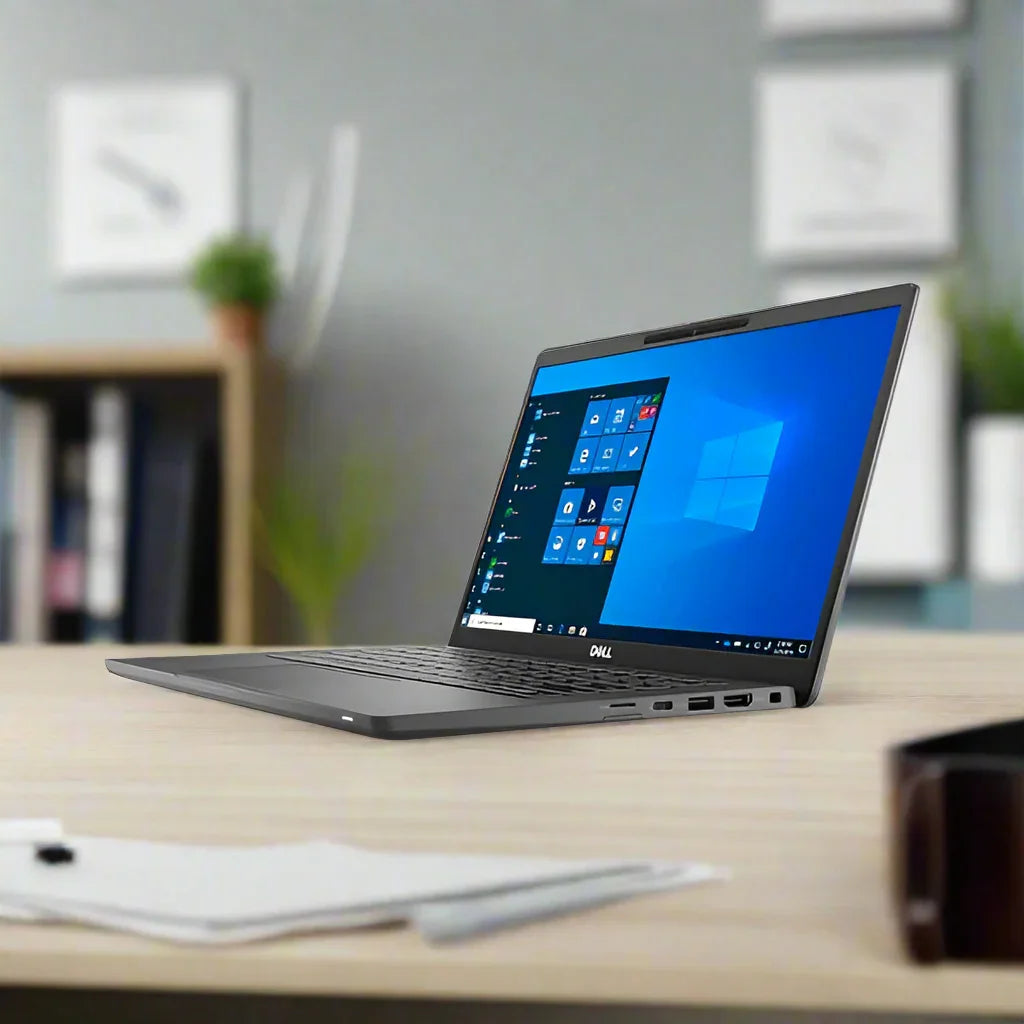
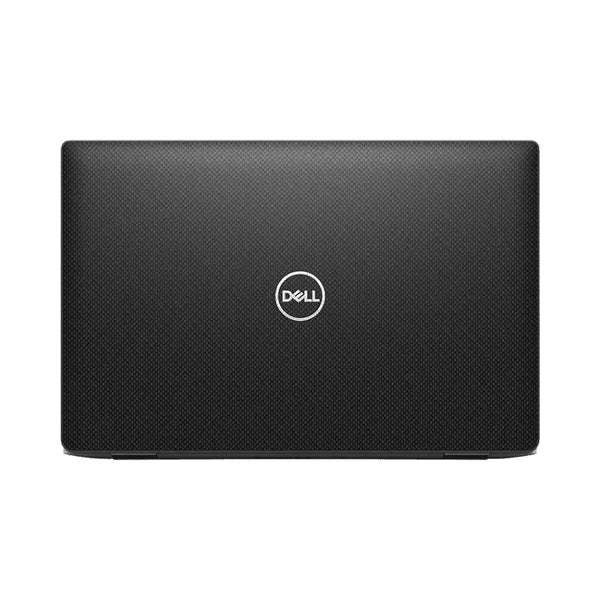
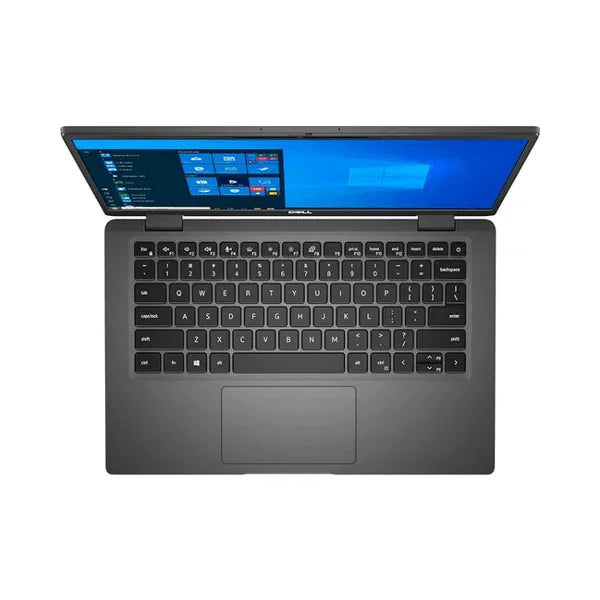
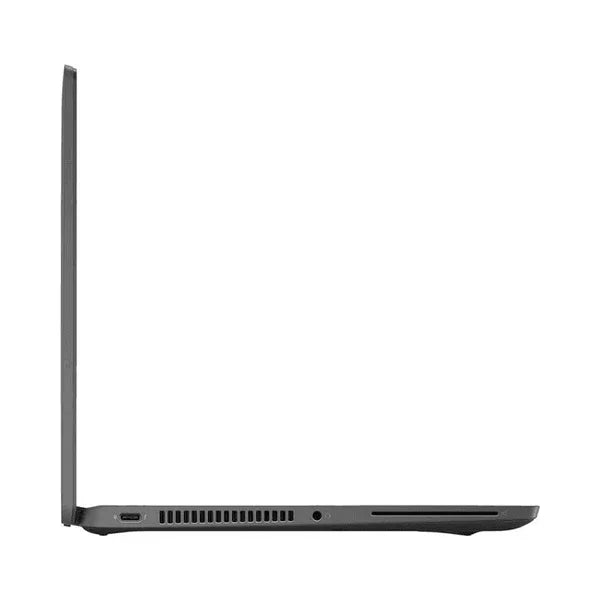
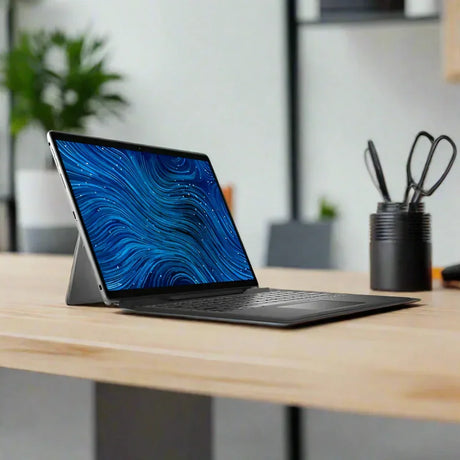
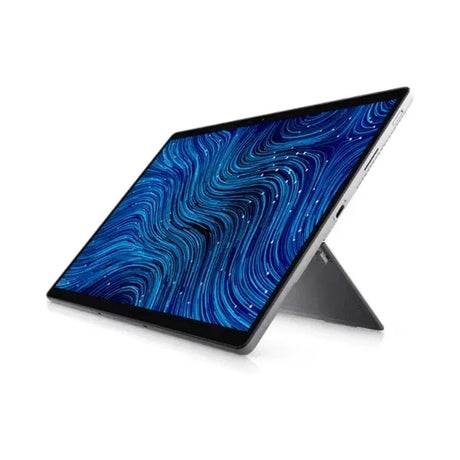
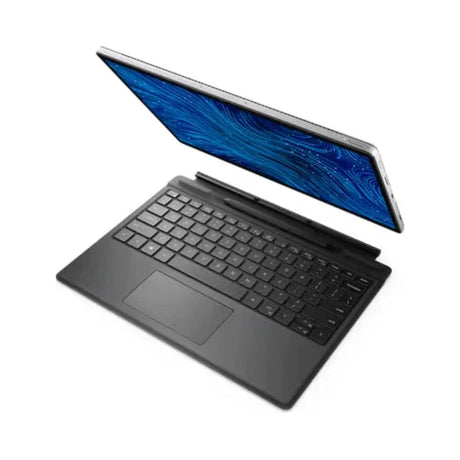
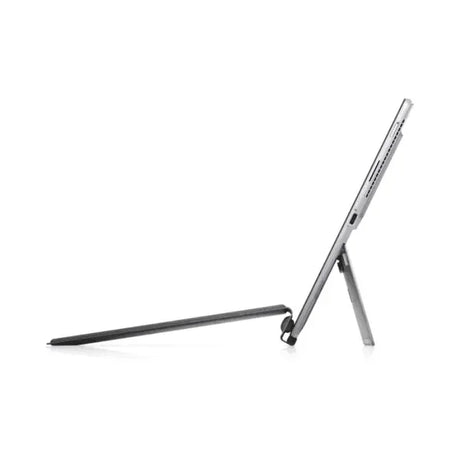
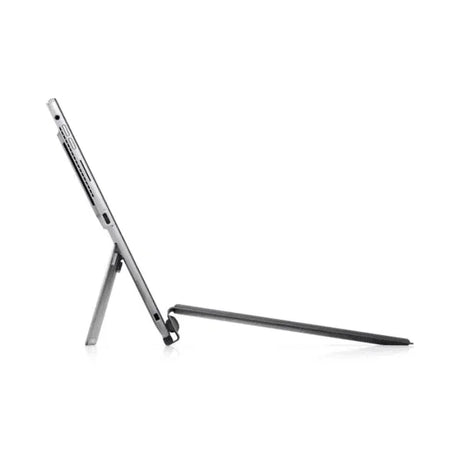
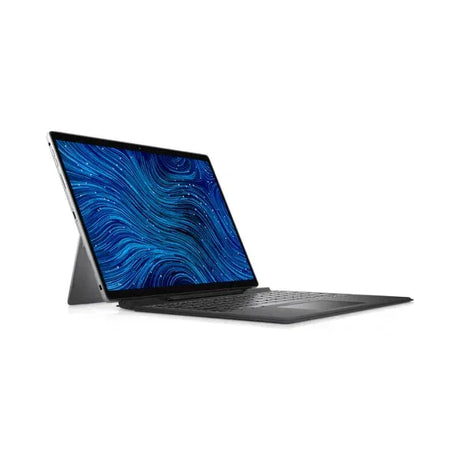
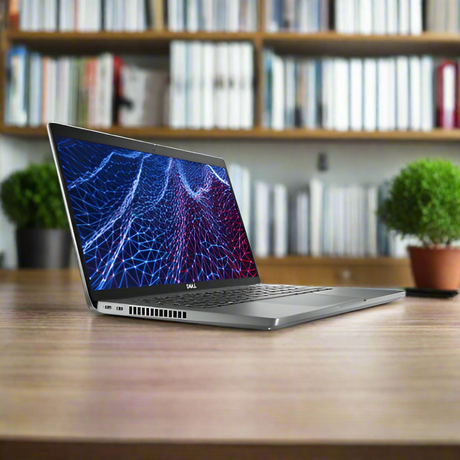
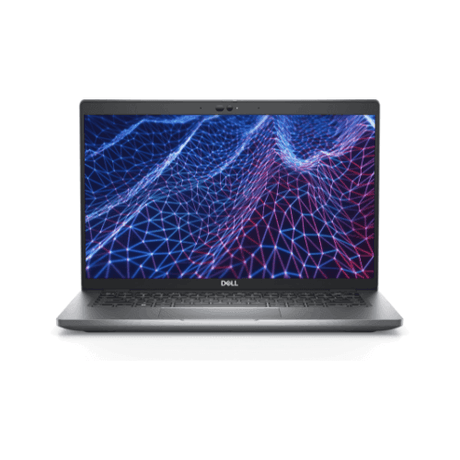
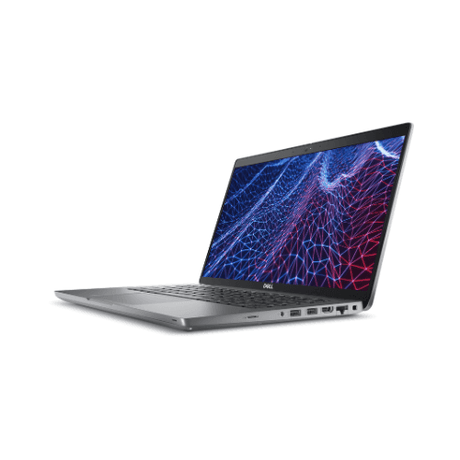
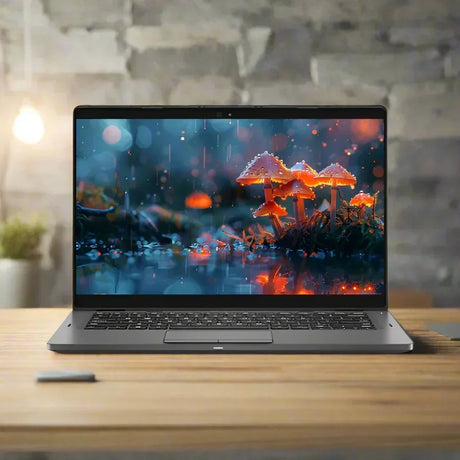
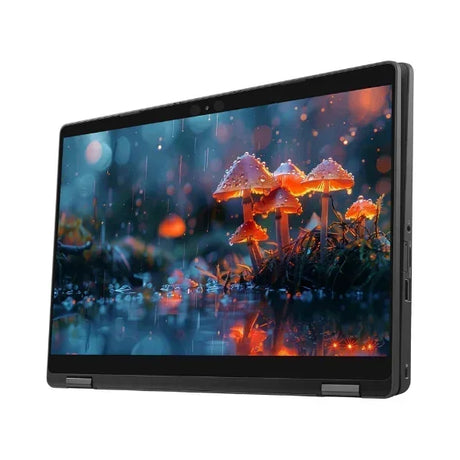
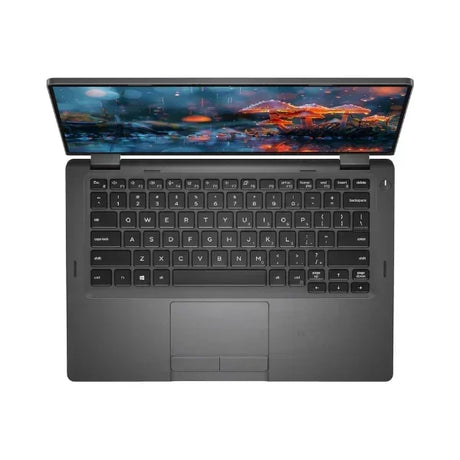
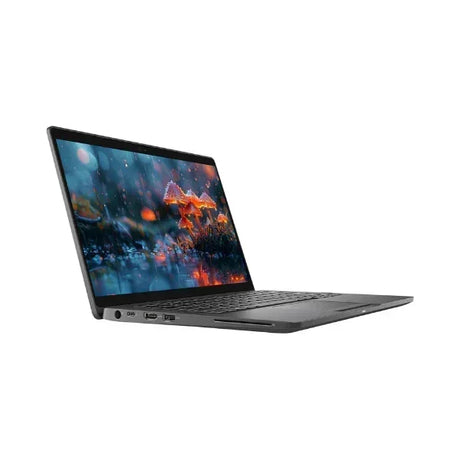
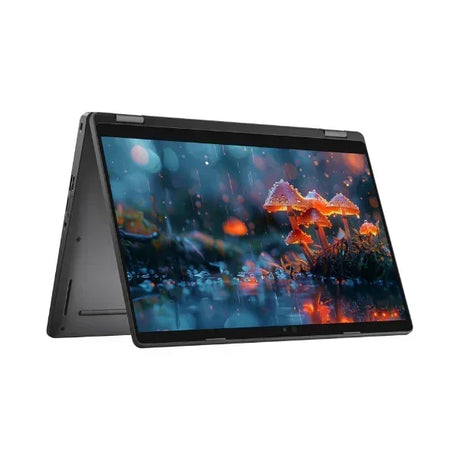
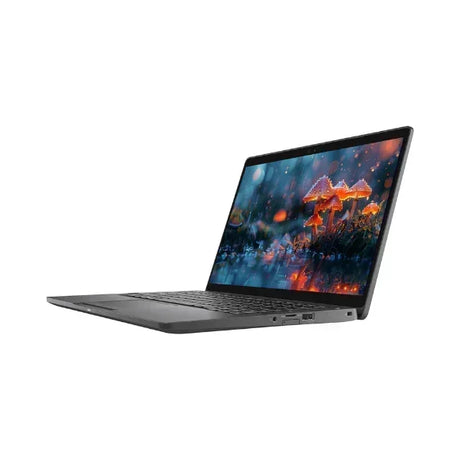
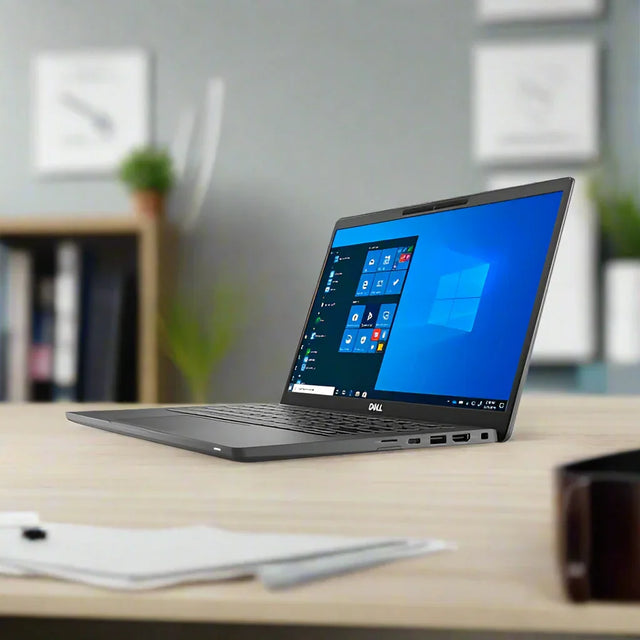
Dell Latitude 7320 – 13.3" Touch Ultrabook with Built-in LTE
An enterprise-grade 11th Gen Intel Core i7-1185G7 vPro business ultrabook with 16GB LPDDR4x RAM, 512GB NVMe SSD, built-in LTE (eSIM), Thunderbolt 4, and Windows 11 Pro — backed by a 12-month Reboot IT warranty.
⚠ Important: BIOS Boot-Locked Unit
This unit has a BIOS password set by the previous enterprise owner. The boot order is fixed to the internal SSD — the laptop boots straight into Windows 11 Pro and operates completely normally for all everyday tasks. You cannot change BIOS settings, boot from USB, or reinstall/replace the operating system without the BIOS password. If you need to reinstall Windows or customise BIOS settings, this device is not suitable for your needs.
Key Benefits
-
11th Gen vPro Performance: Intel Core i7-1185G7 with Intel Iris Xe graphics delivers snappy, responsive multitasking across Microsoft 365, web conferencing, and data-heavy business workflows.
-
Built-in LTE (eSIM): Qualcomm Snapdragon X20 CAT 9 LTE modem with embedded SIM keeps you connected wherever you work — no hotspot or dongle needed.
-
512GB NVMe SSD: Fast PCIe Class 40 storage boots Windows in seconds and handles large files, databases, and VM snapshots with ease.
-
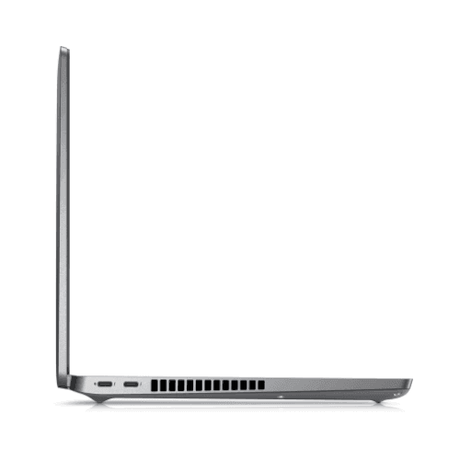
Thunderbolt 4: A single cable connects to a dock, dual 4K displays, and fast external storage — ideal for flexible desk setups and hot-desking environments.
-
Touch + IR Camera: The 13.3" FHD touch display pairs with a Full HD IR camera for Windows Hello facial sign-in — secure, fast, and hands-free.
-
Enterprise Security Baked In: Intel vPro, TPM 2.0, smart card reader, NFC, and fingerprint reader make this a capable choice for managed enterprise environments.
Performance in Use
The i7-1185G7 is a Tiger Lake processor built on Intel's 10nm SuperFin process. Its four cores hit 4.8 GHz turbo, making it noticeably faster than 8th and 10th Gen Latitude predecessors. Backed by 16 GB of LPDDR4x RAM (soldered for reliability), the 7320 handles 30 browser tabs, back-to-back Teams calls, and Power BI dashboards without slowing — exactly the workload profile Dell designed it for.
The built-in Qualcomm Snapdragon X20 LTE modem is a standout feature for mobile workers. Insert a nano-SIM or activate the embedded eSIM with your carrier and you have 4G connectivity anywhere, independent of Wi-Fi. Combined with the 63 Wh battery (rated 8–12 hours mixed use), this is a genuinely untethered machine for consultants, field staff, and executives who move between offices and client sites.
One practical note: this unit is BIOS boot-locked to the internal drive. That means it boots straight into Windows 11 Pro every time — quickly and reliably. For the vast majority of users running Windows applications day-to-day, this makes no difference whatsoever. It only matters if you need to reinstall the operating system or boot from external media, which most business users never do.
Technical Specifications
| Processor |
Intel Core i7-1185G7 (11th Gen Tiger Lake), 3.0 GHz base / 4.8 GHz turbo, 4-core/8-thread, 12 MB cache, Intel vPro |
| Memory |
16 GB LPDDR4x (soldered) |
| Storage |
512 GB M.2 PCIe NVMe SSD (Class 40) |
| Display |
13.3" Full HD (1920×1080) IPS Touch, Anti-Glare, WVA, 300 nits, SafeScreen |
| Graphics |
Intel Iris Xe Graphics (integrated) |
| Camera |
FHD IR Camera + dual-array microphone (Windows Hello facial sign-in) |
| Ports |
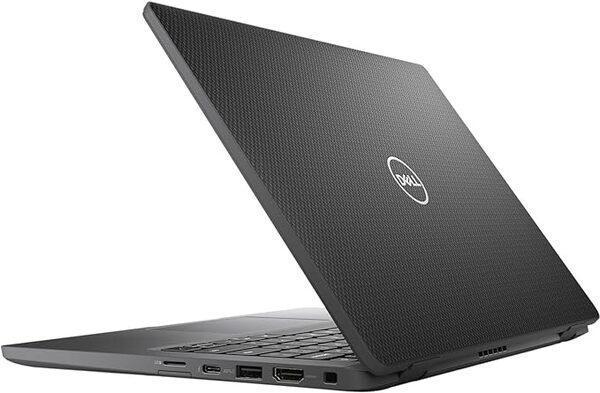
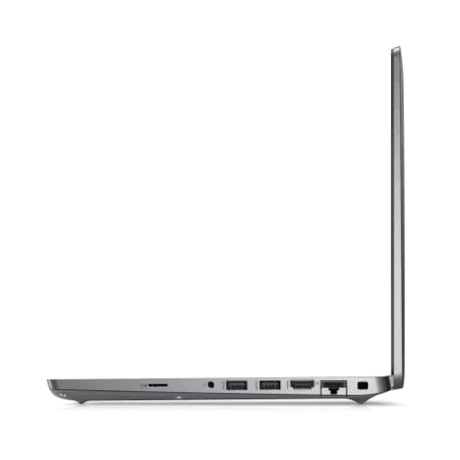
2× Thunderbolt 4 (USB-C), 1× USB 3.2 Gen 1 Type-A, HDMI 2.0, combo headphone/mic |
| Wireless |
Intel Wi-Fi 6 AX201 (802.11ax, 2×2, 160 MHz), Bluetooth 5.1 |
| Mobile Broadband |
Qualcomm Snapdragon X20 LTE CAT 9, nano-SIM + eSIM |
| Security |
TPM 2.0, Intel vPro, fingerprint reader, contacted + contactless smart card reader, NFC |
| Battery |
63 Wh 4-cell (rated 8–12 hrs mixed use) |
| Power Adapter |
65W USB-C (EPEAT certified) |
| Operating System |
Windows 11 Pro 64-bit |
| Chassis |
Carbon fibre palmrest and lid, MIL-STD-810H certified |
| Dimensions |
307.6 × 199.9 × 16.96 mm, approx. 1.12 kg |
| BIOS |
Boot-locked to internal drive. Boots to Windows 11 Pro normally. BIOS settings and USB boot are not accessible without the BIOS password. |
| Warranty |
12 months (Reboot IT) |
Is It Right for You?
| Best For ✓ |
Not Ideal For ✗ |
| Business users running Windows day-to-day with no plans to reinstall the OS |
Anyone needing to reinstall Windows, dual-boot, or change BIOS settings |
| Mobile workers needing built-in LTE without a separate hotspot device |
IT teams who need to image machines or boot from USB/PXE |
| Consultants and executives who travel and need premium build + battery life |
Users wanting to run Linux or a different operating system |
| Teams upgrading from aging 7th/8th Gen Latitudes to modern Tiger Lake performance |
Heavy GPU workloads — no discrete graphics card |
Condition Grades
| Grade |
Description |
| A – Excellent |
Minimal cosmetic wear — may have light surface marks visible only under close inspection. Battery ≥70% health. Fully functional. |
| B – Good |
Light cosmetic wear including minor scratches or scuffs. Battery 50–70% health (30-day battery warranty applies). Fully functional. |
Frequently Asked Questions
What does "BIOS boot-locked" mean, and does it affect normal use?
The BIOS (the firmware that starts the computer before Windows loads) has been password-protected by the previous enterprise owner, and the boot order is fixed to the internal SSD. When you turn the laptop on, it boots straight into Windows 11 Pro — quickly and reliably — exactly as it would on any other laptop. For everyday tasks like browsing, email, Office, Teams, or coding, you will notice absolutely no difference. The limitation is that you cannot enter the BIOS settings menu, boot from a USB drive, or reinstall/replace the operating system without the BIOS password.
Can I reinstall Windows or install a different operating system?
No. Because the BIOS boot order is locked to the internal drive, you cannot boot from a USB installer or network. Windows 11 Pro cannot be reinstalled and alternative operating systems cannot be installed. If you need that flexibility, this device is not the right choice.
How does the built-in LTE work?
The Qualcomm Snapdragon X20 modem supports LTE CAT 9 (up to 450 Mbps download). You can use a nano-SIM from any Australian carrier, or activate the built-in eSIM if your carrier supports it. Once connected, Windows treats it as a regular internet connection with no additional drivers required.
Can I upgrade the RAM or storage?
The 16 GB LPDDR4x RAM is soldered and cannot be upgraded. The M.2 NVMe SSD can be replaced with a larger drive — though the BIOS lock means you would need to clone the existing drive rather than reinstall Windows from scratch.
What warranty is included?
Every unit comes with a 12-month Reboot IT warranty covering hardware faults. Grade B units also carry a separate 30-day battery warranty. Contact our Melbourne team if you experience any issues during the warranty period.
How does shipping work?
We offer free standard shipping Australia-wide. Express options are available at checkout for faster delivery.
What is the difference between Grade A – Excellent and Grade B – Good?
Grade A units show minimal cosmetic wear and battery health of 70% or above. Grade B units may have light scratches or scuffs with battery health between 50–70%, covered by a 30-day battery warranty. Both grades are fully functional and backed by the 12-month Reboot IT warranty.
12-Month Reboot IT Warranty
Every Dell Latitude 7320 sold by Reboot IT comes with a full 12-month warranty against hardware faults. Our Melbourne-based team has been professionally refurbishing and selling quality IT equipment since 2001, and every unit is thoroughly tested and graded before dispatch.
This laptop ships with free standard Australia-wide delivery. If anything goes wrong under warranty, contact us at reboot-it.com.au — we'll sort it out promptly.