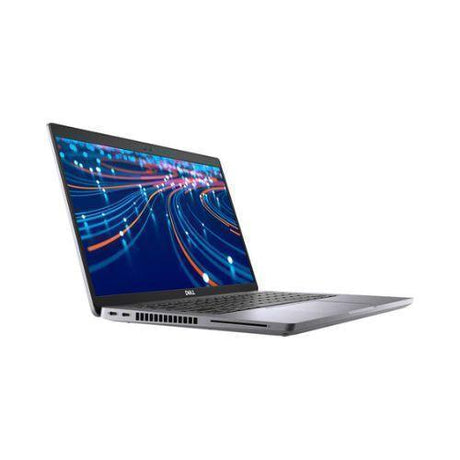
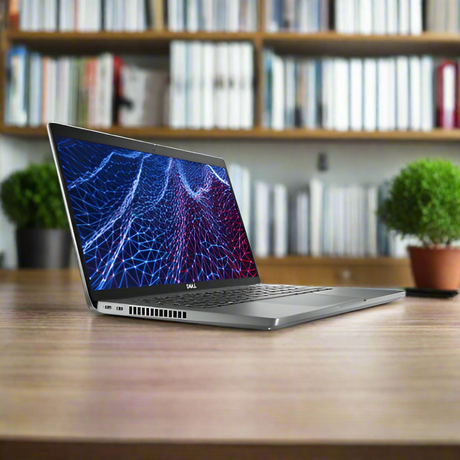
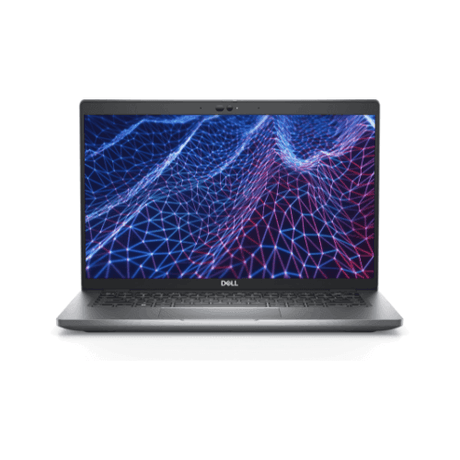
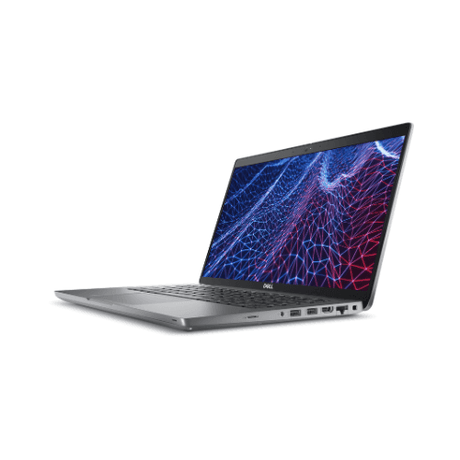
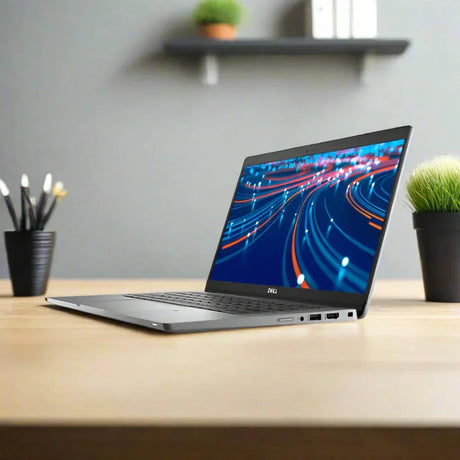
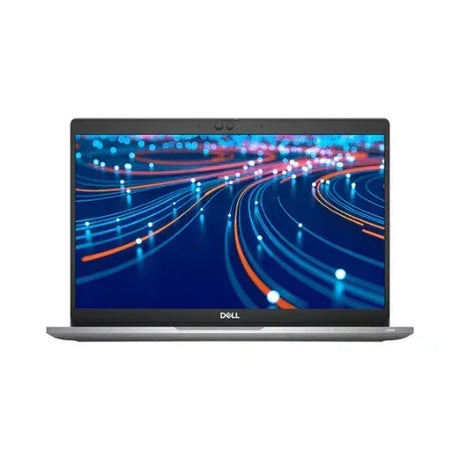
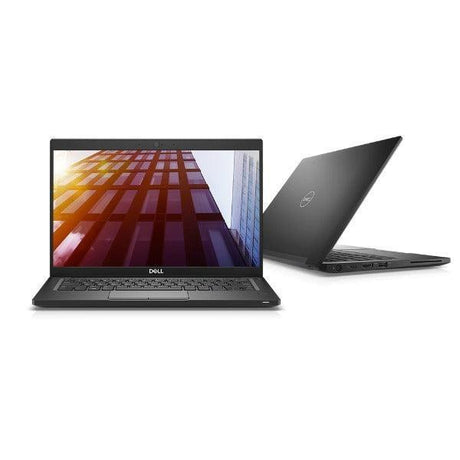
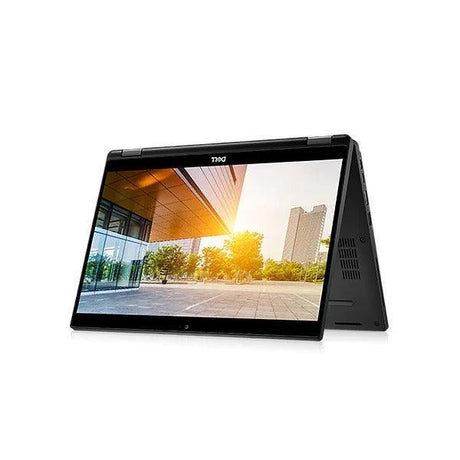
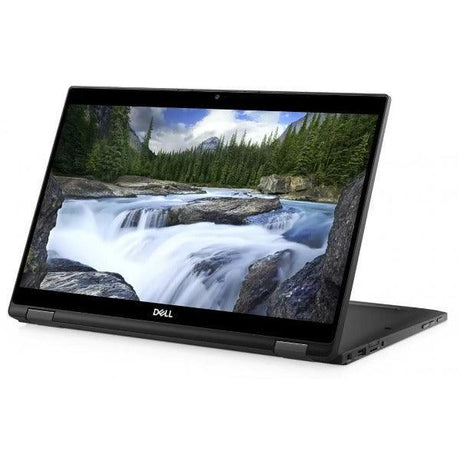
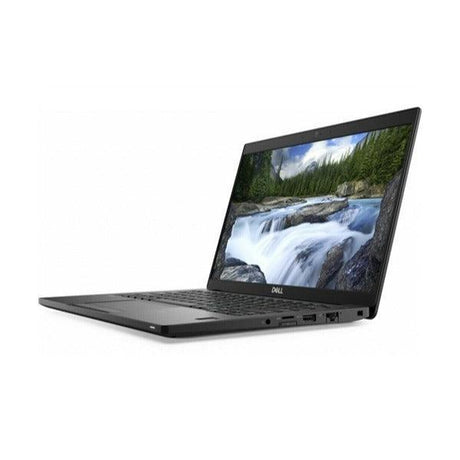
Dell Latitude 5520 — 15.6" 4K UHD with NVIDIA MX450 Graphics
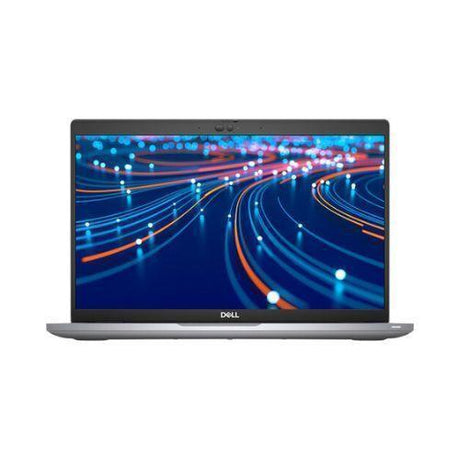
A professionally tested and graded 15.6-inch business laptop built around Intel’s 11th Generation Core i7-1185G7 with 16GB of DDR4 memory, a 256GB NVMe SSD and dedicated NVIDIA GeForce MX450 graphics, running Windows 11 Pro. It carries a 4K UHD 400-nit ComfortView Plus display and a full-size keyboard with numeric keypad, backed by a 12-month Reboot IT warranty with free standard AU shipping.
Key Benefits
-
Dedicated NVIDIA GeForce MX450 graphics: A discrete GPU with its own memory, sitting well above the integrated graphics in a typical business laptop. It accelerates photo work, CAD viewing, light 3D, video playback and GPU-aware applications, and drives multiple external displays comfortably.
-
15.6" 4K UHD at 400 nits: A 3840×2160 panel with four times the pixels of a Full HD screen, at 400 nits with ComfortView Plus hardware low-blue-light. Text is exceptionally sharp and you can fit far more on screen at once.
-
11th Gen Intel Core i7-1185G7: A 4-core, 8-thread processor with 12MB cache boosting to 4.8GHz — the top i7 in this Latitude generation, and noticeably quicker than the i5 configurations.
-
A free memory slot: 16GB is fitted in a single SODIMM with the second slot empty. Adding a matching 16GB module gives 32GB in dual channel — and dual channel matters more here than usual, because both the MX450 and a 4K panel benefit from the extra memory bandwidth.
-
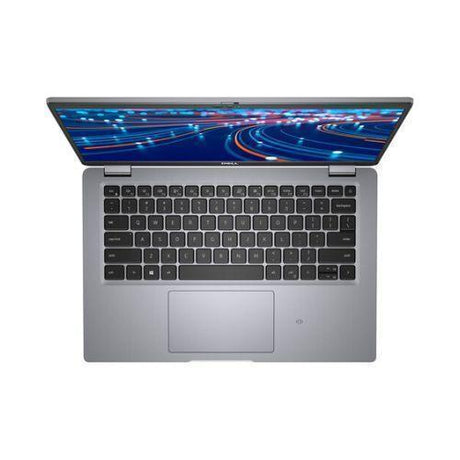
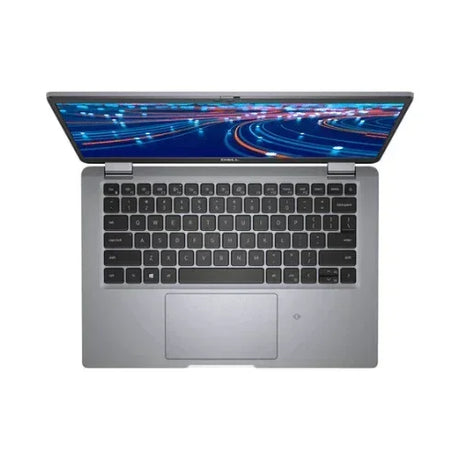
Full-size keyboard with numeric keypad and Windows Hello: A 99-key backlit layout with a dedicated number pad, plus an infrared camera with ExpressSign-In for face recognition sign-on.
-
12-month warranty & free AU shipping: Every unit is tested, graded and covered by a 12-month Reboot IT warranty, with free standard shipping anywhere in Australia.
Performance In Use
The i7-1185G7 is the fastest processor Dell offered in this Latitude generation — four cores and eight threads with a 4.8GHz boost and 12MB of cache. Paired with 16GB of memory and NVMe storage it handles a heavy working day without complaint: a full inbox, large spreadsheets, a browser stacked with tabs, and a video call all at once.
The discrete MX450 is what separates this from an ordinary business laptop. Integrated graphics are fine for documents but stall on anything that actually asks for a GPU; a dedicated card with its own memory makes photo editing, CAD model viewing, light 3D work and GPU-accelerated applications genuinely usable. It also drives external monitors without stealing system memory to do it.
The 4K panel gives you real estate. At 3840×2160 on a 15.6-inch screen you can work two full documents side by side at readable sizes, or keep a spreadsheet and a reference window open together without either being cramped. Combined with the numeric keypad, this suits data-heavy and analytical work particularly well.
Technical Specifications
| Brand |
Dell |
| Model |
Latitude 5520 |
| Processor |
Intel Core i7-1185G7 (11th Gen, 4 cores / 8 threads, 12MB cache, up to 4.8GHz) |
| Graphics |
NVIDIA GeForce MX450 (dedicated) + Intel Iris Xe |
| Memory (RAM) |
16GB DDR4-3200 (1 × 16GB SODIMM) — second slot free, upgradeable to 64GB
|
| Storage |
256GB M.2 PCIe NVMe SSD |
| Display |
15.6" 4K UHD (3840×2160), non-touch, anti-glare, 400 nits, ComfortView Plus |
| Operating System |
Windows 11 Pro |
| Wireless |
Intel Wi-Fi 6 AX201 2×2 + Bluetooth |
| Ports |
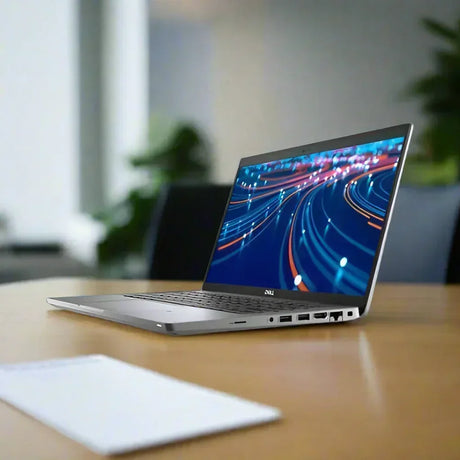
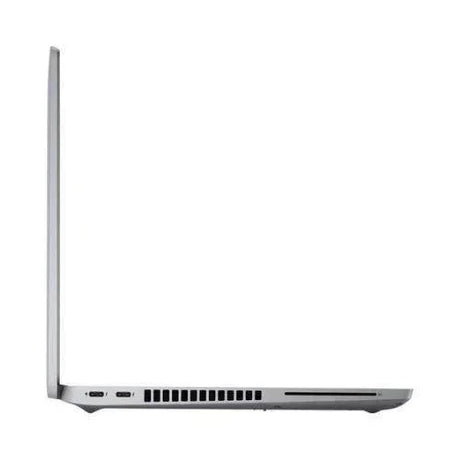
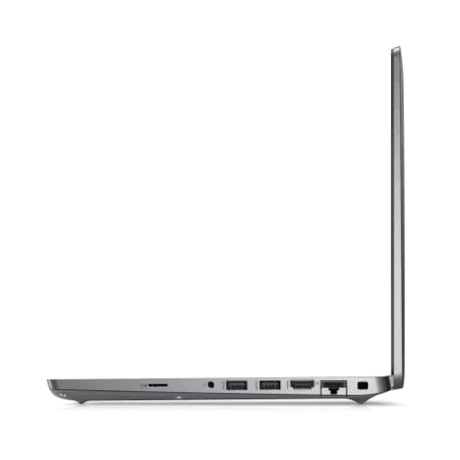
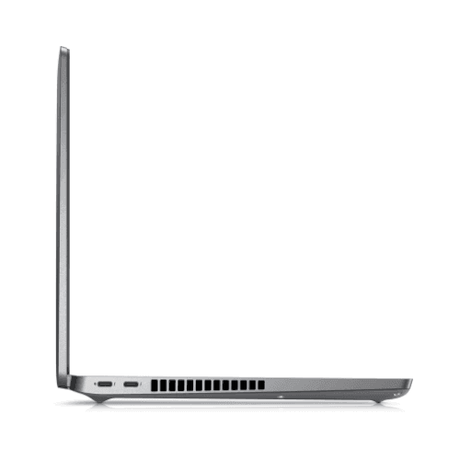
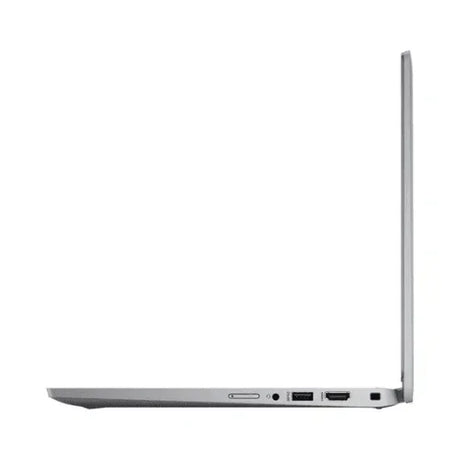
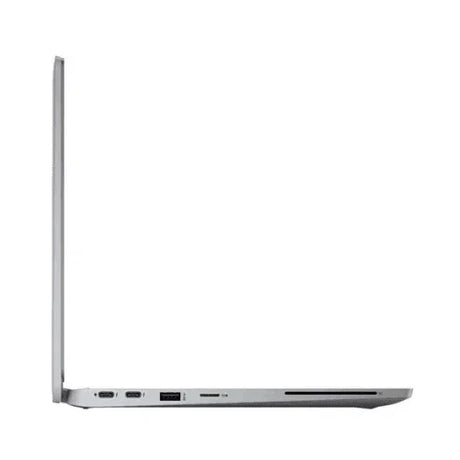
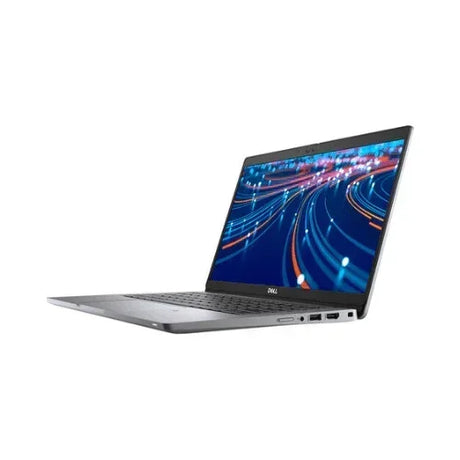
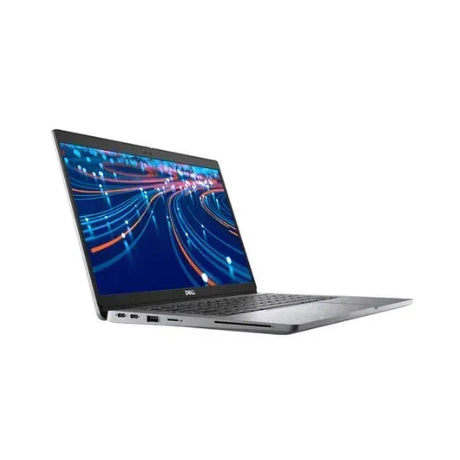
Thunderbolt 4 (USB-C), USB-A, HDMI, RJ45, 3.5mm audio |
| Camera |
FHD + infrared with ExpressSign-In (Windows Hello face sign-in) and microphone |
| Keyboard |
Backlit, full-size 99-key with numeric keypad |
| Security |
TPM 2.0, Windows Hello face sign-in. No fingerprint or smart card reader on this configuration.
|
| Battery |
4-cell 63Wh, ExpressCharge capable |
| Power Adapter |
90W USB-C |
| Form Factor |
15.6" business laptop |
| Warranty |
12-month Reboot IT warranty |
Is It Right For You?
| ✔ Best For |
✘ Not For |
Data-heavy work wanting screen space and a numpad
GPU-accelerated apps and CAD model viewing
Anyone who mostly works docked to an external monitor
Multi-window workflows on a high-resolution screen
Buyers who want a cheap RAM upgrade path |
Demanding AAA gaming
Anyone who needs a touchscreen — this panel is non-touch
Sites requiring a fingerprint or smart card reader
Fleets requiring Intel vPro remote management
Users needing built-in 4G/LTE mobile broadband |
Condition Grades
| Grade |
What to Expect |
| A – Excellent |
Minimal signs of prior use. Only very light, hard-to-notice marks. Fully tested and cleaned, presenting in near-new condition. |
| B – Good |
Light cosmetic wear such as minor scuffs or small scratches consistent with normal business use. Fully functional and thoroughly tested. |
70%+ battery for Grade A, 40–69% for Grade B, 7-day dead-battery cover.
Frequently Asked Questions
Is this laptop new or refurbished?
It is a professionally refurbished business laptop. Each unit is inspected, tested, cleaned and graded by our Melbourne team before it ships.
What is the MX450 good for?
The NVIDIA GeForce MX450 is a dedicated graphics card with its own memory. It comfortably outpaces integrated graphics for photo editing, CAD model viewing, light 3D work, video playback and GPU-accelerated applications, and drives external monitors without borrowing system memory. It is not a gaming card.
Can I upgrade the memory?
Yes. This unit has a single 16GB DDR4 SODIMM with the second slot empty, so adding one matching module gives 32GB in dual channel without removing anything. The platform supports up to 64GB. Dual channel is particularly worthwhile here, since both the MX450 and the 4K panel benefit from the extra bandwidth.
Does it have a fingerprint or smart card reader?
No. This unit was factory-configured with the plain palmrest — no fingerprint reader, no smart card reader and no NFC. Windows Hello face sign-in via the infrared camera is available instead.
Does it support Intel vPro?
No. This particular unit was configured by Dell with Intel management disabled, so it suits standalone use rather than a vPro-managed corporate fleet.
Does it have mobile broadband or a SIM slot?
No. This unit was built with a wireless-LAN-only lid and no mobile broadband card, so LTE cannot be fitted. It connects via Wi-Fi 6, Bluetooth or a wired dock.
Does it come with a charger?
Yes, a compatible 90W USB-C power adapter is included so the laptop is ready to use on arrival.
How much does shipping cost?
This laptop qualifies for free standard AU shipping, delivered anywhere in Australia at no extra cost.
What warranty is included?
Every unit is covered by a 12-month Reboot IT warranty, with 7-day dead-battery cover for peace of mind.
Your Purchase Is Protected
Every laptop is backed by a 12-month Reboot IT warranty. As a Melbourne-based refurbisher operating since 2001, we individually test and grade each device to a consistent standard before it leaves our workshop, so you know exactly what you are getting. Buy with confidence: your order includes free standard AU shipping and the reassurance of dealing with an established Australian business that stands behind every unit it sells.