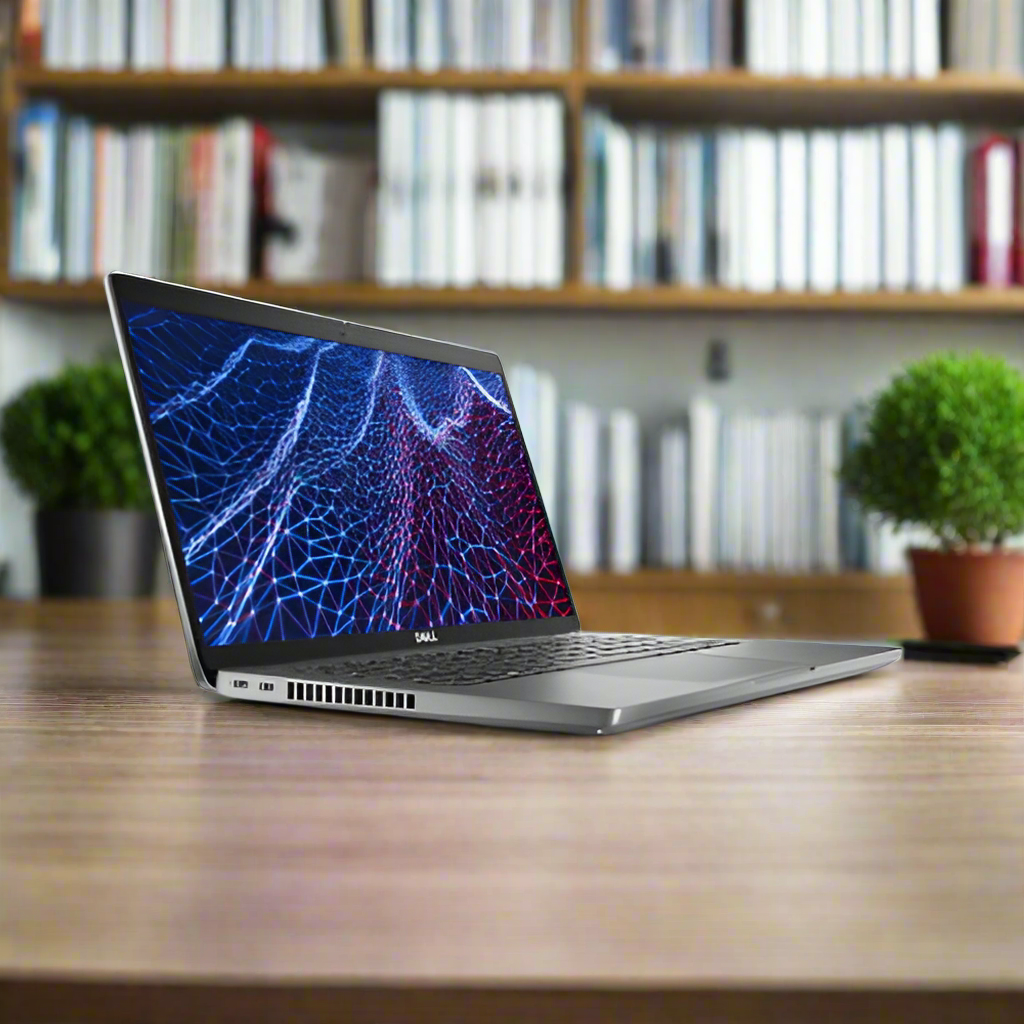
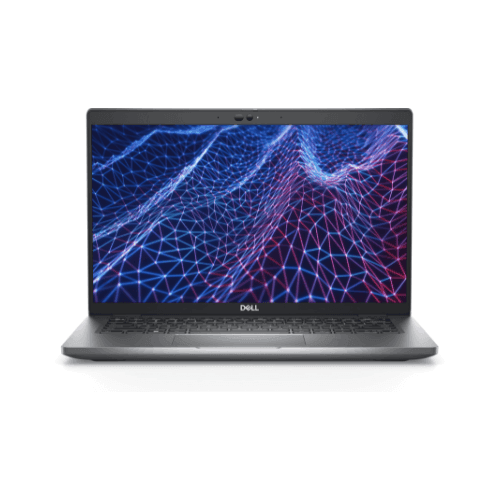
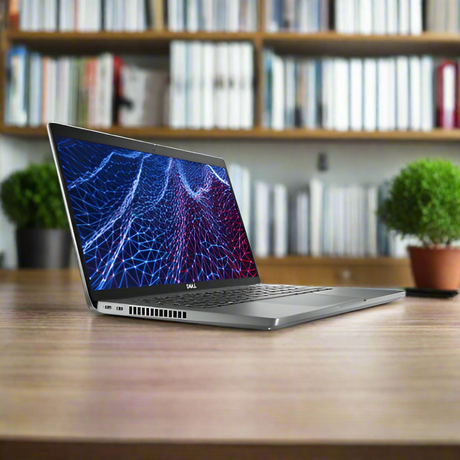
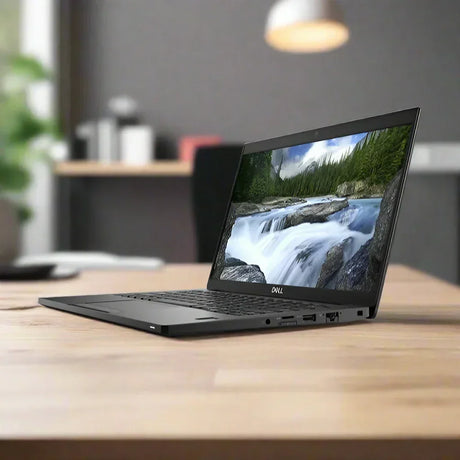
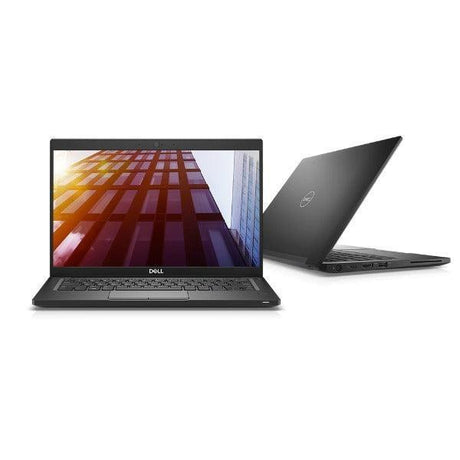
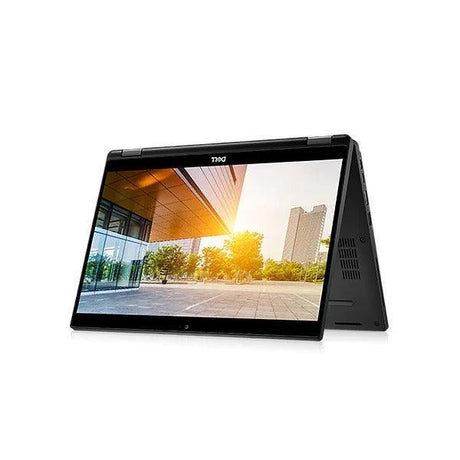
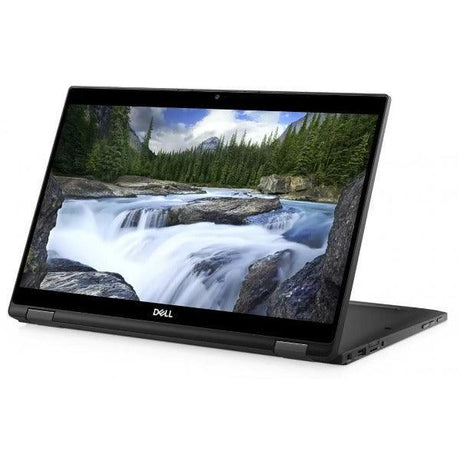
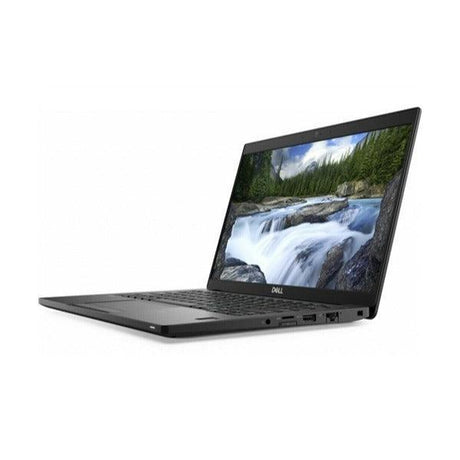
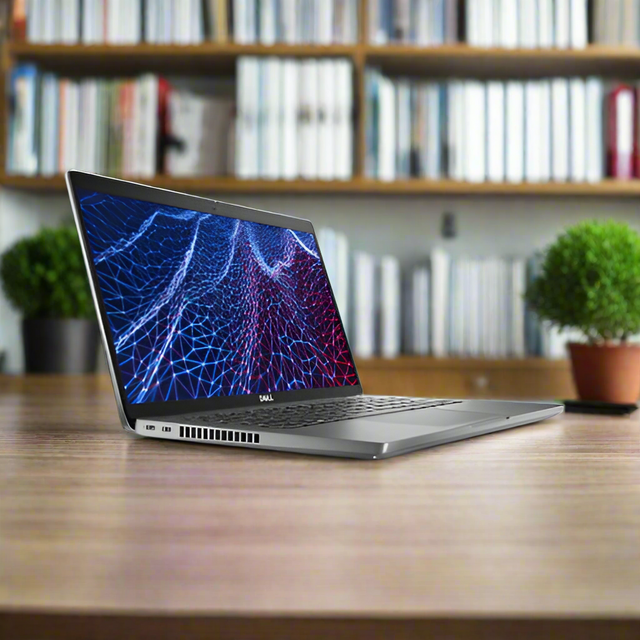
Dell Latitude 5430 Business Touchscreen Laptop — 12th Gen Core i5-1245U vPro, 32GB RAM, 256GB NVMe SSD, 14" FHD Touch, Windows 11 Pro
Professionally refurbished by Reboot IT and backed by a 12-month warranty, this Dell Latitude 5430 pairs a 10-core 12th Gen Intel Core i5-1245U vPro with 32GB of dual-channel memory, a 256GB NVMe SSD and a 14-inch Full HD anti-glare touchscreen. It is a security-ready business machine with genuinely unusual memory headroom, arriving tested, activated on Windows 11 Pro and ready to work.
Why This Latitude 5430 Stands Out
-
32GB of dual-channel DDR4: Two 16GB modules working together, not a single stick. That is double the memory of a typical business build and it lifts integrated graphics performance measurably — enough for virtual machines, very large spreadsheets and heavy multitasking that an 8GB or 16GB machine simply cannot hold.
-
12th Gen 10-core Core i5-1245U with vPro: Intel's hybrid design pairs performance and efficiency cores, reaching 4.40GHz turbo. The vPro Enterprise silicon adds hardware-level remote management, provisioning and recovery that IT departments genuinely use.
-
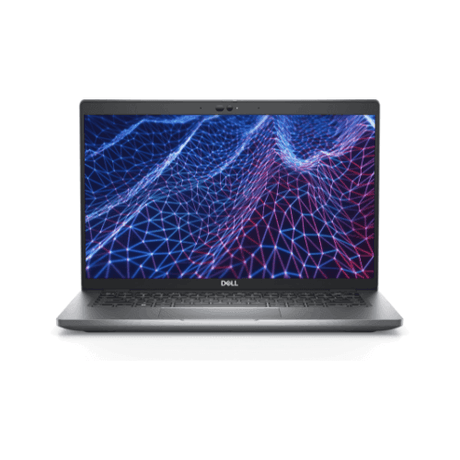
14" Full HD anti-glare touchscreen at 300 nits: Brighter than the usual 250-nit business panel, so it stays readable next to a window. Tap, swipe, scroll and sign directly on screen for reviewing PDFs, filling forms and navigating presentations.
-
256GB NVMe SSD: PCIe NVMe storage boots Windows in seconds and opens applications near-instantly — dramatically quicker than the SATA drives still found in budget machines.
-
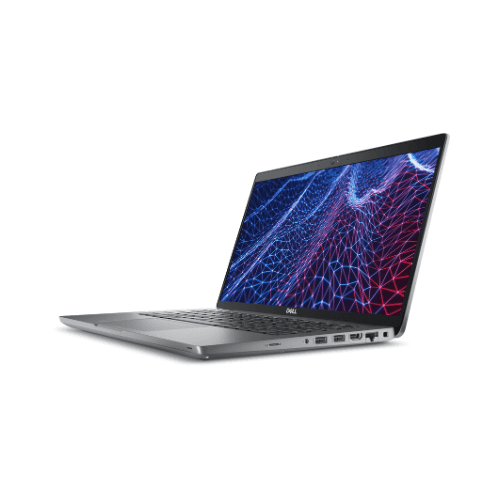
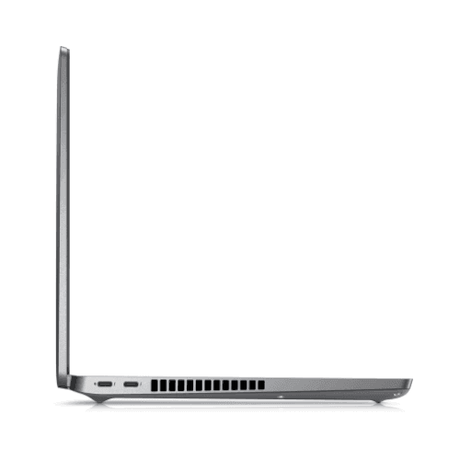
Wi-Fi 6E and Thunderbolt 4: The Intel AX211 adapter reaches the uncongested 6GHz band, and Thunderbolt 4 drives a full single-cable dock with multiple displays, data and power over one connector.
-
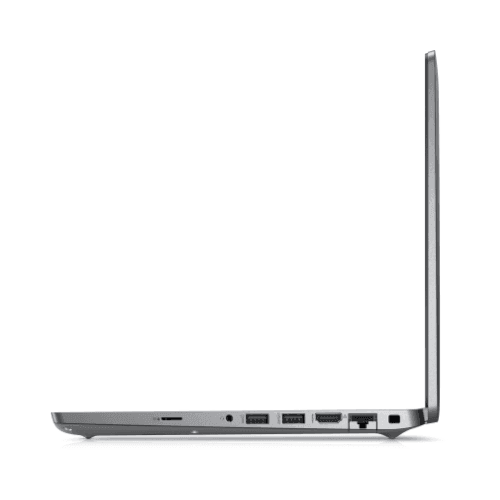
Windows 11 Pro with TPM 2.0 and Ethernet: Domain or Microsoft Entra ID join, BitLocker, Remote Desktop and Group Policy, plus a genuine RJ45 Gigabit Ethernet port for sites that still require a wired connection.
Performance in Everyday Use
The memory is what makes this particular Latitude 5430 worth seeking out. 32GB in dual-channel changes which jobs are possible rather than merely faster: a Windows VM alongside your normal desktop, a multi-hundred-megabyte workbook with live queries, a large CAD or GIS file, or simply the sprawling browser-and-Teams-and-Office session that a real working day turns into. On integrated graphics, dual-channel also matters for display work — two channels feed the Iris Xe GPU roughly twice the bandwidth a single stick can.
The Core i5-1245U handles the rest. Its two performance cores take the heavy single-threaded work — recalculating a workbook, exporting a PDF, launching line-of-business software — while eight efficiency cores absorb cloud sync, antivirus scans and Windows updates without interrupting you. Paired with the 256GB NVMe SSD, Windows boots in seconds and applications open almost immediately.
The touchscreen earns its place rather than sitting as a novelty. Annotating a contract, pinching into a diagram, scrolling a long report or tapping through a slide deck all feel natural and are noticeably faster than the trackpad equivalent. The 300-nit anti-glare panel is a genuine step up on brightness, which you notice in a bright meeting room or working near a window.
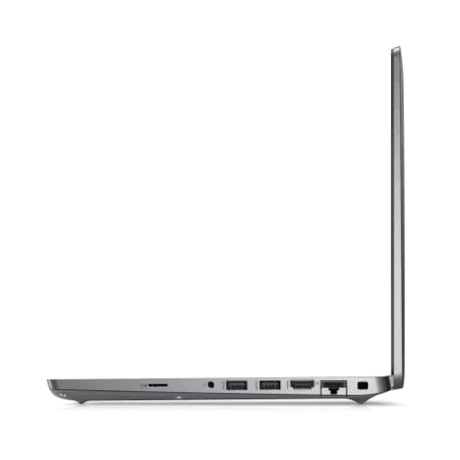
Connectivity is where the Latitude range keeps earning its keep in business. Thunderbolt 4 means one cable to a dock for displays, network, peripherals and charging; HDMI covers a projector or second monitor directly; and a full-size Gigabit Ethernet port is still present, which many thin-and-light rivals have dropped. The FHD infrared camera supports Windows Hello face sign-in and has a physical shutter, and Wi-Fi 6E with Bluetooth 5.4 keeps wireless current. Because this unit has been professionally refurbished, you get that engineering at a fraction of new: cleaned, inspected and functionally tested across display, touch panel, keyboard, trackpad, ports, wireless, battery and storage, then loaded with a genuine, activated copy of Windows 11 Pro.
Technical Specifications
| Component |
Specification |
| Processor |
Intel Core i5-1245U vPro (12th Gen, 10 cores / 12 threads, 12MB cache, up to 4.40GHz turbo) |
| Memory |
32GB (2 × 16GB) DDR4-3200 dual-channel, Non-ECC — upgradeable to 64GB |
| Storage |
256GB M.2 PCIe NVMe SSD |
| Display |
14.0" Full HD (1920×1080) touchscreen, anti-glare, WVA, 300 nits |
| Graphics |
Intel Iris Xe Graphics (integrated) |
| Wireless |
Intel AX211 Wi-Fi 6E and Bluetooth 5.4 |
| Connectivity |
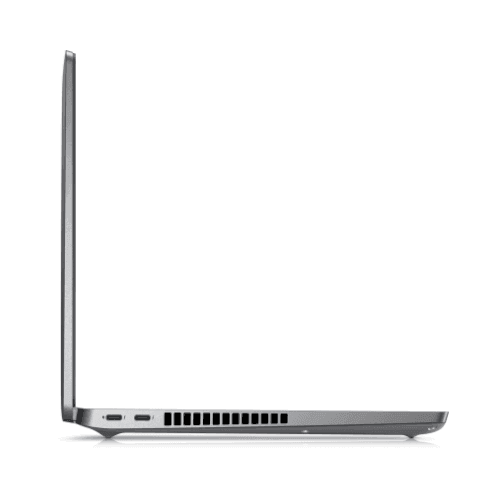
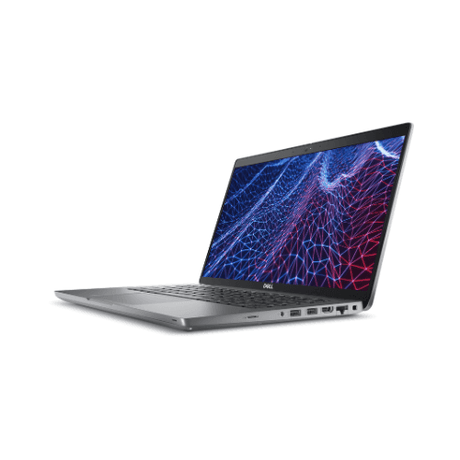
Thunderbolt 4 / USB-C, USB-A, HDMI, RJ45 Gigabit Ethernet, 3.5mm audio |
| Camera / Audio |
FHD infrared camera with privacy shutter, dual microphones, stereo speakers |
| Security & Management |
TPM 2.0, Intel vPro Enterprise, Windows Hello via IR camera |
| Keyboard |
Backlit keyboard, 79-key |
| Battery |
58Wh 4-cell with ExpressCharge |
| Dimensions |
321mm × 212mm × 19.3mm, approximately 1.4kg |
| Operating System |
Windows 11 Pro (64-bit), genuine and activated |
| Included |
65W USB-C power adapter with AU power cord |
| Warranty |
12-month warranty (battery: 7 days if it holds no charge) |
Is This Latitude 5430 Right for You?
✓ Best For:
• Anyone who genuinely needs 32GB — VMs, big datasets, heavy multitasking
• Business users wanting a touchscreen for notes, forms and signing
• IT-managed fleets needing vPro remote management
• Single-cable Thunderbolt dock setups with multiple monitors
• Offices still requiring wired Gigabit Ethernet
• Organisations needing Windows 11 Pro and TPM 2.0 security |
✗ Not Ideal For:
• PC gaming (no dedicated graphics card)
• Heavy video editing or 3D rendering
• Very large local media libraries needing 1TB+ storage
• Users wanting a 15" or larger screen
• Anyone needing a built-in optical drive
• Users requiring a fingerprint reader or SmartCard slot |
Condition Grades & Battery Health
| Grade |
Cosmetic Condition |
Battery Capacity |
| A — Excellent |
Minimal signs of use. No significant marks on the screen; clean keyboard and chassis. |
70%+ of original capacity |
| B — Good |
Light cosmetic wear such as keyboard shine and minor marks on the display bezel or screen. Fully functional. |
40–69% of original capacity |
As a guide, expect 70%+ battery capacity for Grade A units and 40–69% for Grade B units. Batteries are consumable components and carry 7-day dead-battery cover.
Frequently Asked Questions
Is 32GB of RAM really worth it over 16GB?
It depends entirely on your workload. For email, Office and browsing, 16GB is ample. But if you run virtual machines, work with very large datasets or CAD files, or keep dozens of applications open at once, 32GB is the difference between working comfortably and hitting a wall. This configuration also runs dual-channel, which improves integrated graphics performance as well.
Can I upgrade the memory further?
Yes. The memory is in standard SODIMM slots rather than soldered, and the platform supports up to 64GB in total. Both slots are currently occupied with 16GB modules, so a further upgrade means replacing them rather than adding.
Is the screen really a touchscreen?
Yes. This Latitude 5430 has a genuine 14-inch Full HD touchscreen with an anti-glare finish and 300-nit brightness. You can tap, swipe, scroll and sign directly on the display. Touch function is tested before dispatch and covered by the 12-month warranty.
What does vPro actually give me?
Intel vPro Enterprise adds hardware-level management that works below the operating system, letting an IT team remotely power on, re-image or recover a machine even if Windows will not boot. If you are a single user it makes little difference; if you manage a fleet it is a meaningful advantage.
Does it have an Ethernet port and can I use a dock?
Yes to both. There is a full-size RJ45 Gigabit Ethernet port built in, which many thin business laptops have dropped. Thunderbolt 4 also supports a single-cable dock carrying multiple monitors, network, peripherals and charging together, and HDMI is available for a direct monitor or projector connection.
Does it include a charger, and how is it shipped?
Yes, a 65W USB-C power adapter with an Australian power cord is included. Your order ships with free standard Australian shipping, carefully packaged and dispatched from our Melbourne facility.
What is the difference between the Excellent and Good grades?
Both grades are fully functional and covered by the same 12-month warranty; the difference is cosmetic and in battery health. Excellent (Grade A) units show minimal signs of use with a clean screen and chassis and 70%+ battery capacity, while Good (Grade B) units carry light wear such as keyboard shine and minor marks on the display, with 40–69% battery capacity. Choosing Good is a great way to save while getting the same performance and support.
12-month warranty — refurbished with confidence by Reboot IT
Your Dell Latitude 5430 is covered by a comprehensive 12-month warranty on all hardware components and workmanship, plus 7-day dead-battery cover. As an Australian refurbished IT specialist based in Melbourne and trading since 2001, Reboot IT stands behind every device with local support and honest, professional service.
Each laptop is rigorously tested — display, touch panel, keyboard, ports, wireless, thermals and storage — before certification. Enjoy free standard Australian shipping and dedicated after-sales help. Learn more at reboot-it.com.au.