Dell D6000s — Universal Triple 4K Docking Station
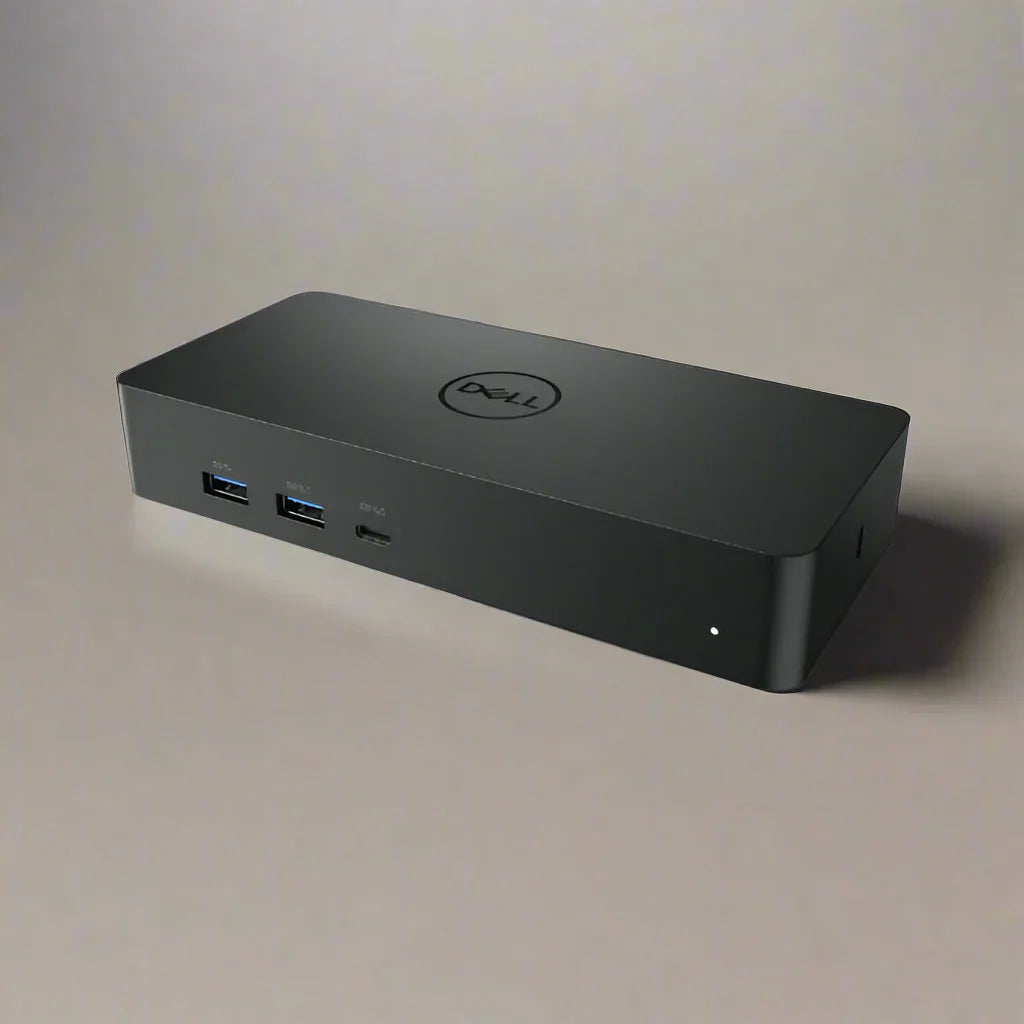
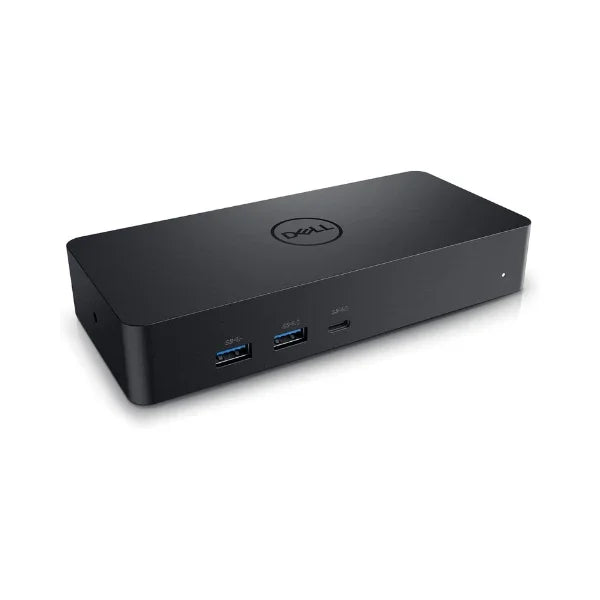
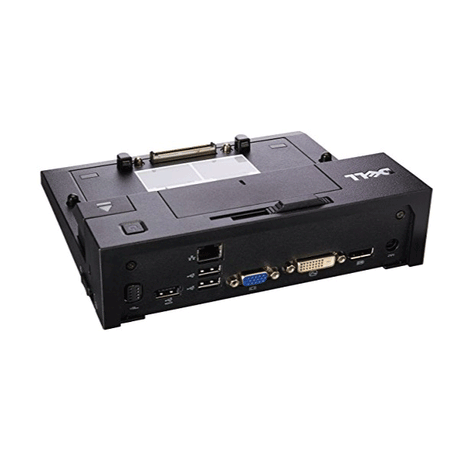
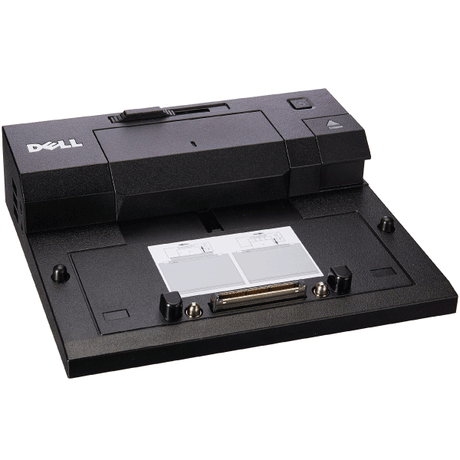
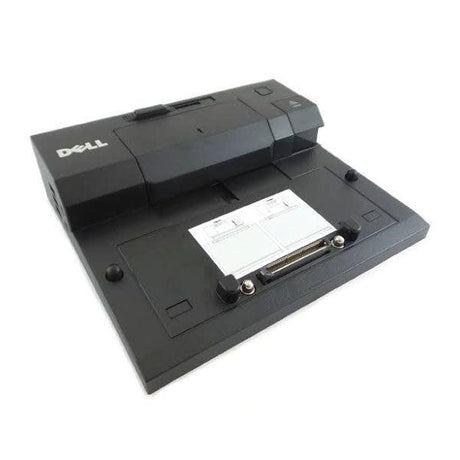
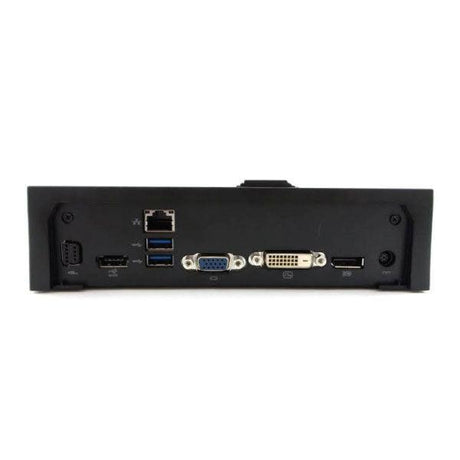
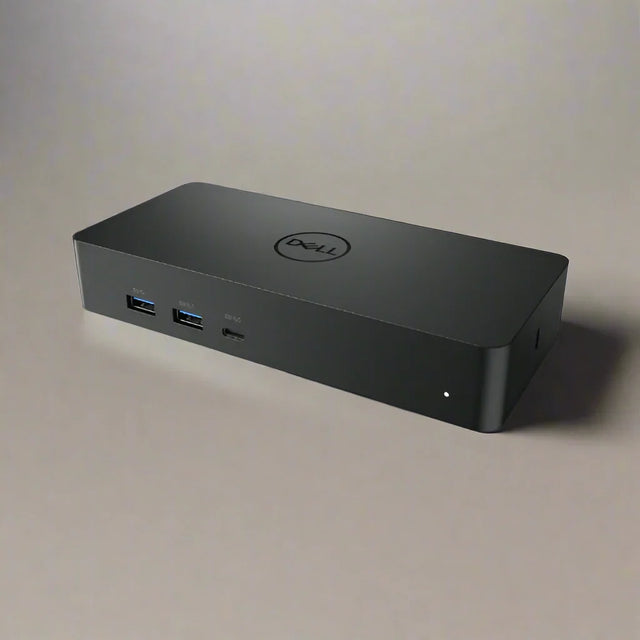
The Dell D6000s is a universal DisplayLink docking station supporting up to three 4K displays, with Gigabit Ethernet, four USB-A ports, and 65W laptop charging over a single cable. It connects via USB-C or USB-A, working across brands rather than only Dell hardware. Includes power adapter. Backed by a 12-month Reboot IT warranty.
Key Benefits
-
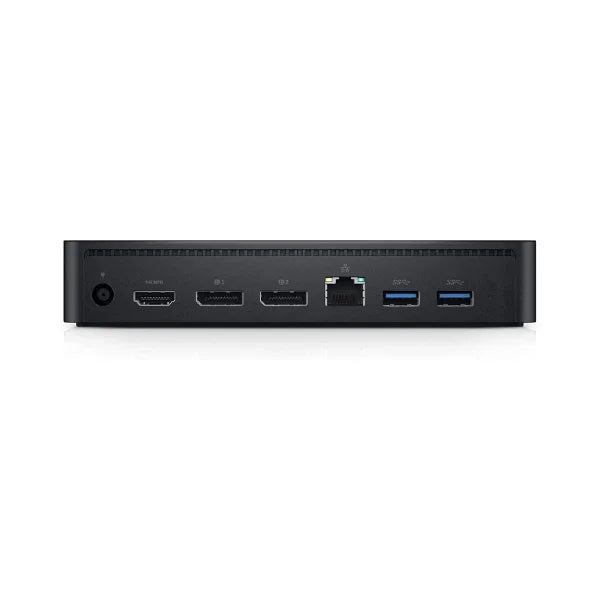
Triple 4K display support: Two DisplayPort 1.2 outputs and one HDMI 2.0 drive up to three 4K monitors from one connection — well beyond what most laptops manage natively.
-
Genuinely universal: DisplayLink technology means it works with Windows, macOS, and Chrome OS machines from any manufacturer, not just Dell laptops.
-
Connects via USB-C or USB-A: The dual-headed cable connects to modern USB-C laptops or older USB-A machines, which is unusual and makes it viable across a mixed fleet.
-
65W laptop charging: Charges the connected laptop over USB-C while driving displays and peripherals, so the desk needs one cable rather than two.
-
Gigabit Ethernet: Wired networking through the dock gives laptops without an Ethernet port a stable connection for VPN sessions and large transfers.
-
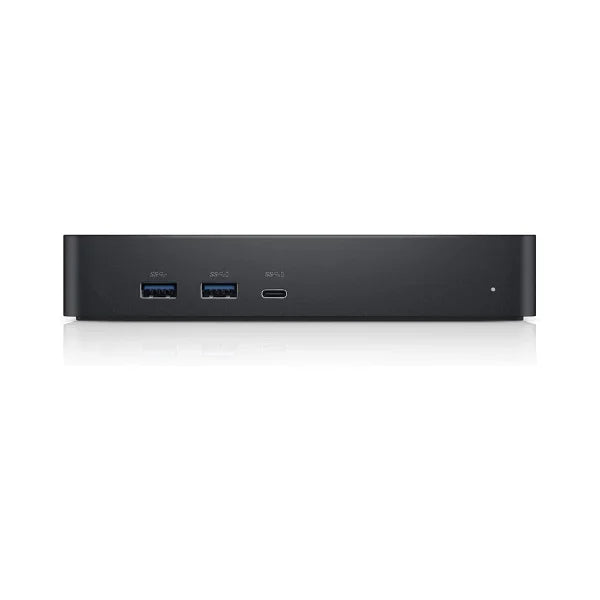
Four USB 3.2 Gen 1 ports: Keyboard, mouse, headset, and an external drive all stay connected at the desk and reconnect automatically when the laptop docks.
Performance in Use
The D6000s is the universal member of Dell's docking range, and universal is the operative word. Thunderbolt and proprietary docks tie you to specific laptop models and ports; a DisplayLink dock does not care what is on the other end of the cable, provided the driver is installed. For an organisation running a mixed fleet of Dell, HP, Lenovo, and MacBook hardware, one dock model that works everywhere is a genuine simplification.
Triple 4K output is the headline capability and it is real, though worth understanding. DisplayLink compresses and transmits display data over USB rather than using a native video path, which is what allows three 4K screens from one port. The trade-off is that it relies on the host CPU and is less suited to full-screen high-frame-rate video or gaming than a native DP Alt Mode connection. For documents, spreadsheets, browsers, and video calls across three screens, it performs well.
The dual USB-C and USB-A connector is the feature that keeps these docks in demand. Older laptops without USB-C can still use the dock over USB-A, gaining multi-monitor output they could never otherwise support. That extends the working life of existing hardware, which is often the whole reason for buying a dock in the first place.
Technical Specifications
| Specification |
Details |
| Model |
Dell D6000s |
| Technology |
DisplayLink (driver required) |
| Host Connection |
USB-C or USB-A |
| Video Outputs |
2 x DisplayPort 1.2, 1 x HDMI 2.0 |
| Display Support |
Up to 3 x 4K UHD, or single 5K in mirror mode |
| USB Ports |
4 x USB 3.2 Gen 1 Type-A |
| Network |
Gigabit Ethernet (RJ45) |
| Power Delivery |
Up to 65W laptop charging |
| Compatibility |
Windows, macOS, and Chrome OS with DisplayLink drivers |
| Power Adapter |
Included |
| Warranty |
12 months (Reboot IT) |
Is It Right for You?
✓ Best For:
• Mixed-brand laptop fleets needing one universal dock
• Multi-monitor desks running two or three displays
• Older laptops with USB-A only that need external display output
• Hot-desking where one cable connects everything
• Laptops with no built-in Ethernet port |
✗ Not For:
• Gaming or full-screen high-frame-rate video across docked displays
• Users unwilling to install DisplayLink drivers
• Laptops requiring more than 65W charging
• Thunderbolt-native workflows needing full PCIe bandwidth
• Driver-free plug-and-play display output |
Condition Grades
| Grade |
Cosmetic Condition |
Functional Testing |
| A — Excellent |
Minimal marks, near-new appearance |
All video outputs, Ethernet, USB ports, and power delivery verified |
| B — Good |
Light wear from normal use, fully functional |
All video outputs, Ethernet, USB ports, and power delivery verified |
Frequently Asked Questions
Does it work with non-Dell laptops?
Yes. The D6000s uses DisplayLink and works with Windows, macOS, and Chrome OS laptops from any manufacturer, provided the DisplayLink driver is installed.
Do I need to install software?
Yes. DisplayLink drivers must be installed on the connected computer for the video outputs to work. They are available free from DisplayLink for Windows and macOS.
Can it really drive three 4K monitors?
Yes, up to three 4K UHD displays via the two DisplayPort and one HDMI outputs, or a single 5K display in mirror mode. Performance depends on the host computer.
Is the power adapter included?
Yes. This listing includes the power adapter, which the dock requires to operate and to charge the connected laptop.
Will it charge my laptop?
It provides up to 65W of charging over USB-C. Laptops requiring more than 65W will charge slowly or may not charge under heavy load.
Does it connect to older laptops without USB-C?
Yes. The dock connects over USB-A as well as USB-C, which lets older machines gain multi-monitor output they could not otherwise support.
What are the shipping options?
Free standard shipping across Australia.
Warranty & Support
Every Dell D6000s sold by Reboot IT includes a 12-month warranty covering hardware defects and functional failure from the date of purchase.
Reboot IT has been Australia's trusted refurbished IT specialist since 2001. Every unit is tested before dispatch — all video outputs, Ethernet, USB ports, and power delivery are confirmed working. Free standard shipping across Australia. Melbourne-based support at reboot-it.com.au.