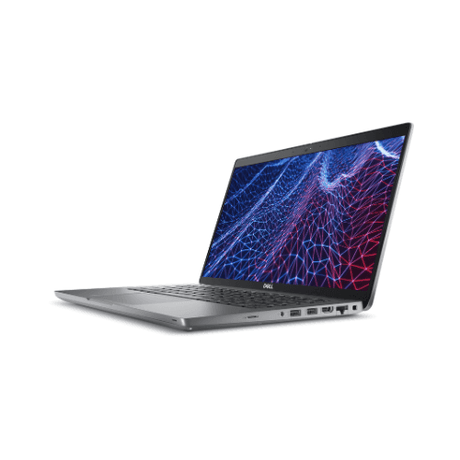
Dell Chromebook 11 3120 — Student Laptop
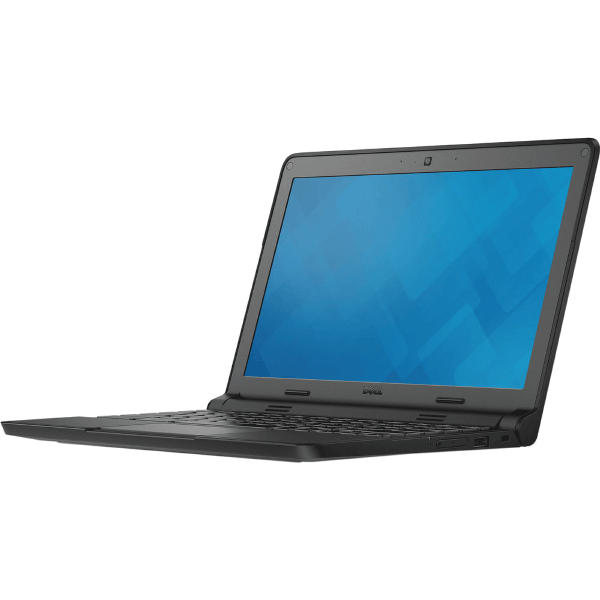
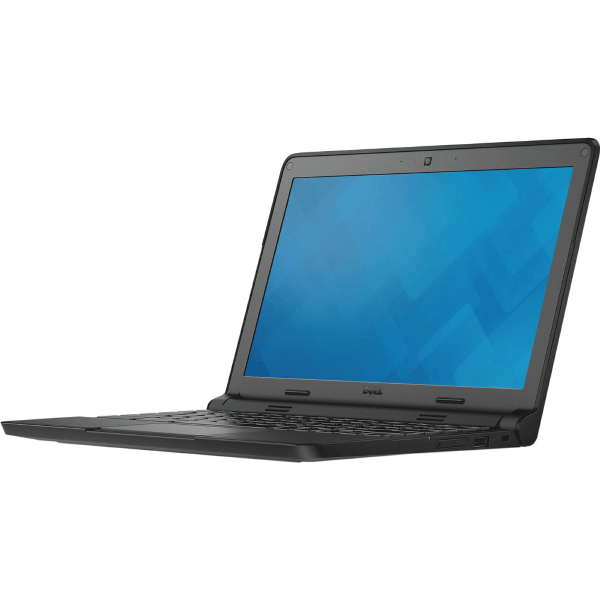
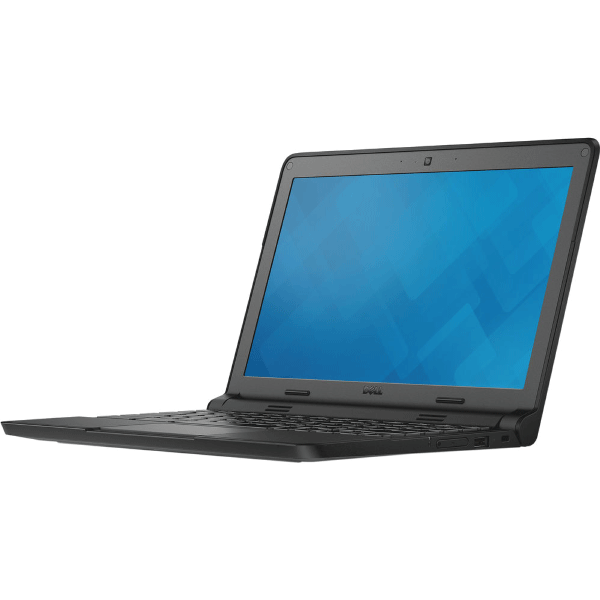
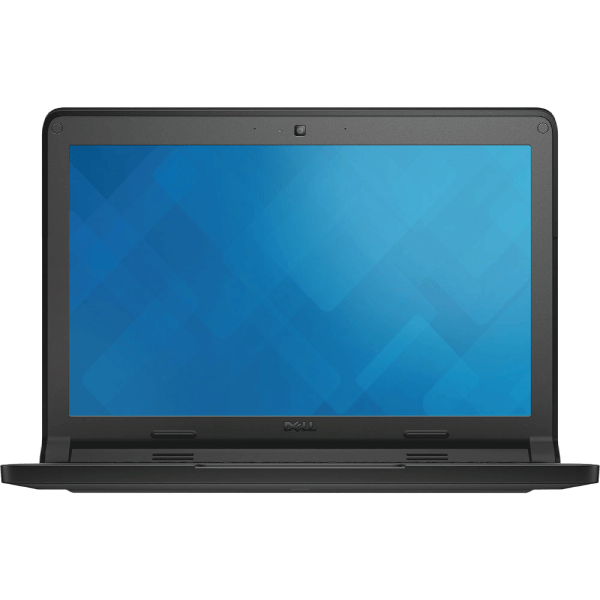
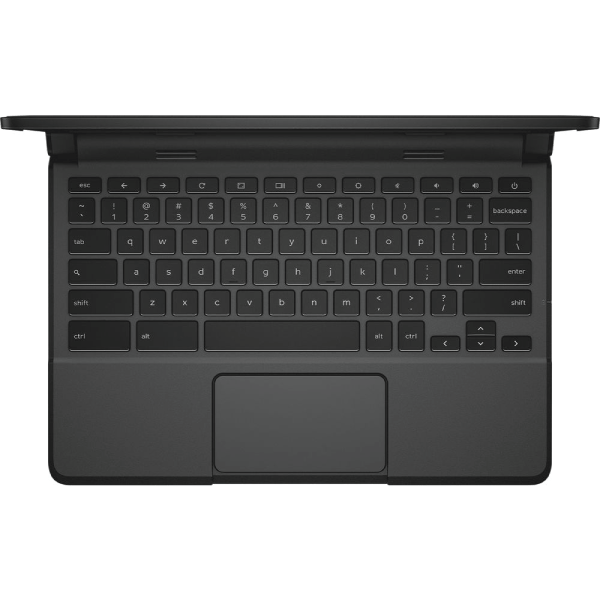
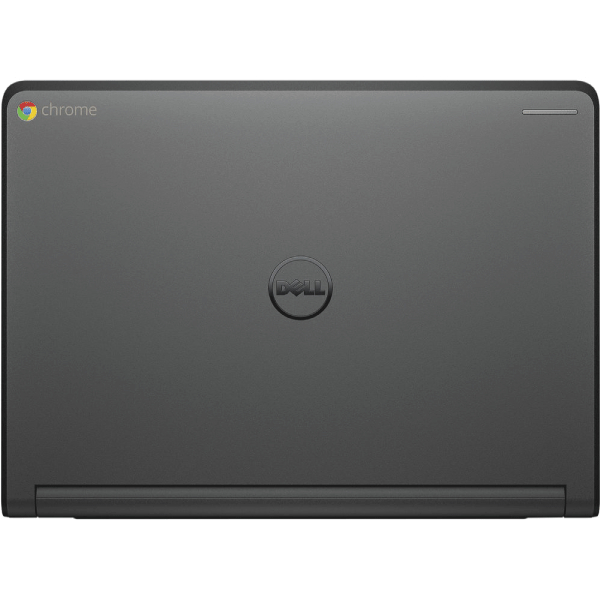
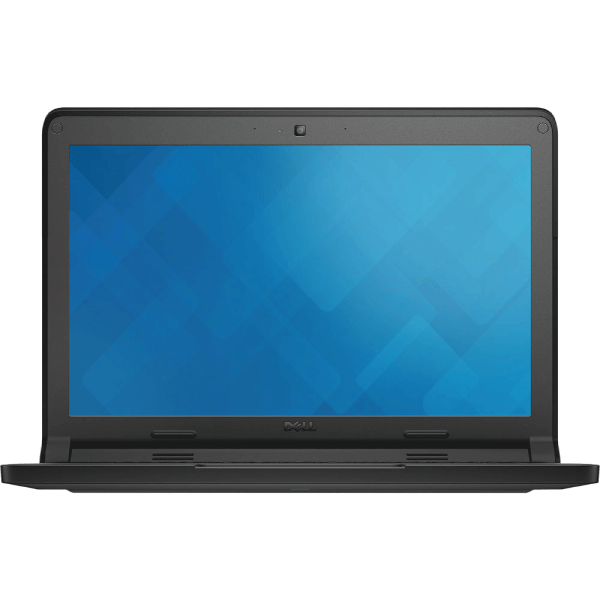
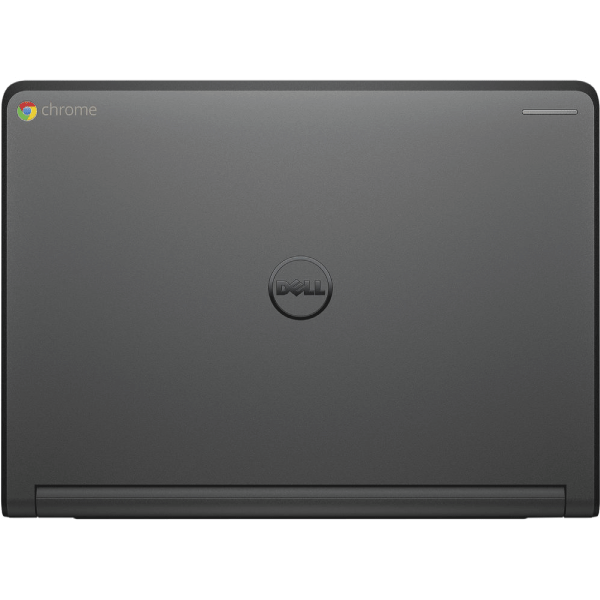
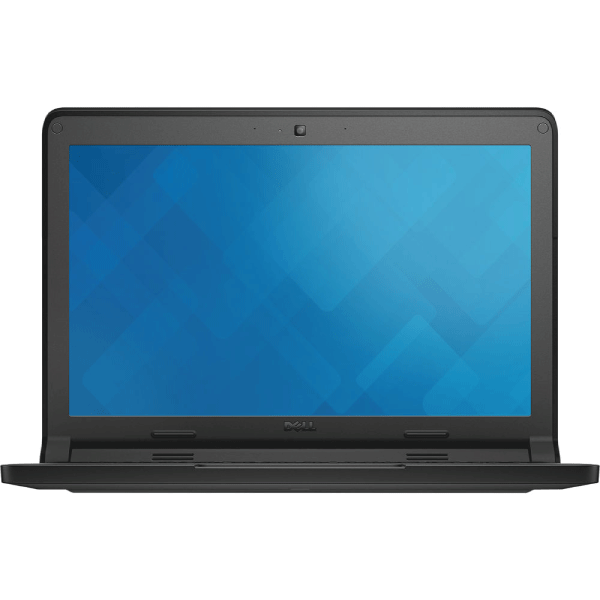
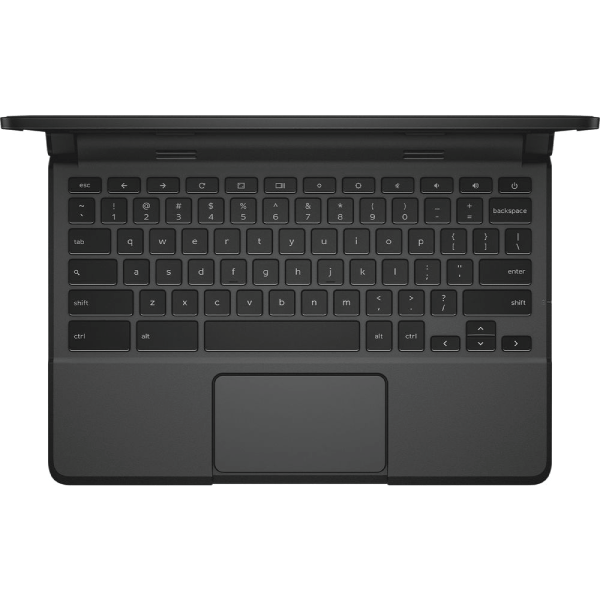
An 11.6-inch Dell Chromebook 11 3120 with a Celeron N2840, 2GB of memory and 16GB of eMMC storage, running Chrome OS — a compact, hard-wearing machine built for the classroom. Supplied with a 12-month Reboot IT warranty.
Key benefits
-
Built for education — the 3120 was designed for school deployment, with a reinforced chassis and a rubberised trim.
-
Chrome OS — boots in seconds, updates itself, and is difficult for a student to break.
-
11.6-inch, genuinely portable — light enough to live in a school bag all week.
-
All-day battery design — the platform was built around a full school day away from a charger.
-
Google Workspace ready — Docs, Classroom and Drive work natively.
-
Low cost of entry — a practical first machine or spare.
Performance in use
The Chromebook 11 3120 is a classroom machine. Chrome OS keeps the demands light, so web-based work — Google Docs, Classroom, research, video lessons — runs smoothly on modest hardware, and the machine boots in seconds.
The Celeron processor and 2GB of memory set the boundary clearly: this is a single-task machine. One or two browser tabs and a document is the comfortable working envelope. It is not intended for heavy multitasking or desktop applications.
As a first laptop for a student, a spare for the house, or a low-risk machine for a shared space, it does the job it was designed for and is difficult to damage.
Technical specifications
| Processor |
Intel Celeron N2840 (Bay Trail-M, dual-core) |
| Memory |
2GB |
| Storage |
16GB eMMC |
| Display |
11.6" HD 1366×768 anti-glare, non-touch |
| Operating system |
Chrome OS |
| Wireless |
Intel 7260AC dual-band 802.11ac 2x2 + Bluetooth 4.0 |
| Battery |
43Wh 3-cell |
| Form factor |
Education-grade reinforced chassis |
| Warranty |
12-month Reboot IT warranty |
Is it right for you?
| Best for |
Not for |
✓ Students and classroom use
✓ Google Workspace and web-based work
✓ A first or spare laptop
✓ Anyone wanting a low-cost, low-maintenance machine |
✗ Windows software — this runs Chrome OS
✗ Multitasking across many tabs
✗ Photo or video editing
✗ Office or professional use |
Condition grades
| A — Excellent |
Minimal signs of use. Light marks only, none distracting in normal use. Battery 70%+ of original capacity. |
| B — Good |
Visible light wear — scratches or scuffs on the lid or base. Screen free of distracting defects. Battery 40–69% of original capacity. |
Frequently asked questions
Does this run Windows?
No. This is a Chromebook and runs Chrome OS. It cannot install Windows applications.
Can it run Microsoft Office?
Office web apps work in the browser. Desktop Office applications do not run on Chrome OS.
How much storage does it have?
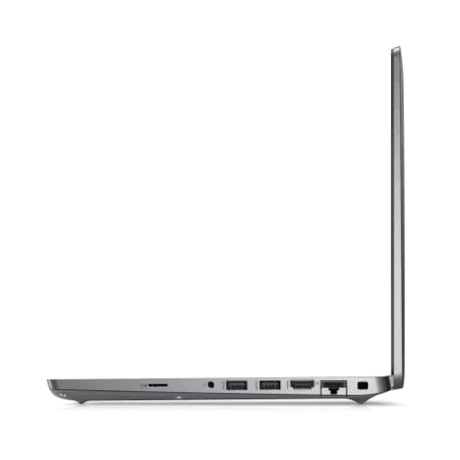
16GB of onboard eMMC storage. Chromebooks are designed around cloud storage — Google Drive does the heavy lifting — and the microSD slot takes a card if you need more locally.
Is it suitable for a school student?
Yes. The 3120 was designed for school deployment, with a reinforced chassis built for daily handling.
How is it shipped?
Free standard AU shipping is included, dispatched from our Melbourne workshop.
What warranty applies?
A 12-month Reboot IT warranty, plus 7-day dead-battery cover.
Warranty and support
Every machine is professionally tested, cleaned and graded in our Melbourne workshop before it ships, and comes with a 12-month warranty from Reboot IT, plus 7-day dead-battery cover. Reboot IT has been refurbishing business IT since 2001 — we are an Australian company, our stock is held locally, and support is handled here. Free standard AU shipping is included.