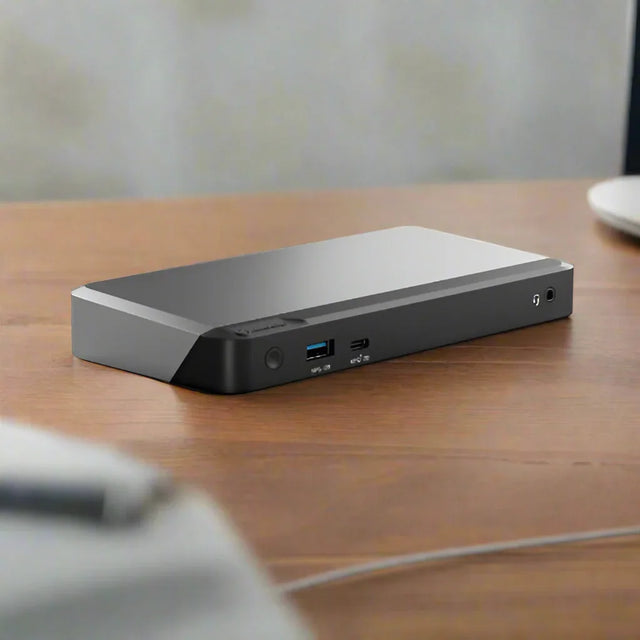
Alogic MX2 — USB-C Dual Display Dock, 100W Power Delivery
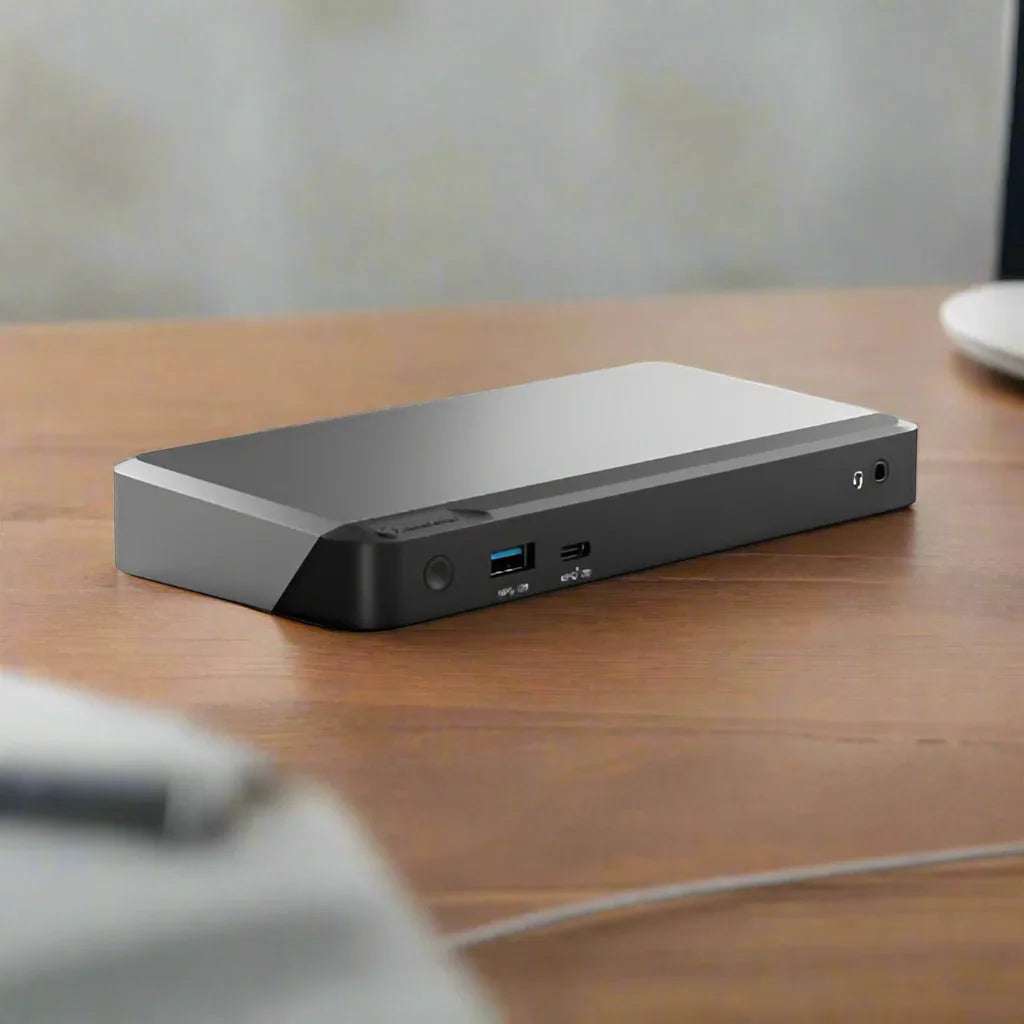
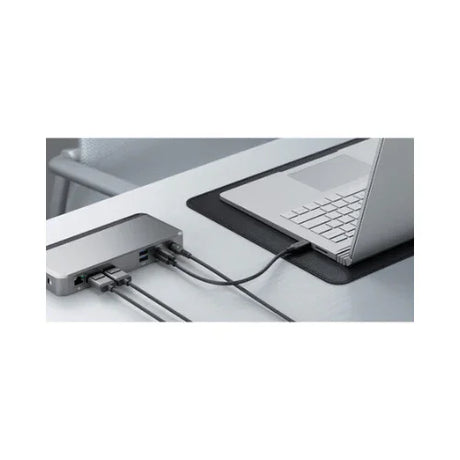
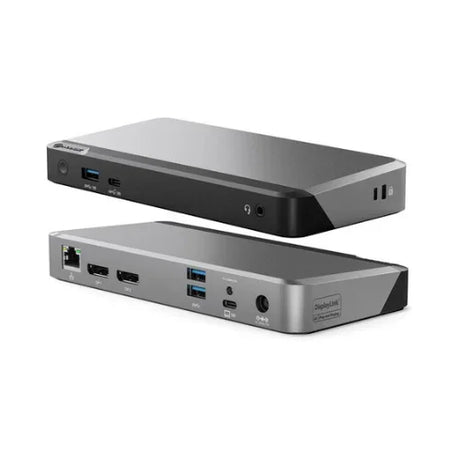
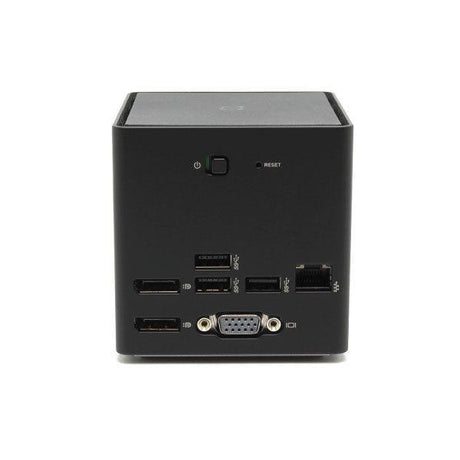
The Alogic MX2 (DUPRMX2) is a USB-C docking station using DisplayPort Alt Mode to drive two displays with no drivers required, alongside 100W Power Delivery, Gigabit Ethernet, and USB-A peripherals from a single cable. Backed by a 12-month Reboot IT warranty.
Key Benefits
-
No drivers required: DisplayPort Alt Mode connects natively over USB-C, so displays work immediately without DisplayLink software — a real advantage on locked-down corporate machines.
-
100W Power Delivery: Enough headroom to charge power-hungry 15 and 16-inch laptops at full rate while the dock drives displays and peripherals.
-
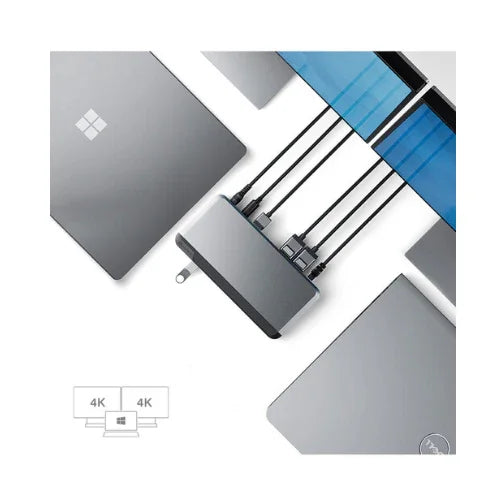
Dual display output: Two DisplayPort outputs run a dual-monitor workstation from one USB-C connection, with 4K at 60Hz supported.
-
Native video path: Because video travels the native DisplayPort path rather than being compressed over USB, playback stays smooth and latency low.
-
Gigabit Ethernet: Wired networking gives laptops without an Ethernet port a stable connection for video calls and large file transfers.
-
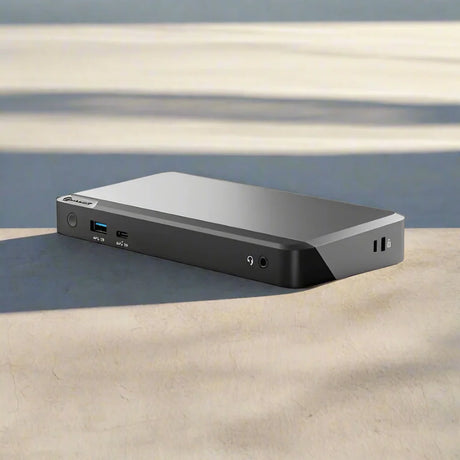
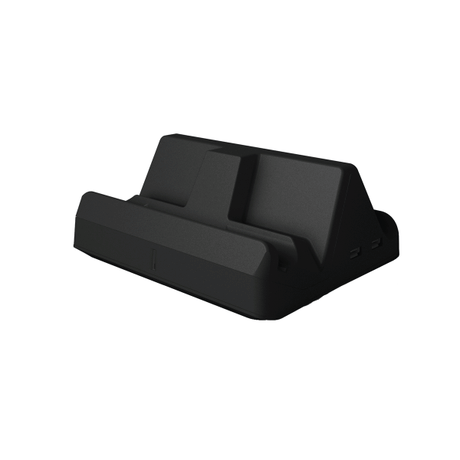
Compact and portable: Small enough to travel in a laptop bag while still serving as a fixed desk hub — one dock covers both roles.
Performance in Use
The MX2 belongs to the DP Alt Mode school of docking, and that is the reason to choose it over a DisplayLink alternative. Alt Mode carries video over the USB-C cable's native DisplayPort lanes, so there is no compression, no driver, and no CPU overhead. Displays simply appear when you plug in. On managed corporate laptops where installing DisplayLink software requires an IT request, that difference is often decisive.
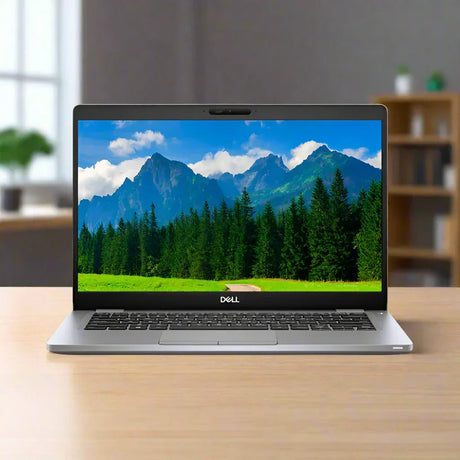
The trade-off is host dependence: the laptop's USB-C port must itself support DisplayPort Alt Mode. Most business ultrabooks from the last several years do, but not every USB-C port does, and a machine without it will charge and pass data through this dock while producing no video. That is the single specification to confirm against your laptop before ordering.
At 100W, Power Delivery is the strongest in Alogic's dock range and matters for larger machines. A 65W dock will keep a 13-inch ultrabook topped up but can fall behind a 16-inch laptop under sustained load. The extra headroom here means the battery charges rather than merely holding steady while you work.
Technical Specifications
| Specification |
Details |
| Model |
Alogic MX2 (DUPRMX2) |
| Technology |
DisplayPort Alt Mode — no drivers required |
| Host Connection |
USB-C (must support DP Alt Mode) |
| Video Outputs |
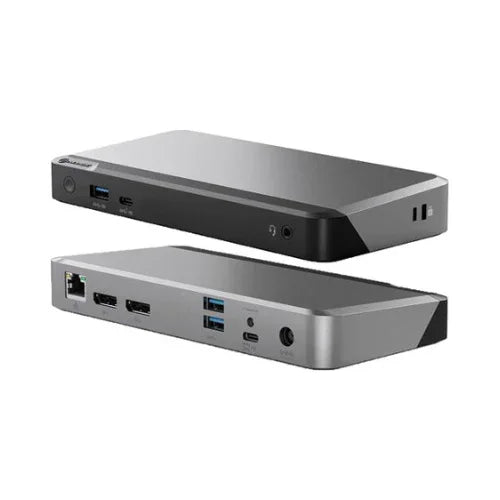
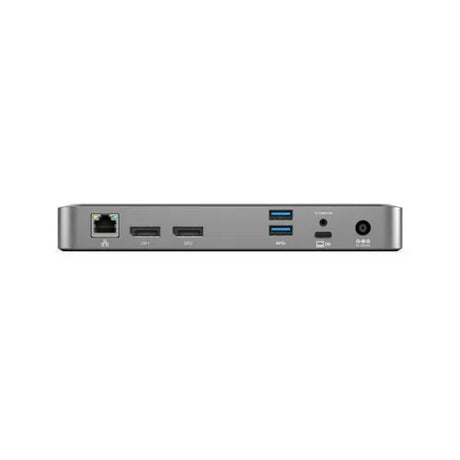
2 x DisplayPort (4K at 60Hz) |
| USB Ports |
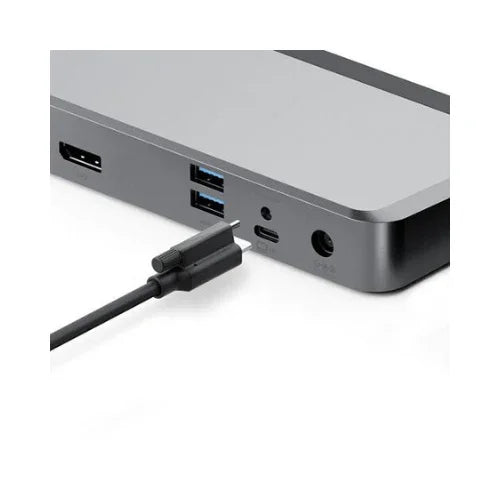
2 x USB-A 3.1 Gen 1 (5Gbps), 1 x USB-C data |
| Network |
Gigabit Ethernet (RJ45) |
| Power Delivery |
100W USB-C PD |
| Audio |
3.5 mm combo jack |
| Warranty |
12 months (Reboot IT) |
Is It Right for You?
✓ Best For:
• Dual-monitor desks needing driver-free operation
• Managed corporate laptops where software installation is restricted
• Larger laptops needing full-rate 100W charging
• Users prioritising smooth video playback over docked displays
• Travelling users wanting one dock for desk and road |
✗ Not For:
• Laptops whose USB-C port does not support DP Alt Mode
• USB-A only machines with no USB-C port
• Three or more simultaneous displays
• HDMI output without a DisplayPort adapter
• Thunderbolt-native workflows needing full PCIe bandwidth |
Condition Grades
| Grade |
Cosmetic Condition |
Functional Testing |
| A — Excellent |
Minimal marks, near-new appearance |
Both display outputs, Ethernet, USB ports, and 100W power delivery verified |
| B — Good |
Light wear from normal use, fully functional |
Both display outputs, Ethernet, USB ports, and 100W power delivery verified |
Frequently Asked Questions
Does the MX2 need drivers?
No. The MX2 uses DisplayPort Alt Mode and connects natively over USB-C with no DisplayLink or other software required. Your laptop's USB-C port must support DP Alt Mode.
How do I know if my laptop supports DP Alt Mode?
Most business ultrabooks from recent years do, and the port is often marked with a DisplayPort or Thunderbolt symbol. Check your laptop specifications before ordering, as a port without Alt Mode will charge and pass data but produce no video.
Can it run two 4K monitors?
Yes. Both DisplayPort outputs support 4K at 60Hz for a full dual 4K workspace from one USB-C cable.
Will 100W charge my laptop?
100W covers the great majority of USB-C laptops including larger 15 and 16-inch models. Very high-draw mobile workstations may charge more slowly under full load.
What is the difference between the MX2 and the DX2?
The MX2 uses DisplayPort Alt Mode (no drivers, USB-C host required). The DX2 uses DisplayLink, which needs drivers but works with USB-A hosts as well as USB-C.
Is a power adapter included?
Accessory inclusion varies between refurbished units. Contact us before ordering if you need the power adapter confirmed for your order.
What are the shipping options?
Free standard shipping across Australia.
Warranty & Support
Every Alogic MX2 sold by Reboot IT includes a 12-month warranty covering hardware defects and functional failure from the date of purchase.
Reboot IT has been Australia's trusted refurbished IT specialist since 2001. Every unit is tested before dispatch — both display outputs, Ethernet, USB ports, and power delivery are confirmed working. Free standard shipping across Australia. Melbourne-based support at reboot-it.com.au.