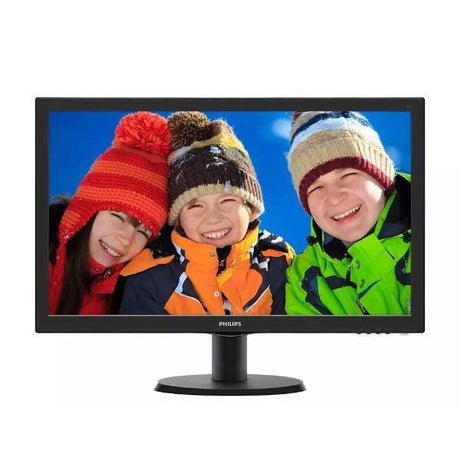
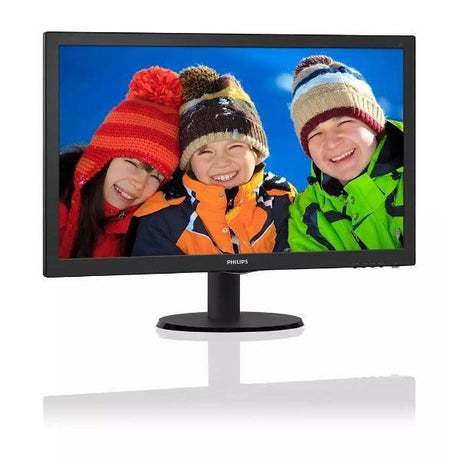
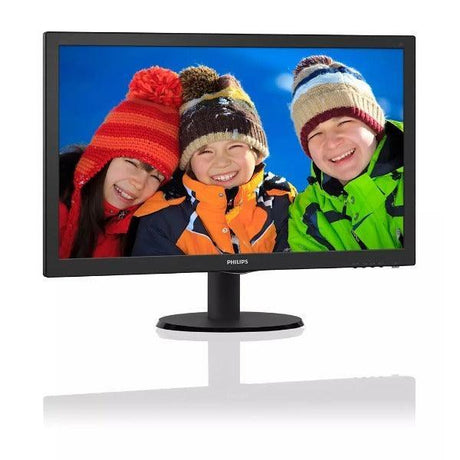
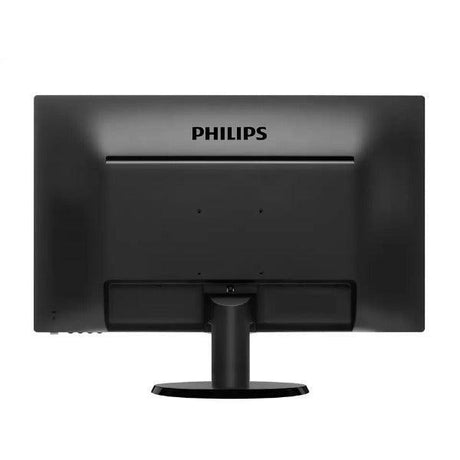
Acer B246HL 24" Full HD Business Monitor
A 24-inch Full HD business display built for everyday office work, with DisplayPort, DVI and VGA inputs and a fully adjustable ergonomic stand. Professionally tested and graded by Reboot IT, and backed by a 12-month warranty.
Key Benefits
-
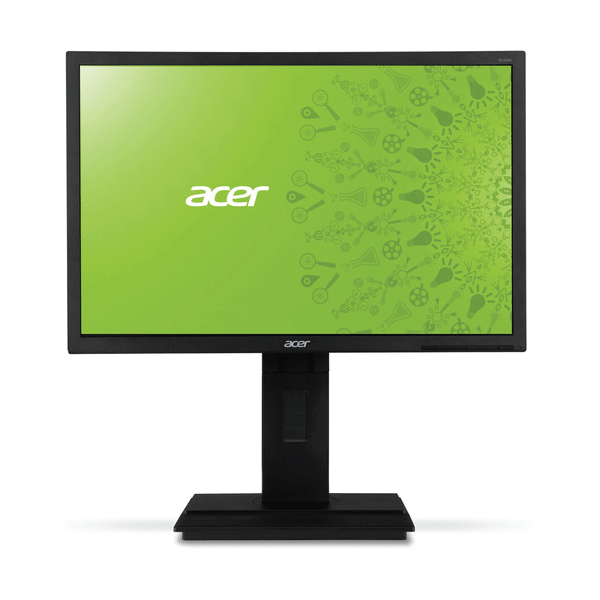
24" Full HD 1920x1080 panel — ample desktop space for documents, spreadsheets and side-by-side windows without scaling issues.
-
Three video inputs — DisplayPort, DVI and VGA cover both current workstations and older office PCs, so it drops into almost any fleet.
-
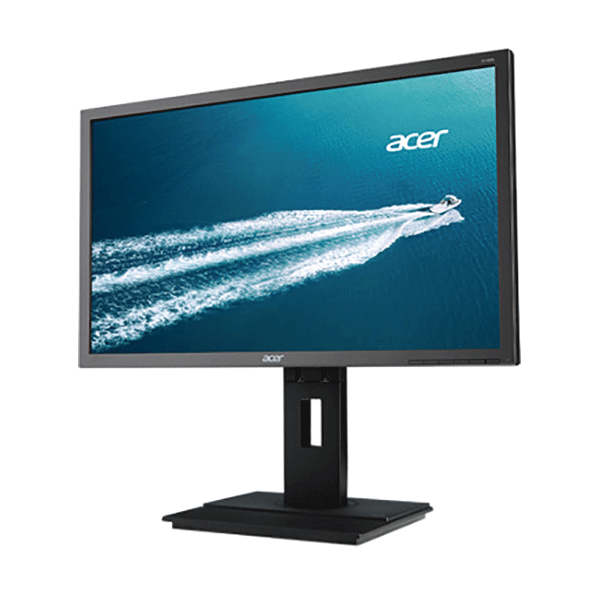
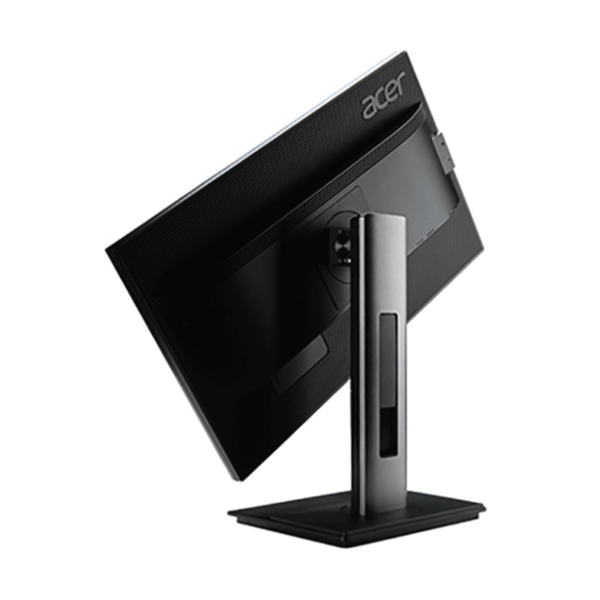
Fully ergonomic stand — height, tilt, swivel and pivot adjustment let you set a comfortable eye line and rotate to portrait for long documents.
-
5 ms response time — keeps scrolling text and video playback clean during general computing.
-
250 cd/m² brightness — comfortable, even output for typical indoor office lighting.
-
12-month Reboot IT warranty — every unit is bench-tested for dead pixels, backlight uniformity and port function before dispatch.
Performance In Use
The B246HL is a workhorse office panel. At 24 inches and 1920x1080 it hits the sweet spot for business use — text renders at native size without Windows scaling, and there is enough width to keep a spreadsheet and a browser side by side. For accounts teams, admin staff and helpdesk operators running a two-screen setup, this is the size most people settle on.
The input selection is what makes it genuinely useful in a mixed environment. DisplayPort handles modern docks and workstations, DVI covers the large installed base of business desktops, and VGA means it will still light up on legacy kit and KVM switches. Rolling out a floor of mismatched PCs rarely needs an adapter budget with this model.
Ergonomics are the underrated part. Height adjustment and pivot are usually the first things cut from budget monitors, and their absence is what drives neck strain in all-day roles. Being able to raise the panel to eye level, or rotate it to portrait for reading long contracts and code, makes this a far more comfortable unit than its price band suggests.
As a TN panel it trades viewing angle and colour accuracy for speed and cost. In practice that means it is excellent for text, spreadsheets and general business applications viewed straight on, and less suited to work where precise colour matters or where several people crowd around one screen. For the office roles it is designed for, that trade is the right one.
Connectivity & Setup
Three inputs are provided: DisplayPort, DVI and VGA. DisplayPort is the one to use where available — it carries the full 1920x1080 signal cleanly and is standard on modern business desktops and docking stations. DVI gives the same digital quality on slightly older machines. VGA is analogue and remains useful for legacy PCs, KVM switches and some thin clients, though text will look marginally softer than over a digital connection.
There is no HDMI port on this model. If your device only outputs HDMI, an inexpensive HDMI-to-DVI cable or HDMI-to-DisplayPort adapter will drive the panel without any loss of quality at this resolution.
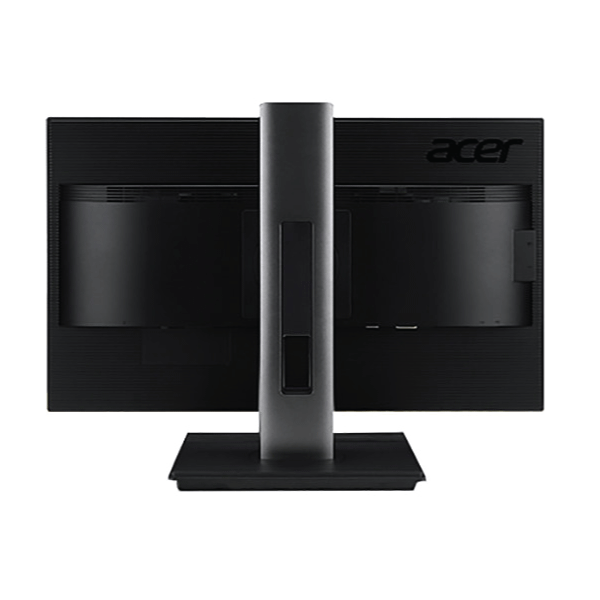
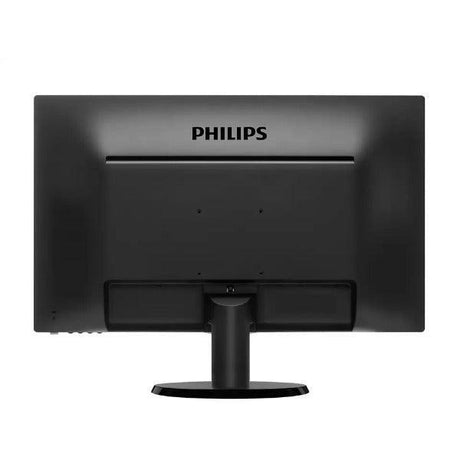
For dual-screen work, the 100 x 100 mm VESA pattern on the back means the panel can come off its stand and go straight onto a dual monitor arm. Combined with pivot support, that makes it easy to run one screen landscape and a second in portrait — a common setup for developers, legal and finance staff who read long documents.
Technical Specifications
| Screen Size |
24" (61 cm) widescreen |
| Resolution |
1920 x 1080 Full HD |
| Panel Type |
TN, LED backlit |
| Aspect Ratio |
16:9 |
| Response Time |
5 ms |
| Brightness |
250 cd/m² |
| Contrast Ratio |
1000:1 static |
| Colour Support |
16.7 million colours |
| Video Inputs |
DisplayPort, DVI, VGA |
| Stand Adjustment |
Height, tilt, swivel and pivot |
| VESA Mount |
100 x 100 mm compatible |
| Warranty |
12 months, Reboot IT |
Is It Right For You?
| ✓ Best For |
Office and administrative work, dual-monitor desks, accounts and data entry, helpdesk and call centre stations, school and student setups, mixed-age PC fleets needing DVI or VGA |
| ✗ Not For |
Colour-critical photo or video editing (TN panel), competitive gaming needing high refresh, 4K or HDR content work, USB-C single-cable laptop docking |
Condition Grades
| A – Excellent |
Minimal cosmetic marks. Screen free of scratches and blemishes in normal use. Fully tested and functional. |
| B – Good |
Light wear such as minor scuffs or marks on the housing consistent with prior office use. Screen remains clear. Fully tested and functional. |
Setting Up For All-Day Comfort
Because this model adjusts in four directions, it is worth spending a minute setting it properly rather than leaving it at the factory height. The top of the screen should sit at or just below eye level, so your gaze falls slightly downward and your neck stays neutral. Most people have their monitor too low, which is the single most common cause of neck and shoulder fatigue in desk roles.
Set the distance at roughly an arm’s length — around 50 to 70 cm for a 24-inch panel. If text feels small at that distance, increase the scaling in Windows rather than pulling the screen closer. Tilt the panel back by five to ten degrees so it faces your eyes squarely, and use the swivel to angle it away from windows and overhead lights, which is more effective at killing glare than turning the brightness up.
For document-heavy roles, the pivot function is the feature worth using. Rotated to portrait, a 24-inch Full HD panel displays close to a full A4 page at readable size, which suits contract review, long-form writing, code and log files. Windows will rotate the display automatically on most graphics drivers, or you can set it manually under Display Settings.
What’s Included
- Acer B246HL 24" monitor panel
- Ergonomic stand with height, tilt, swivel and pivot adjustment
- Power cable
Video cables are not supplied as standard. If you need a DisplayPort, DVI or VGA cable included, let us know when ordering and we will add one.
How We Refurbish
Every monitor that passes through our Melbourne workshop follows the same process. The unit is powered up and run through a full-screen test pattern sequence to check for dead and stuck pixels, backlight bleed and uniformity across the panel. Each video input is tested individually with a live signal — a port that does not pass a clean image fails the unit.
The stand and all adjustment mechanisms are checked through their full range of travel, the housing is cleaned, and the on-screen display and control buttons are verified. Only then is the monitor assigned a cosmetic grade and listed. Anything that cannot be brought to a saleable standard is stripped for parts or recycled rather than sold on.
Frequently Asked Questions
Does this monitor have HDMI?
No. This model provides DisplayPort, DVI and VGA. If your PC only outputs HDMI you will need an HDMI-to-DisplayPort or HDMI-to-DVI adapter.
Does it come with a stand?
Yes. The fully adjustable ergonomic stand is included, offering height, tilt, swivel and pivot adjustment.
Are cables included?
A power cable is included. Video cables are not supplied as standard — please let us know if you need one added.
Can I wall mount or use a monitor arm?
Yes. The panel uses a standard 100 x 100 mm VESA mount, so it fits common arms and wall brackets.
What does certified refurbished mean here?
Each unit is cleaned, bench-tested for dead pixels, backlight uniformity and port function, then graded for cosmetic condition before it is listed.
How is it shipped?
Shipping costs apply based on size and destination — rates are calculated at checkout. Monitors are packed with corner protection for transit.
Can I buy several for an office rollout?
Yes. We regularly supply matched batches for office fits-outs. Contact us for volume availability.
Warranty & Why Reboot IT
This monitor is covered by a 12-month Reboot IT warranty. If a fault appears within the warranty period we will repair or replace the unit, or refund it where a replacement is not available.
Reboot IT has operated from Melbourne since 2001, supplying certified refurbished IT equipment to businesses, schools and government across Australia. Every device is processed in-house by our own technicians — tested, cleaned, graded and documented before sale. Shipping costs apply based on size and destination and are calculated at checkout.
Reboot IT — reboot-it.com.au — Melbourne, established 2001.