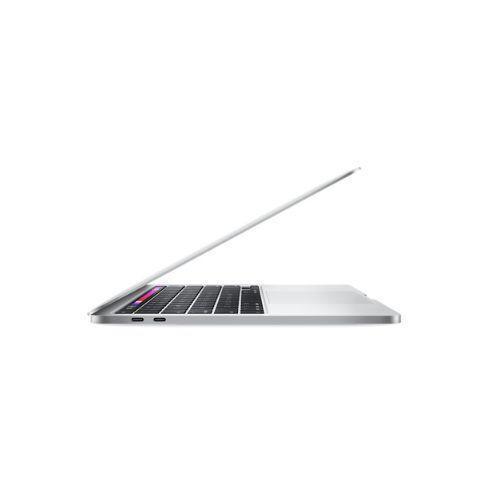
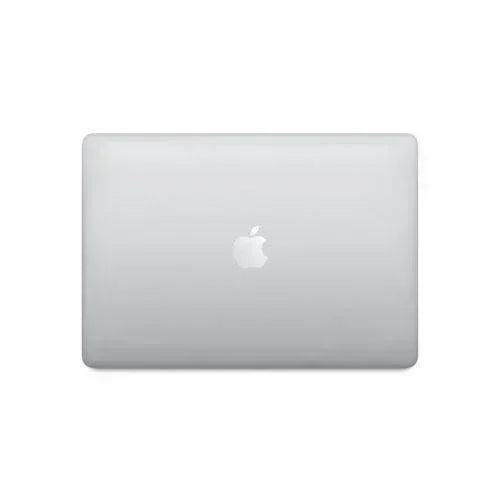
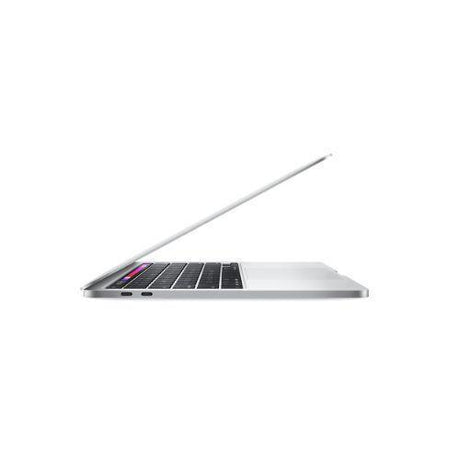
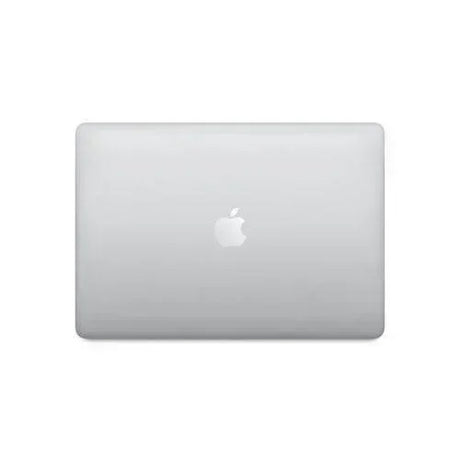
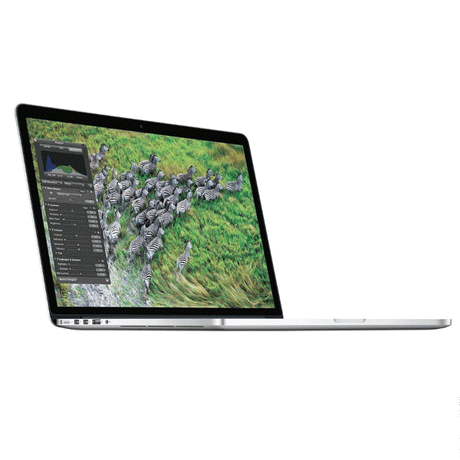
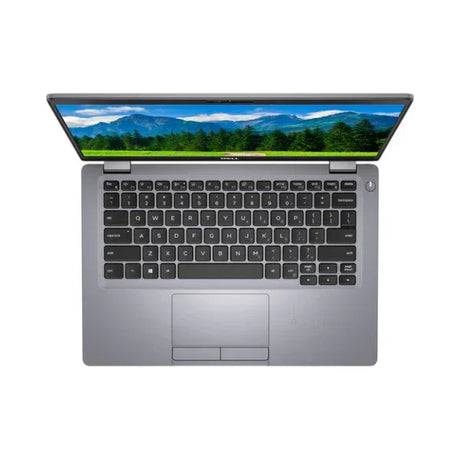
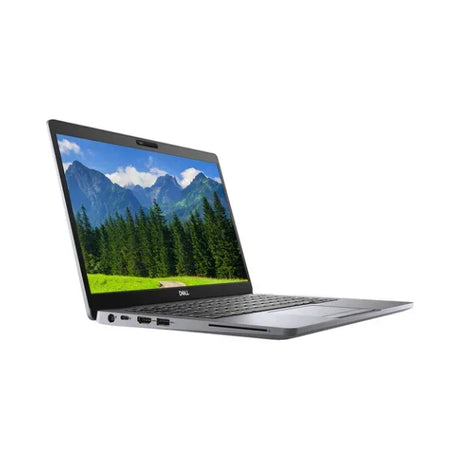
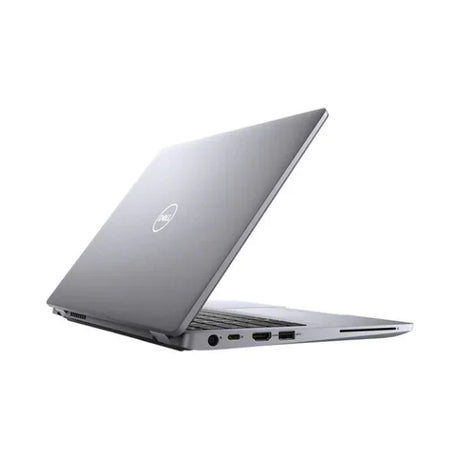
Apple MacBook Pro 16" 2021 — M1 Pro 10-Core with 32GB RAM & 512GB SSD
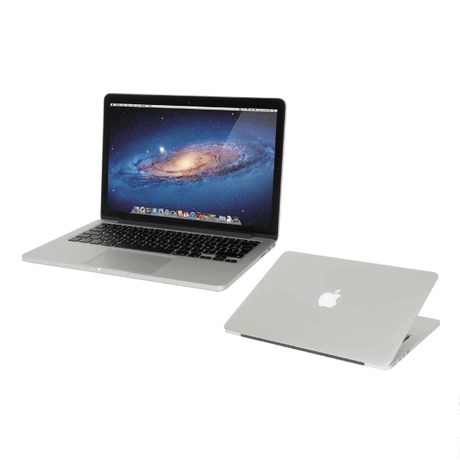
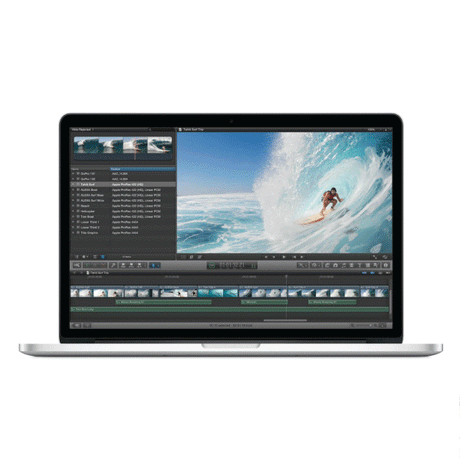
The Apple MacBook Pro 16" 2021 (A2485) launched a new era for the MacBook line — pro-class Apple silicon, the return of MagSafe, HDMI and SD, and a stunning Liquid Retina XDR mini-LED display. This configuration pairs the M1 Pro 10-core CPU + 16-core GPU with 32GB unified memory and a 512GB SSD, delivering desktop-class performance with all-day battery life. Backed by Reboot IT's 12-month warranty.
Key Benefits
-
Apple M1 Pro 10-core CPU: 8 high-performance + 2 efficiency cores — the first true pro-class Apple silicon. Handles 4K/ProRes video, Xcode compiles, Logic Pro sessions and Final Cut Pro timelines without breaking a sweat.
-
16-core M1 Pro GPU + 16-core Neural Engine: hardware-accelerated rendering and AI/ML workloads — smooth real-time 4K editing, faster Xcode builds, and accelerated photo/video AI features in Final Cut Pro, Pixelmator, Topaz and DaVinci Resolve.
-
32GB unified memory: shared across CPU, GPU and Neural Engine for blistering throughput — load multiple 4K streams, 50+ layer Photoshop files, large Lightroom catalogues, virtual machines and dozens of browser tabs all at once.
-
16.2" Liquid Retina XDR mini-LED display: 3456×2234 resolution, 120Hz ProMotion adaptive refresh, 1000-nit sustained / 1600-nit peak HDR brightness, P3 wide colour — reference-grade panel for colour-critical photo, video and design work.
-
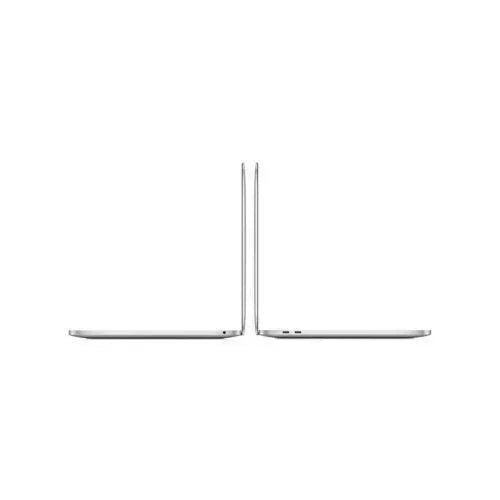
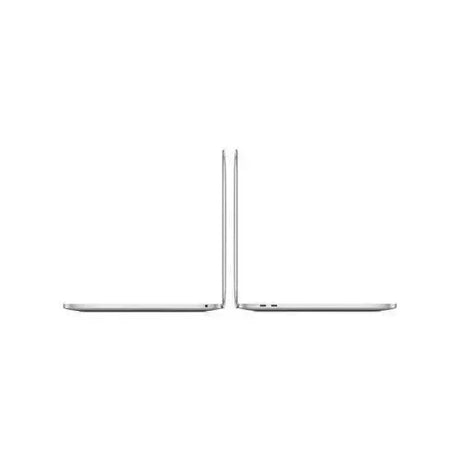
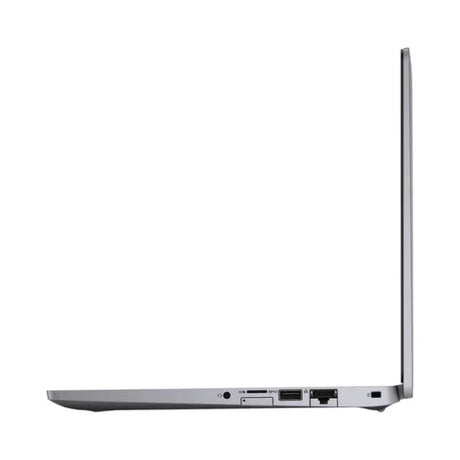
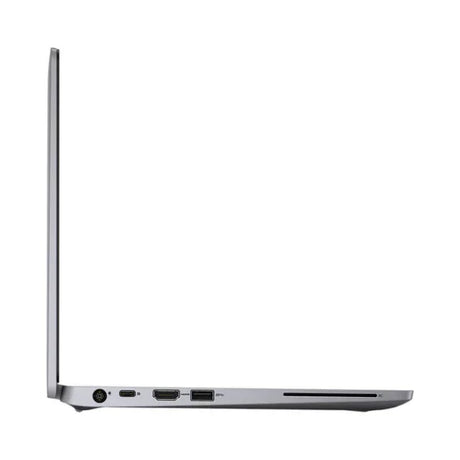
Pro connectivity — MagSafe 3, HDMI, SD, 3× Thunderbolt 4: the return of MagSafe charging, full-size HDMI 2.0, SDXC card reader, plus three Thunderbolt 4 ports — finally no dongles for everyday workflows.
-
All-day battery in a pro machine: 100Wh battery and Apple silicon efficiency deliver up to 21 hours of video playback or 14–16 hours of real-world mixed creative use — numbers no Intel-era 16" MacBook ever achieved.
Performance in Professional Workflows
The MacBook Pro 16" 2021 with M1 Pro was the machine that changed how creative professionals think about laptop performance. The 10-core CPU sustains high clocks under sustained load — no Intel-era thermal throttling — and the 16-core GPU delivers smooth, accelerated performance in Final Cut Pro and DaVinci Resolve for multi-stream 4K and ProRes timelines. Photographers running Lightroom and Photoshop on large catalogues see noticeable speed-ups in bulk operations and AI-powered features (Sky Replacement, Neural Filters, Denoise).
Developers benefit enormously from the unified memory architecture and the 10-core CPU. Xcode builds that used to take 5–6 minutes on Intel MacBooks complete in under 2. Docker containers, multiple language servers in VS Code, virtual machines via UTM or Parallels, and local AI/ML workloads in PyTorch or TensorFlow (Apple's optimised builds) all stay responsive thanks to the 32GB of unified memory shared between CPU and GPU.
The Liquid Retina XDR display is the showstopper for visual professionals. Mini-LED backlighting with thousands of local dimming zones delivers true HDR with 1600-nit peaks, while the 120Hz ProMotion refresh makes everything from scrolling to motion graphics feel buttery smooth. P3 wide colour and factory calibration mean accurate, consistent output for grading, retouching and design review. The 16.2" panel size is genuinely productive — multi-window editing, picture-in-picture references and tool palettes fit comfortably.
Technical Specifications
| Brand |
Apple |
| Model |
MacBook Pro 16" 2021 (A2485 / MacBookPro18,1) |
| Chip |
Apple M1 Pro — 10-core CPU (8 performance + 2 efficiency) |
| Graphics |
16-core M1 Pro GPU (~5.3 TFLOPS) |
| Neural Engine |
16-core (~11 TOPS) |
| Memory |
32GB unified memory (soldered, LPDDR5) |
| Storage |
512GB NVMe SSD |
| Display |
16.2" Liquid Retina XDR mini-LED, 3456×2234, 120Hz ProMotion, 1000 nits sustained / 1600 nits peak HDR, P3 wide colour |
| Operating System |
macOS (supported through current macOS Sequoia and beyond) |
| Ports |
3× Thunderbolt 4 (USB-C, 40Gbps), HDMI 2.0, SDXC, MagSafe 3, 3.5mm jack |
| Wireless |
Wi-Fi 6 (802.11ax) + Bluetooth 5.0 |
| Camera |
1080p FaceTime HD |
| Audio |
Six-speaker system with force-cancelling woofers, spatial audio; studio-quality three-mic array |
| Battery |
100Wh; Apple claims up to 21 hours video playback |
| Security |
Touch ID, Apple Secure Enclave |
| Weight |
Approx. 2.1 kg |
| Warranty |
12-month Reboot IT return-to-base warranty (battery 30 days) |
Is It Right For You?
✓ Best for
Video editors and motion designers cutting 4K/ProRes timelines in Final Cut Pro, Premiere or DaVinci Resolve; photographers needing reference-grade colour accuracy; developers running heavy Xcode builds, Docker and local AI/ML models; professionals wanting all-day battery life with desktop-class performance; users who need MagSafe, HDMI and SD without dongles. |
✗ Not for
Users who need Windows natively (Boot Camp is not supported on Apple silicon — only Parallels VM or Wine); buyers wanting the cheapest possible everyday laptop; users needing more than 512GB internal storage without external Thunderbolt SSDs (this unit has 512GB — consider the 1TB variant if you need more); AAA gamers; anyone needing a lighter, more portable machine (this is 2.1 kg). |
Condition Grades
| Grade |
Cosmetic Description |
Battery |
| A — Excellent |
Minimal signs of use, may have very light marks only visible on close inspection. Fully tested and refurbished. Some units in this batch have a tiny scratch on the lid — cosmetic only, fully functional. |
70%+ health |
| B — Good |
Light wear consistent with prior business use — minor scuffs, marks or palm-rest shine. Fully functional, screen and keys in normal working condition. |
50–70% health |
Frequently Asked Questions
How does M1 Pro compare to the latest M3 Pro or M4 Pro?
Newer Pro chips deliver incremental gains — roughly 15–20% per generation on CPU/GPU performance. M1 Pro still comfortably handles 4K editing, large Xcode projects, and intensive professional workflows in 2025. For most users, the M1 Pro is the best-value entry point into Apple silicon Pro workstations.
Is 512GB enough for creative work?
For most users yes, especially with cloud storage and external drives. Photographers with smaller libraries, web developers, designers, and most office workflows fit comfortably in 512GB. Video editors working with large raw footage typically use external Thunderbolt 4 SSDs anyway. If you need more internal storage, our 1TB MacBook Pro 16" 2021 variant is the alternative.
What version of macOS does it run?
The MacBook Pro 16" 2021 is fully supported through the latest macOS Sequoia (macOS 15). All Apple silicon Pro chips will continue receiving macOS updates for several more years. We ship each unit with a fresh, fully set-up install of the latest compatible macOS.
Can I run Windows on it?
Not natively (Boot Camp is Intel-only). However, Parallels Desktop or VMware Fusion run Microsoft's ARM build of Windows in a virtual machine smoothly — perfectly fine for office apps and most productivity software. Microsoft Prism emulates x86 apps for legacy compatibility.
Can the memory or storage be upgraded later?
No. As with all Apple silicon Macs, the 32GB unified memory is integrated into the M1 Pro package and the SSD is soldered to the logic board. External Thunderbolt 4 SSDs are the recommended way to expand storage.
What's included in the box?
The laptop plus a compatible USB-C or MagSafe 3 power adapter. No original box, manuals or extra accessories unless explicitly noted.
What about shipping and returns?
Shipping rates calculated at checkout based on size and destination. 14-day change-of-mind returns accepted on unmarked units. Standard 12-month Reboot IT warranty covers any hardware faults.
12-Month Reboot IT Warranty. Every MacBook Pro is fully tested, professionally cleaned and reinstalled with a fresh, supported copy of macOS before dispatch. If anything fails within the warranty period we'll repair or replace it. Battery cells carry a separate 30-day warranty. Shipping rates calculated at checkout. Reboot IT has been Melbourne's trusted refurbished IT specialist since 2001.