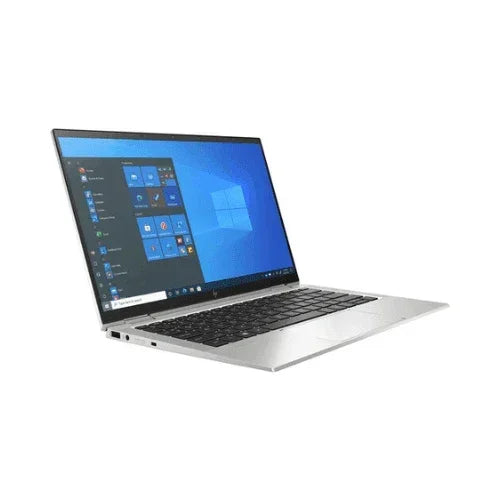
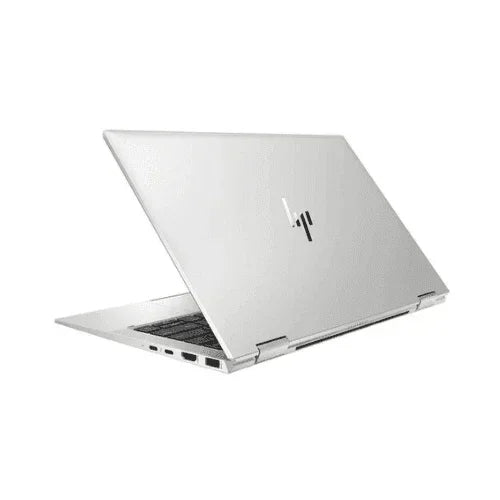
HP EliteBook x360 1030 G8 — 13.3" 4K Touch Convertible with 4G LTE
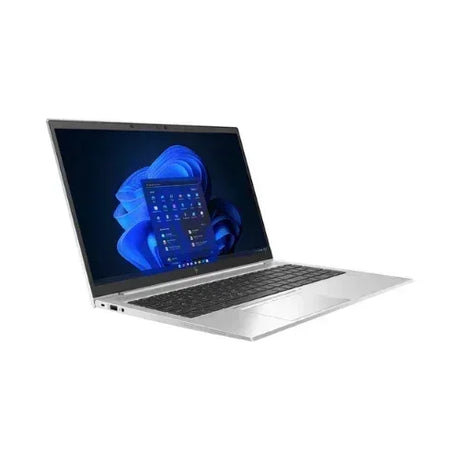
A premium 1.21 kg business convertible built around an 11th Gen Intel Core i5-1135G7, 16 GB of LPDDR4x memory and a 256 GB PCIe NVMe SSD, wrapped in a machined aluminium chassis with a 360-degree hinge and a razor-sharp 13.3-inch 4K touchscreen. Built-in 4G LTE mobile broadband keeps you connected away from Wi-Fi, and every unit ships fully tested and backed by a 12-month Reboot IT warranty.
Key Benefits
-
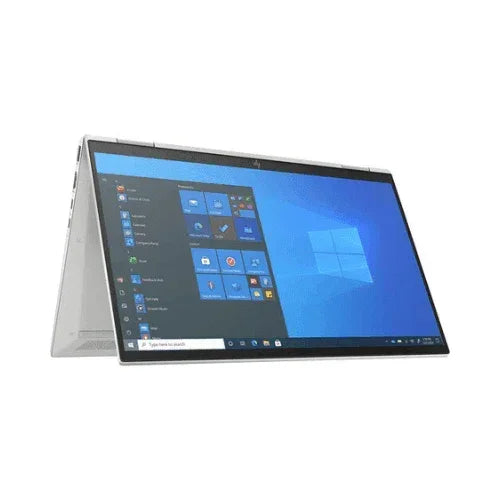
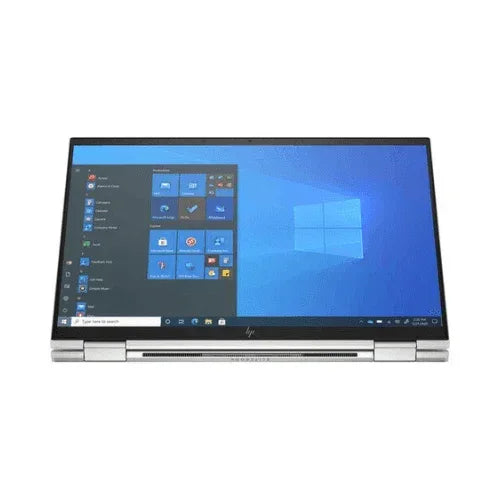
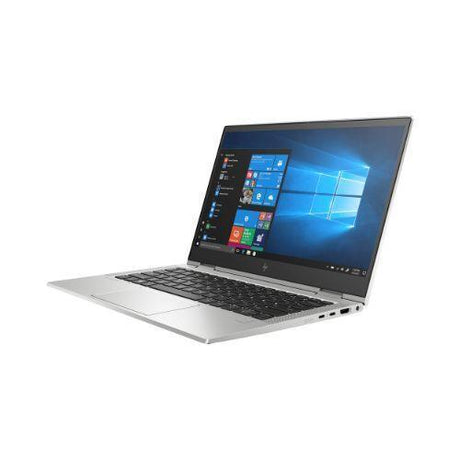
True four-mode flexibility — the 360-degree hinge switches between laptop, tent, stand and tablet modes in seconds, so the same machine handles spreadsheet work, client presentations and pen-and-touch mark-up without a second device.
-
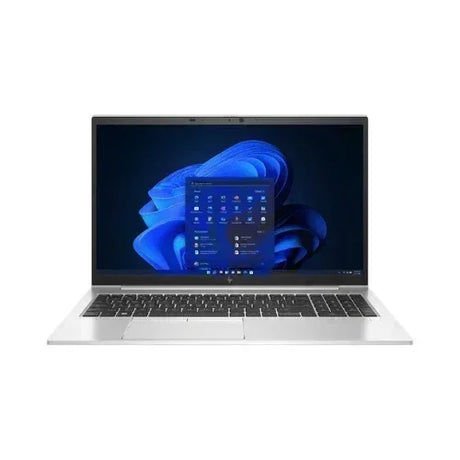
4K detail on a 13.3-inch panel — a 3840 x 2160 touch display at roughly 331 pixels per inch renders text, CAD linework and photo detail with a sharpness ordinary Full HD ultrabooks simply cannot reach.
-
Untethered 4G LTE connectivity — the integrated WWAN modem takes a nano-SIM, so you get a secure private connection in taxis, airport lounges and client sites without hunting for public Wi-Fi or tethering off a phone.
-
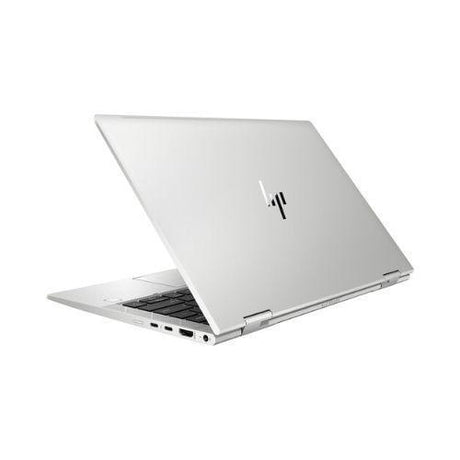
Genuinely light at 1.21 kg — a 16.1 mm thin profile and sub-1.25 kg weight mean this disappears into a satchel alongside a notebook and charger with room to spare.
-
Enterprise-grade security stack — TPM 2.0, HP Sure Start self-healing BIOS, an IR camera for Windows Hello face sign-in and a mechanical camera privacy shutter protect both data and privacy out of the box.
-
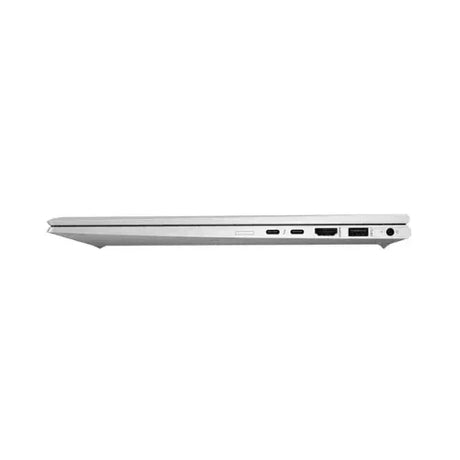
Thunderbolt 4 single-cable docking — two 40 Gbps Thunderbolt 4 ports carry power, dual external displays and data down one cable, so a desk return is a single plug rather than a nest of adapters.
Performance in Use
The Core i5-1135G7 is a four-core, eight-thread 11th Gen Tiger Lake chip that boosts to 4.2 GHz, and in day-to-day business work it feels quicker than the core count suggests. A typical morning — thirty-odd browser tabs, Outlook, Teams running video, an Excel model with live queries and a PDF or two open alongside — sits comfortably within the 16 GB of dual-channel LPDDR4x memory with headroom left over. The 256 GB PCIe Gen3 NVMe SSD cold-boots to the Windows 11 Pro desktop in well under fifteen seconds and opens large documents effectively instantly.
Intel Iris Xe graphics, running properly dual-channel here, are the reason this machine drives a 4K internal panel plus external displays without stuttering. That covers light Photoshop and Lightroom work, Premiere Rush timelines, Power BI dashboards and full-screen video conferencing with background blur applied. It is not a gaming or heavy 3D rendering machine — sustained GPU workloads belong on a discrete-graphics mobile workstation — but for creative-adjacent business work it holds up well.
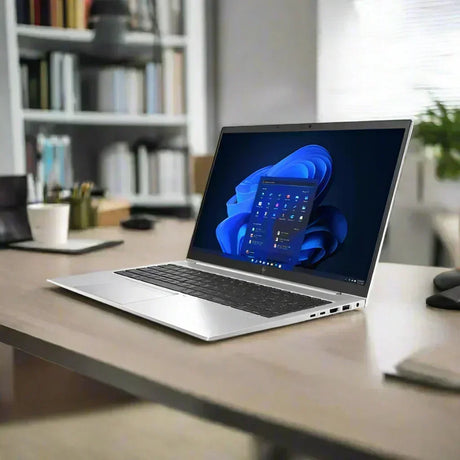
The 4K panel is worth dwelling on, because it changes how the machine is used. At 3840 x 2160 on a 13.3-inch diagonal, Windows scales to 250% or 300% by default and the result is text that looks closer to print than to a screen — noticeably easier on the eyes across a long day of documents and code. Drop the scaling back and you can genuinely fit two full-width A4 documents side by side, or a spreadsheet next to a reference PDF, without squinting. The IPS panel gives wide off-axis viewing so colleagues leaning in to look at the screen still see accurate colour, and the Gorilla Glass surface stands up to the fingerprints and prods that come with daily touch use.
Where the x360 really separates itself is on the road. Flip it into tablet mode on a plane tray table to read reports, stand it in tent mode for a hotel-room video call, or hand it to a client in slate mode to sign off a quote on-screen. The 4G LTE modem means none of that depends on finding a network, the Bang & Olufsen quad-speaker array is genuinely loud enough for a small meeting room, and HP Fast Charge over the 65 W USB-C adapter returns roughly half a battery in about thirty minutes over a coffee break.
Technical Specifications
| Model |
HP EliteBook x360 1030 G8 convertible |
| Processor |
Intel Core i5-1135G7 (11th Gen, 4 cores / 8 threads, 2.4 GHz base, up to 4.2 GHz turbo, 8 MB cache) |
| Graphics |
Intel Iris Xe Graphics (integrated, dual-channel) |
| Memory |
16 GB LPDDR4x-4266 (soldered, not upgradeable) |
| Storage |
256 GB PCIe Gen3 x4 NVMe M.2 SSD |
| Display |
13.3-inch 4K UHD (3840 x 2160) IPS multi-touch, Corning Gorilla Glass |
| Form Factor |
360-degree convertible — laptop, tent, stand and tablet modes |
| Mobile Broadband |
Integrated 4G LTE WWAN (nano-SIM, carrier plan not included) |
| Wireless |
Intel Wi-Fi 6 AX201 + Bluetooth 5 |
| Ports |
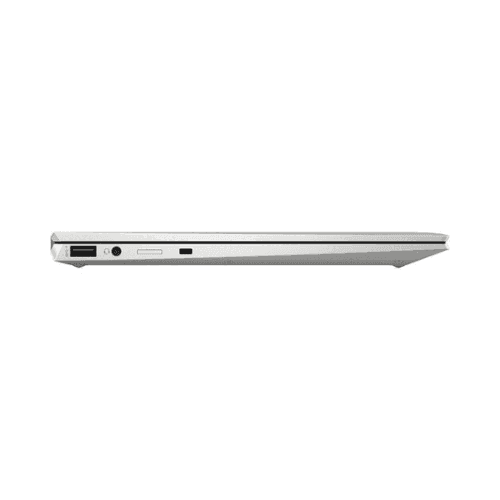
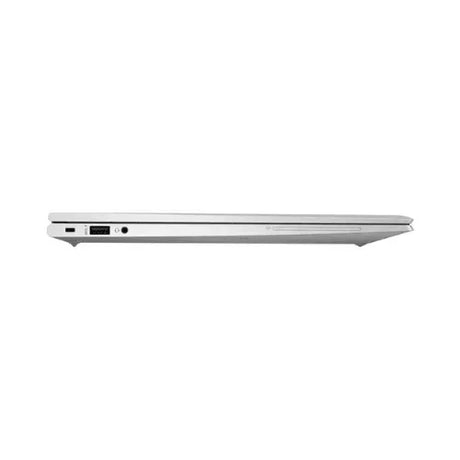
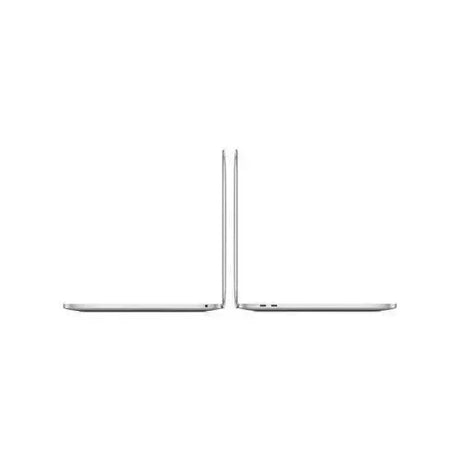
2 x Thunderbolt 4 (USB-C, 40 Gbps, Power Delivery, DisplayPort 1.4), 2 x USB 3.1 Gen 1 Type-A, HDMI 2.0, 3.5 mm audio combo |
| Audio |
Bang & Olufsen quad-speaker system, dual-array microphones |
| Camera |
720p HD with IR for Windows Hello, mechanical privacy shutter |
| Security |
TPM 2.0, HP Sure Start Gen6 BIOS, HP Sure Click, BitLocker support |
| Operating System |
Windows 11 Pro (genuine, pre-installed and activated) |
| Power Adapter |
65 W USB Type-C with HP Fast Charge (included) |
| Weight |
1.21 kg |
| Dimensions |
30.4 x 19.4 x 1.61 cm |
| Warranty |
12-month Reboot IT warranty (30-day battery warranty) |
Is It Right For You?
| Best For ✓ |
Not For ✗ |
| Consultants and field staff who need a connection anywhere via built-in 4G LTE |
Gamers or 3D artists needing discrete GPU horsepower |
| Executives and account managers presenting on the road in tent or stand mode |
Anyone planning to add more RAM later — memory is soldered at 16 GB |
| Students and note-takers who want touch and tablet mode in one device |
Users storing large media libraries locally — 256 GB fills quickly |
| Designers and analysts who benefit from 4K screen real estate on the go |
Buyers wanting a large 15 or 17-inch desktop-replacement screen |
| Hot-desking teams that dock via a single Thunderbolt 4 cable |
Heavy video editors rendering long 4K timelines daily |
Condition Grades
| Grade |
What to Expect |
| A — Excellent |
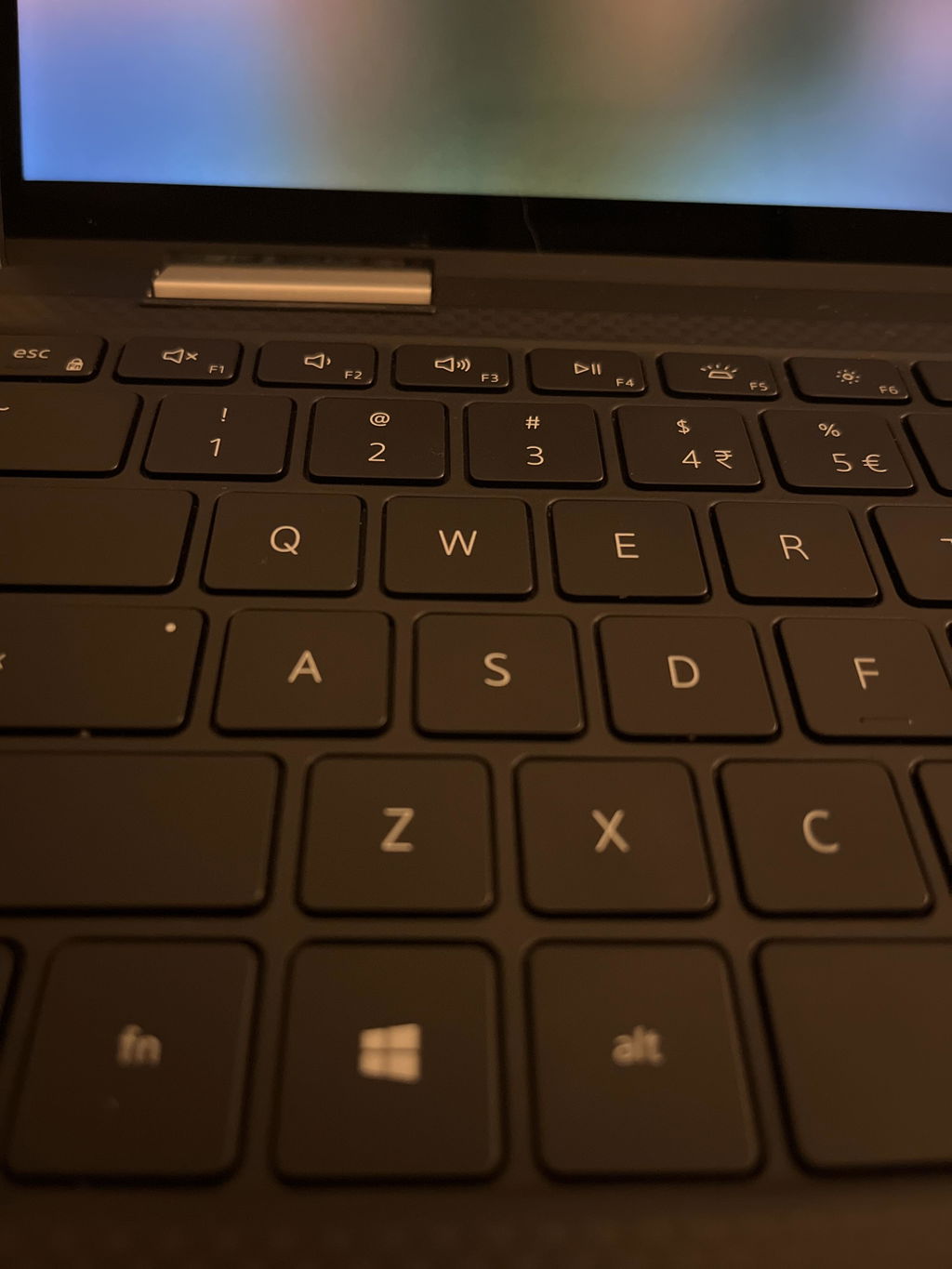
Near-new appearance. Only minimal marks under close inspection, minimal keyboard and palm-rest wear, and a clean screen free of scratches or dead pixels. Battery holds 70% or more of original capacity. |
| B — Good |
Fully functional with light visible wear — light scratches or scuffs on the lid and base and more noticeable keyboard shine. Screen remains free of cracks and major blemishes. Battery holds 50–70% of original capacity. |
Both grades are fully tested, professionally cleaned and functionally identical — the difference is cosmetic only. Batteries carry a 30-day warranty as a consumable component.
Frequently Asked Questions
Does the 4G LTE include a data plan or SIM card?
No. The WWAN modem and nano-SIM slot are built in and ready to use, but you supply your own SIM and data plan from any Australian carrier. Once a SIM is inserted, Windows 11 treats it as a standard network connection.
Can I upgrade the RAM or the SSD later?
The 16 GB of LPDDR4x memory is soldered to the motherboard and cannot be upgraded, so choose your configuration with that in mind. The 256 GB M.2 NVMe SSD is a standard socketed drive and can be replaced with a larger one by a qualified technician.
Is Windows genuine and already activated?
Yes. Windows 11 Pro is pre-installed and digitally activated against the hardware. Reboot IT is a Microsoft Authorised Refurbisher, so the licence is genuine and permanent. Just power on and complete the standard first-run setup.
What is included, and does it come with a stylus?
You get the laptop and a compatible 65 W USB-C power adapter with cable. Original retail packaging, manuals and optional accessories are not included. A pen is not supplied unless explicitly listed — the display handles 10-point finger touch out of the box and is compatible with an HP active pen if you want handwriting and mark-up. If you need a Thunderbolt dock, carry case or spare charger to go with it, ask us before you order and we will let you know what we have in stock.
What was this machine used for before, and is the old data gone?
Units like this come out of Australian corporate, government and education fleets at the end of a standard three to four year lease cycle, which is why they are well specified and well looked after. Every drive is securely wiped to industry standard before the operating system is reinstalled clean, so no previous owner data remains and nothing carries over.
How long does the battery last, and is it covered?
Batteries are consumable, so runtime varies with brightness and workload — a 4K panel draws more power than a Full HD one. Grade A units hold 70% or more of original capacity and Grade B units hold 50–70%. A 30-day battery warranty applies.
How is it shipped and how long does delivery take?
This laptop ships with free standard AU shipping, packed in protective transit packaging with tracking supplied. Metropolitan deliveries typically arrive within 2–5 business days, with regional areas taking a little longer.
Your 12-Month Warranty
Every unit is covered by a 12-month Reboot IT warranty covering the screen, motherboard, storage drive and all core components. If something fails within the warranty period, we repair or replace it — no offshore returns and no third-party claim portals. The warranty excludes accidental damage, liquid damage, virus-related issues and faults caused by unauthorised modification. Batteries, as consumable items, carry a 30-day warranty.
Before dispatch, every device passes secure data erasure, full hardware and software diagnostics, replacement of any faulty component with original parts, professional cleaning and independent cosmetic grading — so what arrives matches what you ordered.
Reboot IT has been refurbishing enterprise IT equipment in Melbourne since 2001, supplying business, government and education customers across Australia as a Microsoft Authorised Refurbisher. Free standard AU shipping applies to this laptop. More at reboot-it.com.au.