
Certified Refurbished Dell Monitors
Shop the best prices on Dell Monitors
- Up to 42% off
Dell
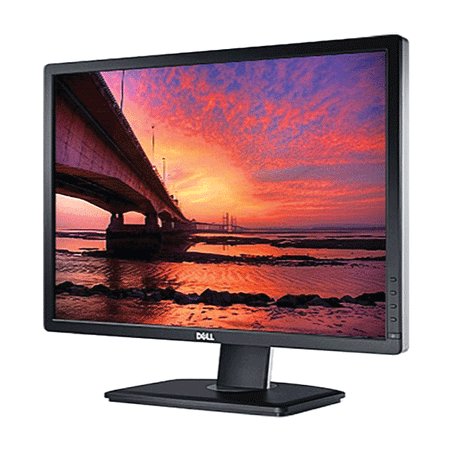
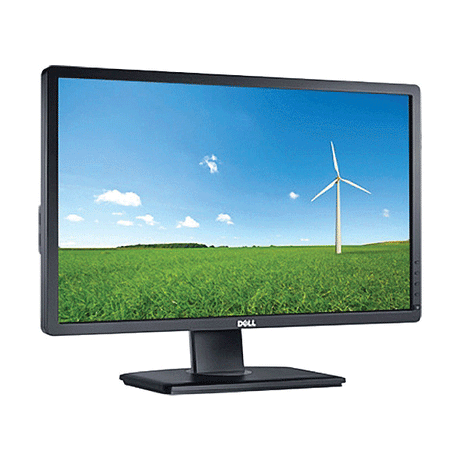
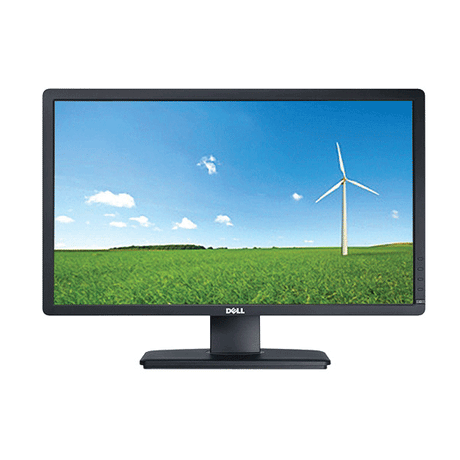
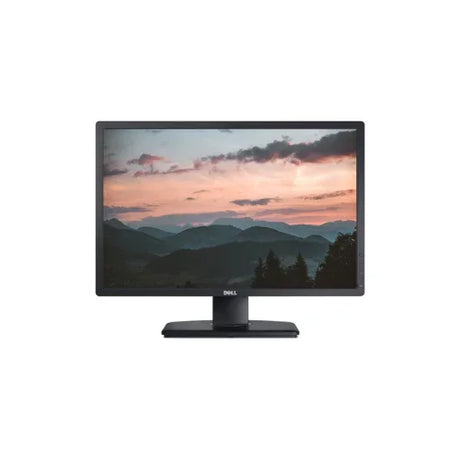
Dell UltraSharp U2412M IPS 24" 1900x1200 8ms 16:10 VGA DVI DP | 1yr Wty
Sale price From $75.00 Regular price $129.00Unit price /UnavailableLow stock (8 units) -
- Up to 32% off
Dell
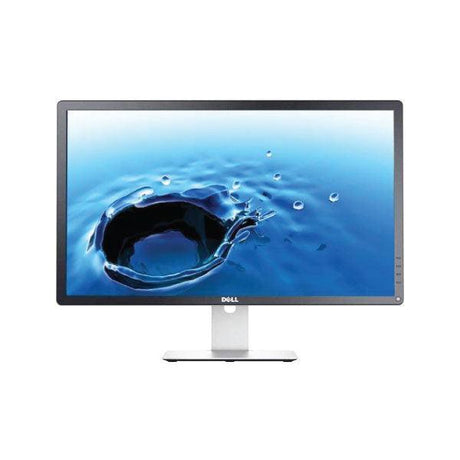
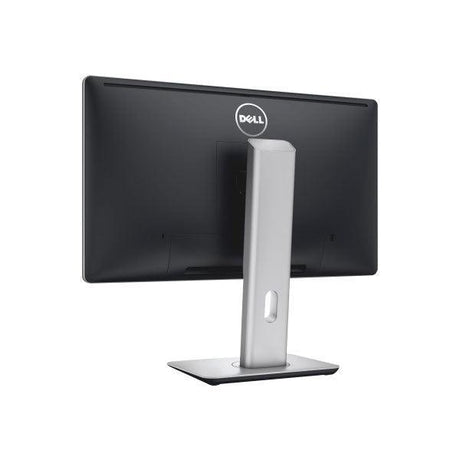
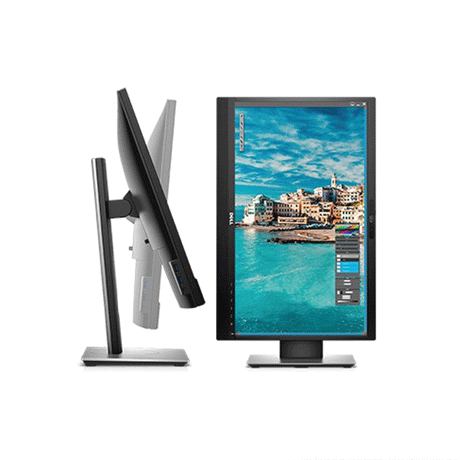
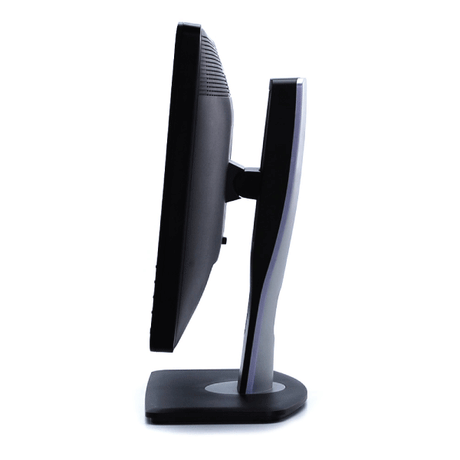
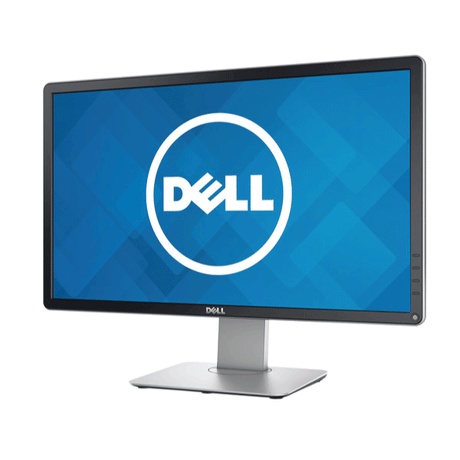
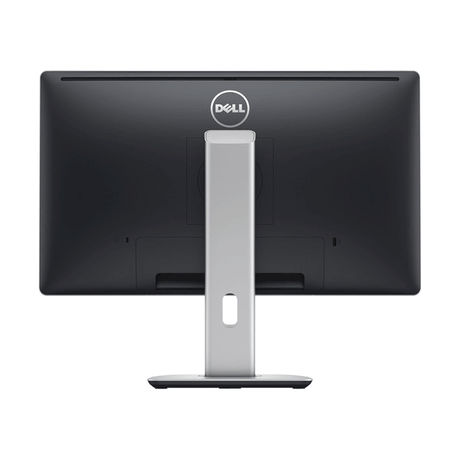
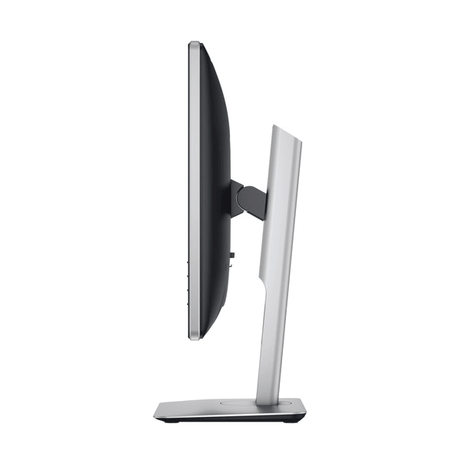
Dell P2414H Monitor 24" FHD IPS 1920x1080 USB Hub HDMI DP DVI Height Adj | Wty
Sale price From $85.00 Regular price $125.00Unit price /UnavailableIn stock (87 units) -
- Up to 45% off
Dell
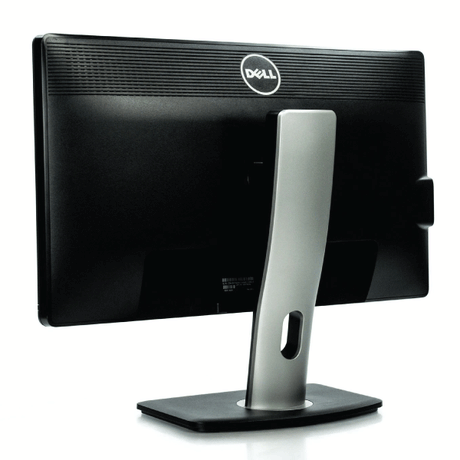
Dell UltraSharp U2312HM IPS 23" 1920x1080 8ms 16:9 DVI VGA DP USB | 1yr Wty
Sale price From $65.00 Regular price $119.00Unit price /UnavailableIn stock (39 units) -
- Up to 42% off
Dell
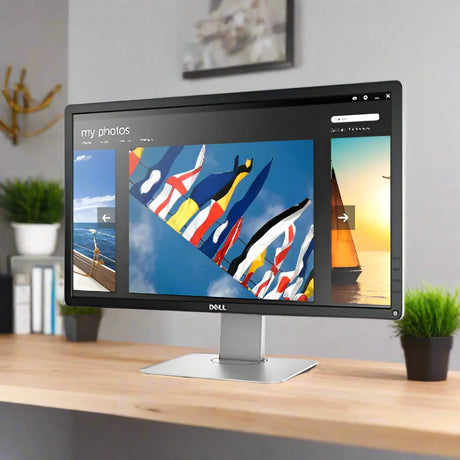
Dell Professional P2412H 24" 1920x1080 5ms 16:9 VGA DVI USB | 1yr Wty
Sale price From $69.00 Regular price $119.00Unit price /UnavailableVery low stock (3 units) -
- Up to 32% off
Dell
Dell 24" P2419H Monitor FHD IPS 60Hz W-LED USB Hub HDMI Black Height Adj | Wty
Sale price From $129.00 Regular price $179.00Unit price /UnavailableVery low stock (1 unit) -
- Up to 47% off
Dell
Dell Professional P2214H 21.5" IPS 1920x1080 8ms 16:9 VGA DP DVI USB | NO STAND
Sale price From $29.00 Regular price $55.00Unit price /UnavailableIn stock (411 units) -
- Up to 42% off
Dell
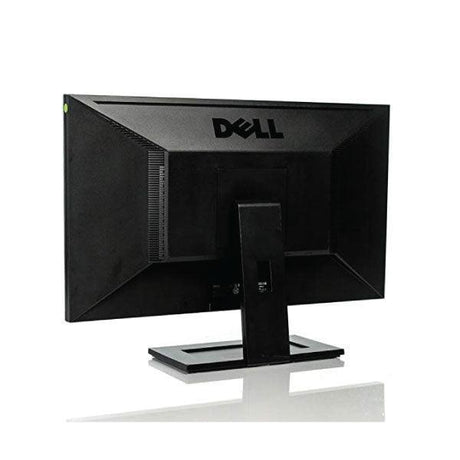
Dell G2410T 24" 1920x1080 5ms 16:9 VGA DVI LCD Monitor | NO STAND 3mth Wty
Sale price From $55.00 Regular price $95.00Unit price /UnavailableIn stock (84 units) -
- Up to 29% off
Dell
Dell 24" P2418HZ Monitor FHD IPS 60Hz W-LED USB Hub HDMI DP VGA Black | Wty
Sale price From $99.00 Regular price $139.00Unit price /UnavailableVery low stock (3 units) -
- Up to 36% off
Dell
Dell UltraSharp 24" U2422H Monitor FHD IPS HDMI Black | Wty
Sale price From $89.00 Regular price $139.00Unit price /UnavailableVery low stock (1 unit) -
- Up to 26% off
Dell
Dell P2422H 24" IPS FHD 1920x1080 5ms HDMI DP VGA USB 3.2 Hub Monitor | Wty
Sale price From $125.00 Regular price $169.00Unit price /UnavailableVery low stock (1 unit) -
- Up to 34% off
Dell
HP EliteDisplay E243 Monitor 23.8" IPS FHD 1920x1080 HDMI DP VGA USB | Wty
Sale price From $85.00 Regular price $129.00Unit price /UnavailableVery low stock (1 unit) -
- Up to 45% off
Dell
Dell 24" P2414H Monitor FHD IPS 60Hz LED USB Hub HDMI DP DVI | Wty No Stand
Sale price From $65.00 Regular price $119.00Unit price /UnavailableVery low stock (4 units) -
- Up to 67% off
Dell
Dell Professional P2312H 23" 1920x1080 5ms 16:9 VGA DVI-D USB Monitor | NO STAND
Sale price From $29.00 Regular price $89.00Unit price /UnavailableLow stock (12 units) -
- Up to 45% off
Dell
Dell P2314H IPS 23" 1920x1080 8ms 16:9 DVI VGA DP USB Monitor | NO STAND
Sale price From $49.00 Regular price $89.00Unit price /UnavailableVery low stock (1 unit) -
- Up to 40% off
Dell
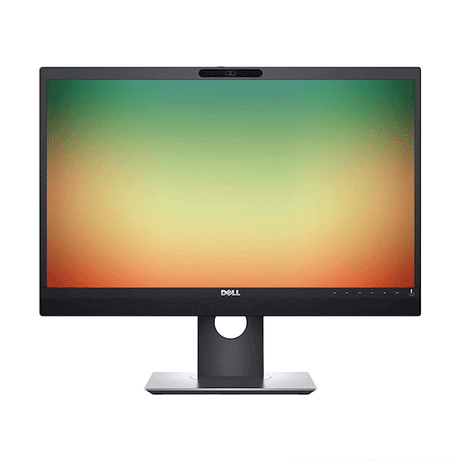
Dell UltraSharp UZ2315H 23" IPS 8ms 16:9 VGA HDMI DP USB Webcam | NO STAND
Sale price From $59.00 Regular price $99.00Unit price /UnavailableVery low stock (3 units) -
- Up to 30% off
Dell
Dell P2422H IPS 24" 1920x1080 5ms 16:9 HDMI DP VGA USB 3.2 | NO STAND
Sale price From $119.00 Regular price $169.00Unit price /UnavailableVery low stock (4 units) -
- Up to 26% off
Dell
Dell 24" U2419H Monitor FHD IPS 60Hz LED USB Hub HDMI DP Height Adj VESA | Wty
Sale price From $125.00 Regular price $169.00Unit price /UnavailableVery low stock (1 unit) -
 Up to 41% off
Dell
Fellowes Premium Monitor Riser CRC91694 Graphite Shelf | BRAND NEW OPEN BOX
Sale price From $35.00 Regular price $59.00Unit price /UnavailableVery low stock (4 units)- Up to 45% off
Dell
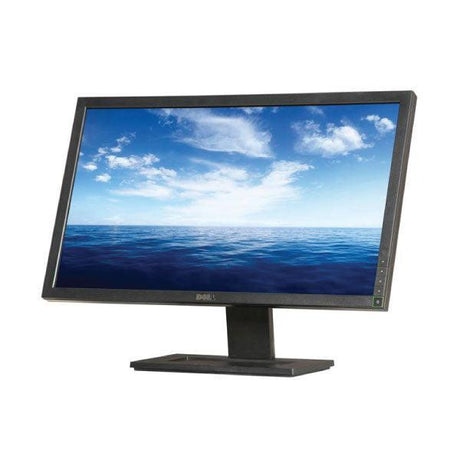
Dell E2313H 23" 1920x1080 16:9 5ms DVI VGA Monitor | NO STAND
Sale price From $49.00 Regular price $89.00Unit price /UnavailableVery low stock (1 unit) -
- 42% off
Dell
Dell E2417H IPS 24" 1920x1080 8ms 16:9 DisplayPort VGA Monitor | NO STAND B-Grade
Sale price $55.00 Regular price $95.00Unit price /UnavailableVery low stock (1 unit) -
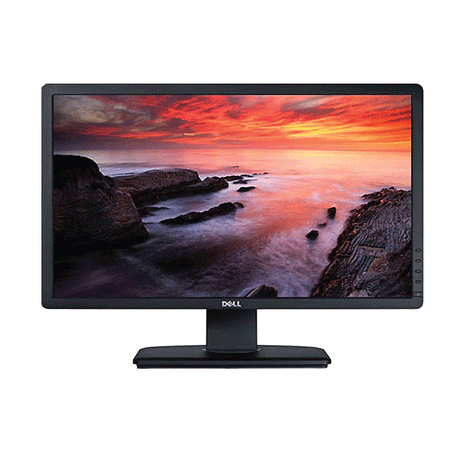
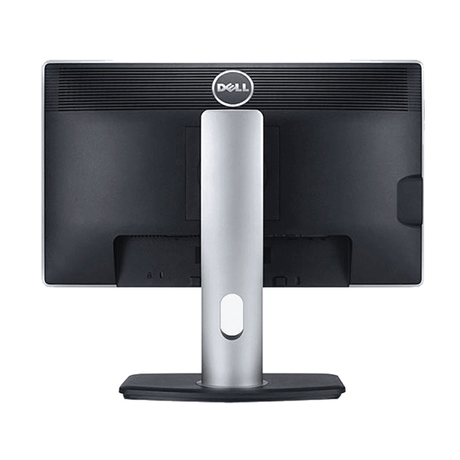
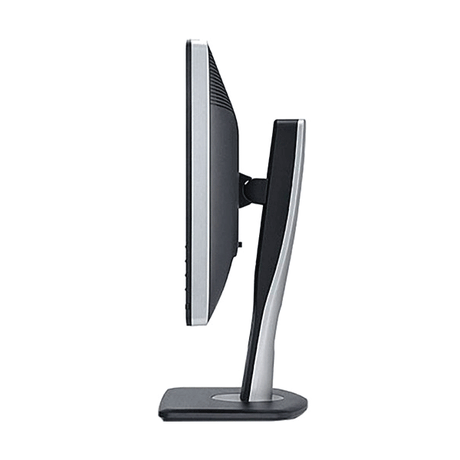
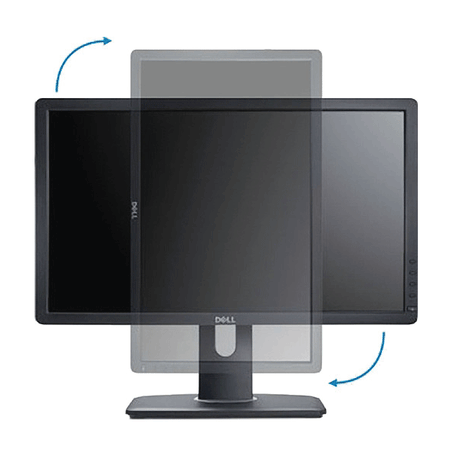
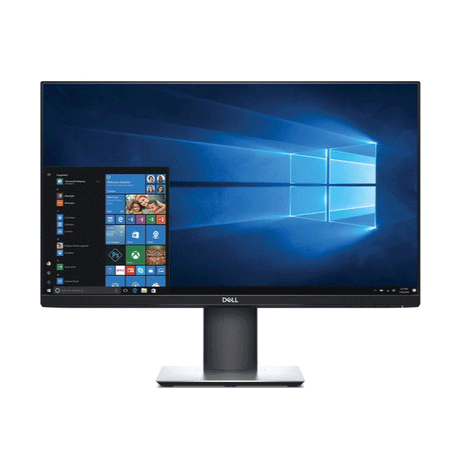
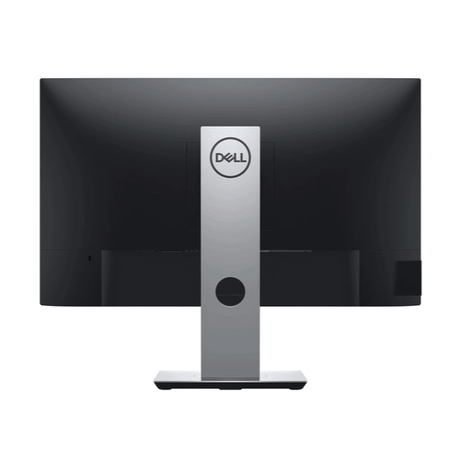
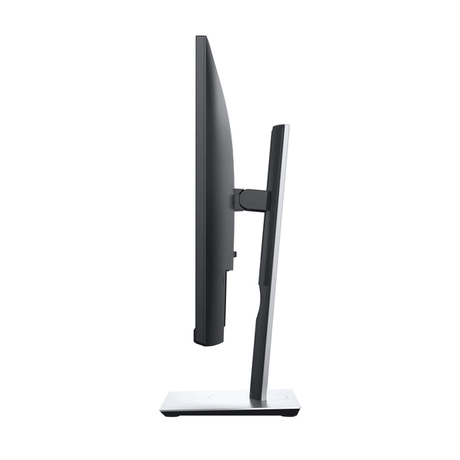
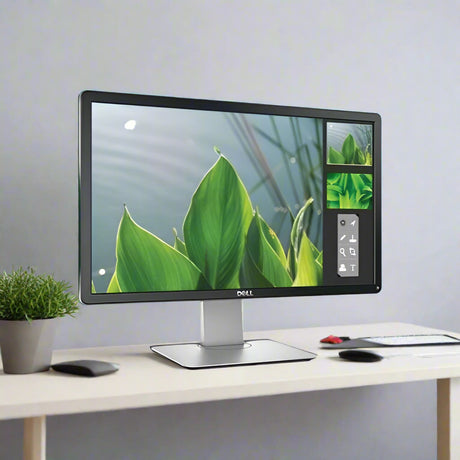
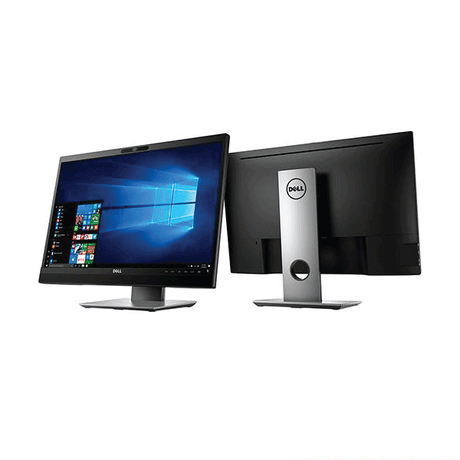


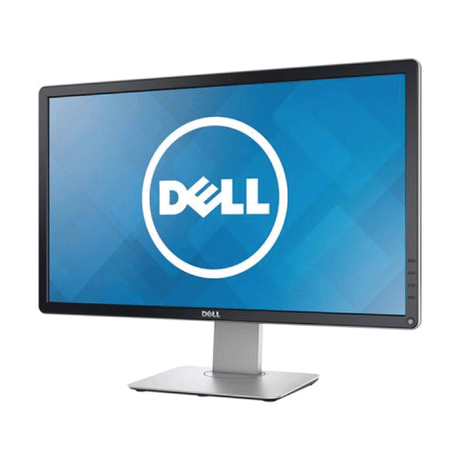
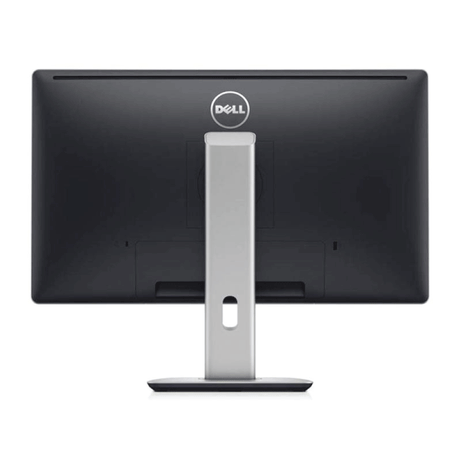
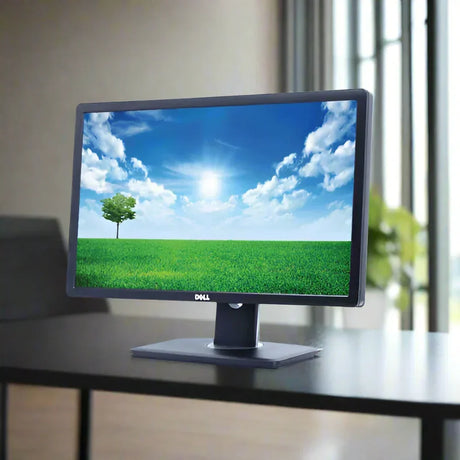


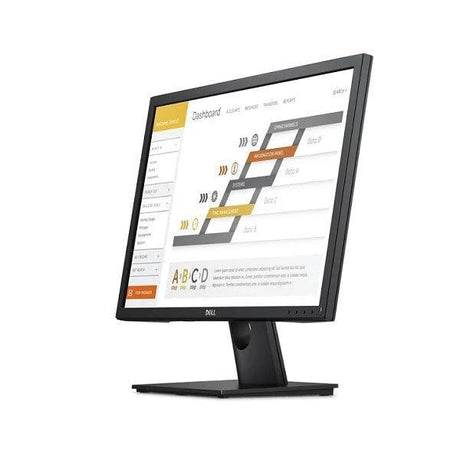
Which Dell Monitor Is Right for You?
Dell's refurbished monitor lineup splits into three main series — UltraSharp, Professional (P-Series), and Essential (E-Series). Here's how to pick the right Dell monitor for your workspace.
For colour-critical work
Designers, photographers, video editors — anyone who needs accurate colour and a premium panel.
- ✓IPS panel, 99% sRGB coverage
- ✓USB-C docking (newer models)
- ✓Factory colour-calibrated
- ✓Premium adjustable stand
Popular picks: U2412M · U2419H · U2422H
For everyday productivity
The sweet spot for office, admin, finance, and dual-screen setups — ergonomic and reliable.
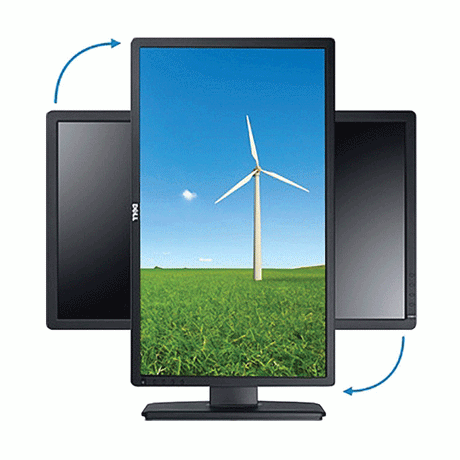
- ✓Height / tilt / swivel / pivot stand
- ✓Built-in USB hub
- ✓VGA + DVI + DisplayPort + HDMI
- ✓VESA mount compatible
Popular picks: P2214H · P2414H · P2419H · P2422H
For simple, budget setups
Reception desks, classrooms, call centres, home study — no-frills Dell displays that just work.
- ✓Full HD 1080p panel
- ✓VGA + DisplayPort inputs
- ✓Fixed or basic tilt stand
- ✓Refurbished from $59
Popular picks: E2313H · E2417H
Quick Comparison
| Feature | UltraSharp | P-Series | E-Series |
|---|---|---|---|
| Panel | IPS (premium) | IPS | TN / IPS |
| Colour accuracy | 99% sRGB | 85–95% sRGB | Standard |
| Ergonomic stand | Premium | Full adjust | Basic tilt |
| USB hub | USB-C (newer) | USB-A | — |
| Best for | Design, video, colour | Office, dual-screen | Basic, budget |
| Refurb from | $149 | $89 | $59 |
Not sure which to pick?
- Working from home? A Dell P2414H or P2419H (P-Series, 24") hits the sweet spot on price, ergonomics, and screen real estate.
- Dual-screen office setup? Two P2214H (21.5") or P2414H (24") pair perfectly — both have VESA mounts for monitor arms.
- Design or photography? Go UltraSharp — U2412M (16:10) or U2419H for accurate colour and extra vertical pixels.
- Basic admin, reception, classroom? E-Series E2313H or E2417H from $59.
-
How to Spot a Quality Refurbished Monitor
Searching for a refurbished Dell monitor? Here are some quick tips:
- Check the Warranty: Look for at least a 90-day warranty, with extended options available.
- Look for Certification: Ensure the monitor is certified by the manufacturer or a trusted refurbisher.
- Choose Reputable Retailers: Purchase from well-known retailers for reliable support.
- Read Reviews: Research models with reviews, like "Dell UltraSharp monitors review" or "best Dell monitors for gaming."
- Assess Condition: Look for clear descriptions of the monitor's condition.
Follow these tips to confidently find a high-quality refurbished Dell monitor that fits your budget!
-
Benefits of Choosing Refurbished Dell Monitors
Buying refurbished Dell monitors comes with great benefits. First, you’ll save money—refurbished models can be 70% cheaper than new ones. Plus, these monitors go through thorough testing to ensure they meet high-quality standards, so you can trust their reliability.
Additionally, choosing refurbished helps the environment by reducing electronic waste and conserving resources.
By selecting a refurbished Dell monitor, you get quality performance while being budget-friendly and eco-conscious!
Your Guide: Frequently Asked Questions About Dell Monitors!
What are the top Dell monitors for my needs?
What are the top Dell monitors for my needs?
Here’s a summary of the top Dell monitors organised by product line, each tailored to meet specific needs:
Gaming: Dell G Series
- Features: High refresh rates, adaptive sync technology, and vibrant displays.
- Benefits: Specifically designed for gamers, these monitors deliver smooth visuals and quick response times, ensuring an immersive gaming experience.
Professional Work: Dell UltraSharp
- Features: 4K UHD resolution, USB-C connectivity, and outstanding colour accuracy.
- Benefits: Perfect for professionals who require precise detail and vibrant colours, making them ideal for tasks such as video editing, graphic design, and data analysis.
Graphic Design: Dell P Series
- Features: High-resolution displays, extensive colour coverage, and IPS technology.
- Benefits: Tailored for graphic designers needing accurate colour representation and wide viewing angles, ensuring visual fidelity in their work.
General Home Use: Dell S Series
- Features: Sleek designs, good resolution, and versatile connectivity options.
- Benefits: Excellent for everyday tasks like browsing, streaming, and casual gaming, providing stunning visuals and user-friendly features.
These Dell monitor product lines cater to a variety of needs, helping you find the perfect match for gaming, professional work, graphic design, or general home use.
How to Choose the Right Dell Monitor
How to Choose the Right Dell Monitor
Selecting the right Dell monitor involves evaluating several important factors based on your intended use:
Purpose: Identify the main function of the monitor—whether it’s for gaming, professional work, graphic design, or general home use. Different applications may necessitate various features.
Screen Size: Take into account the available space and your viewing distance. Larger screens offer a more immersive experience, while smaller monitors are often better suited for limited desk areas.
Resolution: Opting for higher resolutions, such as 4K, delivers sharper images and greater detail, which is especially advantageous for graphic design and video editing. For gaming, a high refresh rate paired with an appropriate resolution can significantly enhance gameplay.
Panel Type: Different panel technologies (IPS, TN, VA) influence colour accuracy, viewing angles, and response times. IPS panels are ideal for colour-critical tasks, whereas TN panels generally provide faster response times, making them suitable for gaming.
Connectivity Options: Ensure the monitor includes the necessary ports (HDMI, DisplayPort, USB-C) to connect seamlessly to your devices.
Budget: Establish a budget based on your requirements and explore Dell’s diverse range of monitors that fit within your price range while fulfilling your specifications.
By taking these factors into account, you can confidently select the Dell monitor that best meets your needs and enhances your overall computing experience.
What Are Some Monitor Setup Tips and Tricks?
What Are Some Monitor Setup Tips and Tricks?
Properly setting up your monitor can significantly boost your productivity and viewing comfort. Here are some useful tips and tricks to consider:
Ergonomic Positioning: Position your monitor at eye level, approximately an arm's length away. The top of the screen should be at or just below eye level to minimise neck strain.
Adjust Brightness and Contrast: Tailor your monitor's brightness and contrast settings to fit your environment. Excessively bright or dim settings can lead to eye strain.
Use Quality Cables: Ensure you’re using high-quality cables (HDMI, DisplayPort) that can support your monitor’s resolution and refresh rate for optimal performance.
Organise Your Workspace: Keep your desk tidy and arrange your monitor alongside other devices for easy access. Consider using monitor stands or mounts to save space.
Enable Eye Care Features: Many monitors come equipped with blue light filters and flicker-free technology. Activate these features to help reduce eye fatigue during prolonged use.
Set Up Dual Monitors: If you’re using multiple monitors, make sure they are properly aligned for seamless viewing. Adjust the display settings in your operating system to extend or mirror the screens as needed.
Utilise Software Tools: Take advantage of software tools to manage open windows and applications efficiently. This can help you maximise your screen real estate, especially with larger or multiple monitors.
By implementing these setup tips, you can create a comfortable and efficient workspace that enhances your overall computing experience.
What Is the Energy Efficiency and Sustainability of Dell Monitors?
What Is the Energy Efficiency and Sustainability of Dell Monitors?
Dell monitors are thoughtfully designed with energy efficiency and sustainability in mind. Here are some key highlights regarding their performance in these areas:
Energy Star Certification: Many Dell monitors carry the Energy Star certification, indicating they meet stringent energy efficiency guidelines established by the U.S. Environmental Protection Agency (EPA). This certification helps minimise energy consumption and reduce utility bills.
Eco-Friendly Materials: Dell is dedicated to sustainability, utilising recycled and eco-friendly materials in the manufacturing of their monitors. This approach helps decrease waste and lessen the environmental impact associated with production.
Power Management Features: Dell monitors are equipped with power-saving features, including automatic sleep modes and adjustable brightness settings, which help lower energy usage when the monitor is not in active use.
Reduced Carbon Footprint: By opting for energy-efficient Dell monitors, users contribute to a smaller carbon footprint. The combination of lower power consumption and sustainable materials supports global initiatives aimed at combating climate change.
Recycling Programs: Dell provides recycling programs for old equipment, encouraging customers to recycle their used monitors responsibly instead of disposing of them in landfills.
In summary, Dell monitors not only deliver exceptional performance but also prioritise energy efficiency and sustainability, making them a responsible choice for environmentally-conscious consumers.
Why Buy a Dell Monitor Instead of Another Brand?
Why Buy a Dell Monitor Instead of Another Brand?
Selecting a Dell computer monitor offers several distinct advantages:
Quality and Reliability: Dell monitors are renowned for their high-quality construction and dependable performance. They undergo rigorous testing to ensure consistent functionality, making them a trusted choice for both home and professional environments.
Innovative Technology: Dell incorporates cutting-edge technology into its monitors, featuring IPS panels for wide viewing angles, high refresh rates for smooth gaming experiences, and advanced colour accuracy for creative tasks.
Extensive Range: Dell provides a diverse selection of monitors designed to meet various needs, from gaming and graphic design to general office work. This extensive variety ensures you can find the perfect monitor tailored to your specific requirements.
Ergonomic Design: Many Dell monitors come with adjustable stands that allow for height, tilt, and swivel adjustments. This ergonomic design promotes comfortable viewing and helps reduce strain during prolonged use.
Commitment to Sustainability: Dell is dedicated to sustainability, using eco-friendly materials in their products and offering recycling programs for old equipment. By choosing Dell, you support environmentally responsible practices.
By opting for a Dell computer monitor, you gain access to quality, innovation, and support, making it a wise investment compared to other brands.
What Warranty Comes with a Refurbished Dell Monitor?
What Warranty Comes with a Refurbished Dell Monitor?
When you purchase a refurbished Dell computer monitor from Reboot IT, you can expect a warranty that provides peace of mind and assurance of quality. Typically, our refurbished monitors come with a 12-month warranty, which covers any defects in materials and workmanship under normal use. This means that if you encounter any issues with your monitor during this period, you can reach out to our customer service team for assistance. We are committed to ensuring that you have a satisfactory experience with your purchase.
Additionally, our refurbished monitors undergo thorough testing and inspection before being sold, ensuring they meet high standards for performance and reliability. The warranty includes options for repair or replacement, depending on the issue. We also offer a 30-day return policy, allowing you to return the monitor if it doesn't meet your expectations. This combination of a solid warranty and a flexible return policy makes buying a refurbished Dell computer monitor from Reboot IT a smart choice for both quality and value.
-

Visit our support center
Expert help & advice
-

Check your order status
Updates and tracking
-

Returns & exchanges
All you need to know
-

Price match guarantee
Our promise to you


