Lenovo ThinkPad USB-C Dock Gen 2 (40AS) — One-Cable Desktop Docking with Dual 4K
The Lenovo ThinkPad USB-C Dock Gen 2 turns any USB-C laptop into a full desktop workstation with a single cable. Drive two 4K displays, connect wired Gigabit Ethernet, hook up all your USB peripherals, and charge your laptop — all through one USB-C connection. Supplied with the genuine Lenovo AC adapter and backed by a 12-month Reboot IT warranty with free standard AU shipping.
-
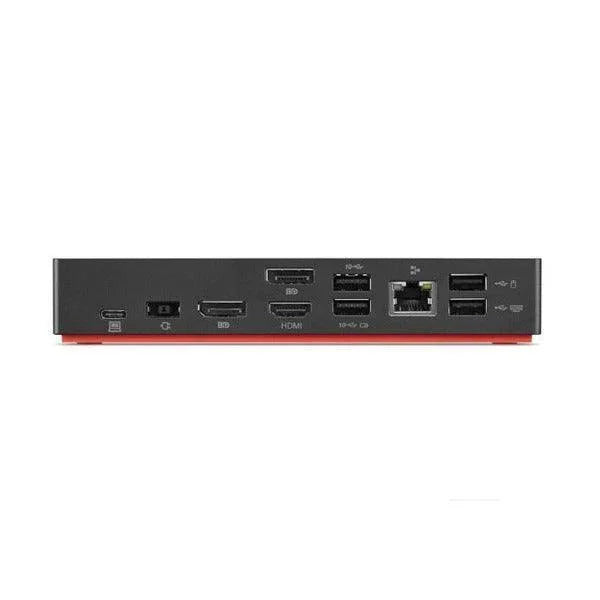
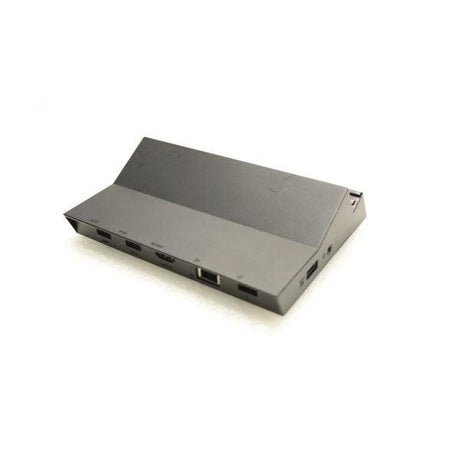
Dual 4K Display Support: Two DisplayPort outputs plus HDMI let you run two external monitors at up to 4K (3840×2160) for a genuine multi-screen workspace.
-
Broad Laptop Compatibility: Works with ThinkPad, and most USB-C laptops from HP, Dell and others that support USB-C DisplayPort Alt Mode and charging.
-
USB 3.1 Gen 2 Speed: Three high-speed USB 3.1 Gen 2 ports (10 Gbps) — one always-on for phone and device charging — plus two USB 2.0 ports.
-
Gigabit Ethernet: Reliable wired network for video calls, large transfers and cloud backups without depending on Wi-Fi.
-
Single-Cable Charging: Delivers power back to your laptop over USB-C, so one connection handles data, video, network and charging.
-
Enterprise Management: Supports PXE Boot, Wake-on-LAN and MAC address pass-through for managed corporate fleets.
Performance in Use
This dock is built for the hot-desk and return-to-office world. Sit down, click one USB-C cable into your laptop, and your dual monitors, wired keyboard and mouse, Ethernet and headset all come alive at once. When it's time to leave, a single unplug frees the laptop — no fishing behind the desk for four separate cables.
The two DisplayPort outputs and HDMI give you flexibility for almost any monitor combination, running two external screens at 4K for spreadsheets, CAD drawings, code, or side-by-side documents. USB 3.1 Gen 2 handles external SSDs, webcams and USB audio simultaneously without bottlenecking, while Gigabit Ethernet keeps video meetings and file transfers rock-steady where office Wi-Fi struggles.
For IT teams, the Gen 2 dock supports PXE Boot, Wake-on-LAN and MAC address pass-through, making it easy to image, wake and manage docked machines across a corporate network. The included Lenovo AC adapter powers the dock and charges the laptop, keeping the desk tidy with a single power source.
Technical Specifications
| Specification |
Details |
| Model |
Lenovo ThinkPad USB-C Dock Gen 2 (Type 40AS) |
| Host Connection |
USB-C (DisplayPort Alt Mode + Power Delivery) |
| Video Outputs |
2 × DisplayPort, 1 × HDMI — dual display up to 4K |
| USB Ports |
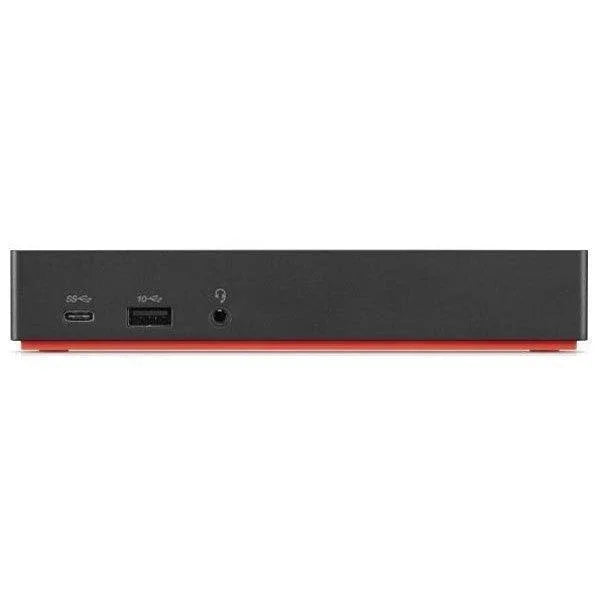
3 × USB 3.1 Gen 2 (one always-on charging), 2 × USB 2.0, 1 × USB-C |
| Network |
Gigabit Ethernet (10/100/1000) |
| Audio |
Stereo / microphone combo jack |
| Power Delivery |
Charges laptop over USB-C; genuine Lenovo AC adapter included |
| Management |
PXE Boot, Wake-on-LAN, MAC address pass-through |
| Security |
Kensington-style security lock slot |
| Warranty |
12 months (Reboot IT) |
Is It Right for You?
✓ Best For:
• USB-C ThinkPad, HP or Dell laptop owners
• Dual-monitor office and home-office setups
• Hot-desk and corporate fleet environments
• Anyone wanting true one-cable docking + charging |
✗ Not For:
• Laptops with only USB-A or older mini-dock ports
• USB-C ports that lack DisplayPort Alt Mode / charging
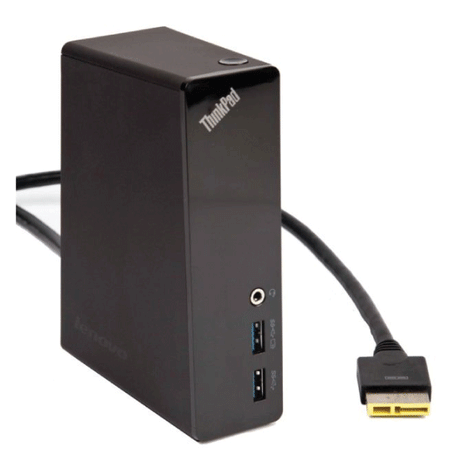
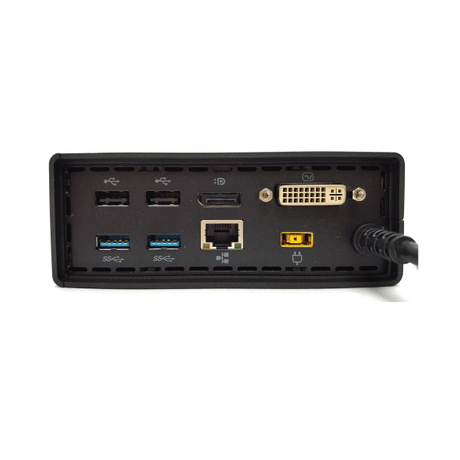
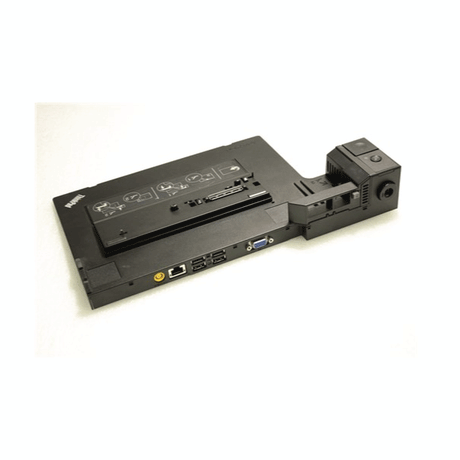
• Mechanical ThinkPad side-dock connectors (this is USB-C)
• Users needing three or more independent 4K displays |
Condition Grades
| Grade |
Cosmetic Condition |
Functional Testing |
| A — Excellent |
Minimal marks, clean connector and ports |
All USB, video and network ports verified |
| B — Good |
Light wear, minor surface marks |
All USB, video and network ports verified |
Frequently Asked Questions
Does the dock charge my laptop through the USB-C cable?
Yes — the dock delivers power back to the laptop over the single USB-C connection using the included Lenovo AC adapter, so one cable handles data, video, network and charging.
Will it work with my HP or Dell USB-C laptop, or only ThinkPads?
It works with most USB-C laptops that support DisplayPort Alt Mode and USB-C charging, including many HP and Dell models — not just Lenovo. Some enterprise management features (PXE Boot, Wake-on-LAN) are optimised for ThinkPad.
How many external monitors can I run at once?
The dock drives two external displays simultaneously at up to 4K, using any two of its DisplayPort and HDMI outputs.
Is the power adapter included?
Yes — this dock ships with the genuine Lenovo AC power adapter. No need to source one separately.
What are the shipping options?
Free standard AU shipping is included on this dock from Reboot IT.
Warranty & After-Sales Support
Every Lenovo ThinkPad USB-C Dock sold by Reboot IT includes a 12-month warranty covering hardware defects and connectivity failures. Free standard AU shipping included.
Reboot IT has been Australia's trusted refurbished IT specialist since 2001. Every dock is tested — all ports verified — before dispatch. Melbourne-based support at reboot-it.com.au.